 Zinn® SEO
Refresh shared links on Facebook
When you change a page's share title, text or image, Facebook keeps showing the old card until it reads the page again. Zinn® SEO asks it to, as soon as you save, with your own Facebook app.
Open Refresh shared links
Go to SEO, Social, Refresh shared links.
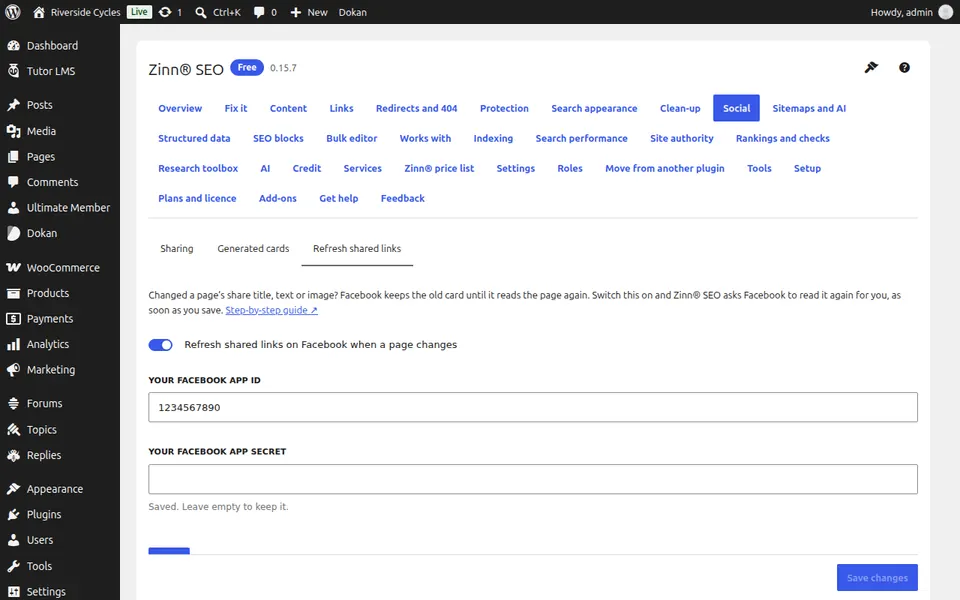
Add your Facebook app
Create a free app at developers.facebook.com, copy its App ID and App secret from Settings, Basic, paste them and switch on Refresh shared links on Facebook when a page changes. The secret stays on your site.
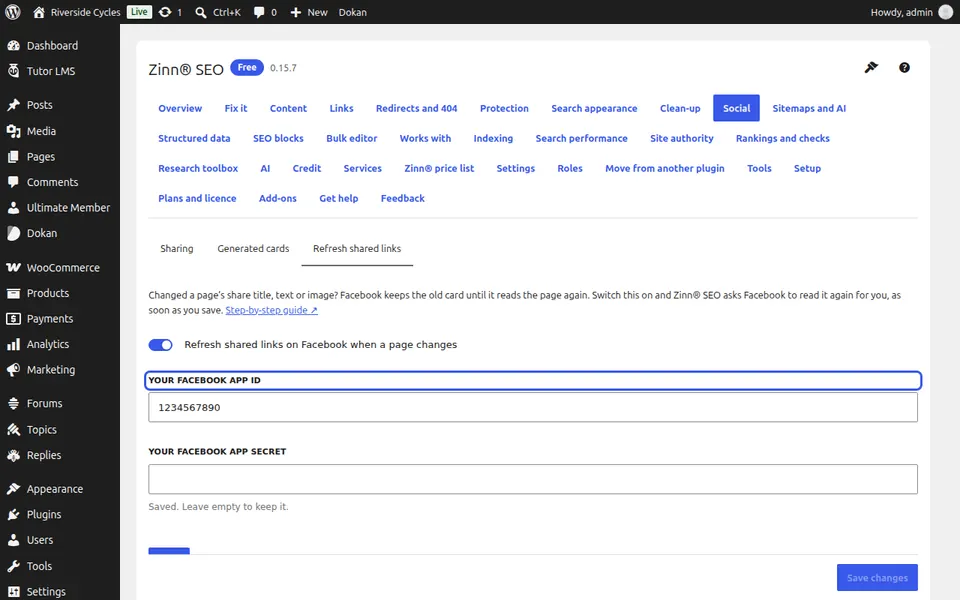
Change a page and save
Change a page's share title, text or image. Within a minute Facebook is asked to read it again; many pages go in one request. To refresh pages now, paste their addresses and press Refresh now.
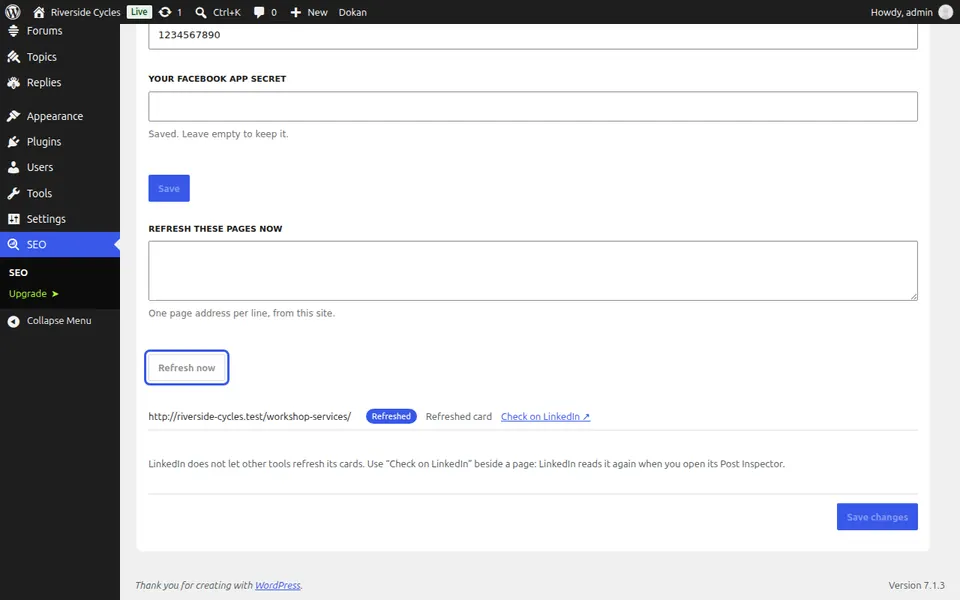
Check the result, and LinkedIn
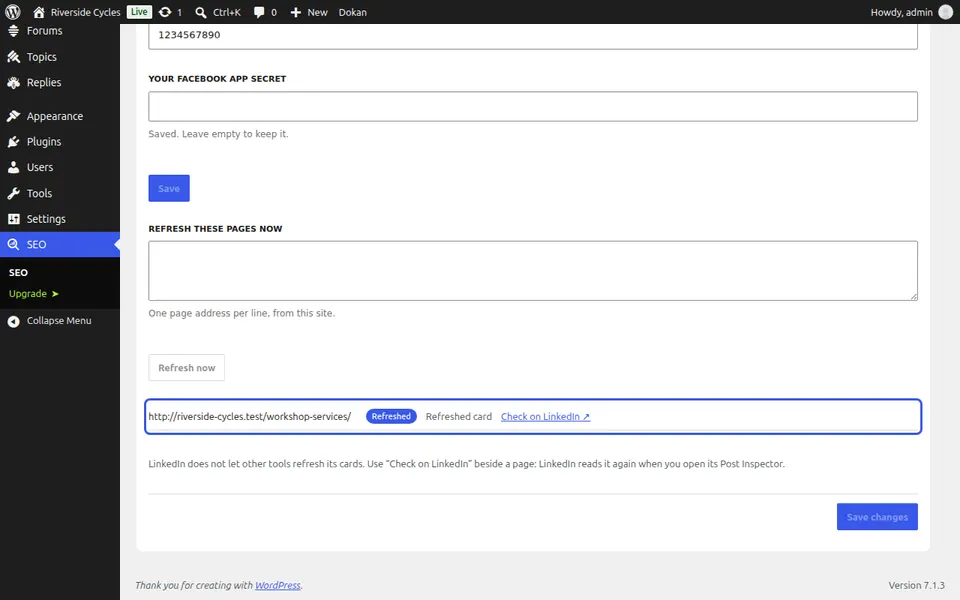
Each page shows Refreshed or Not refreshed with Facebook's words. LinkedIn does not let other tools refresh its cards: press Check on LinkedIn beside a page and LinkedIn reads it again.
Next guide: Speed up your site with the Zinn® CDN
From the same team
Want fast hosting to go with it?
Zinn Digital® hosts WordPress on its own servers, with a CDN, DNS, TLS and daily backups included in every plan.