 Zinn® SEO
See a competitor's traffic and top pages
How many visits a competitor gets from Google each month, what that traffic would cost in ads, and which of their pages bring it, so you know what to write next. You pay for each check from your Zinn® credit, and the price is shown before anything runs.
Open Competitor traffic
Go to SEO, Research toolbox, Competitor traffic.
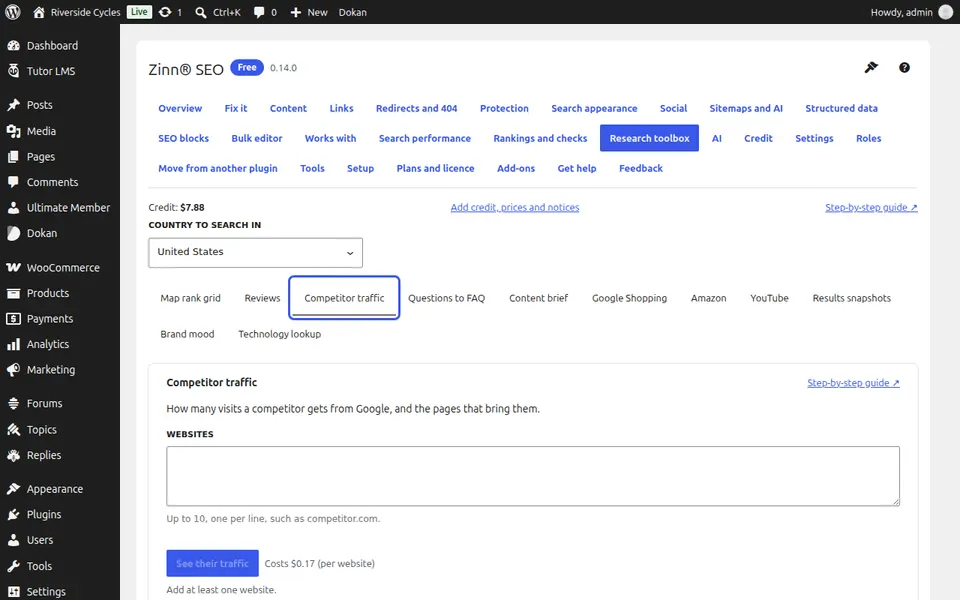
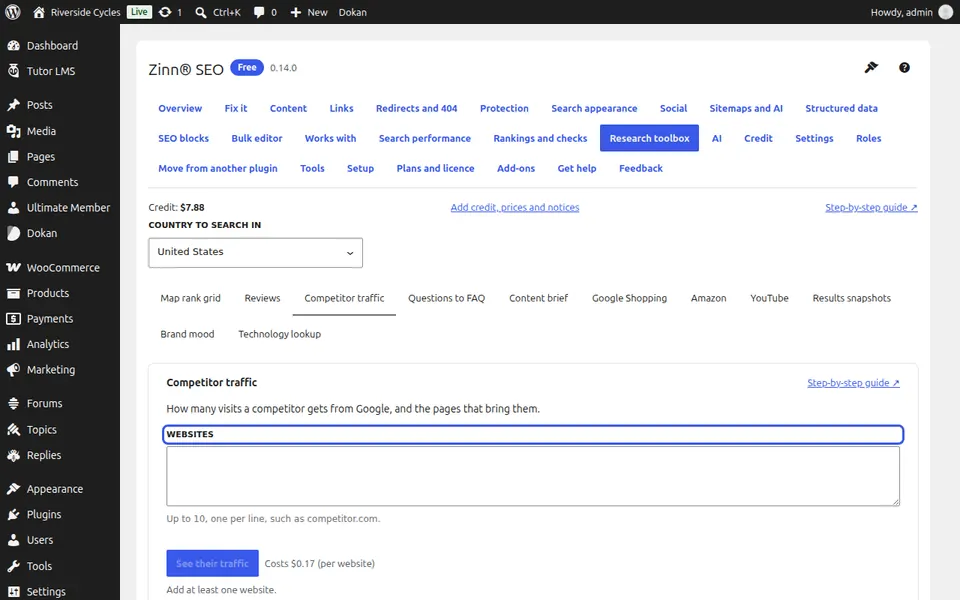
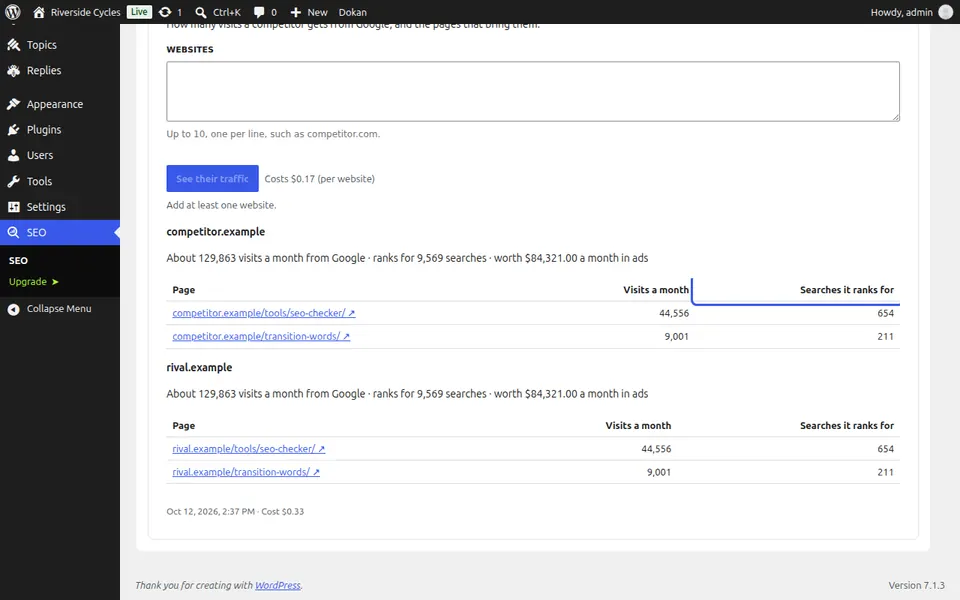
Type the websites
Up to 10, one per line, such as competitor.com.
Run the check
Check the country, press See their traffic (one charge per website) and confirm.
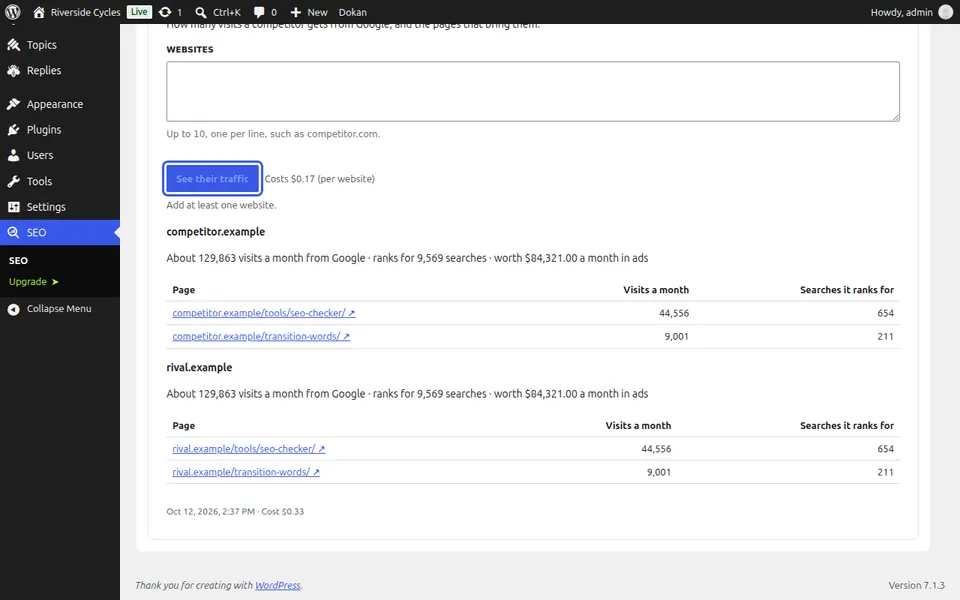
Read their traffic
For each website: estimated visits a month from Google, how many searches it ranks for, what that traffic is worth in ads, and the pages that bring the most visits. The figures are estimates from search data, for comparing sites, not the site's own analytics.
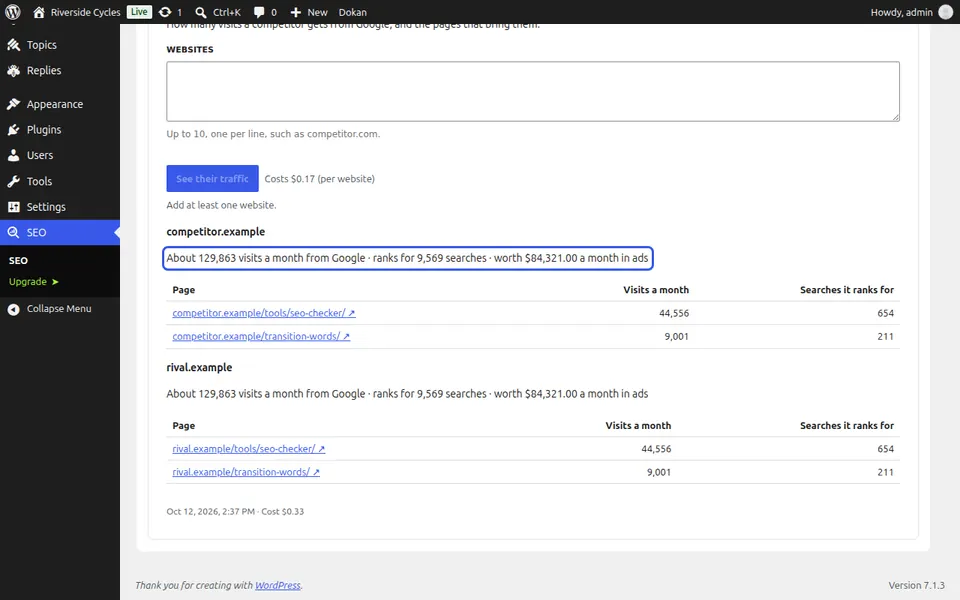
Plan a better page
Open a top page to see what it covers, then plan a better page of your own with Content brief.
Next guide: Keep a snapshot of the search results
From the same team
Want fast hosting to go with it?
Zinn Digital® hosts WordPress on its own servers, with a CDN, DNS, TLS and daily backups included in every plan.