 Zinn® SEO
See crawler visits and crawl budget (Pro)
Count every visit by Google, Bing and the AI crawlers, see where they waste time, and fix it in one click.
Open the Crawlers tab
Go to SEO, Search performance, Crawlers.
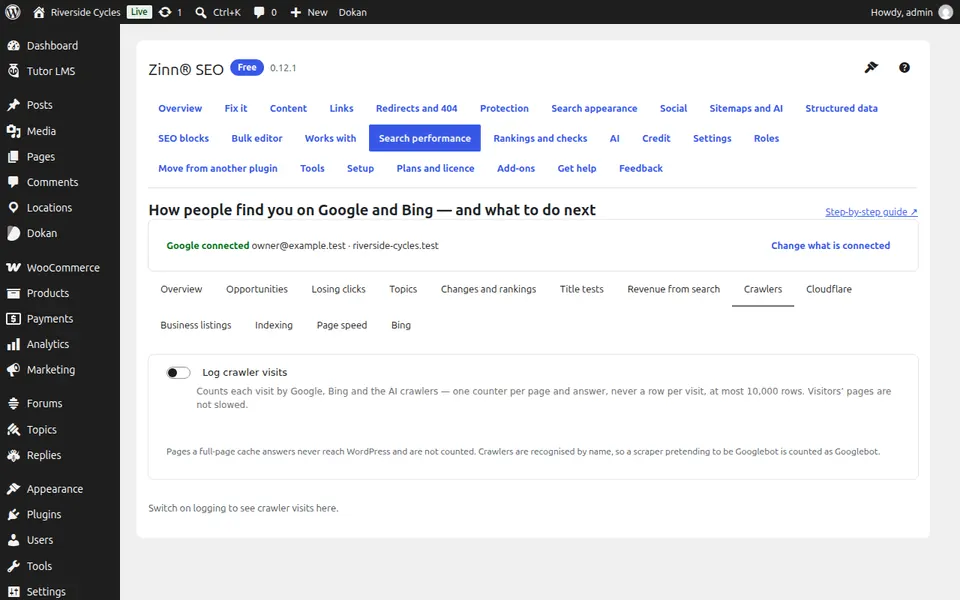
Switch on logging
Tick Log crawler visits. Each visit adds to one counter per page, so the log never grows past 10,000 rows and visitors' pages are not slowed.
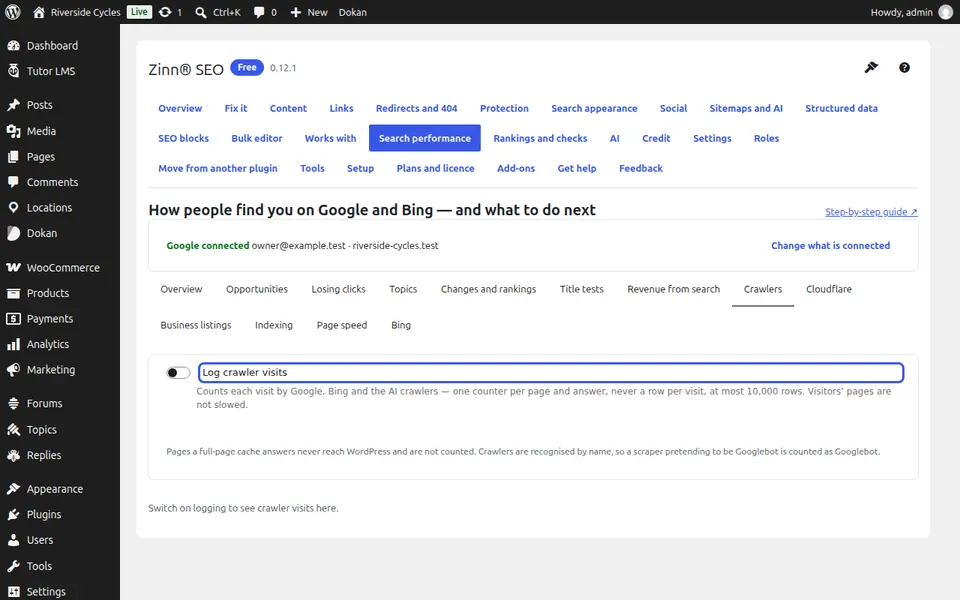
Read your crawl budget
Crawl budget shows how many crawler visits went to pages that cannot rank, by kind: filters, missing pages, redirects, errors, internal search.
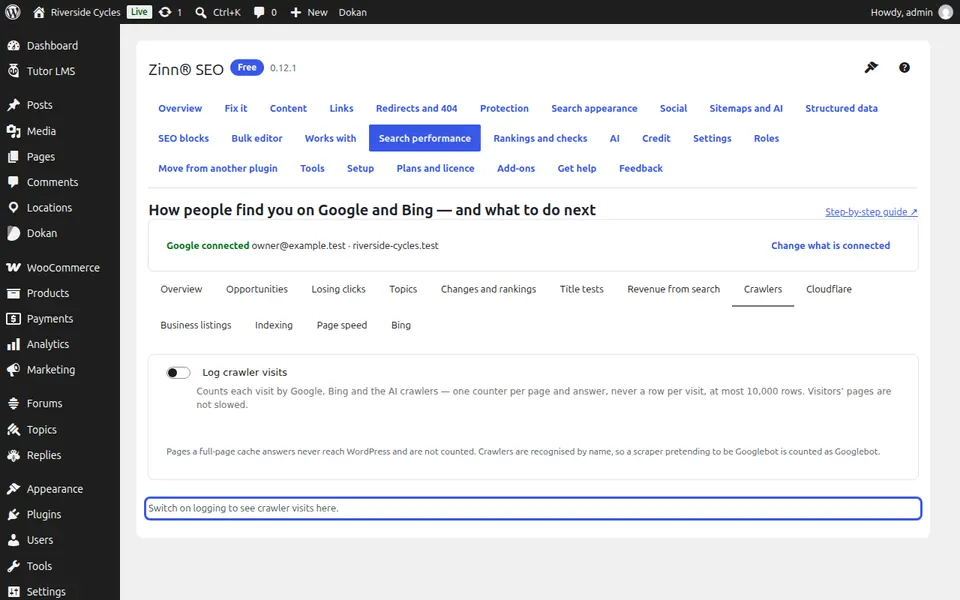
Fix the waste
Keep crawlers out adds a robots.txt rule, and Redirect them sends them on. Undo the robots rule takes it back.
Next guide: Use Zinn® SEO with Cloudflare (Pro)
From the same team
Want fast hosting to go with it?
Zinn Digital® hosts WordPress on its own servers, with a CDN, DNS, TLS and daily backups included in every plan.