 Zinn® SEO
Use Zinn® SEO with Cloudflare (Pro)
Redirects answered by Cloudflare in milliseconds, old titles cleared from its cache, AI crawlers blocked at the edge.
Open the Cloudflare tab
Go to SEO, Search performance, Cloudflare. A site hosted by Zinn Digital® needs nothing here: the edge is looked after for you.
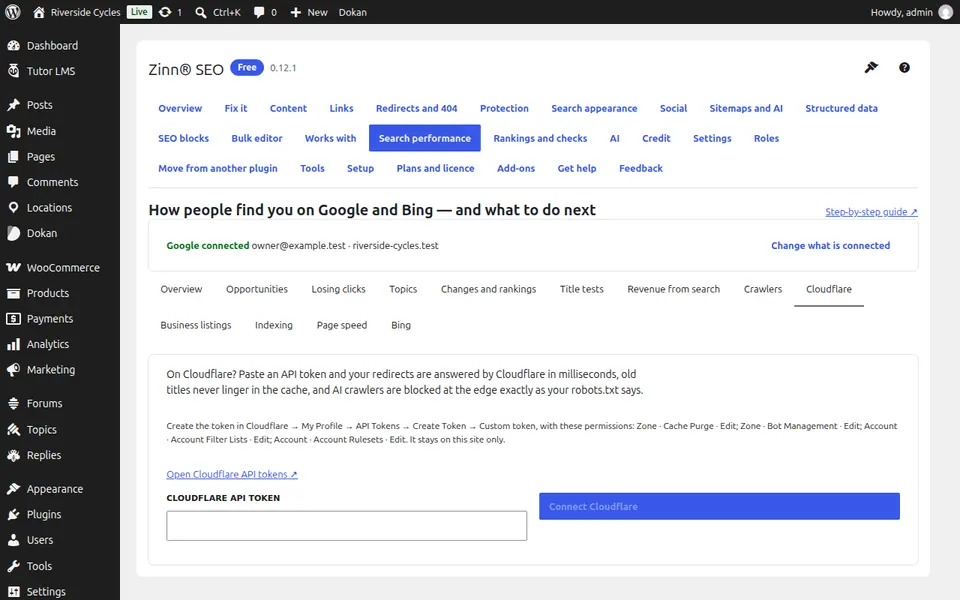
Connect Cloudflare
Press Open Cloudflare API tokens, create a token, paste it in Cloudflare API token and press Connect Cloudflare.
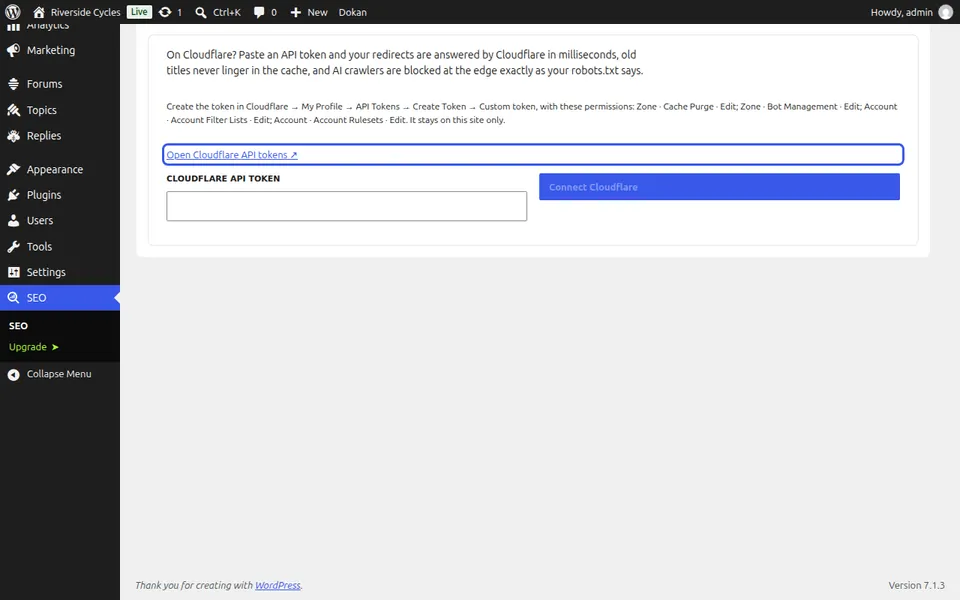
Send your redirects
Redirects at the edge shows how many are answered by Cloudflare. Press Send redirects now after a big change.
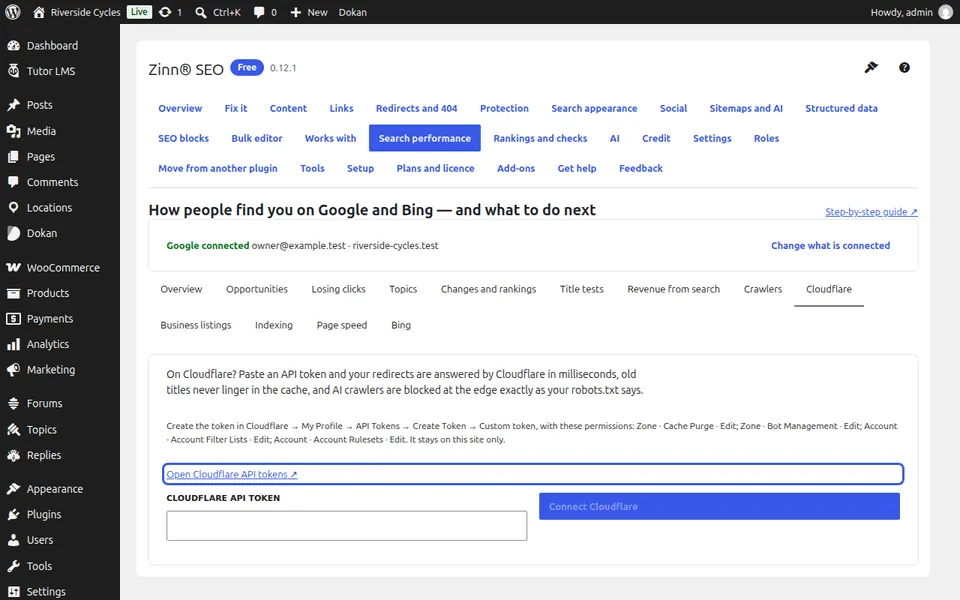
Check the crawler rule and the cache
AI crawlers at the edge follows your robots.txt, and pages leave Cloudflare's cache the moment their SEO changes.
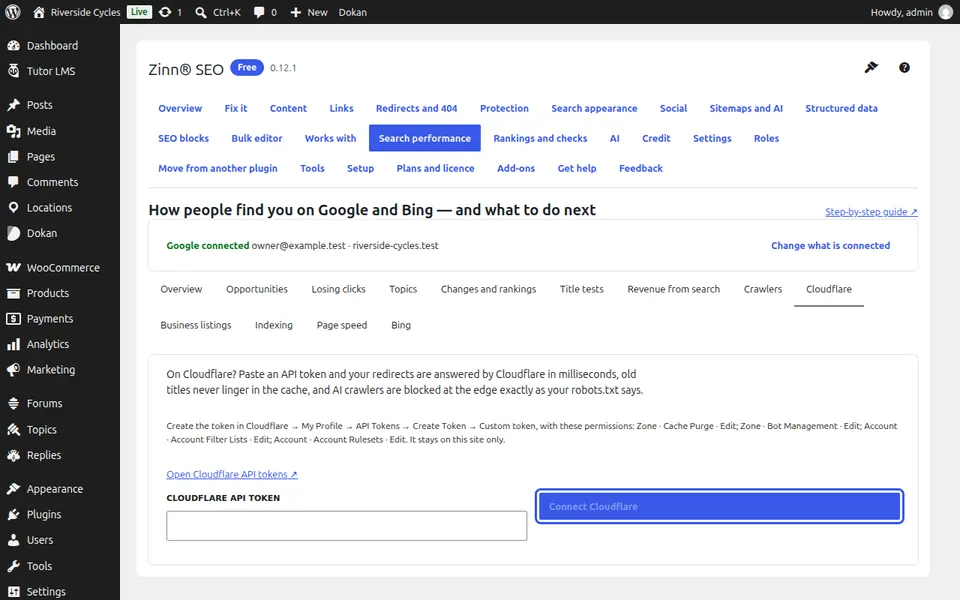
Next guide: Manage Google Business Profile, Apple and Bing listings (Pro)
From the same team
Want fast hosting to go with it?
Zinn Digital® hosts WordPress on its own servers, with a CDN, DNS, TLS and daily backups included in every plan.