 Zinn® SEO
See revenue from search (Pro)
Google Analytics visits, conversions and revenue per page next to its clicks, without a script added to your site.
Allow Google Analytics
Go to SEO, Search performance. On the Google card, tick Google Analytics and press Add these, then choose the property.
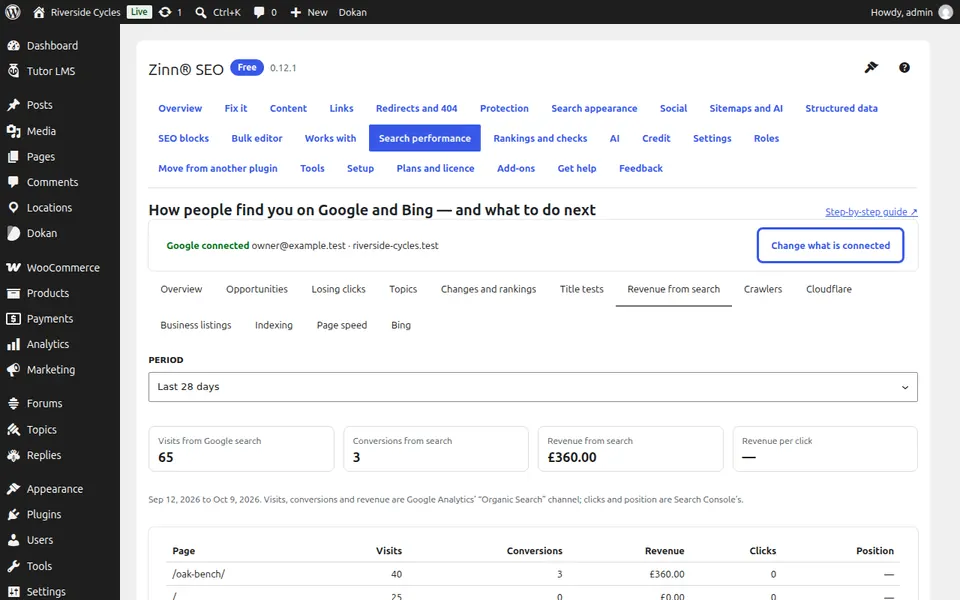
Open Revenue from search
Open the Revenue from search tab. Visits, conversions, revenue and revenue per click from Google search are at the top.
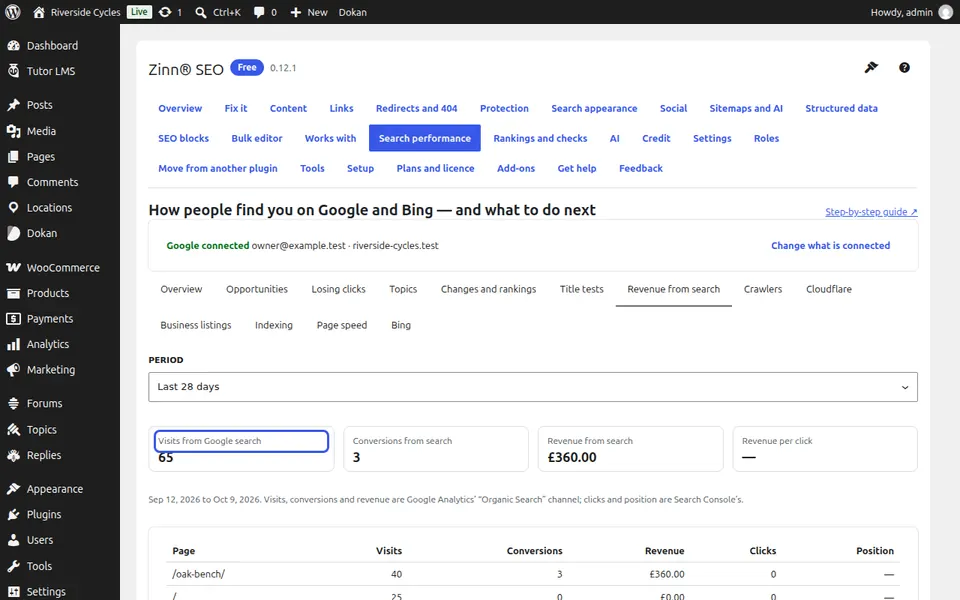
See what each page earns
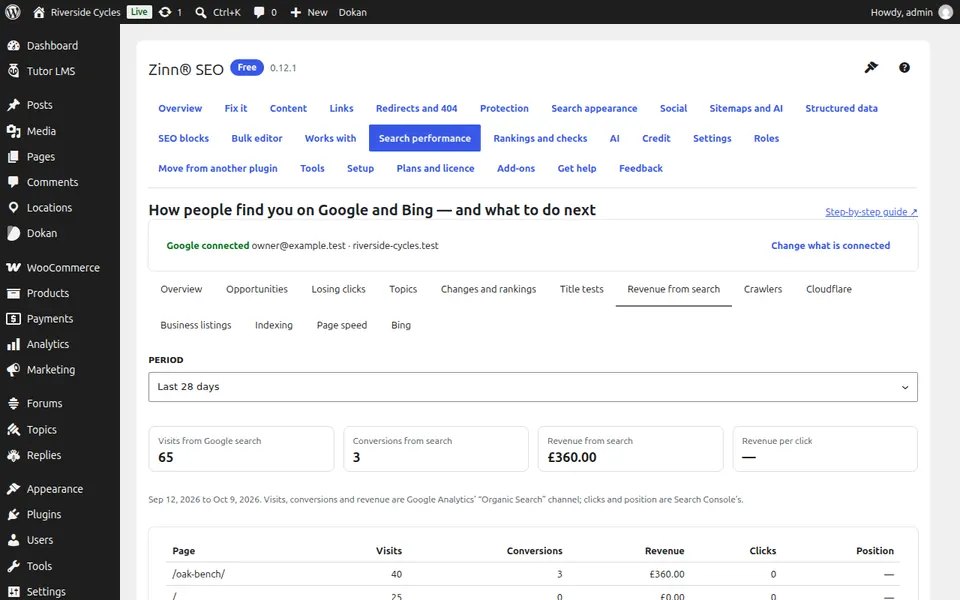
What each page earns from search lists every page with its visits, conversions, revenue, clicks and position.
Next guide: See crawler visits and crawl budget (Pro)
From the same team
Want fast hosting to go with it?
Zinn Digital® hosts WordPress on its own servers, with a CDN, DNS, TLS and daily backups included in every plan.