 Zinn® SEO
See what each page earns from ads
Each page's AdSense earnings beside its Google clicks and position, so you see which SEO work pays. Read from your Google Analytics, with no script added. Zinn® SEO Pro.
Link AdSense to Google Analytics
In AdSense, go to Account, Access and authorisation, Google Analytics integration, and link the property you connected to Zinn® SEO.
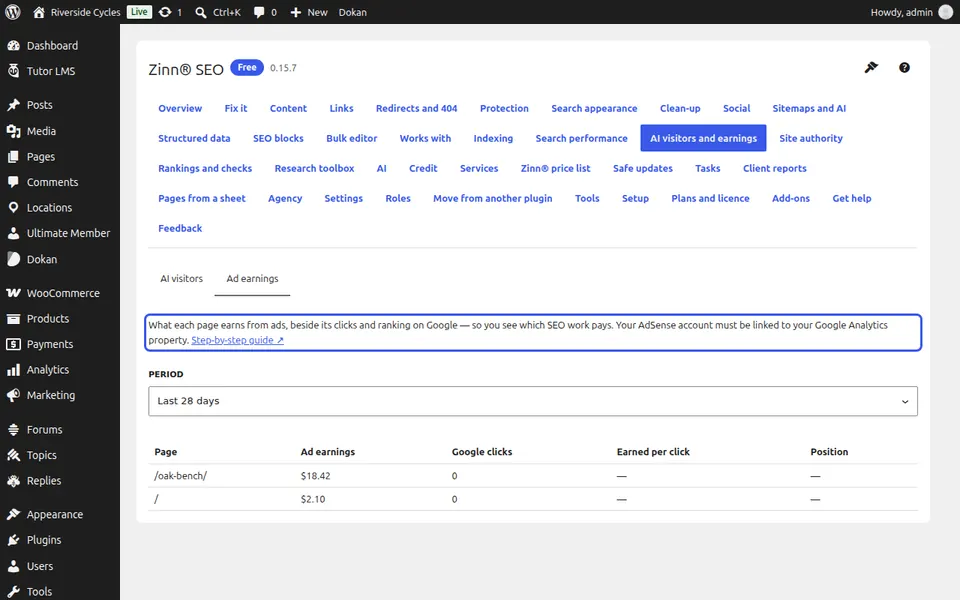
Open Ad earnings
Go to SEO, AI visitors and earnings, Ad earnings, and choose the period.
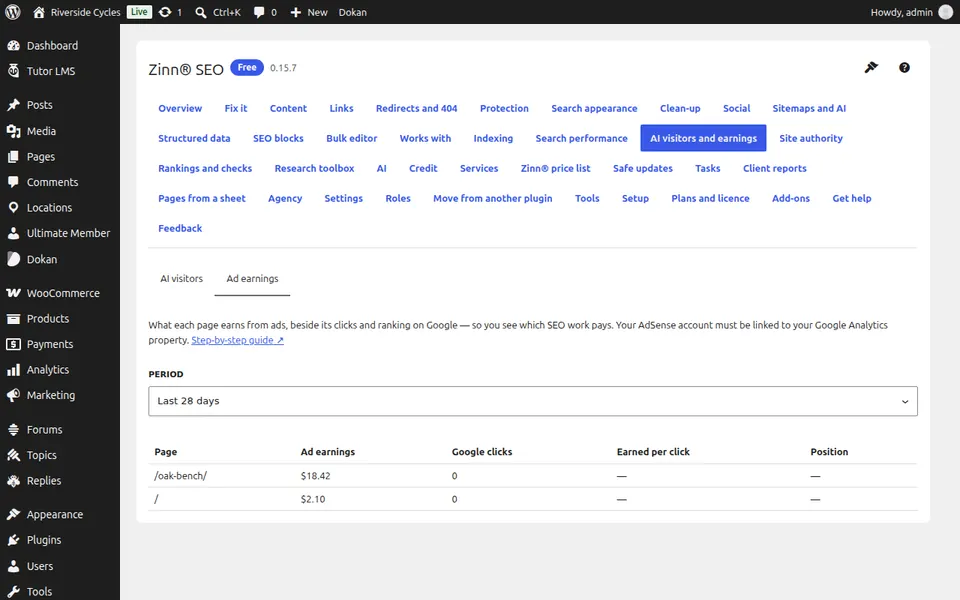
Read what pays
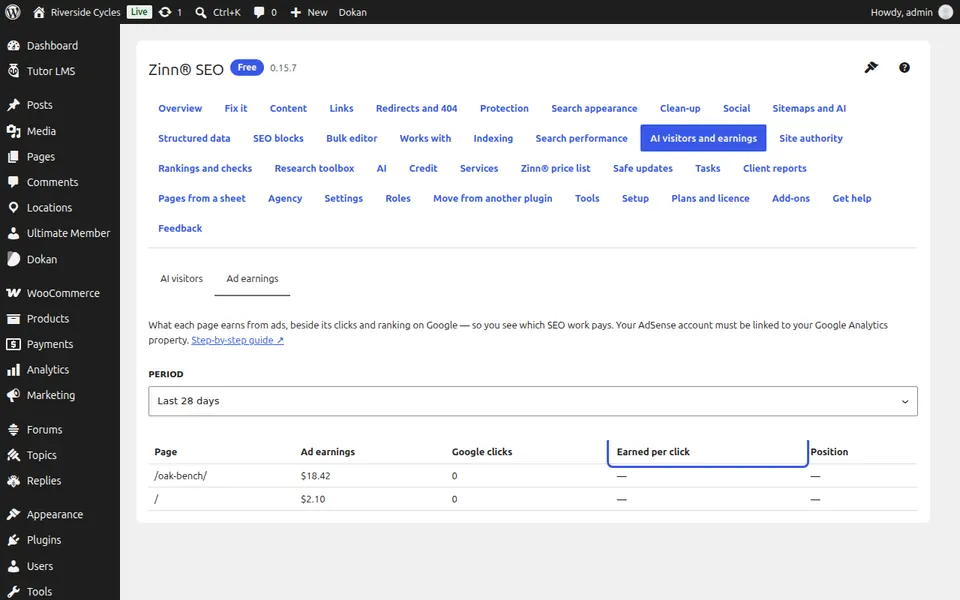
Pages are listed by earnings, with their Google clicks, earnings per click and position. A page that earns well but ranks low is the one to improve first.
Next guide: Check updates before they reach your site
From the same team
Want fast hosting to go with it?
Zinn Digital® hosts WordPress on its own servers, with a CDN, DNS, TLS and daily backups included in every plan.