 Zinn® SEO
Check updates before they reach your site
Know whether each plugin and theme update suits your WordPress and PHP before you install it, keep automatic updates that would not run here from happening, and find out at once if an update changed your titles, descriptions or structured data. Zinn® SEO Pro.
Open Safe updates
Go to SEO, Safe updates. Each waiting update shows Suits your site, Check first or Will not run here, with the two version numbers compared.
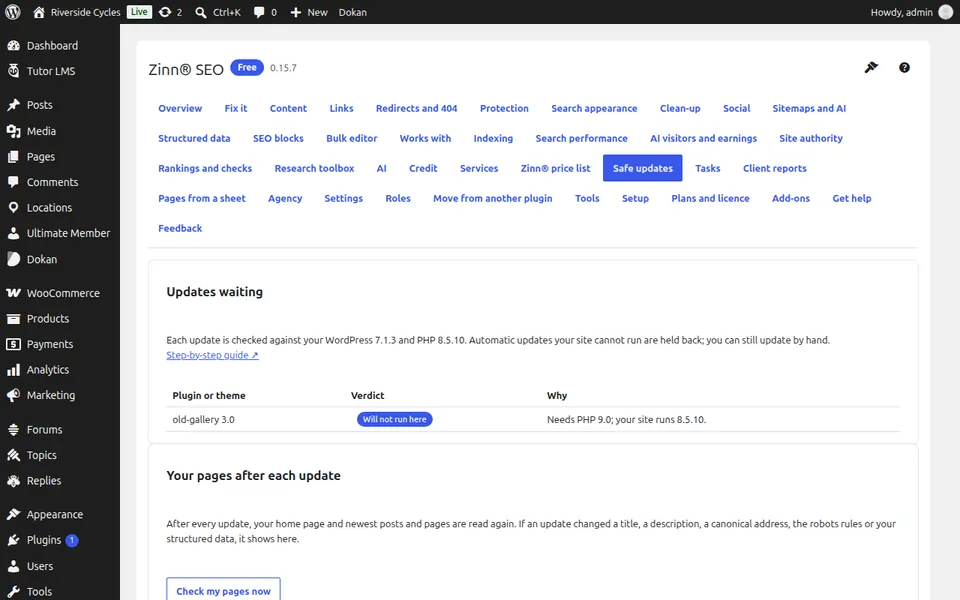
Let it hold back what will not run
An update marked Will not run here is not installed automatically. You can still update by hand: it is your site.
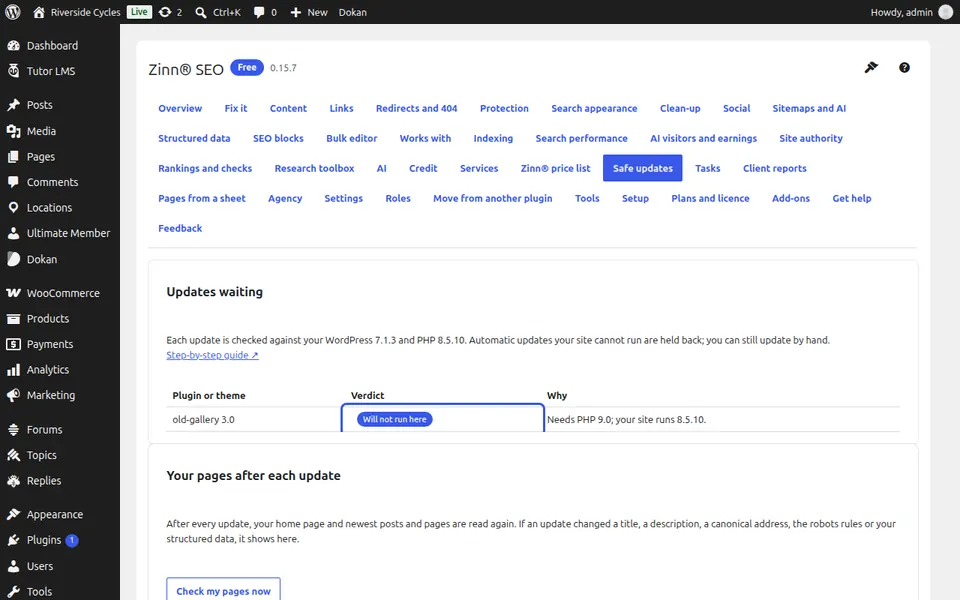
See what an update changed
After every update your home page and newest posts and pages are read again. If a title, description, canonical address, robots rule or structured data changed, it is listed with before and after. Press Check my pages now at any time.
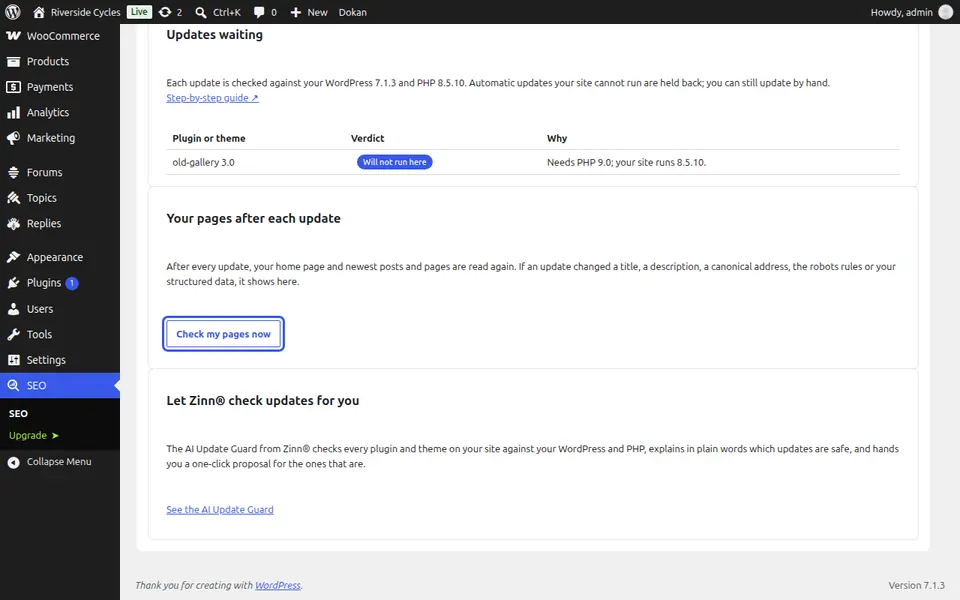
Go back if needed
If something your pages had is gone, go back to an earlier version under Settings, Version. Or let Zinn® check your updates for you with the AI Update Guard, from the card at the bottom of the screen.
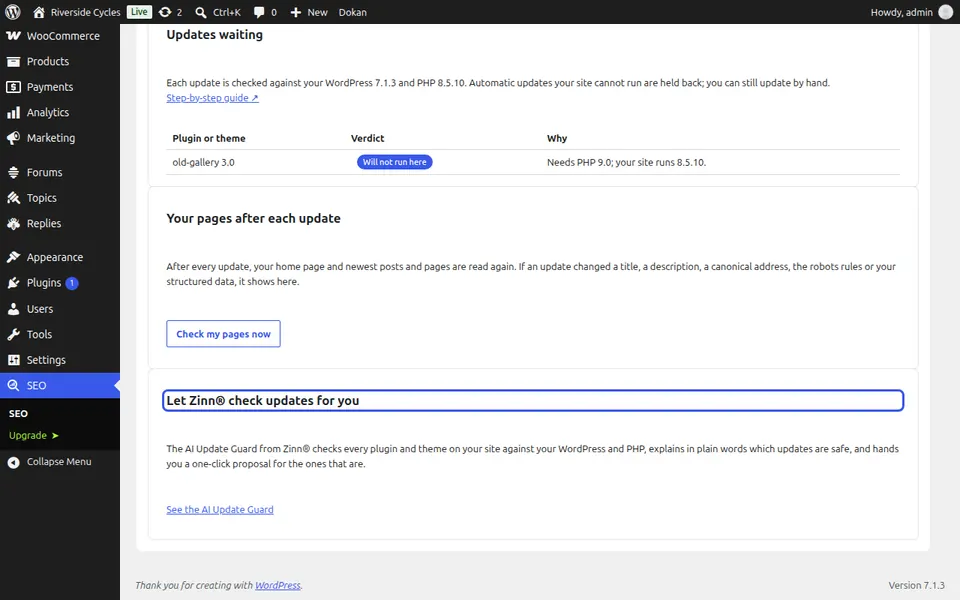
Next guide: Refresh shared links on Facebook
From the same team
Want fast hosting to go with it?
Zinn Digital® hosts WordPress on its own servers, with a CDN, DNS, TLS and daily backups included in every plan.