 Zinn® SEO
See which changes moved your rankings (Pro)
Every SEO change marked on your clicks chart, with the clicks and position before and after.
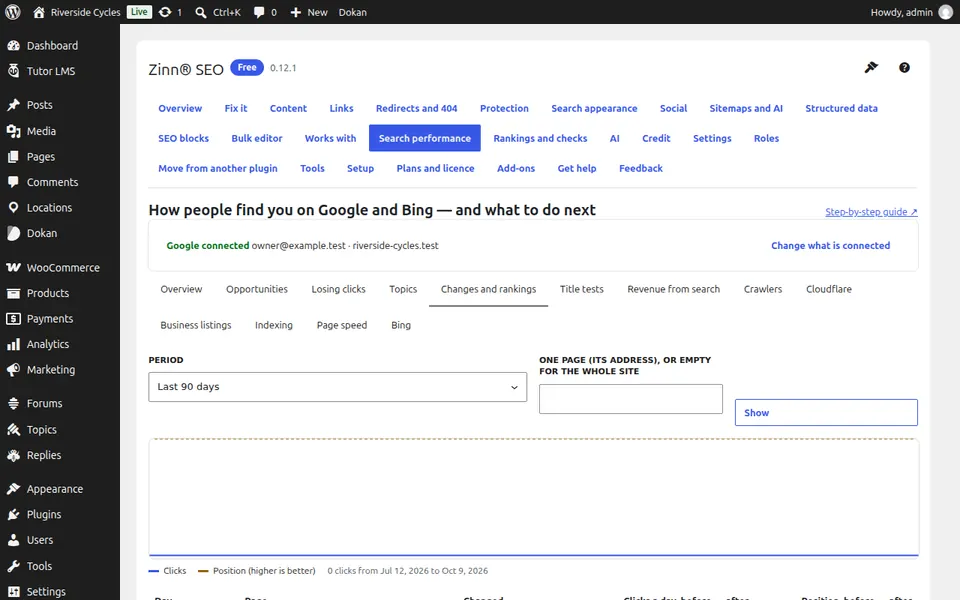
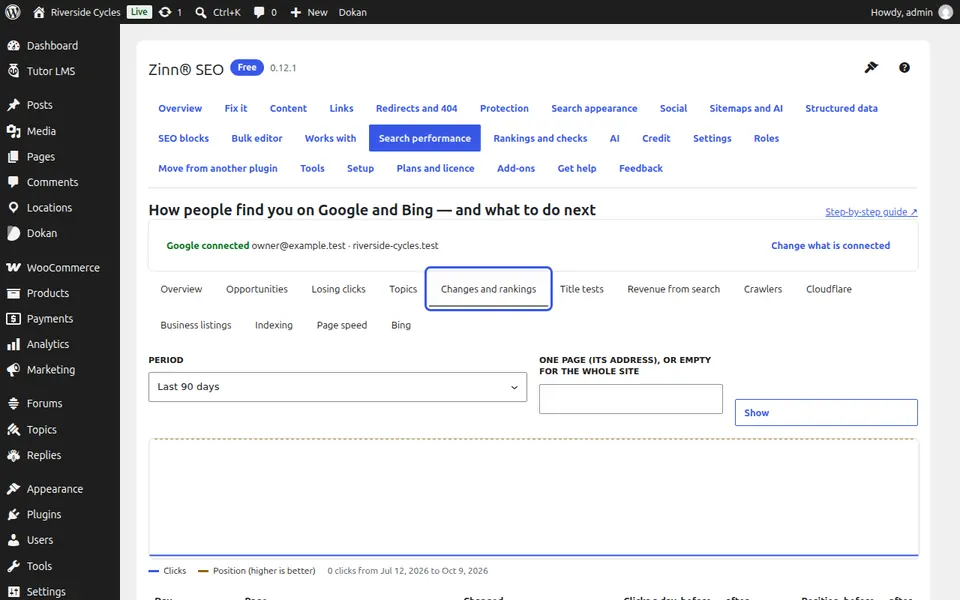
Open the Changes and rankings tab
Go to SEO, Search performance, Changes and rankings.
Read the chart
Each change you made to a title, description or redirect is marked on the chart of clicks from Google.
Compare before and after
Each change shows the page's clicks and position before and after, so you see what worked.
Next guide: Test SEO titles and descriptions (Pro)
From the same team
Want fast hosting to go with it?
Zinn Digital® hosts WordPress on its own servers, with a CDN, DNS, TLS and daily backups included in every plan.