 Zinn® SEO
SEO for memberships and paid content (Pro)
Mark members-only content the way Google asks, so a preview ranks and is never taken for hidden text.
Open the people tab
Go to SEO, Works with, Sellers, members and forums, and find Memberships and paid content.
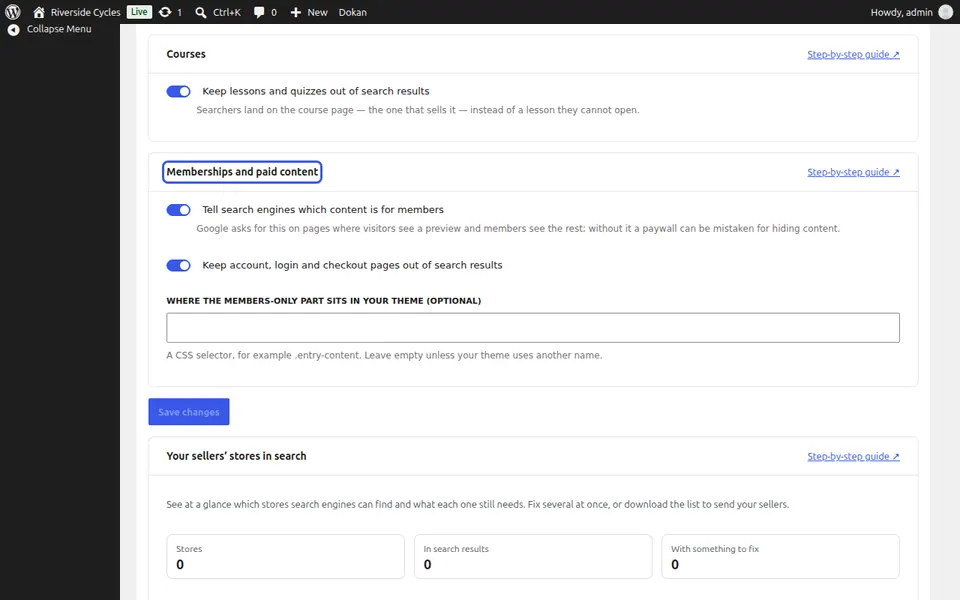
Tell search engines which content is for members
Tick Tell search engines which content is for members. If your theme puts the members-only part somewhere unusual, give its CSS selector.
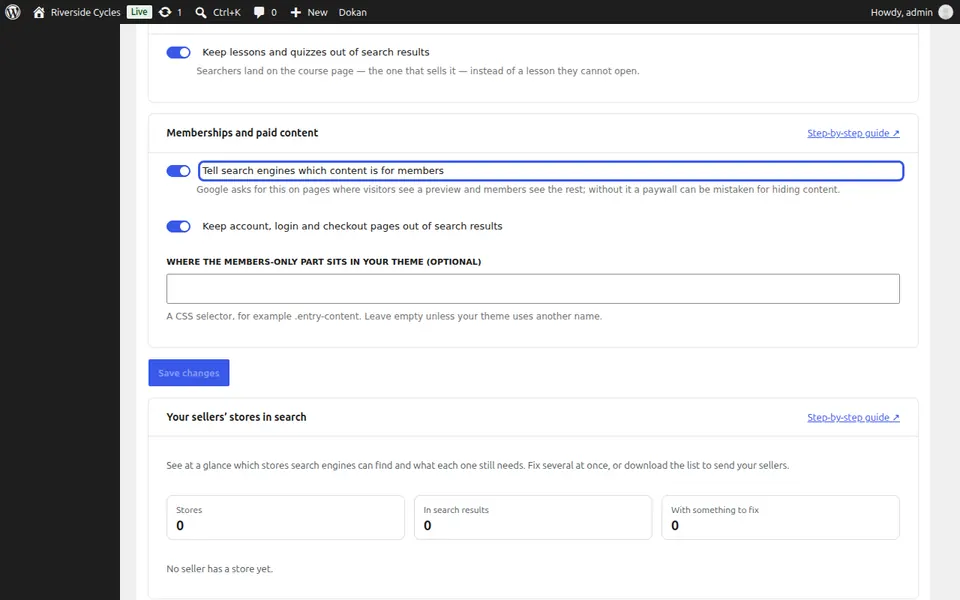
Keep account pages out
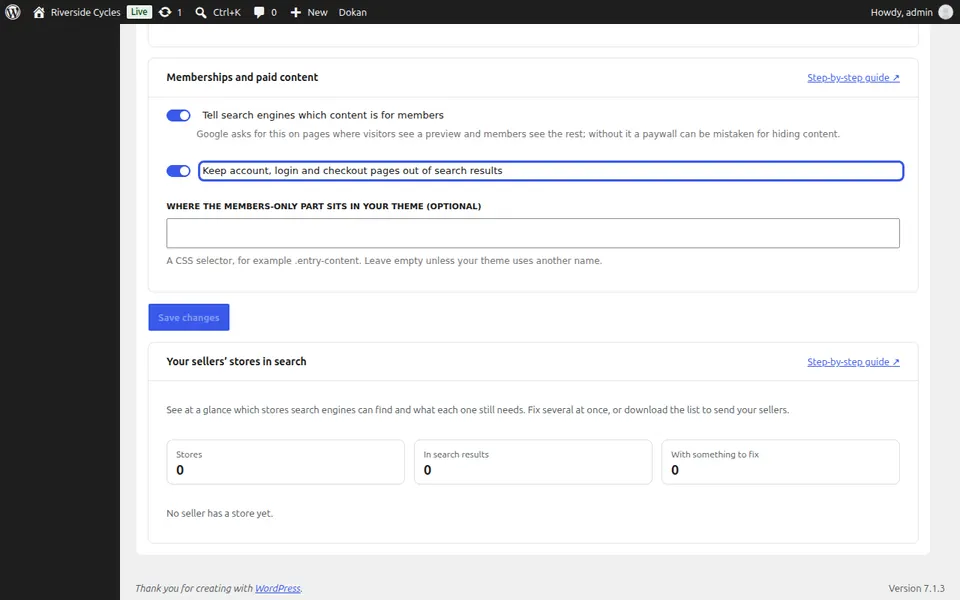
Tick Keep account, login and checkout pages out of search results and press Save changes.
Next guide: Use Zinn® SEO on a multisite network (Pro)
From the same team
Want fast hosting to go with it?
Zinn Digital® hosts WordPress on its own servers, with a CDN, DNS, TLS and daily backups included in every plan.