 Zinn® SEO
Use Zinn® SEO on a multisite network (Pro)
Set SEO once for every site, lock what sites may change, and give search engines one sitemap for the network.
Open Headless and networks
Go to SEO, Works with, Headless and networks, and find A network of sites.
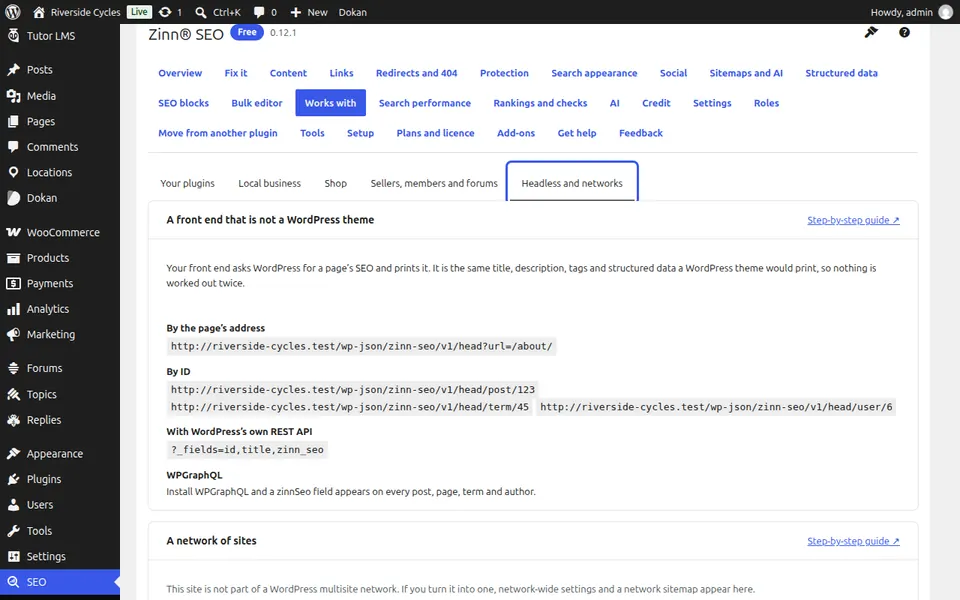
Set the network defaults
On a network, press Open the network's SEO settings. Under Network defaults, use Copy to the network to make this site's settings the defaults every site starts from.
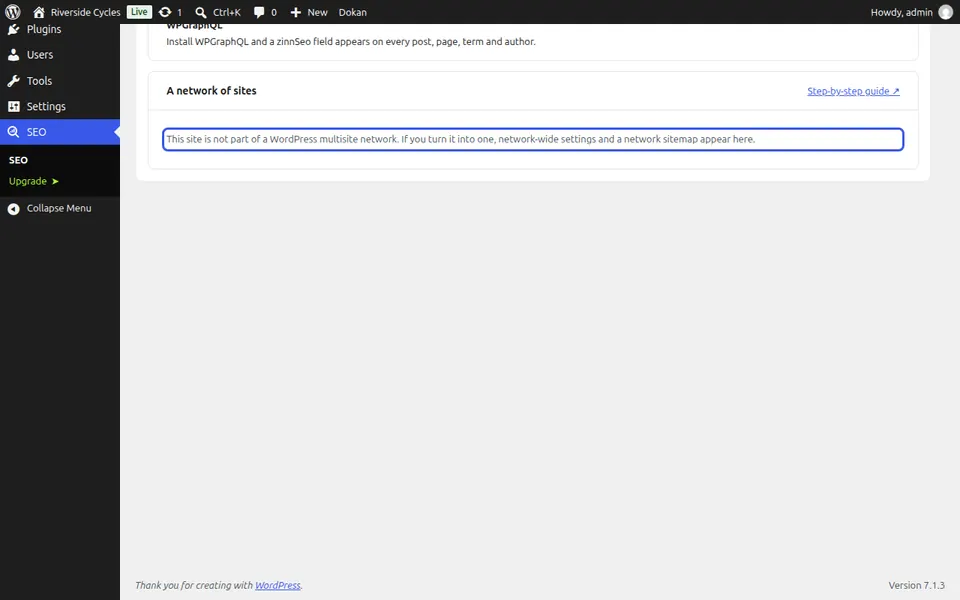
Lock what sites may not change
Under What sites may not change, tick each group of settings sites must take from the network, such as Search appearance or Sitemaps, and press Save.
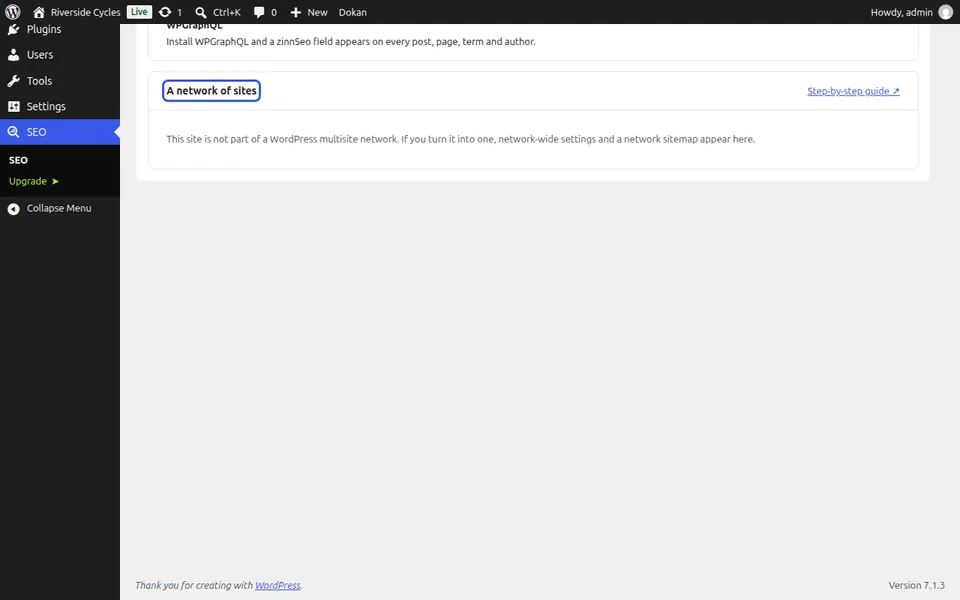
One sitemap for the network
One sitemap for the network gives search engines one index for every site. Rebuild every sitemap after a big change.
Next guide: Use Zinn® SEO with headless WordPress (Pro)
From the same team
Want fast hosting to go with it?
Zinn Digital® hosts WordPress on its own servers, with a CDN, DNS, TLS and daily backups included in every plan.