 Zinn® SEO
SEO for online courses (Pro)
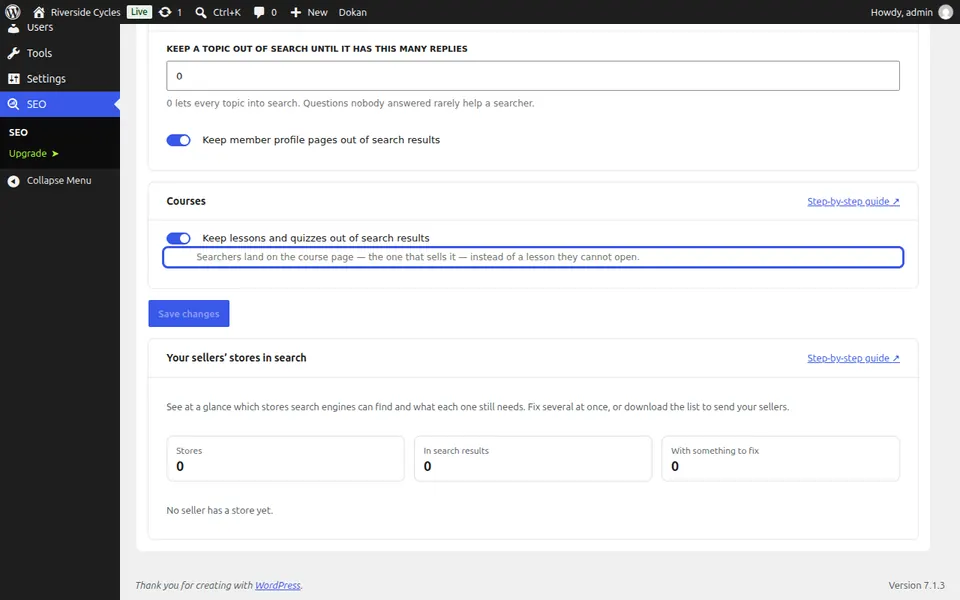
Searchers land on the course page that sells it, not on a lesson they cannot open.
Open the people tab
Go to SEO, Works with, Sellers, members and forums, and find Courses.
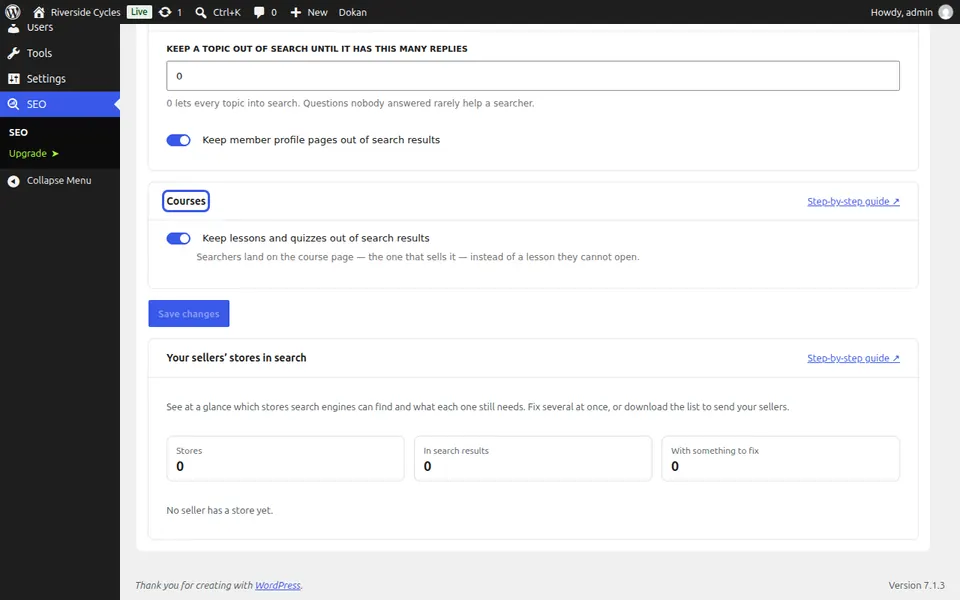
Keep lessons out of search
Tick Keep lessons and quizzes out of search results and press Save changes.
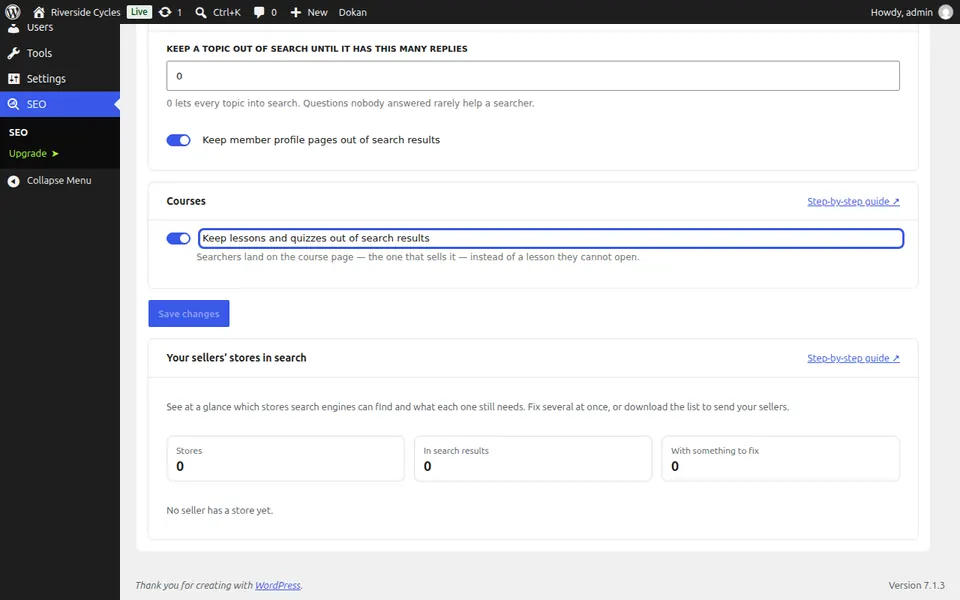
Check the course page
Each course page carries its course details for Google's rich results, from your course plugin.
Next guide: SEO for memberships and paid content (Pro)
From the same team
Want fast hosting to go with it?
Zinn Digital® hosts WordPress on its own servers, with a CDN, DNS, TLS and daily backups included in every plan.