 Zinn® SEO
SEO for online shops
Your products show in search with price, stock and rating. Decide what else shoppers see, and what stays out.
Open the Shop tab
Go to SEO, Works with, Shop. It appears when WooCommerce or another shop plugin is active.
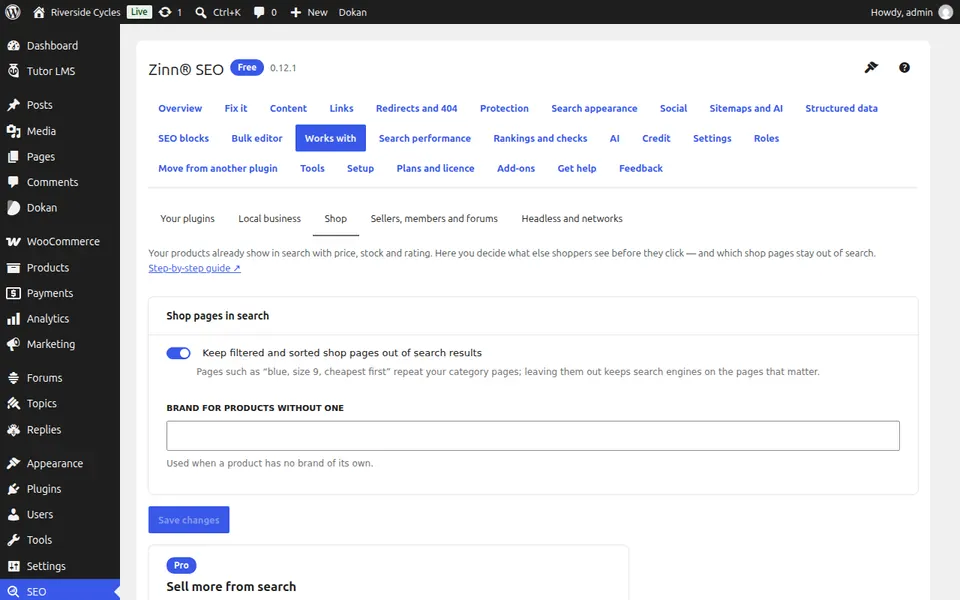
Keep filtered pages out
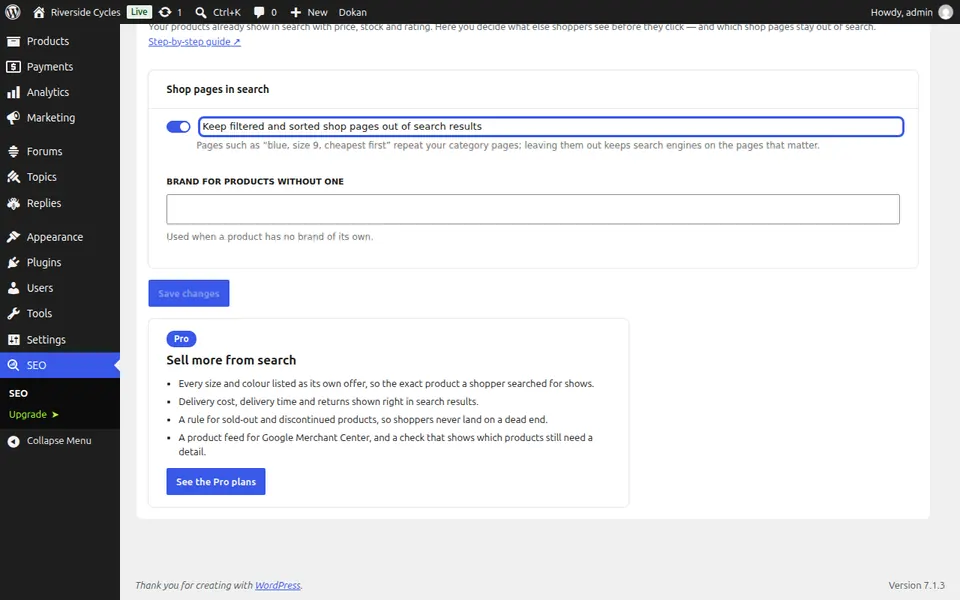
Under Shop pages in search, tick Keep filtered and sorted shop pages out of search results, so search engines stay on the pages that matter.
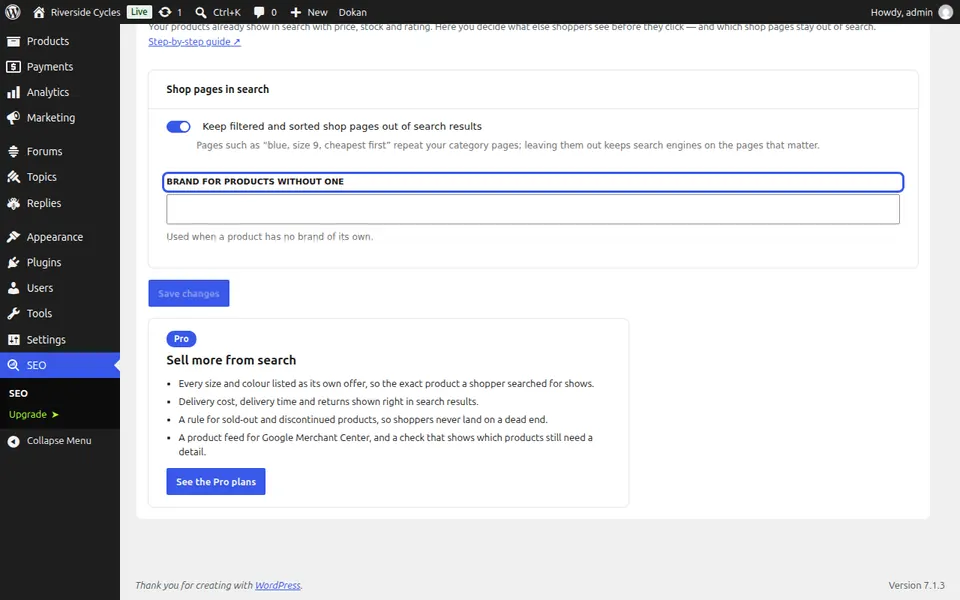
Set a brand
Brand for products without one is used for every product that has no brand of its own.
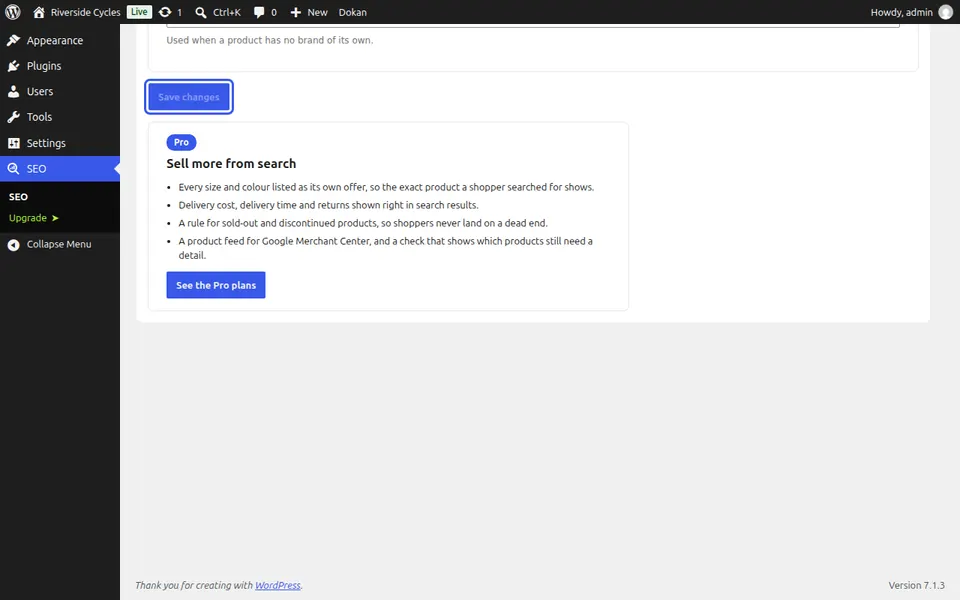
Save
Press Save changes.
Next guide: Show delivery and returns in search results (Pro)
From the same team
Want fast hosting to go with it?
Zinn Digital® hosts WordPress on its own servers, with a CDN, DNS, TLS and daily backups included in every plan.