 Zinn® SEO
Show delivery and returns in search results (Pro)
Delivery cost, delivery time and returns shown right in Google's results, before the shopper clicks.
Open the Shop tab
Go to SEO, Works with, Shop, and find Delivery and returns in search results.
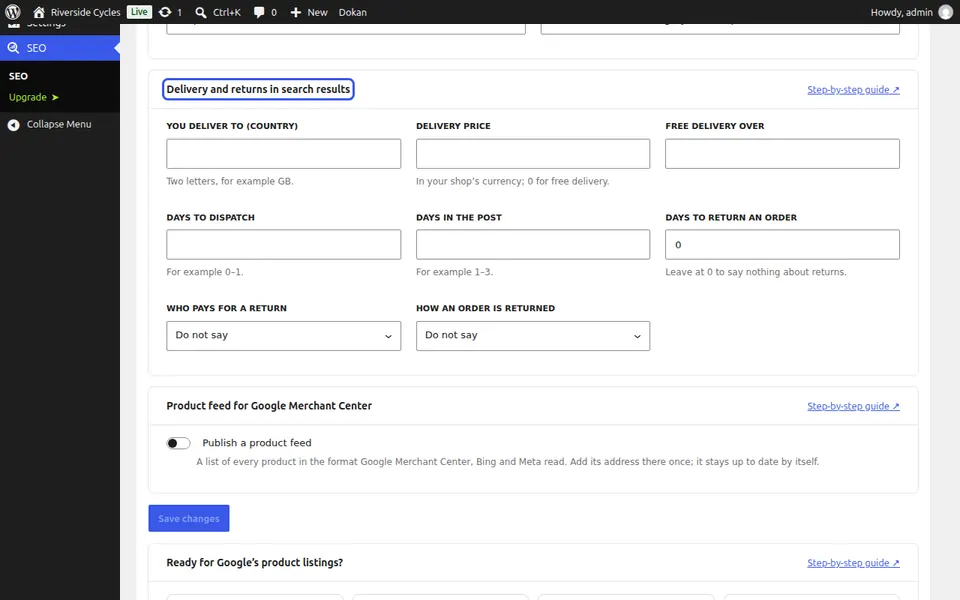
Set delivery
Fill in the country you deliver to, the delivery price, free delivery over, days to dispatch and days in the post.
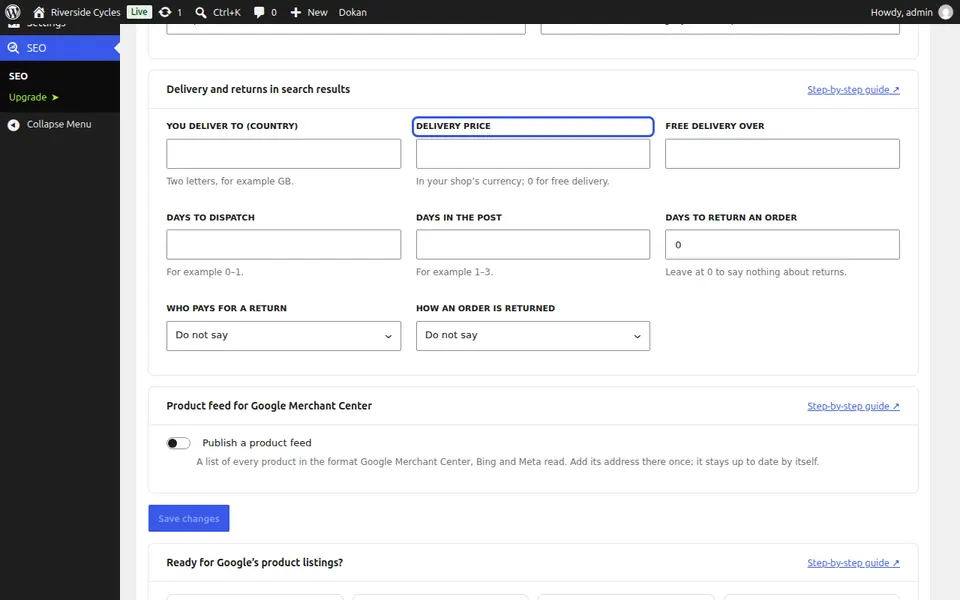
Set returns
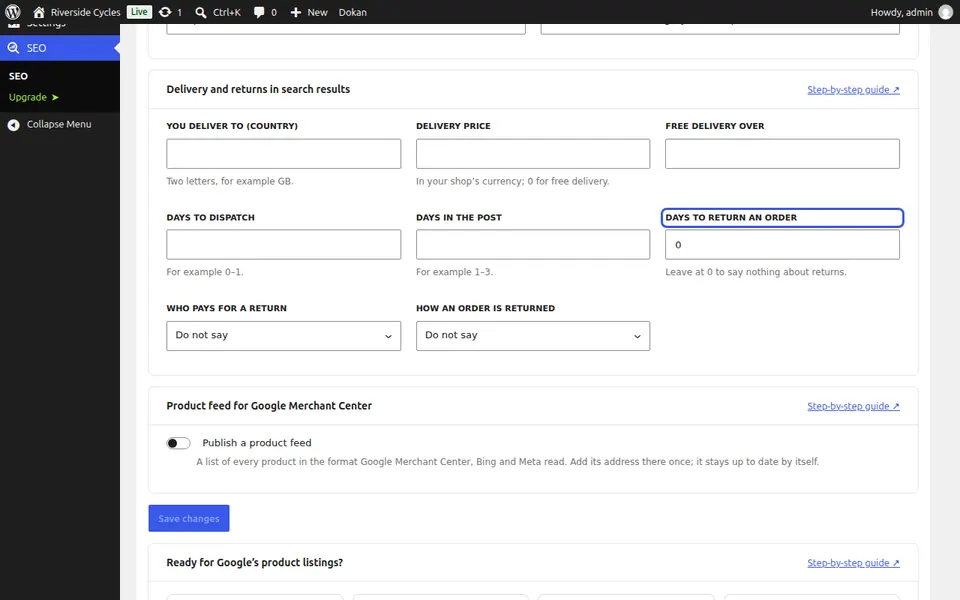
Fill in the days to return an order, who pays for a return and how an order is returned. Leave days at 0 to say nothing about returns. Press Save changes.
Next guide: Handle sold-out and discontinued products (Pro)
From the same team
Want fast hosting to go with it?
Zinn Digital® hosts WordPress on its own servers, with a CDN, DNS, TLS and daily backups included in every plan.