 Zinn® SEO
Track your YouTube rankings
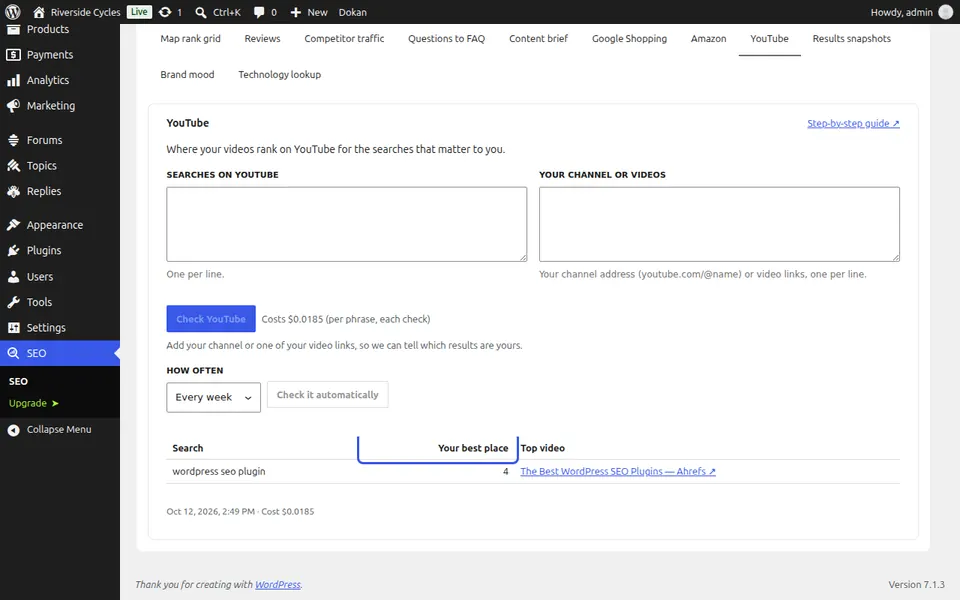
Where your videos rank on YouTube for the searches that matter to you. This is part of Zinn® SEO Pro. You pay for each check from your Zinn® credit, and the price is shown before anything runs.
Open YouTube
Go to SEO, Research toolbox, YouTube.
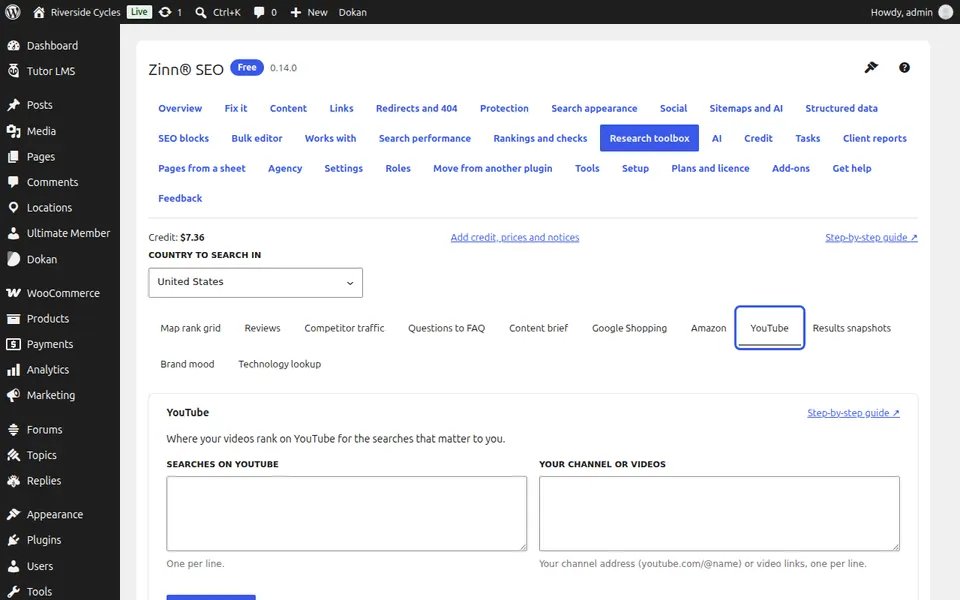
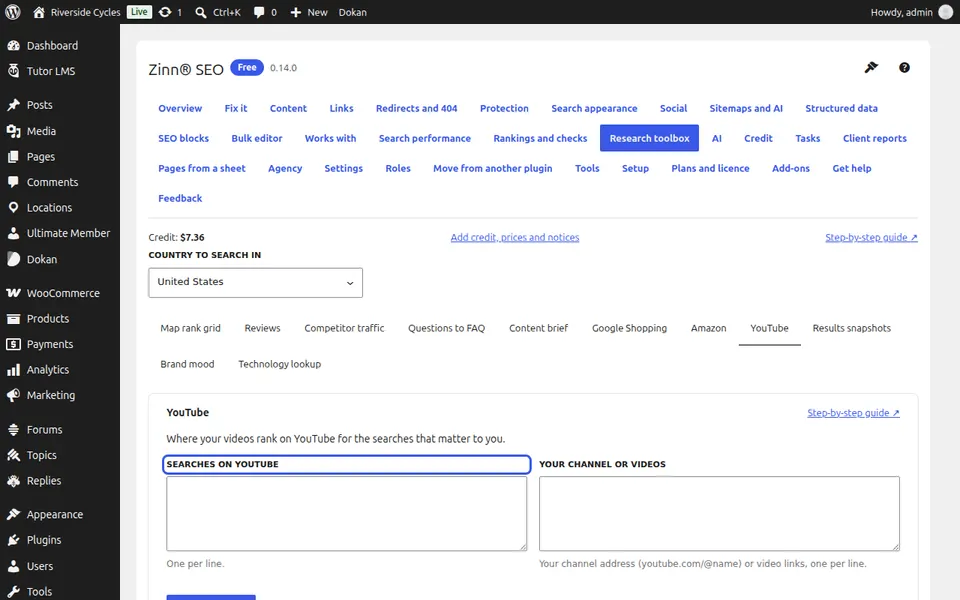
Type the searches
One per line.
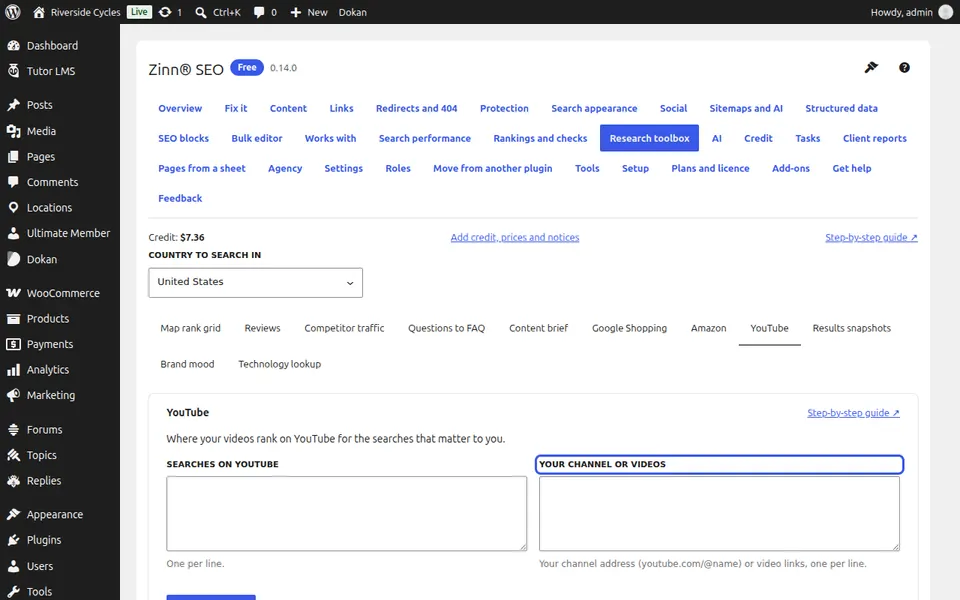
Say which videos are yours
Add your channel address (youtube.com/@yourname) or links to your videos.
Run the check
Press Check YouTube (one charge per search) and confirm.
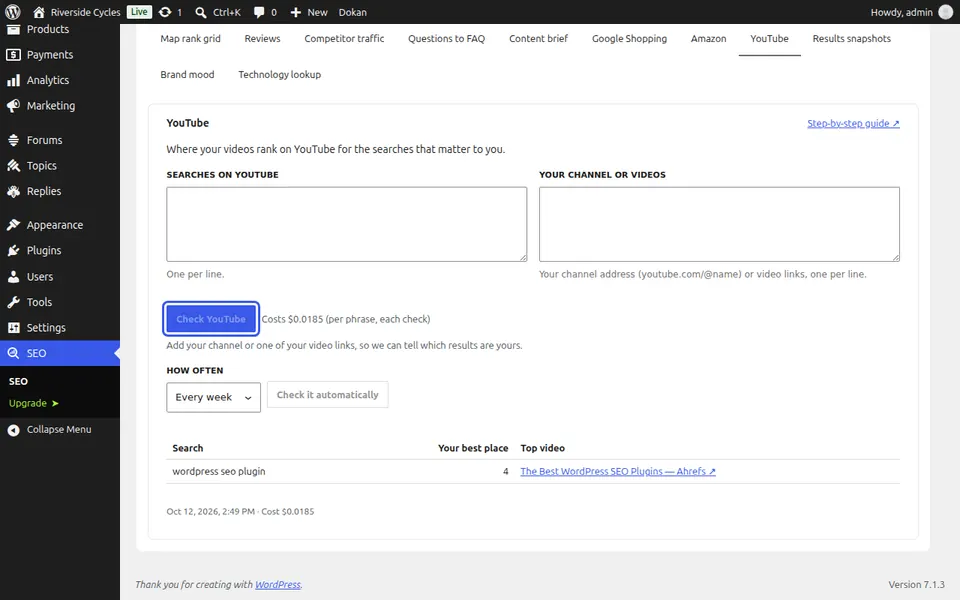
Read your rankings
The table shows your best place in the top 20 for each search and the video ranking first. Schedule it to see your videos climb.
Next guide: See a competitor's traffic and top pages
From the same team
Want fast hosting to go with it?
Zinn Digital® hosts WordPress on its own servers, with a CDN, DNS, TLS and daily backups included in every plan.