 Zinn® SEO
Turn People also ask into an FAQ
The questions Google lists under People also ask are the questions your customers have. Collect them for any search and add them to a page as a ready-made FAQ, with the structured data search engines read. You pay for each check from your Zinn® credit, and the price is shown before anything runs.
Open Questions to FAQ
Go to SEO, Research toolbox, Questions to FAQ.
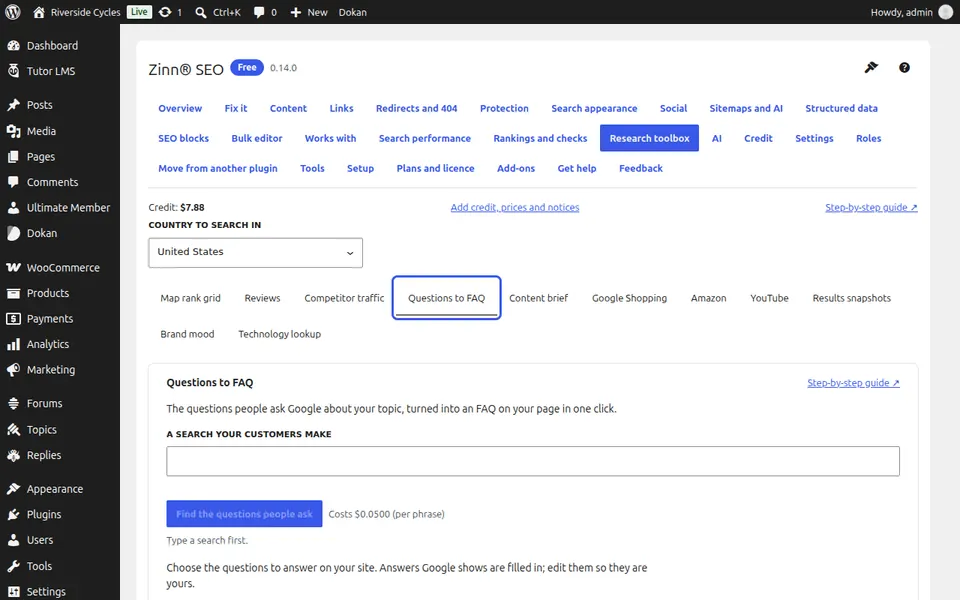
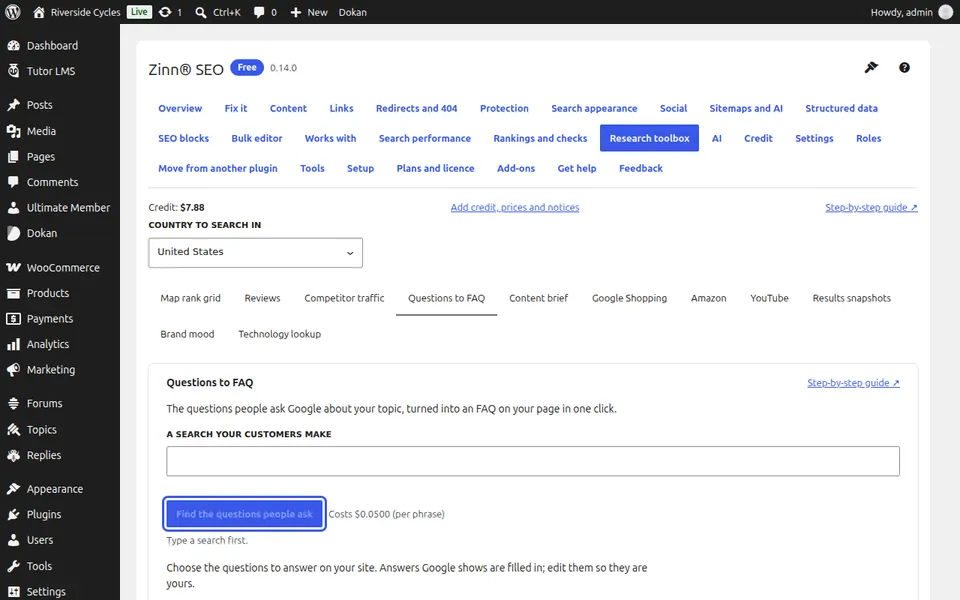
Find the questions
Type a search your customers make, press Find the questions people ask (one charge) and confirm. If Google shows no People also ask box for that search, the tool says so; try a longer, question-like search.
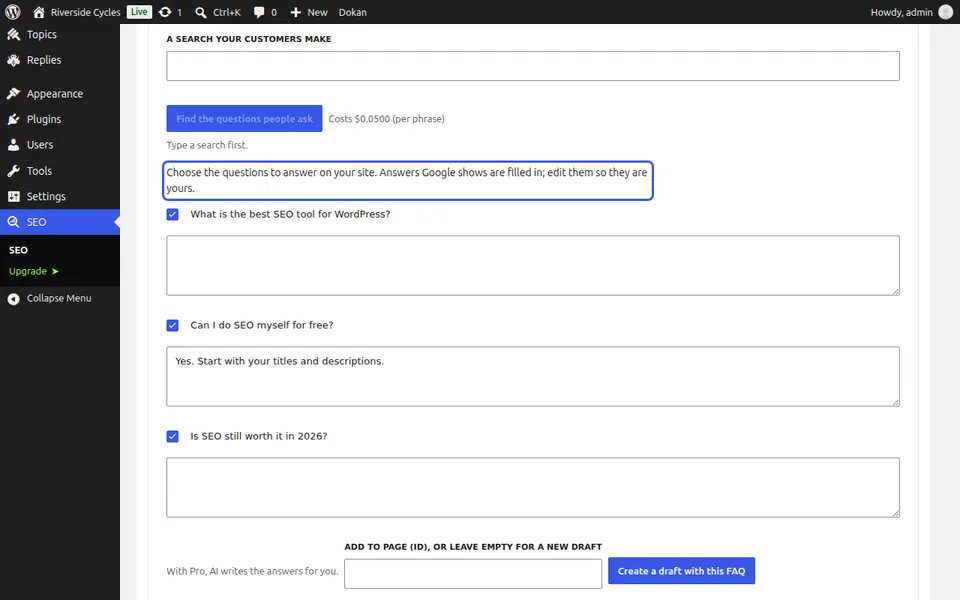
Choose the questions
Untick any question you do not want. Where Google showed an answer it is filled in: rewrite it in your own words.
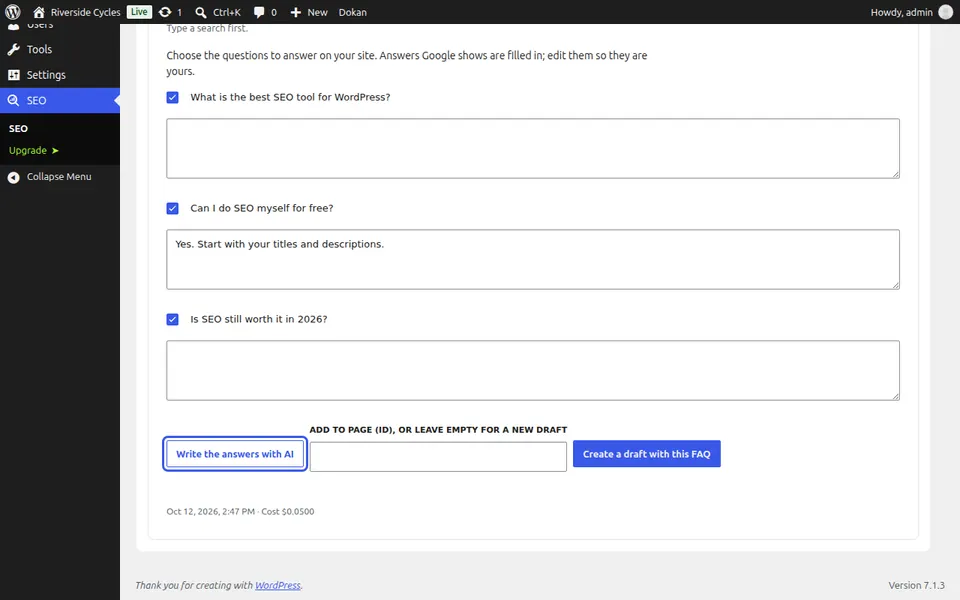
Write the answers with AI
With Zinn® SEO Pro, press Write the answers with AI for a first draft of every answer, then edit them.
Choose the page
To add the FAQ to a page you have, type its ID (shown in the address when you edit it). Leave it empty for a new draft.
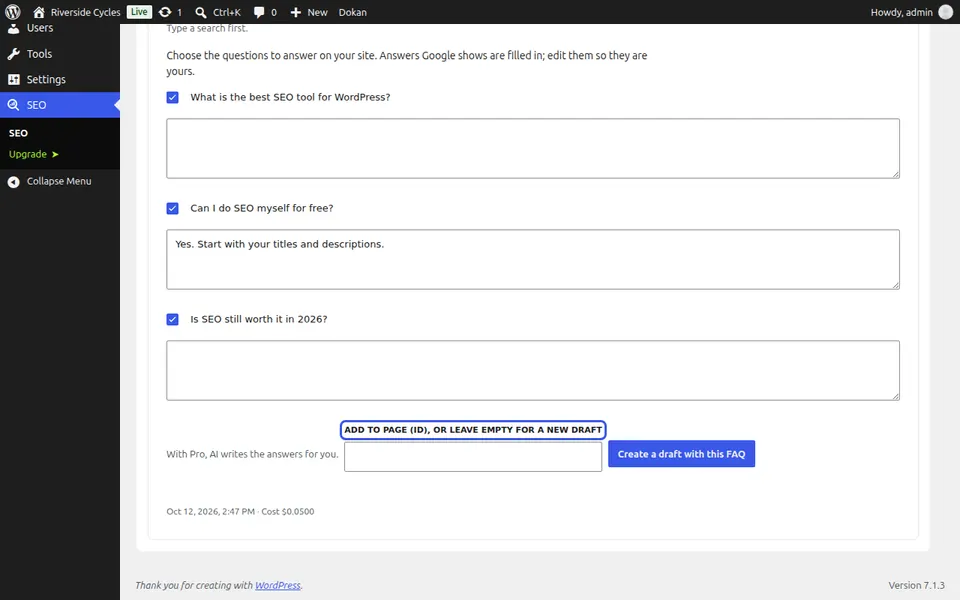
Create the draft
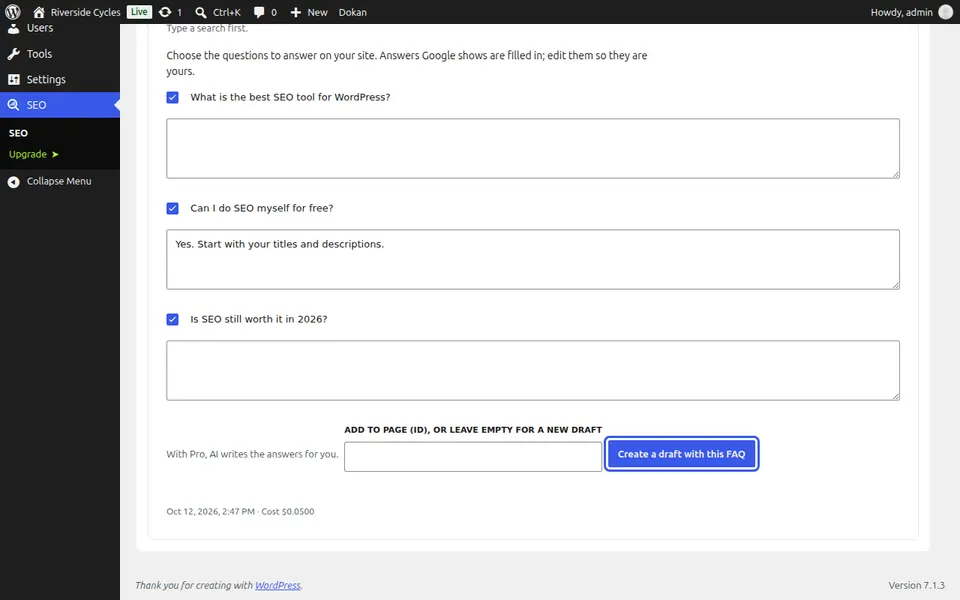
Press Create a draft with this FAQ, or Add the FAQ to that page. The editor opens with the FAQ block in place, and nothing is published until you publish it.
Next guide: Write a page from a content brief
From the same team
Want fast hosting to go with it?
Zinn Digital® hosts WordPress on its own servers, with a CDN, DNS, TLS and daily backups included in every plan.