 Zinn® SEO
Write posts with the AI writer
Get post ideas that fit your site and the searches you want to win, then turn one into a starter draft or a full article. Every draft is saved as a draft for you to edit — nothing is ever published by itself. Use your own AI key for free, or Zinn® credit.
Open the writer
Go to SEO, Writing, Writer. With your own AI key, choose the AI model it uses: only the current models of your provider are listed, and a new one appears when it is released.
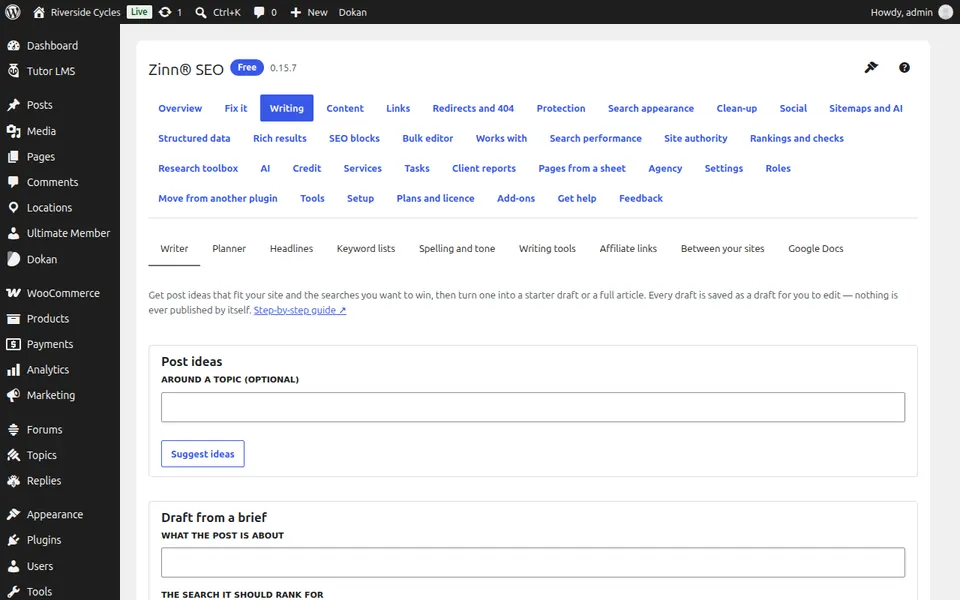
Get post ideas
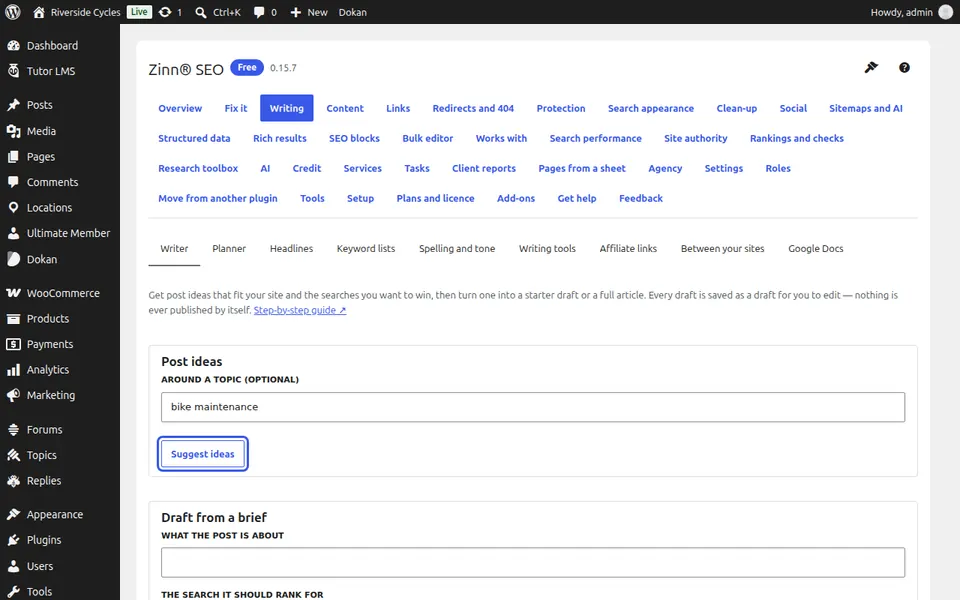
Type a topic (or leave it empty for ideas from your whole site), choose a keyword list if you have one, and press Suggest ideas.
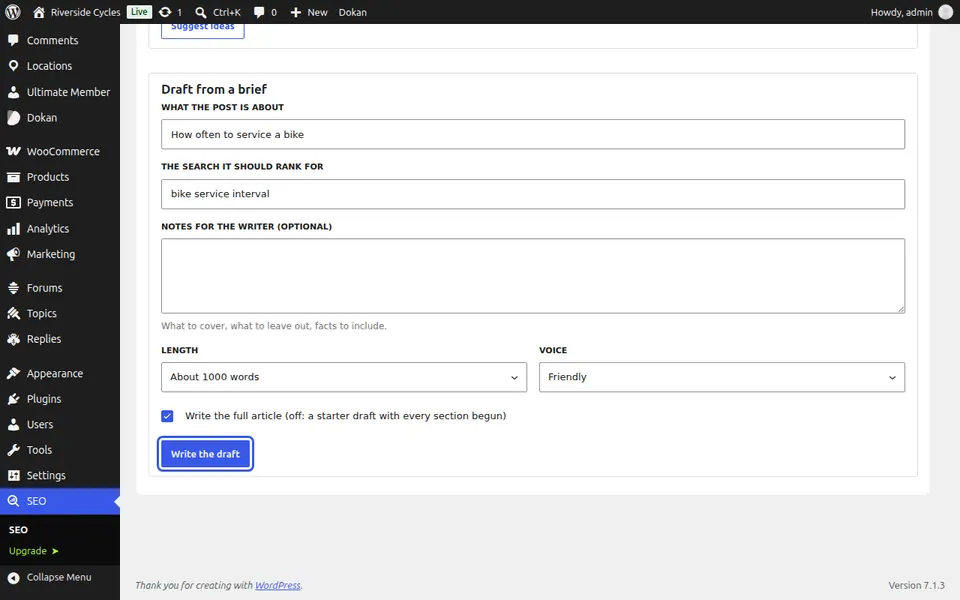
Write a draft
Press Write this on an idea, or fill in What the post is about and The search it should rank for. Choose the length and the voice and press Write the draft.
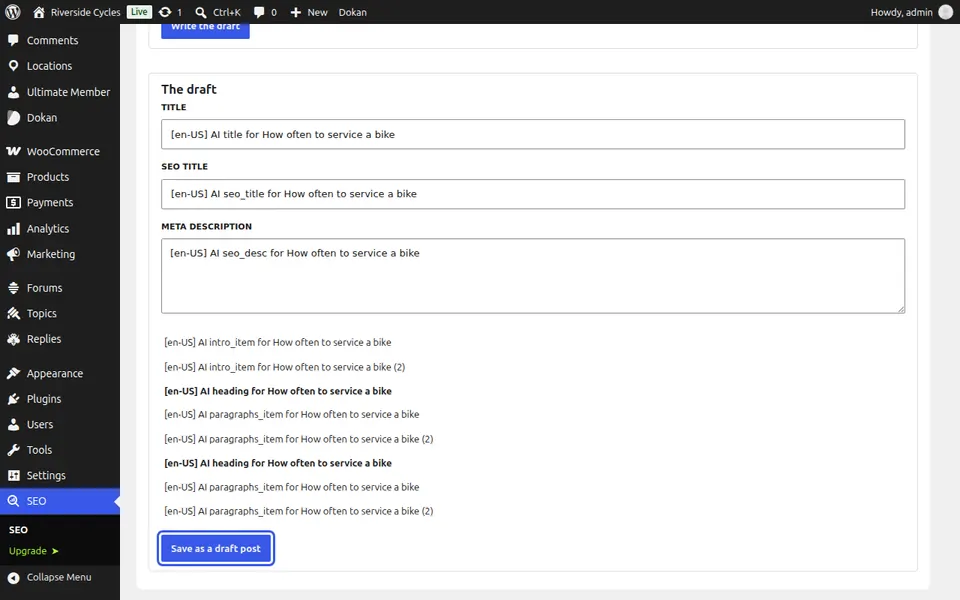
Save it as a draft
Read the draft, change the title, SEO title and meta description if you like, and press Save as a draft post. Open it in the editor to finish it.
Next guide: Plan content and write drafts in bulk
From the same team
Want fast hosting to go with it?
Zinn Digital® hosts WordPress on its own servers, with a CDN, DNS, TLS and daily backups included in every plan.