 Zinn® SEO
The Add-ons screen
Add-ons for Zinn® SEO and the other Zinn® plugins that work with it.
Open Add-ons
In WordPress, open SEO in the menu, then Add-ons under Account and help in the plugin's side menu. Add-ons for Zinn® SEO and the other Zinn® plugins that work with it.
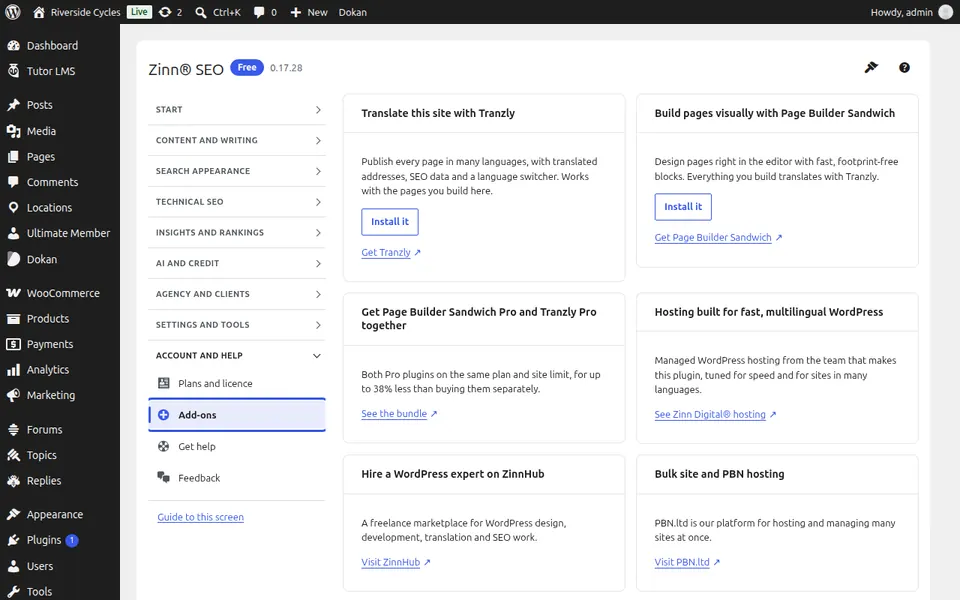
Use Add-ons
Read what each add-on does and install it from here.
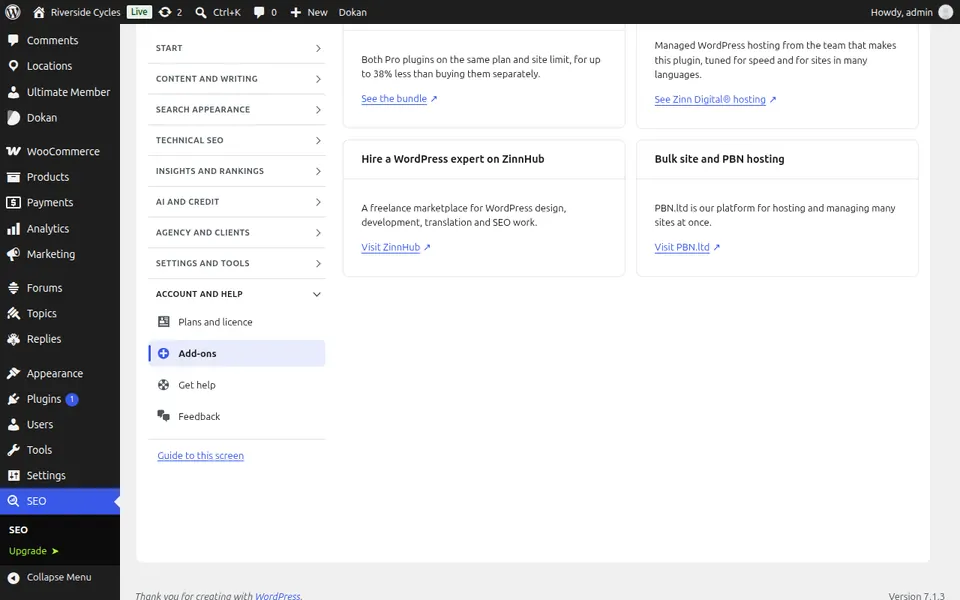
Step-by-step guides for this screen
Next guide: The Get help screen
From the same team
Want fast hosting to go with it?
Zinn Digital® hosts WordPress on its own servers, with a CDN, DNS, TLS and daily backups included in every plan.