 Zinn® SEO
The Get help screen
Get help: the guides, the knowledge base and a support ticket with your site's diagnostics attached if you agree.
Open Get help
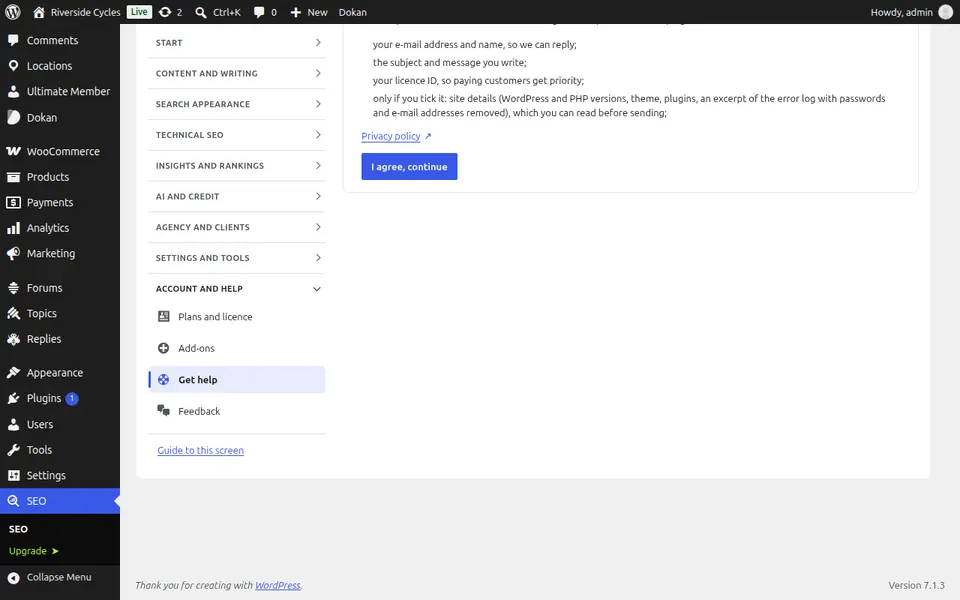
In WordPress, open SEO in the menu, then Get help under Account and help in the plugin's side menu. Get help: the guides, the knowledge base and a support ticket with your site's diagnostics attached if you agree.
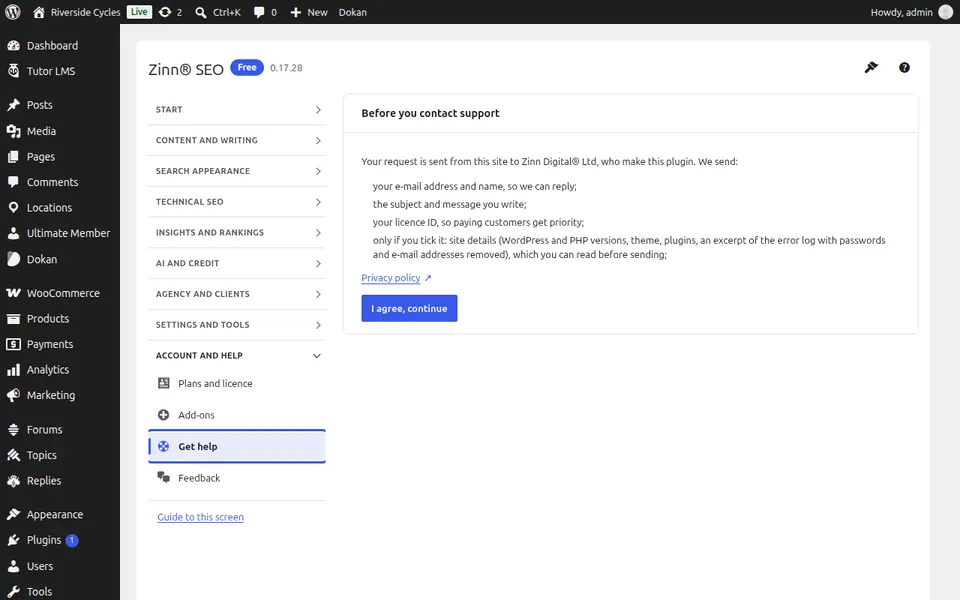
Use Get help
Search the guides first; if you still need help, write what happened and send a ticket. Your site's diagnostics are attached only if you agree.
Step-by-step guides for this screen
Next guide: The Feedback screen
From the same team
Want fast hosting to go with it?
Zinn Digital® hosts WordPress on its own servers, with a CDN, DNS, TLS and daily backups included in every plan.