 Zinn® SEO
The AI visitors and earnings screen
See which pages ChatGPT, Perplexity, Gemini, Copilot and Claude send visitors to, and what each page earns from ads next to its Google clicks. (Pro)
Open AI visitors and earnings
In WordPress, open SEO in the menu, then AI visitors and earnings under Insights and rankings in the plugin's side menu. See which pages ChatGPT, Perplexity, Gemini, Copilot and Claude send visitors to, and what each page earns from ads next to its Google clicks. (Pro)
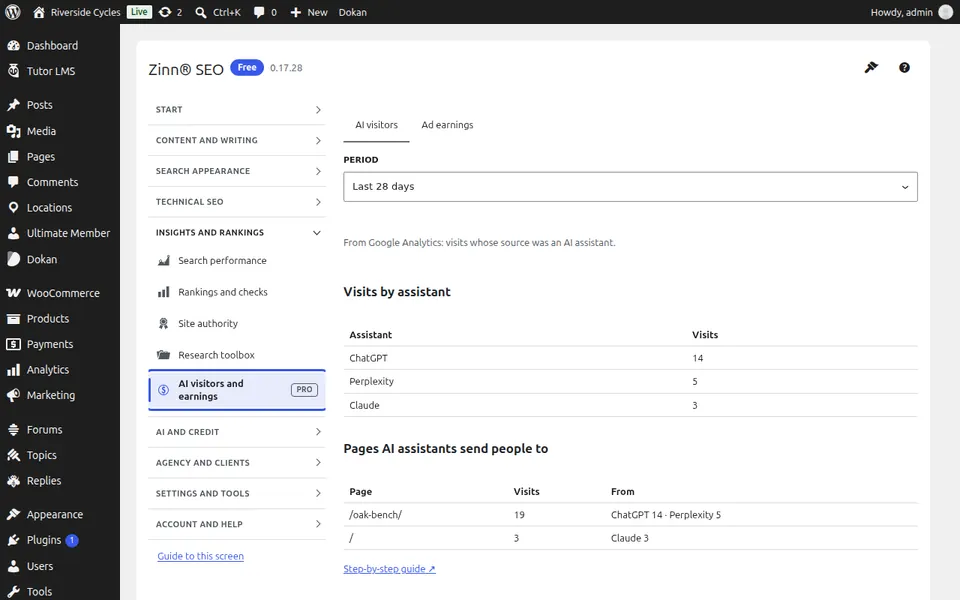
Use AI visitors and earnings
Pick a period to see visits per AI assistant and landing page, and open the earnings view to compare each page's ad revenue with its search clicks.
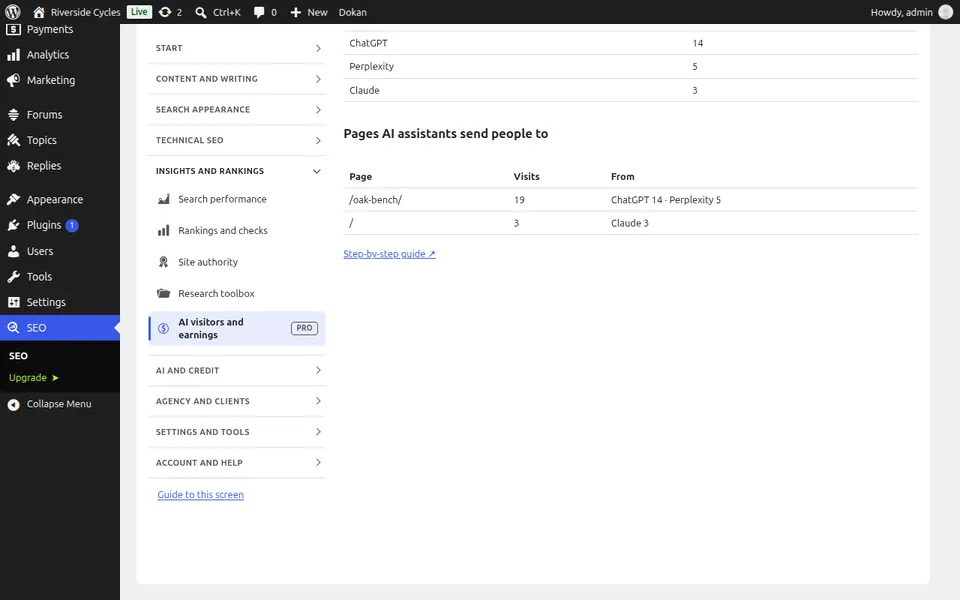
Step-by-step guides for this screen
Next guide: The AI screen
From the same team
Want fast hosting to go with it?
Zinn Digital® hosts WordPress on its own servers, with a CDN, DNS, TLS and daily backups included in every plan.