 Zinn® SEO
The AI screen
AI that writes titles, descriptions and alt text, redirects missing pages to the right page, answers questions about your search data and helps you plan pages — with your own AI key or Zinn® credits.
Open AI
In WordPress, open SEO in the menu, then AI under AI and credit in the plugin's side menu. AI that writes titles, descriptions and alt text, redirects missing pages to the right page, answers questions about your search data and helps you plan pages — with your own AI key or Zinn® credits.
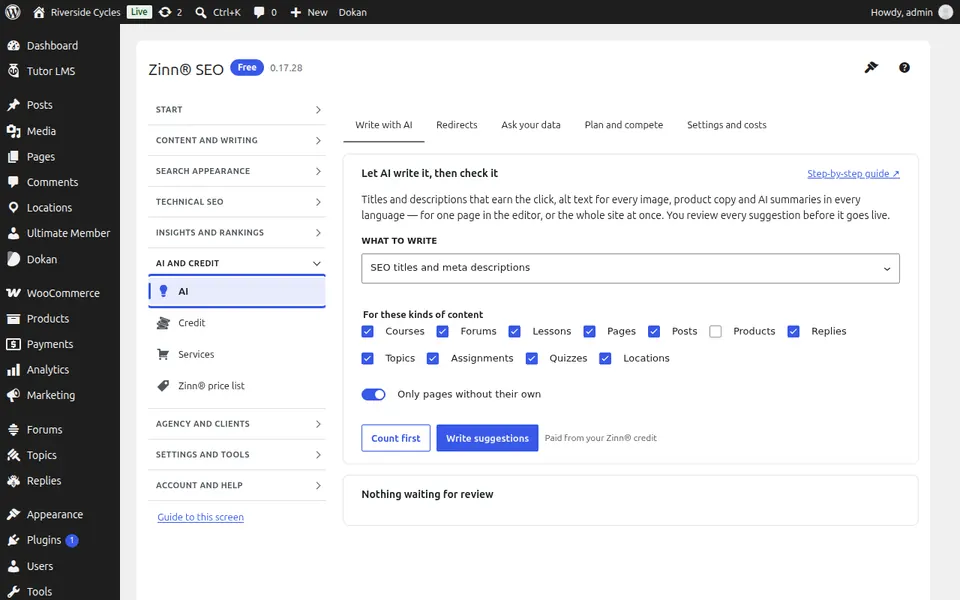
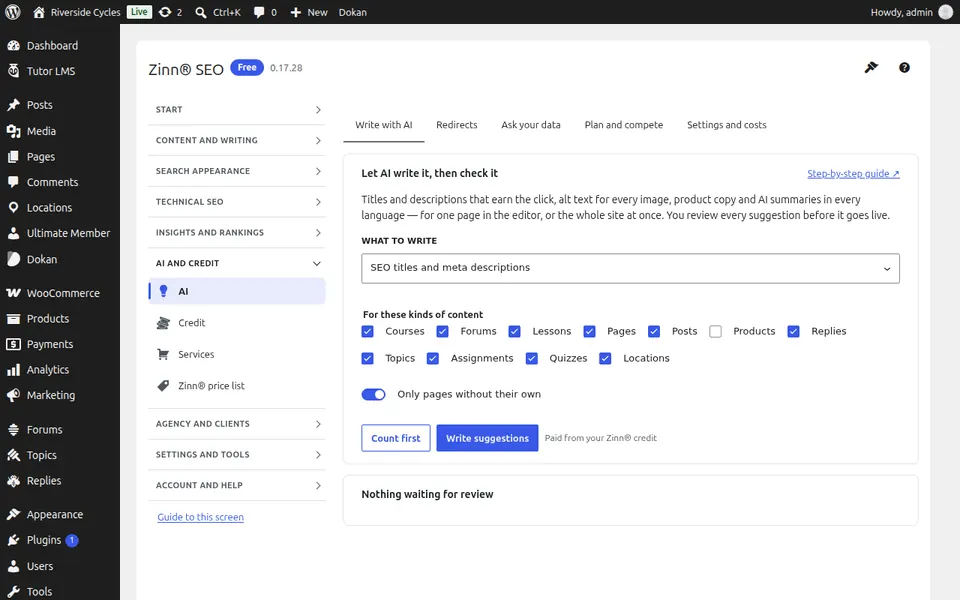
The Write with AI tab
Open the Write with AI tab. Let AI write titles, descriptions and alt text for many pages at once; every suggestion waits for your review.
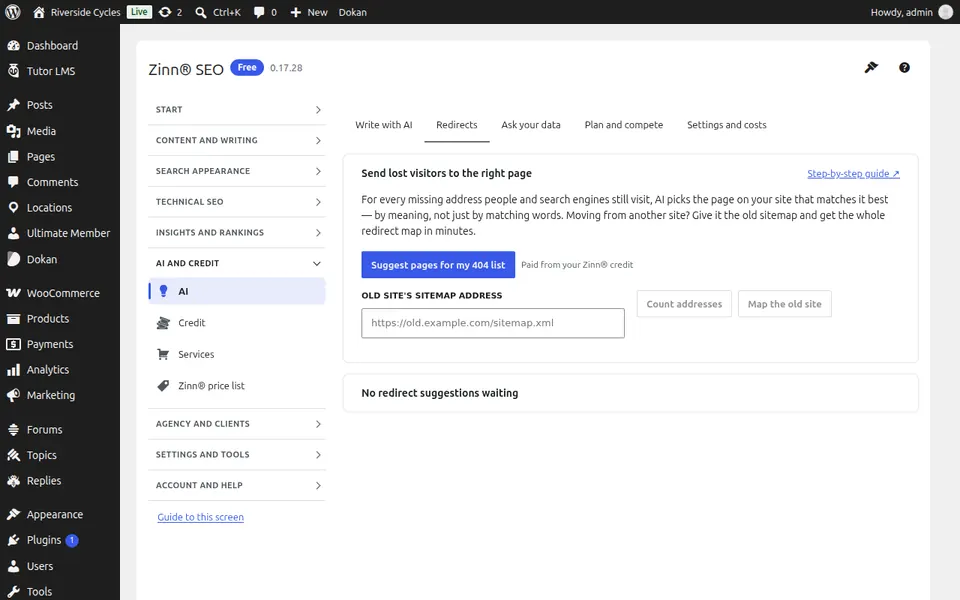
The Redirects tab
Open the Redirects tab. Let AI match missing addresses, or an old site's addresses, to the right page here, and accept the redirects you agree with.
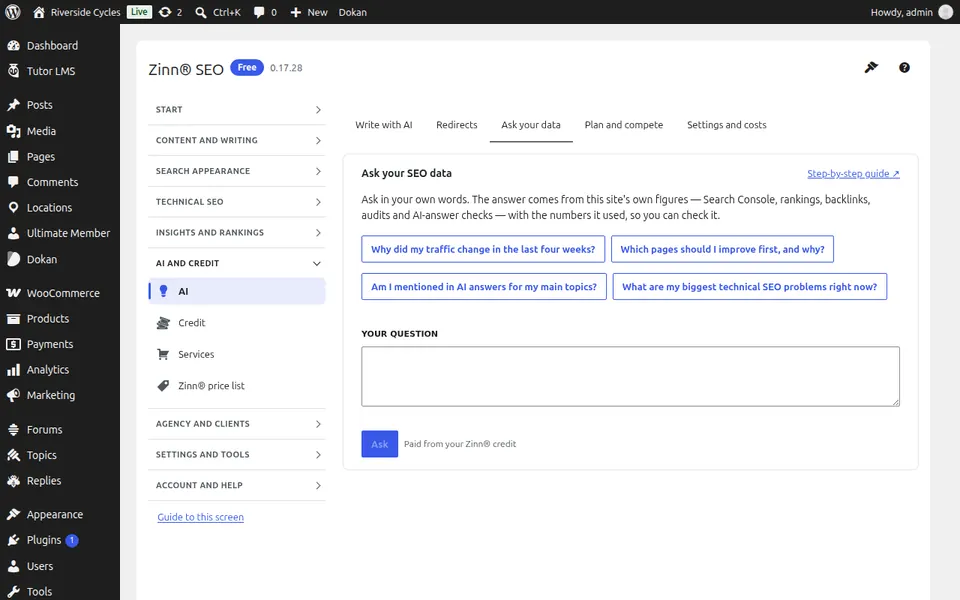
The Ask your data tab
Open the Ask your data tab. Ask questions about your own search data in plain words.
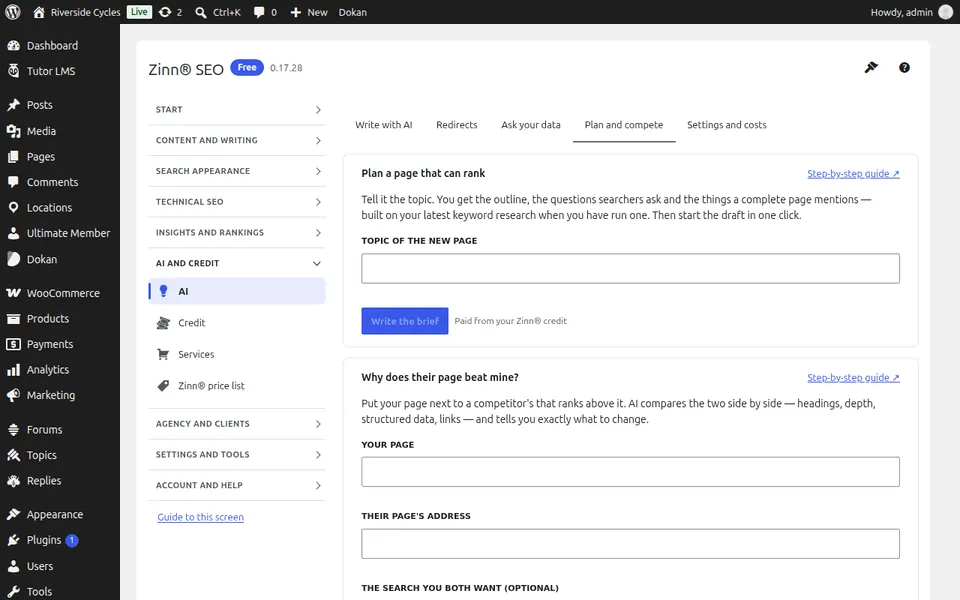
The Plan and compete tab
Open the Plan and compete tab. Plan a new page with an AI content brief, and see why a competitor outranks you.
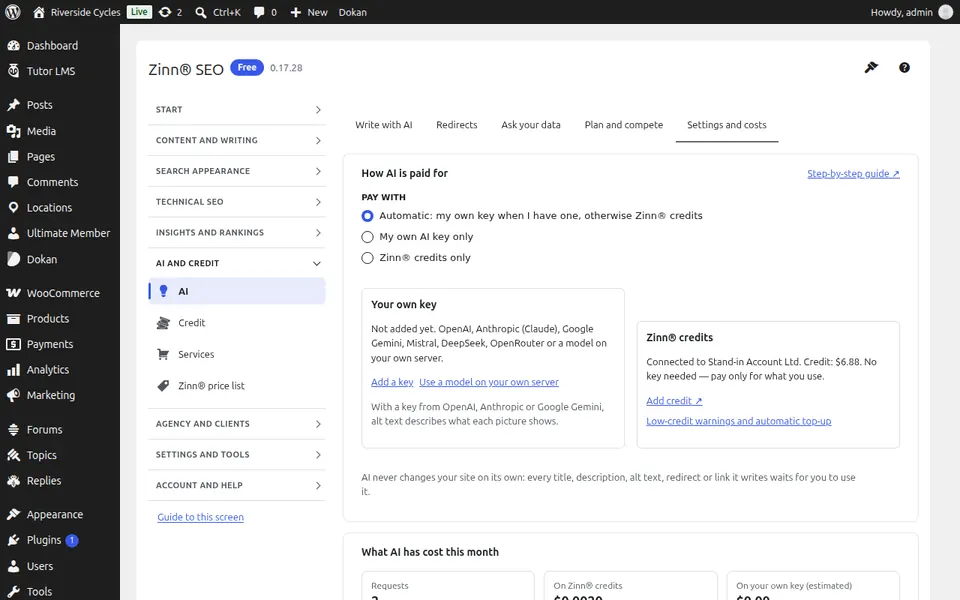
The Settings and costs tab
Open the Settings and costs tab. Choose how AI is paid for — your own key or Zinn® credits — and see what each task costs.
Step-by-step guides for this screen
- Use AI to write SEO titles, descriptions and alt text
- Redirect missing pages with AI (Pro)
- Ask your SEO data questions (Pro)
- AI providers
Next guide: The Credit screen
From the same team
Want fast hosting to go with it?
Zinn Digital® hosts WordPress on its own servers, with a CDN, DNS, TLS and daily backups included in every plan.