 Zinn® SEO
The Fix it screen
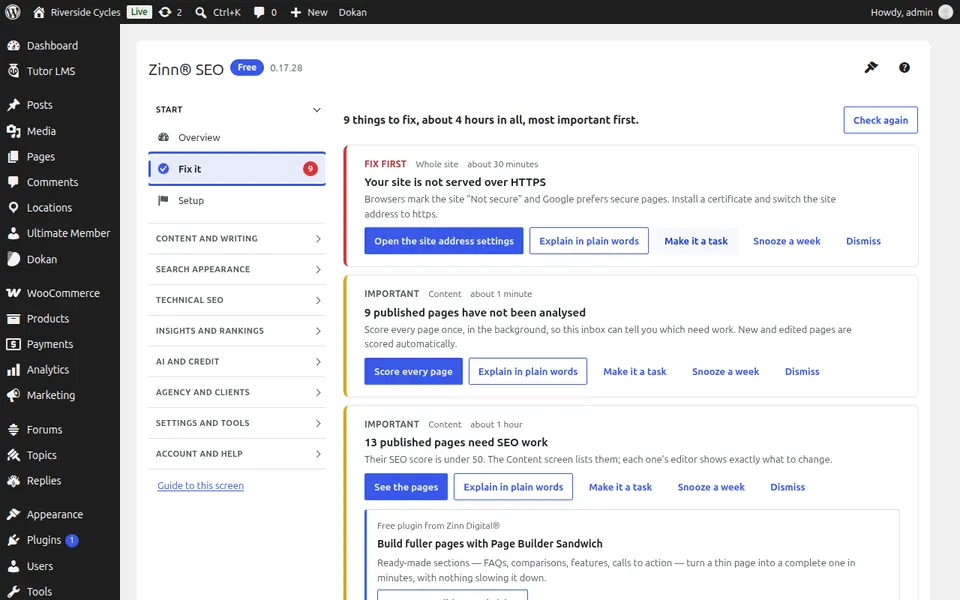
One list of everything worth fixing across your site, most important first, with how long each fix takes and a one-click fix where there is one.
Open Fix it
In WordPress, open SEO in the menu, then Fix it under Start in the plugin's side menu. One list of everything worth fixing across your site, most important first, with how long each fix takes and a one-click fix where there is one.
Use Fix it
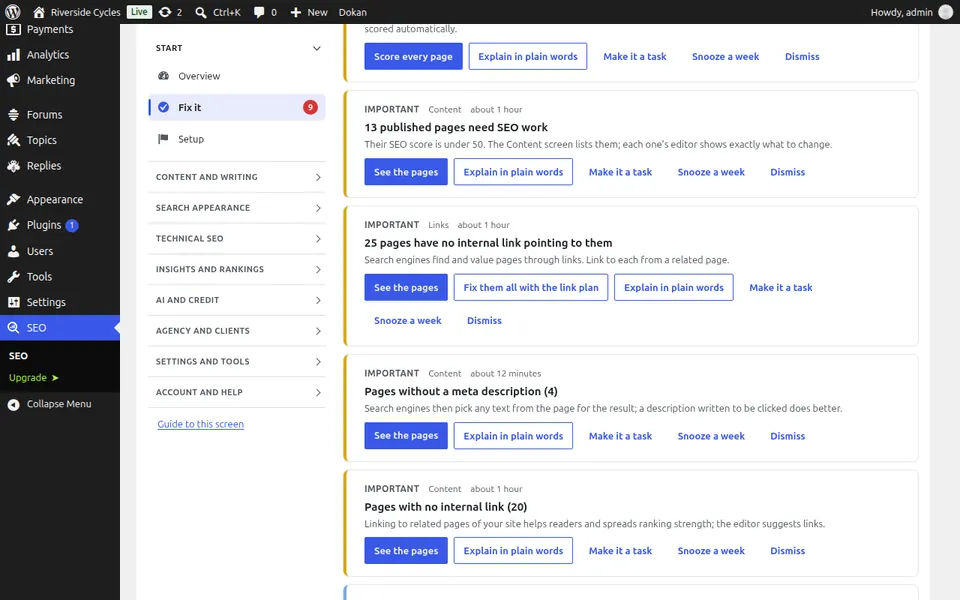
Work down the list: each item says what is wrong, why it matters and which pages it affects. Press its button to fix it, or snooze it until later.
Step-by-step guides for this screen
Next guide: The Fix it on autopilot screen
From the same team
Want fast hosting to go with it?
Zinn Digital® hosts WordPress on its own servers, with a CDN, DNS, TLS and daily backups included in every plan.