 Zinn® SEO
The Tools screen
Copy your settings to another site, see background jobs, and edit server rules safely.
Open Tools
In WordPress, open SEO in the menu, then Tools under Settings and tools in the plugin's side menu. Copy your settings to another site, see background jobs, and edit server rules safely.
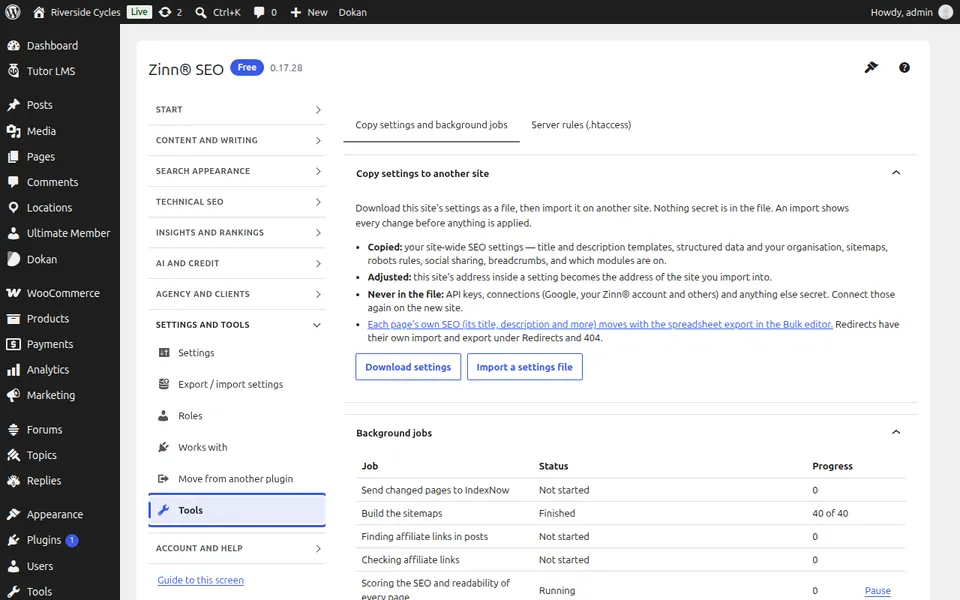
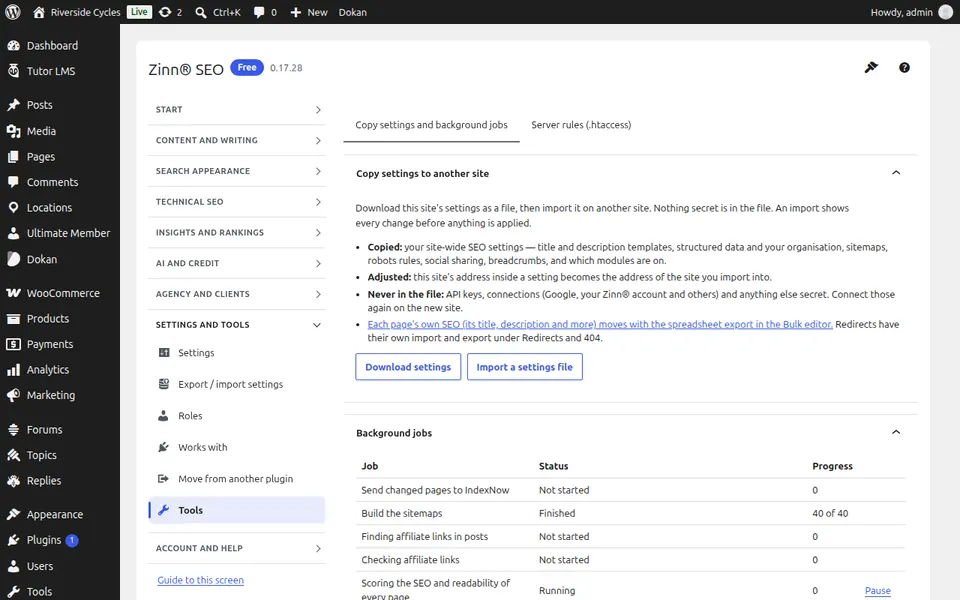
The Copy settings and background jobs tab
Open the Copy settings and background jobs tab. Export your SEO settings to a file and import them on another site — previewed first, nothing secret included — and see the background jobs the plugin runs.
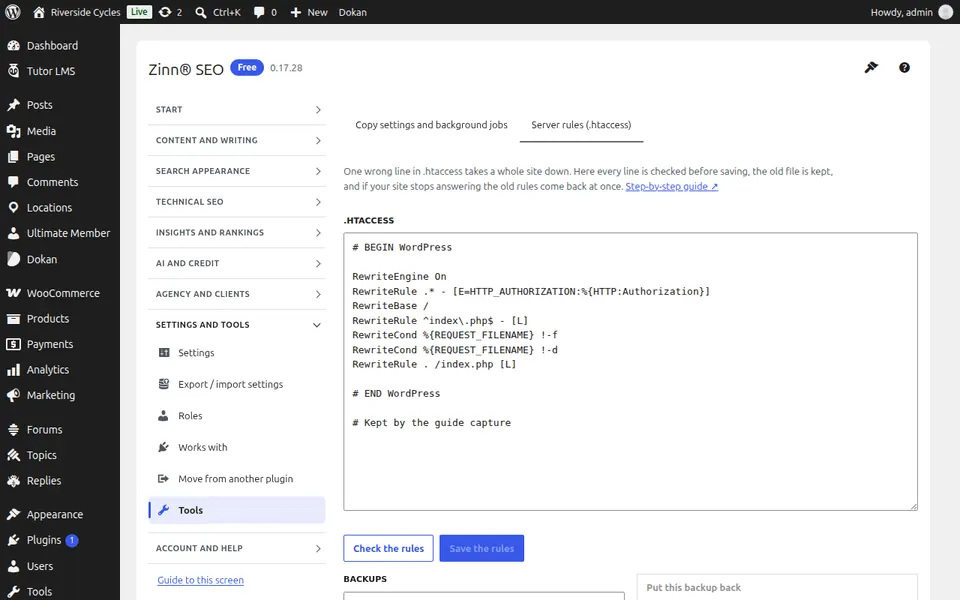
The Server rules (.htaccess) tab
Open the Server rules (.htaccess) tab. Edit .htaccess or your Nginx rules safely: every line is checked, the old file is kept, and it comes back if the site stops answering.
Step-by-step guides for this screen
Next guide: The Plans and licence screen
From the same team
Want fast hosting to go with it?
Zinn Digital® hosts WordPress on its own servers, with a CDN, DNS, TLS and daily backups included in every plan.