 Zinn® SEO
Fix every internal link in one click
Let Zinn® SEO Pro find every internal link that hops through a redirect, lands on a missing, trashed, unpublished or hidden page, or points at the wrong language, and fix them all in one run you review first and can undo in one click.
Start the link fix
In WordPress, open SEO, Links, then the Broken links tab, and press Fix every internal link. You can also tick Fix every internal link that hits a redirect, a missing page or the wrong language under Only some kinds of fix on Fix it on autopilot. It reads every page in the background; nothing changes yet.
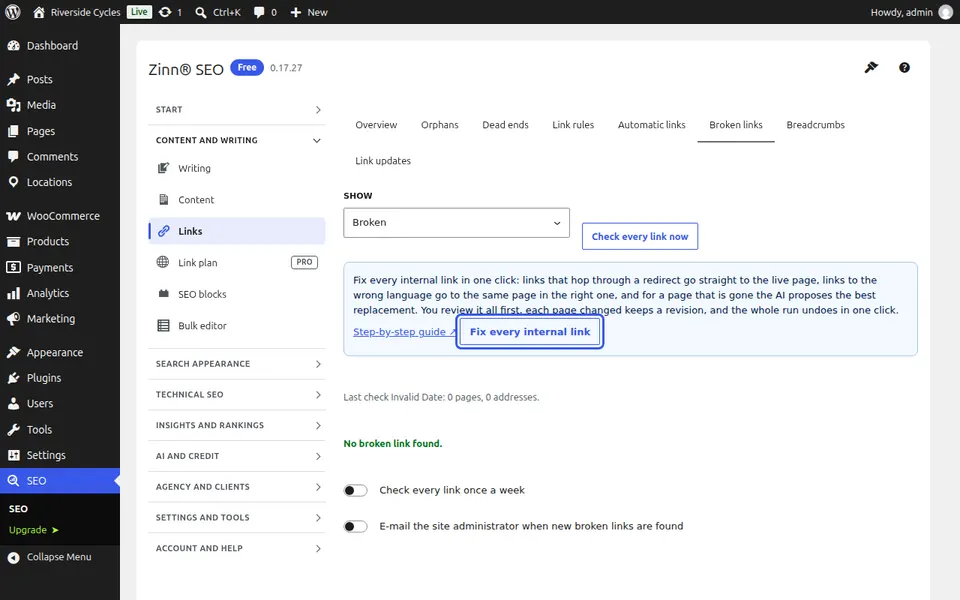
What it finds
Links that go through a redirect, or through several in a row, including the old address WordPress keeps when a page is renamed. Links to a page in the bin, a page that is not published, a page hidden from search, or an address with no page at all. And on a translated page, links to the same page in another language when your site has it in the page's own language. Links that already work, and links to other sites, are left alone.
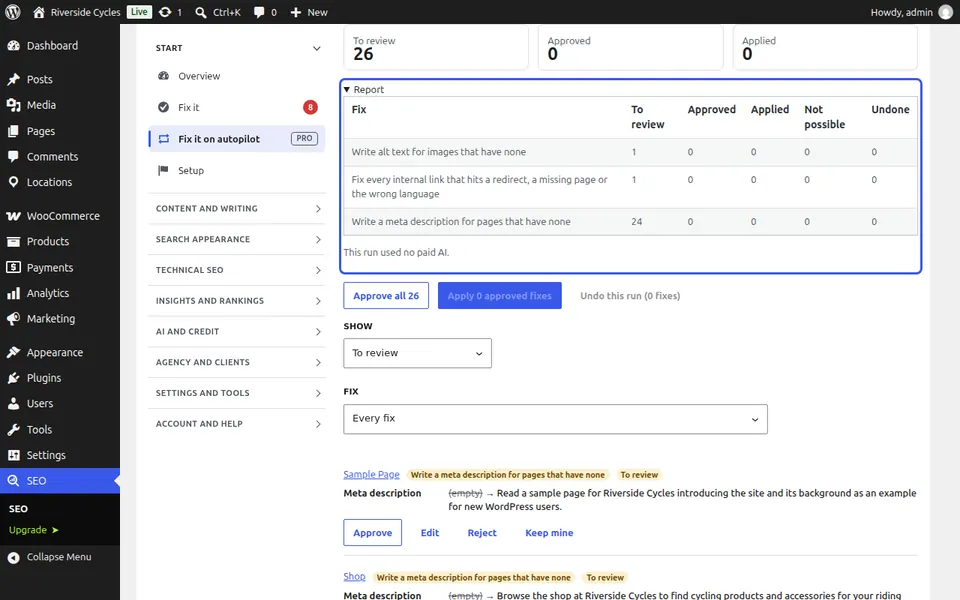
Check each fix
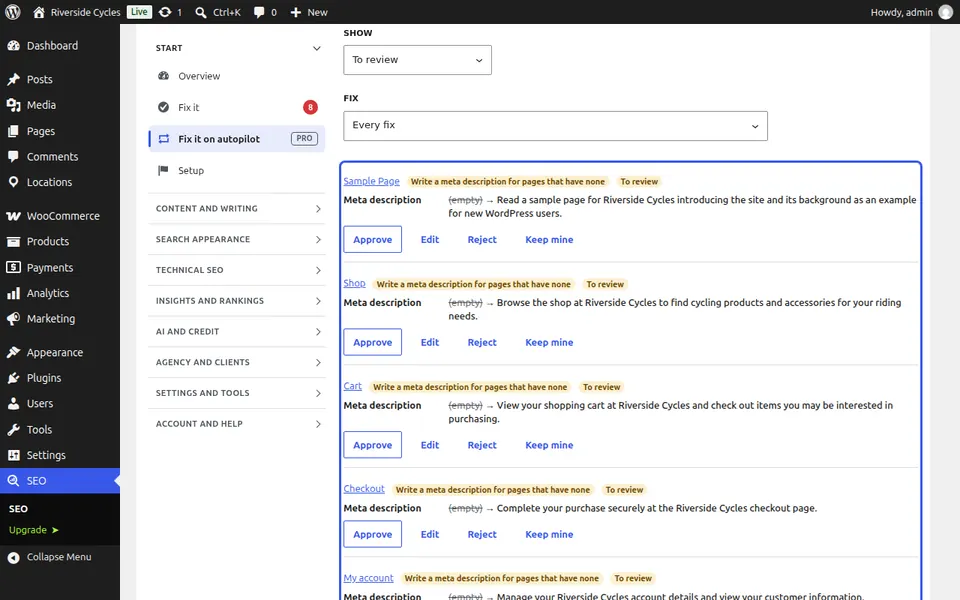
Each fix shows the page it is on, the link as it is now, where it will point, and why. A redirect points straight at the live page; a wrong-language link points at the translation. When the page is gone, the AI proposes the page of your site closest in meaning, on Zinn® credits or your own AI key. When nothing is close enough, the fix is to unlink, keeping the words: approve those one by one.
Apply and undo
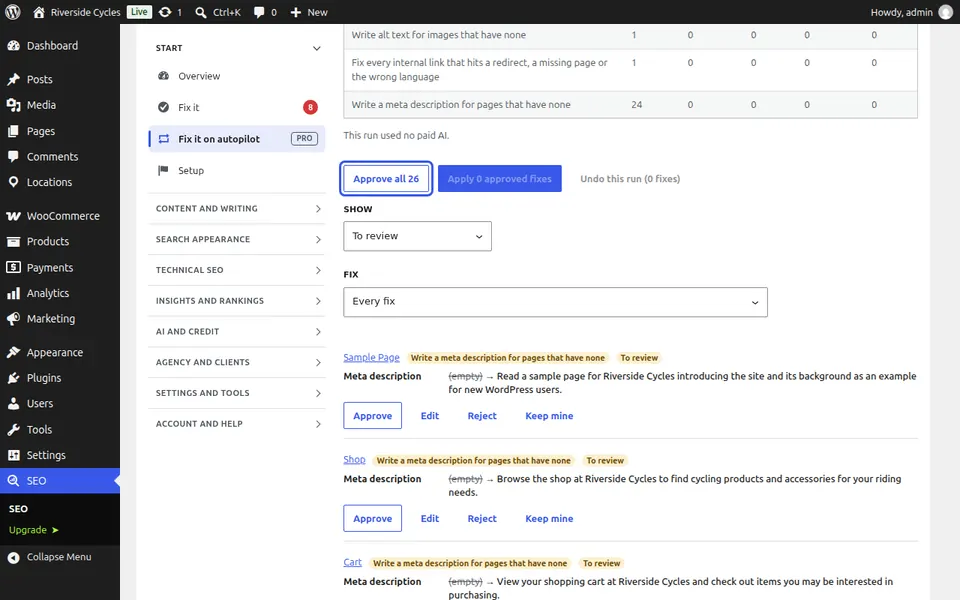
Approve all of this kind approves every fix with a new address, then Apply changes each page in one save, so each page keeps one revision you can compare or restore. Undo this run puts every page back exactly as it was, except a page someone edited since, which keeps their changes.
Next guide: See and fix every outbound link
From the same team
Want fast hosting to go with it?
Zinn Digital® hosts WordPress on its own servers, with a CDN, DNS, TLS and daily backups included in every plan.