 Zinn® SEO
Read and answer your reviews
Your Google, Trustpilot and Tripadvisor rating and newest reviews in one place, with an alert when a new review arrives or your rating slips, so a poor review never sits unanswered. You pay for each check from your Zinn® credit, and the price is shown before anything runs.
Open Reviews
Go to SEO, Research toolbox, Reviews.
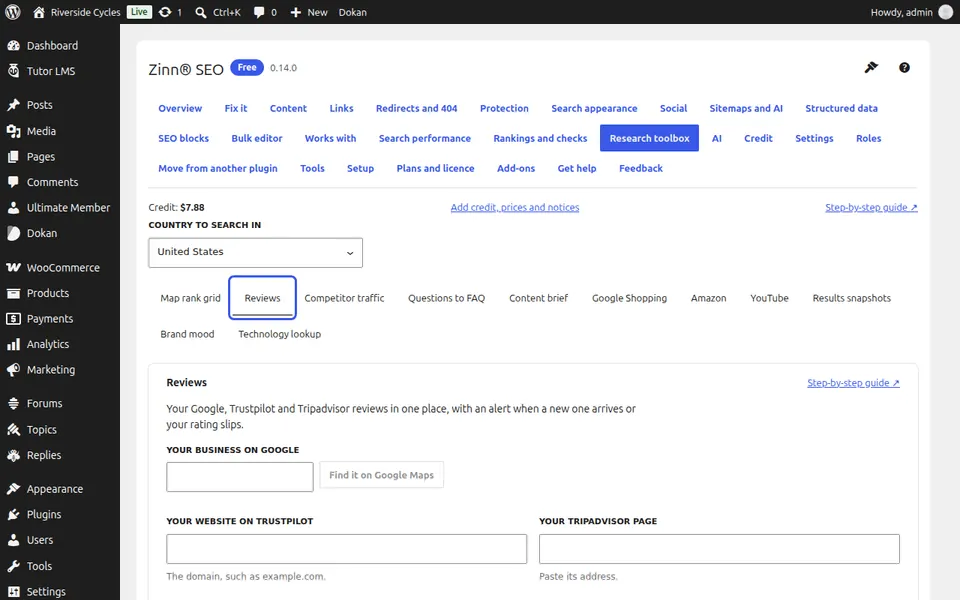
Add your Google business
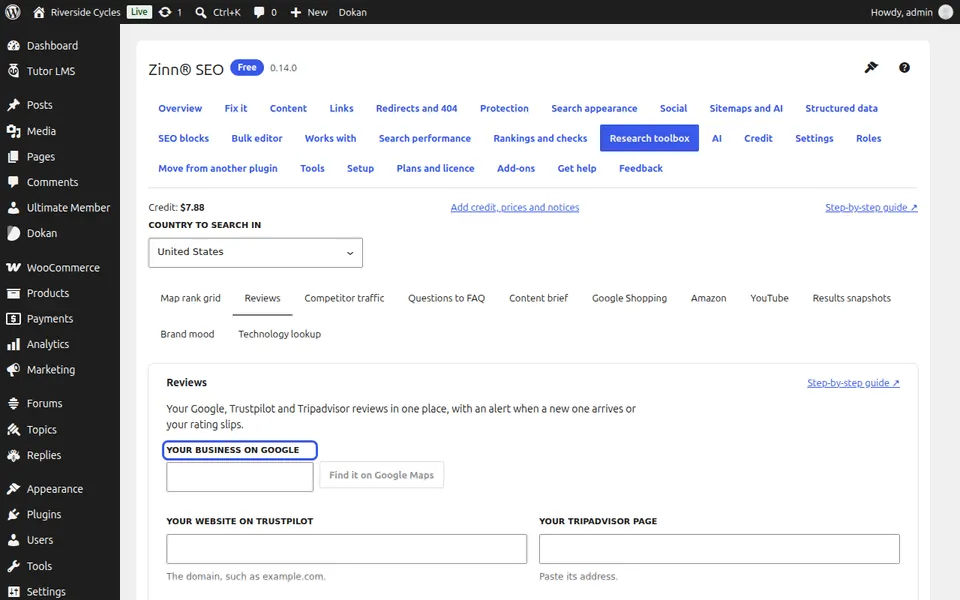
Type your business name, press Find it on Google Maps and pick yours.
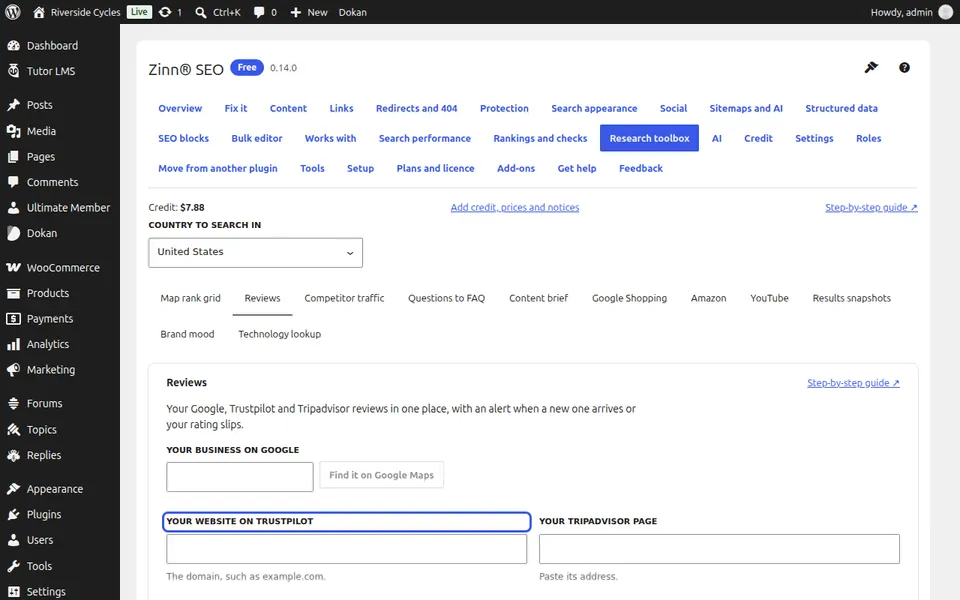
Add your Trustpilot page
Type your website's domain, for example example.com.
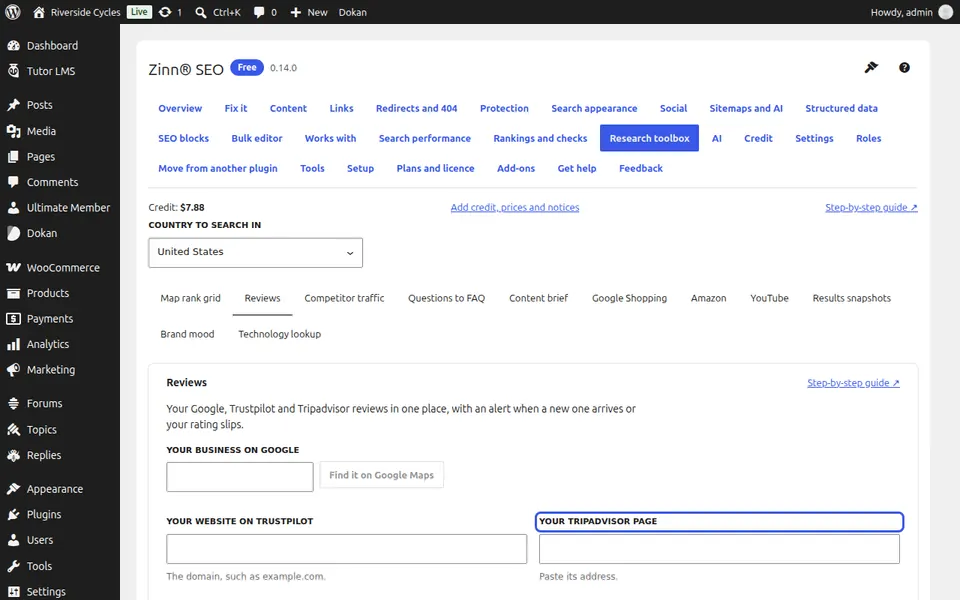
Add your Tripadvisor page
Open your Tripadvisor page in the browser and paste its address.
Read your reviews
Press Read my reviews (one charge per review site) and confirm.
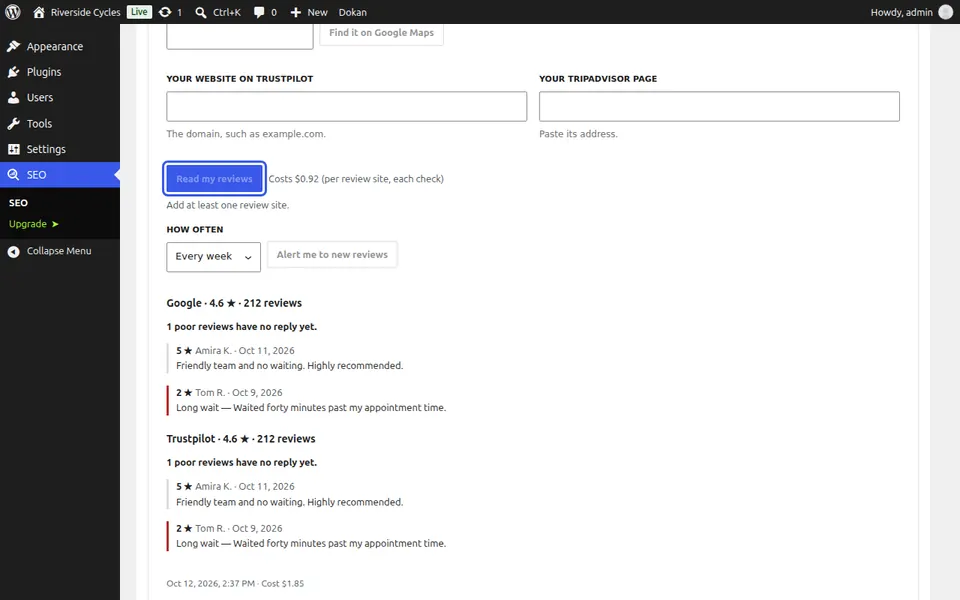
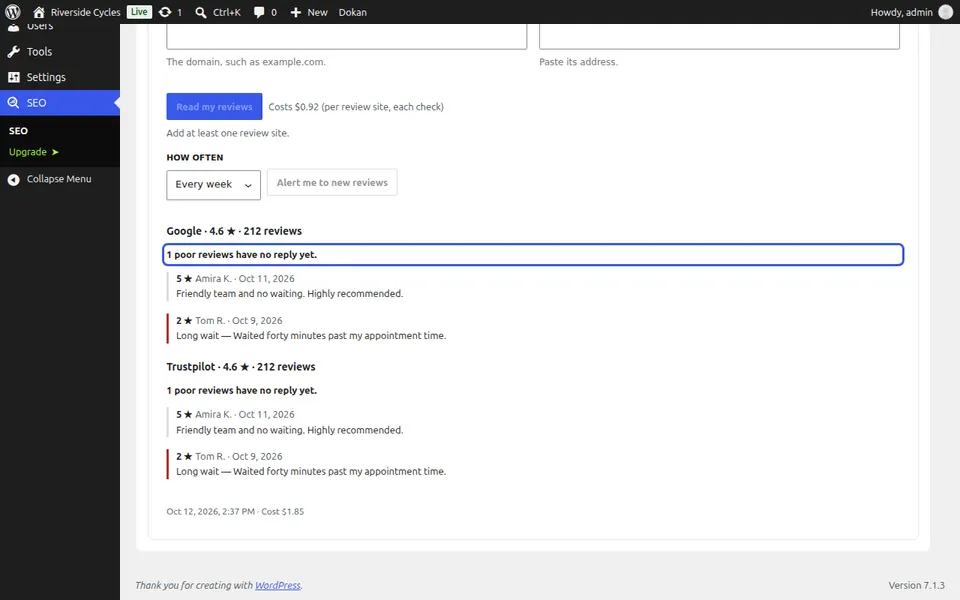
See what needs a reply
Each site shows your rating, how many reviews you have, the newest ones, and how many poor reviews (3 stars or fewer) have no reply yet. Poor reviews are marked in red.
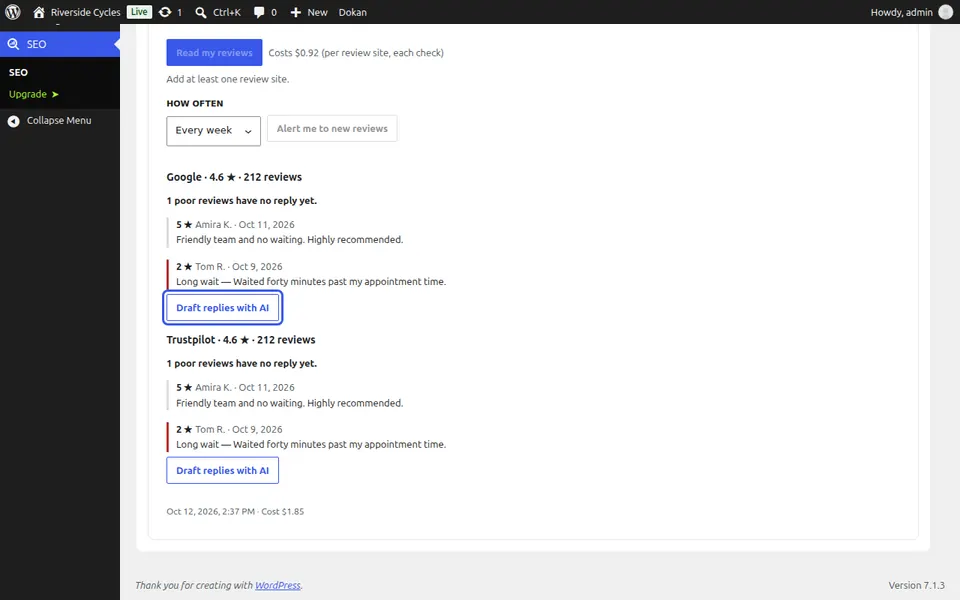
Draft replies with AI
With Zinn® SEO Pro, press Draft replies with AI. Each review gets a suggested reply: edit it, copy it and post it on the review site. Nothing is posted for you.
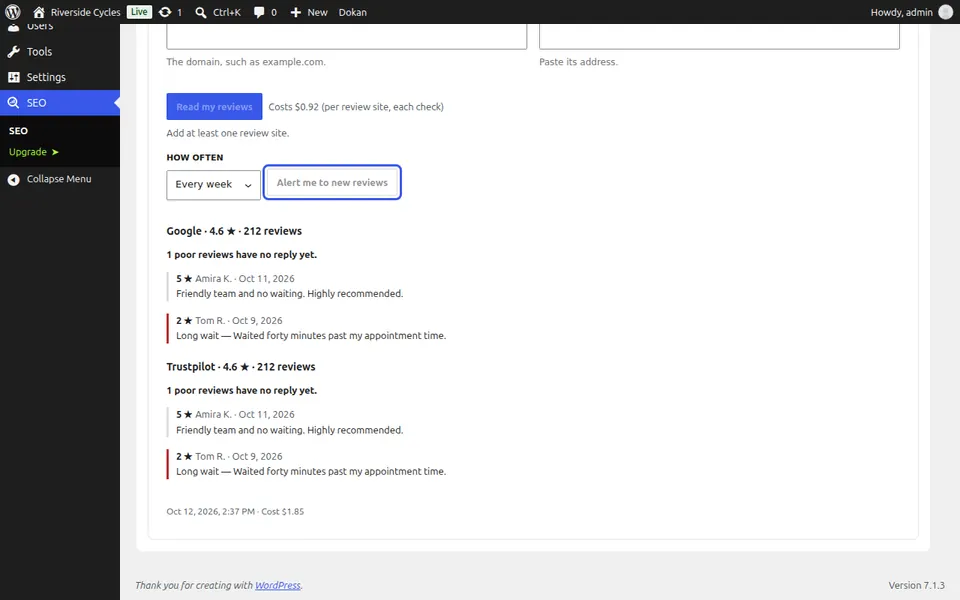
Get an alert for new reviews
Press Alert me to new reviews and choose how often to check. From the second check on, you get an e-mail and a notice in WordPress when new reviews arrive or your rating drops; the first check is the starting point, so old reviews are not reported as new.
Next guide: Track your prices on Google Shopping
From the same team
Want fast hosting to go with it?
Zinn Digital® hosts WordPress on its own servers, with a CDN, DNS, TLS and daily backups included in every plan.