 Zinn® SEO
Track your Google rankings
Follow your position on Google for the phrases that bring you customers, and see who ranks above you.
Open Rankings and checks
Go to SEO, Rankings and checks. The Rankings tab opens first.
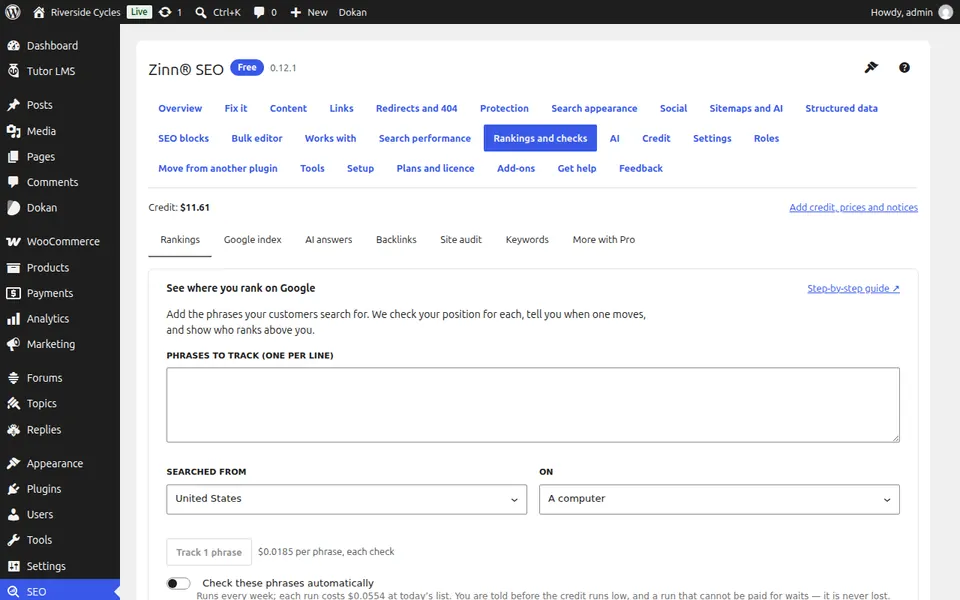
Add the phrases to track
Type the phrases your customers search for, one per line, and choose Searched from: a computer, a phone or both. Press Track.
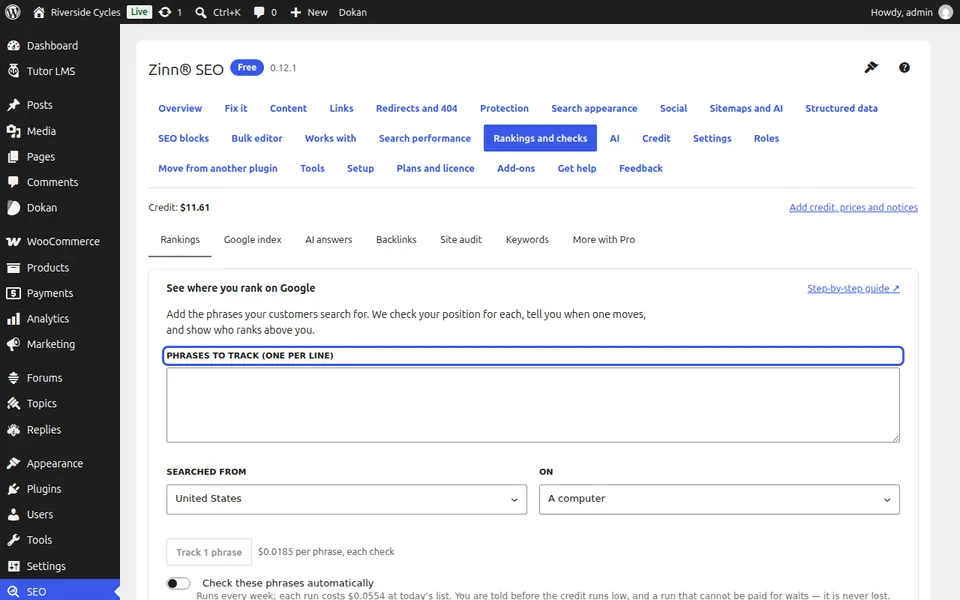
Check now or on a schedule
Check these phrases automatically runs them on your schedule; Check my rankings now runs them once. The price is shown before anything is charged.
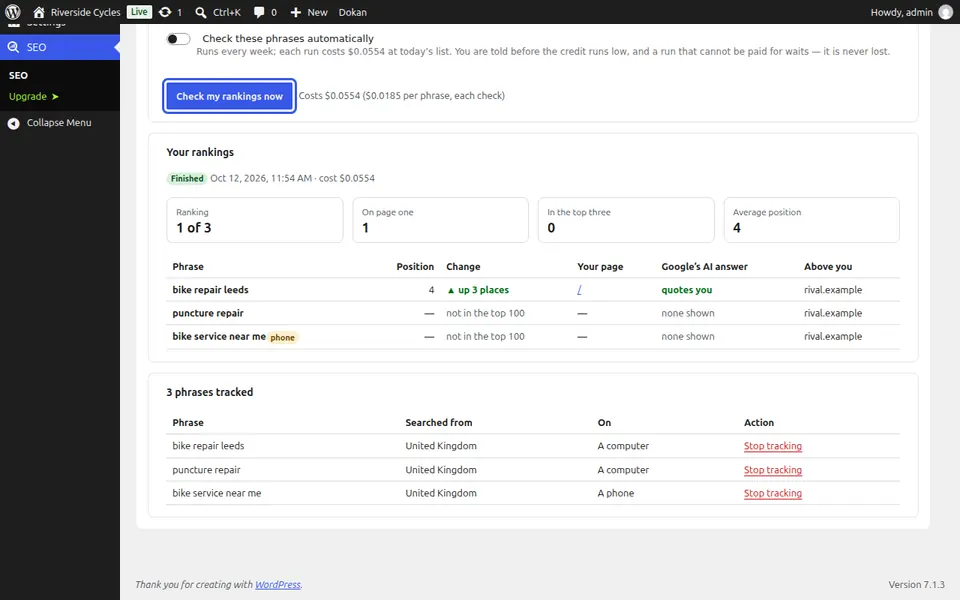
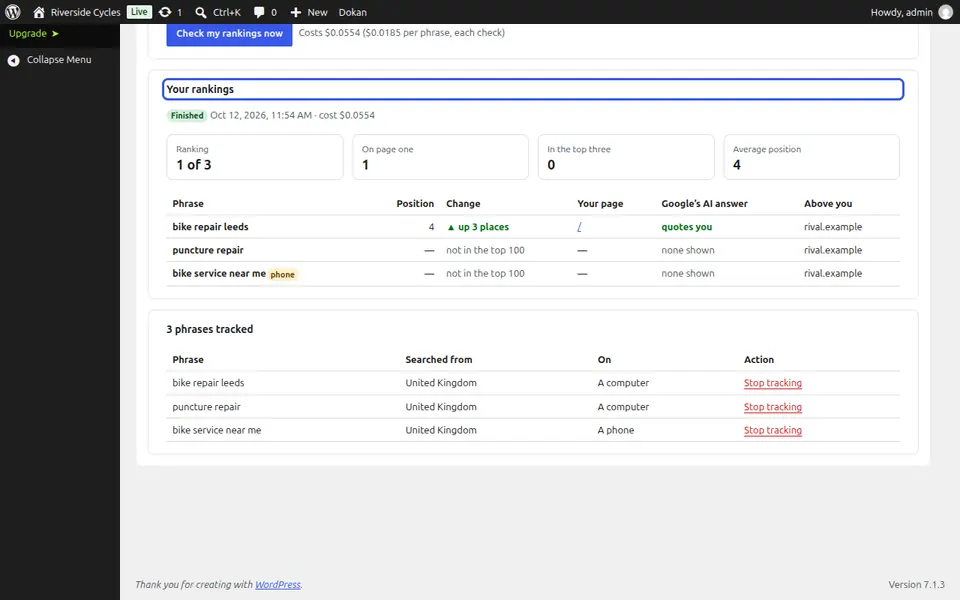
Read your rankings
Your rankings shows each phrase's position, the change since the last check, your page, whether Google's AI answer quotes you and the sites above you.
Next guide: Check which pages Google has indexed
From the same team
Want fast hosting to go with it?
Zinn Digital® hosts WordPress on its own servers, with a CDN, DNS, TLS and daily backups included in every plan.