 Zinn® SEO
Undo a move from another SEO plugin
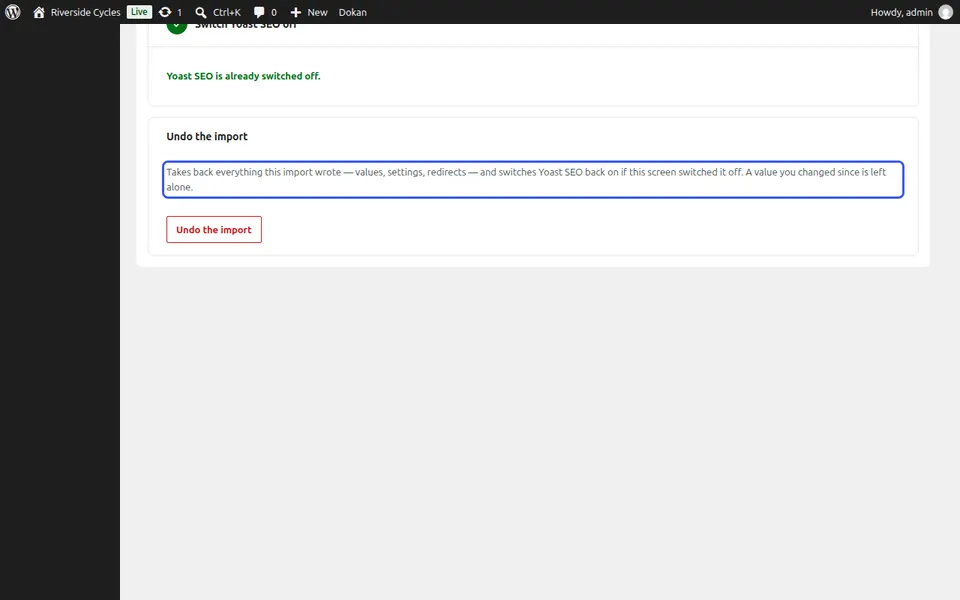
Changed your mind? One Undo puts back what was there before the move, and nothing of the old plugin was ever deleted.
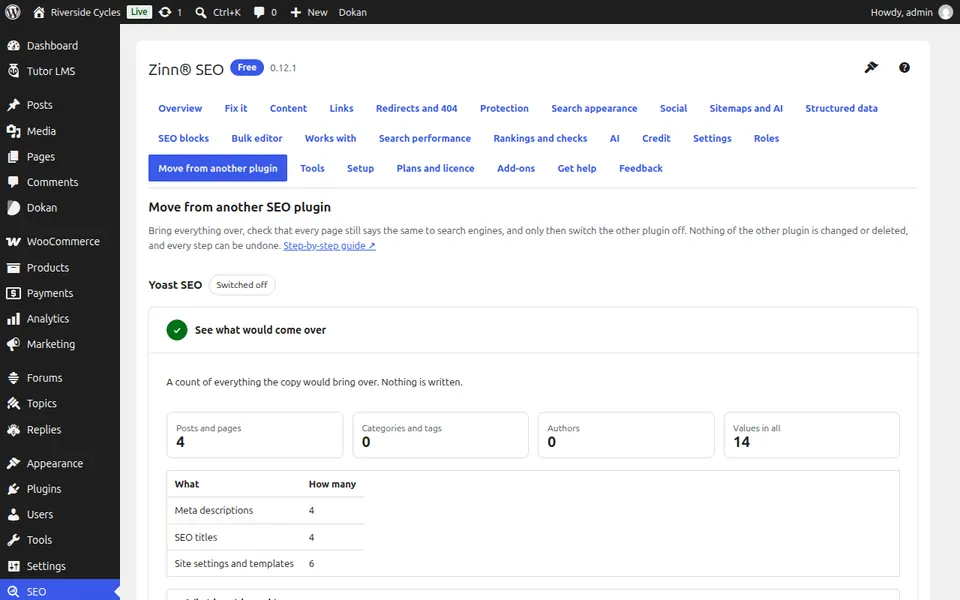
Open Move from another plugin
Go to SEO, Move from another plugin. The steps you took are listed with what each one did.
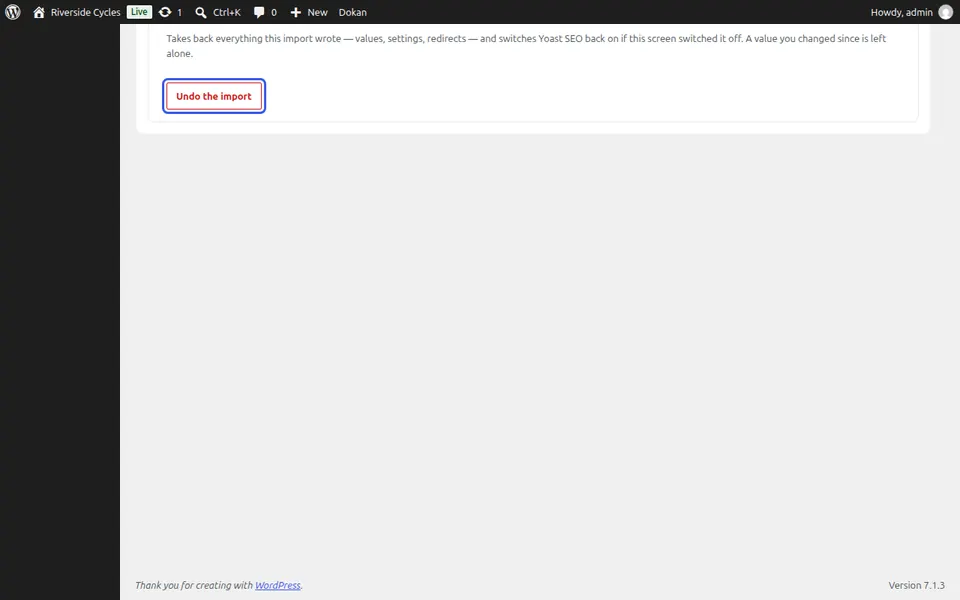
Find Undo
Undo the import is at the end of the screen. It removes exactly the values the copy wrote, and values you set yourself afterwards stay.
Switch the old plugin back on
If you had switched the old plugin off, switch it on again on the Plugins screen. Its own data was never changed, so it carries on where it was.
Next guide: Edit SEO titles and descriptions in bulk
From the same team
Want fast hosting to go with it?
Zinn Digital® hosts WordPress on its own servers, with a CDN, DNS, TLS and daily backups included in every plan.