 Zinn® SEO
The Bulk editor screen
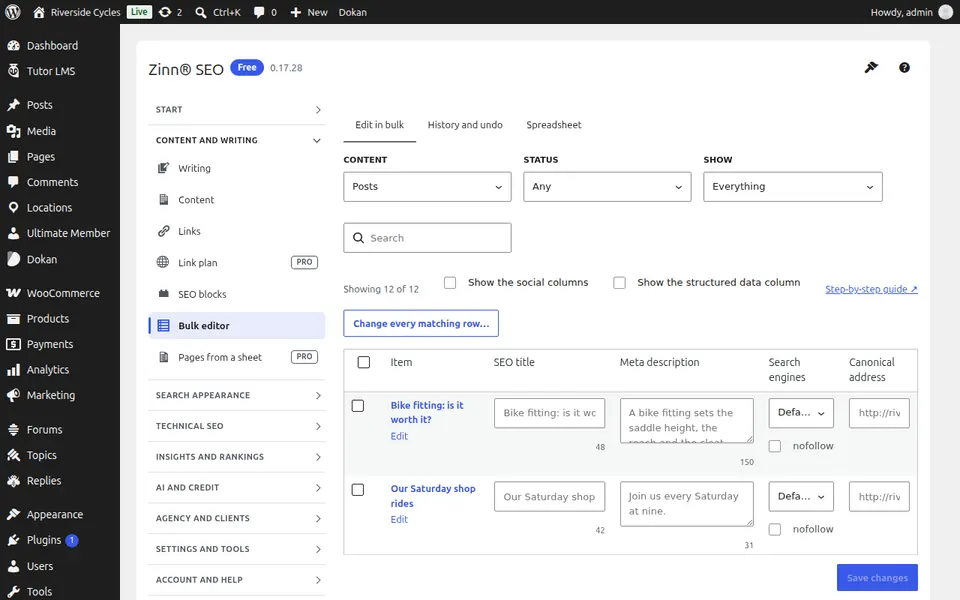
Change SEO titles, descriptions, robots and canonical addresses across thousands of pages at once, see every change you made and undo any of them, or work in a spreadsheet.
Open Bulk editor
In WordPress, open SEO in the menu, then Bulk editor under Content and writing in the plugin's side menu. Change SEO titles, descriptions, robots and canonical addresses across thousands of pages at once, see every change you made and undo any of them, or work in a spreadsheet.
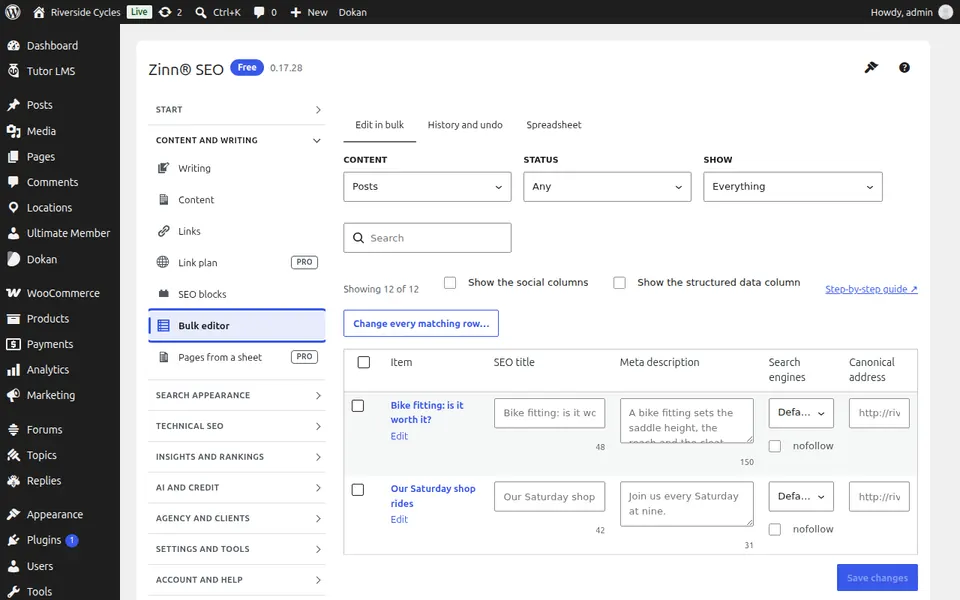
The Edit in bulk tab
Open the Edit in bulk tab. All your pages and terms with their SEO title, description, robots and canonical, and for posts a structured data column (page type, article type, FAQ, steps and details); edit in place or change every matching page at once.
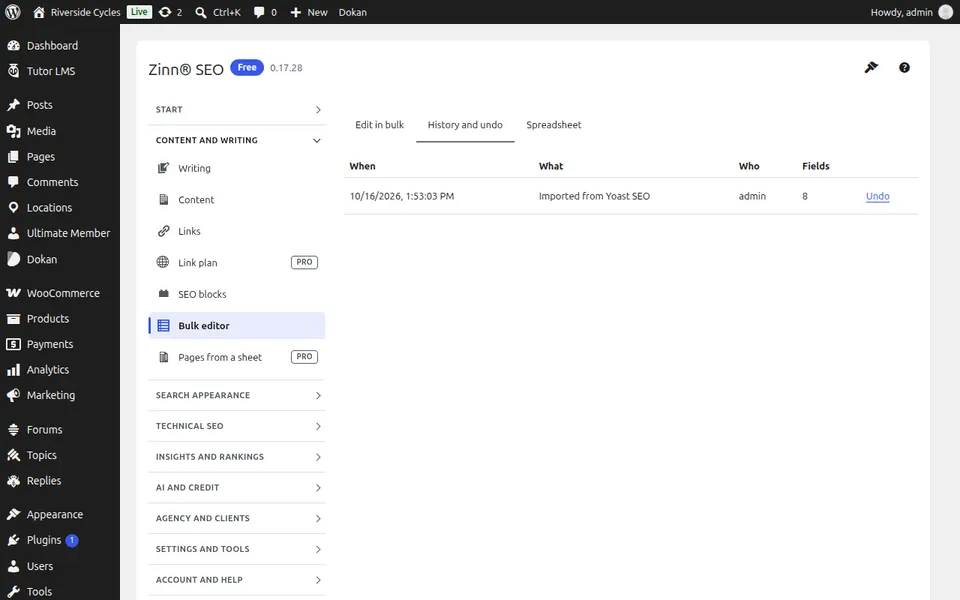
The History and undo tab
Open the History and undo tab. Every bulk change you made, who made it and when; undo any of them in one click.
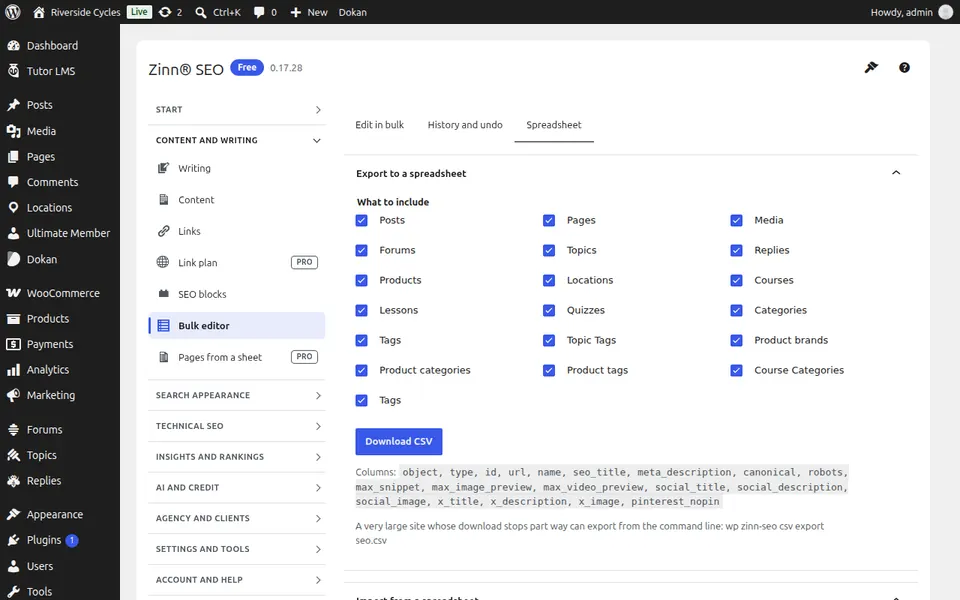
The Spreadsheet tab
Open the Spreadsheet tab. Download every SEO field to a spreadsheet and upload it back, previewed before anything changes.
Step-by-step guides for this screen
Next guide: The Pages from a sheet screen
From the same team
Want fast hosting to go with it?
Zinn Digital® hosts WordPress on its own servers, with a CDN, DNS, TLS and daily backups included in every plan.