 Zinn® SEO
The Content screen
How your content scores and where it competes with itself: scores for every page, pages that share a title or focus phrase, language versions, what visitors search for on your site and scheduled SEO changes.
Open Content
In WordPress, open SEO in the menu, then Content under Content and writing in the plugin's side menu. How your content scores and where it competes with itself: scores for every page, pages that share a title or focus phrase, language versions, what visitors search for on your site and scheduled SEO changes.
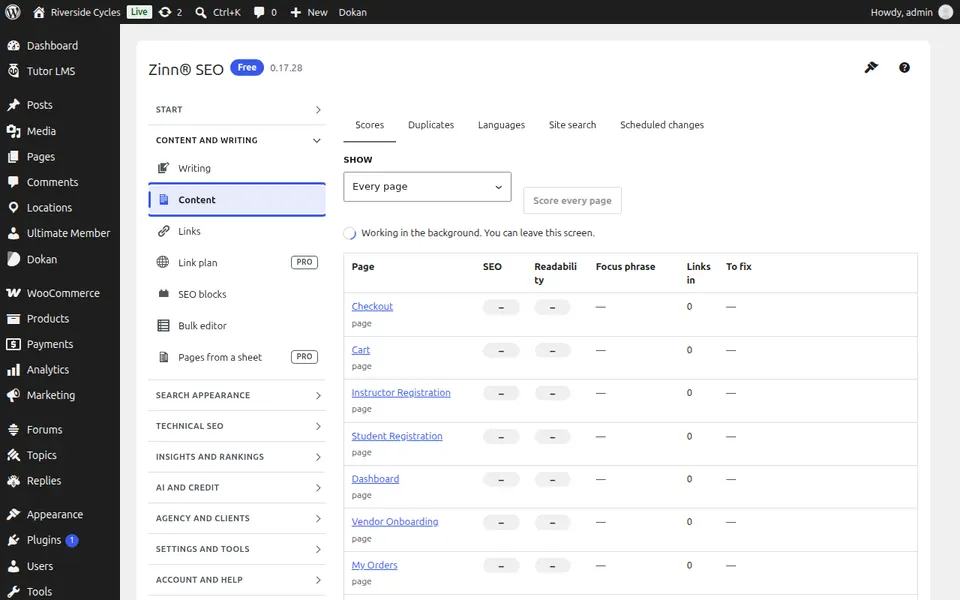
The Scores tab
Open the Scores tab. Every page's SEO and readability score in one table; sort by the lowest to see what to improve first.
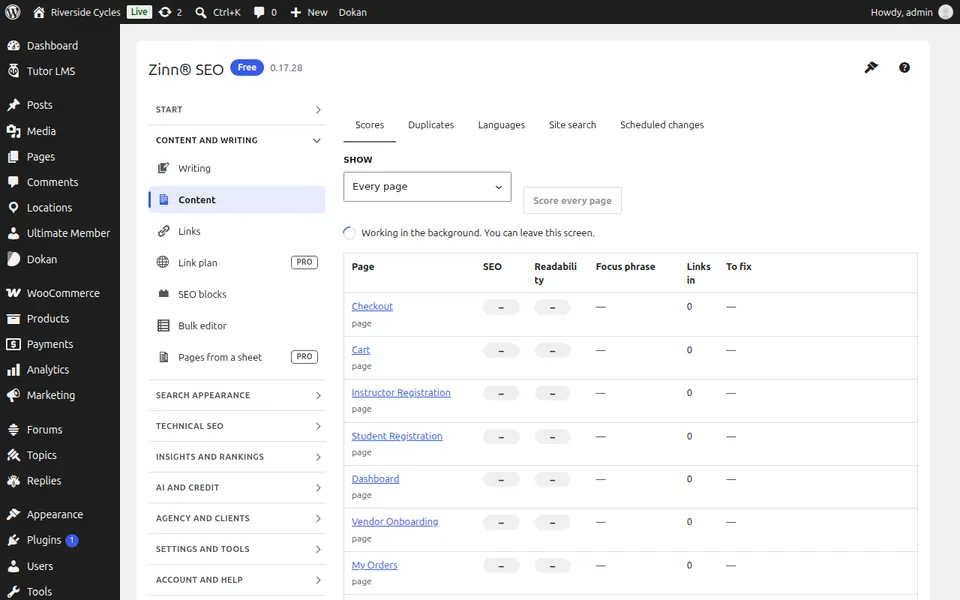
The Duplicates tab
Open the Duplicates tab. Pages that share a title, description or main heading, and pages that compete for the same focus phrase.
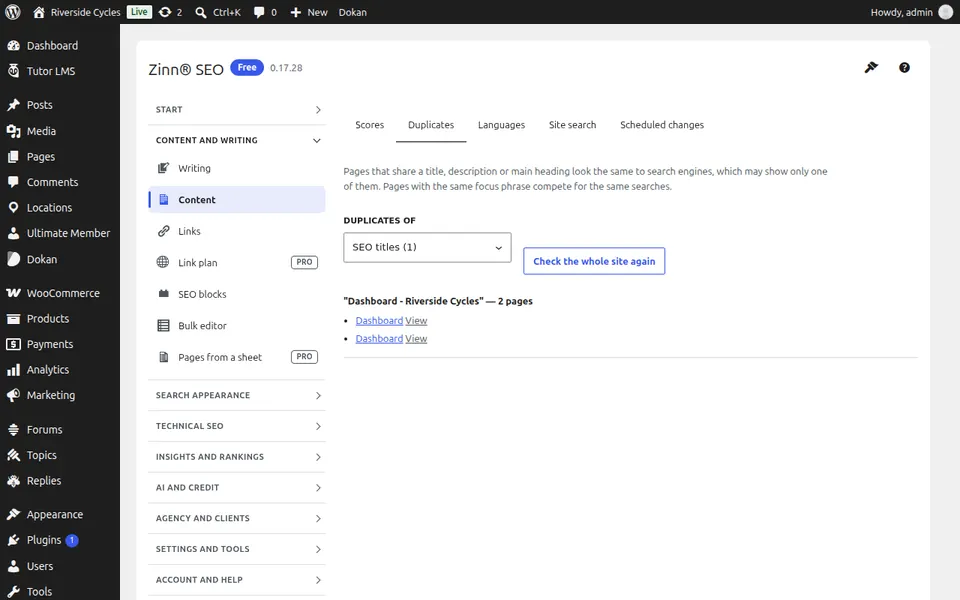
The Languages tab
Open the Languages tab. Language versions of your pages, and the ones missing a translation or a link to the others.
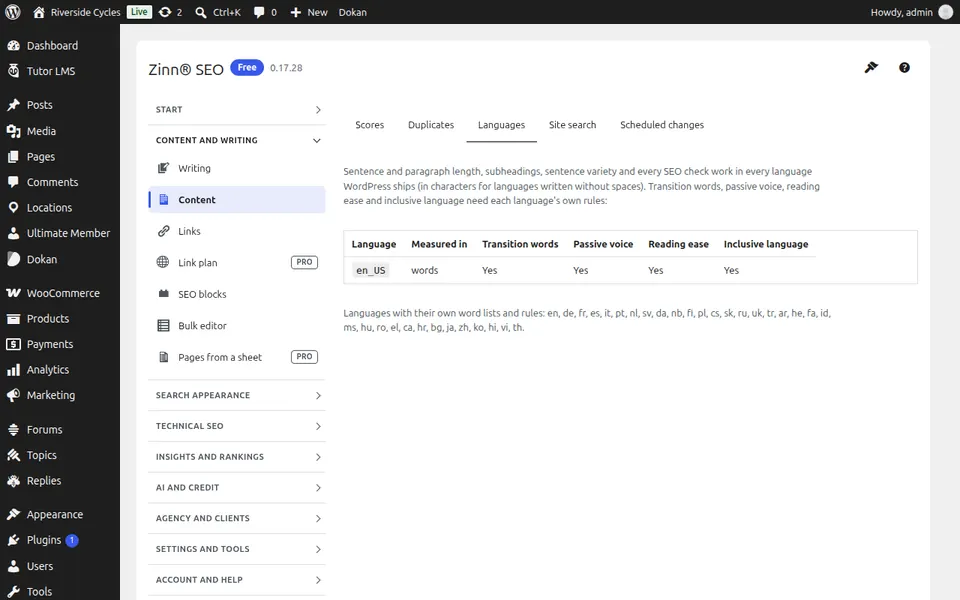
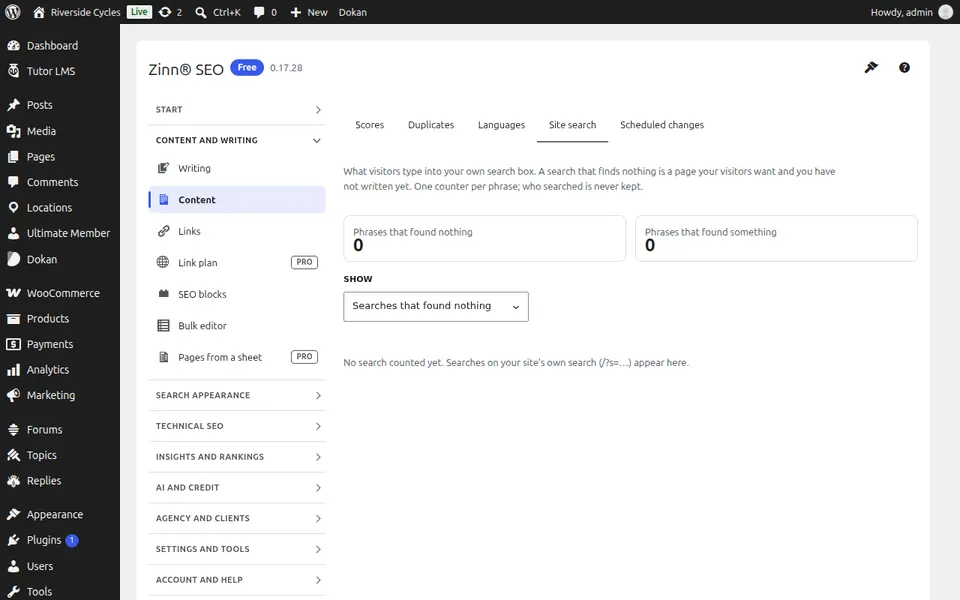
The Site search tab
Open the Site search tab. What visitors search for on your own site, and which searches find nothing — your next pages to write.
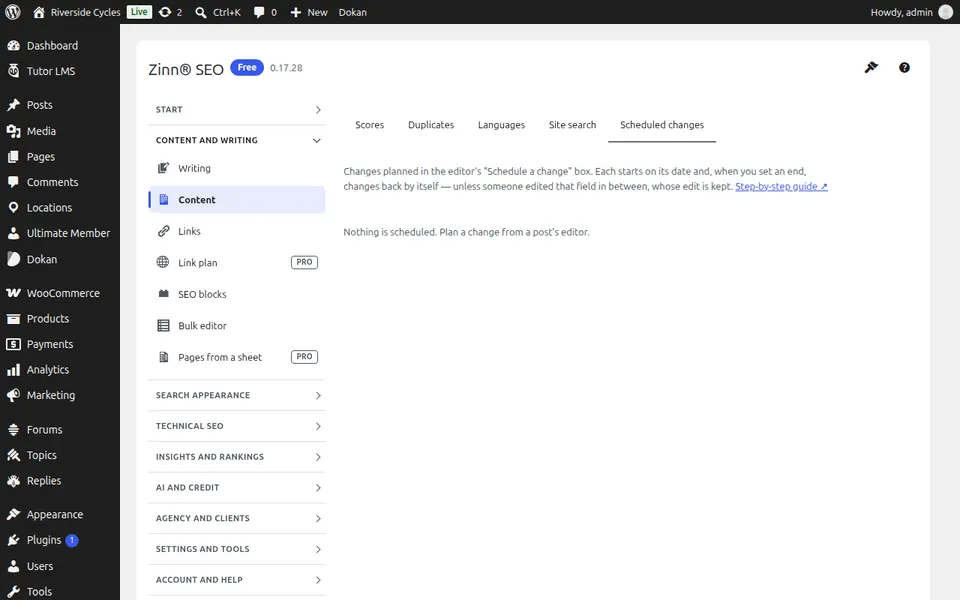
The Scheduled changes tab
Open the Scheduled changes tab. SEO changes planned for a date — a new title for a sale, a noindex for a season — and when each changes back.
Step-by-step guides for this screen
Next guide: The Links screen
From the same team
Want fast hosting to go with it?
Zinn Digital® hosts WordPress on its own servers, with a CDN, DNS, TLS and daily backups included in every plan.