 Zinn® SEO
The Links screen
Your site's internal links: which pages link where, pages nothing links to, rules for nofollow and sponsored links, automatic links, broken links, breadcrumbs and links kept up to date when addresses change.
Open Links
In WordPress, open SEO in the menu, then Links under Content and writing in the plugin's side menu. Your site's internal links: which pages link where, pages nothing links to, rules for nofollow and sponsored links, automatic links, broken links, breadcrumbs and links kept up to date when addresses change.
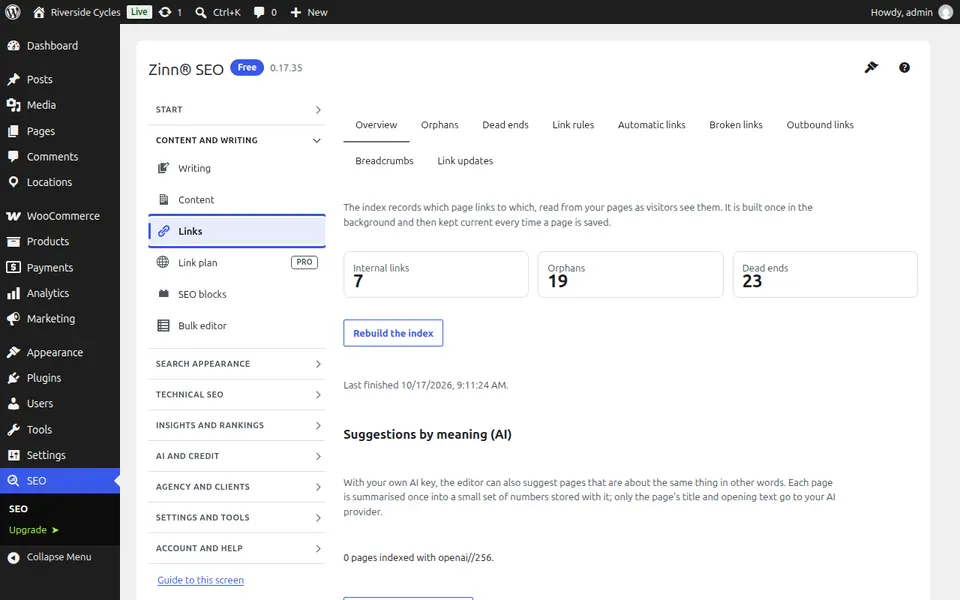
The Overview tab
Open the Overview tab. How many internal links your pages have, the most and least linked pages, and where to start.
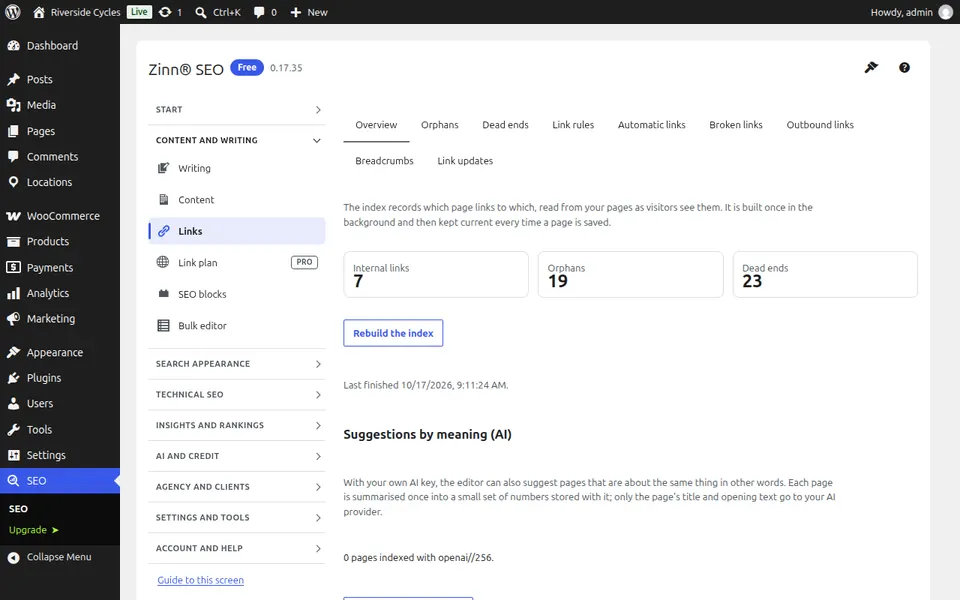
The Orphans tab
Open the Orphans tab. Pages no other page links to, so search engines rarely find them; press Add links for suggestions.
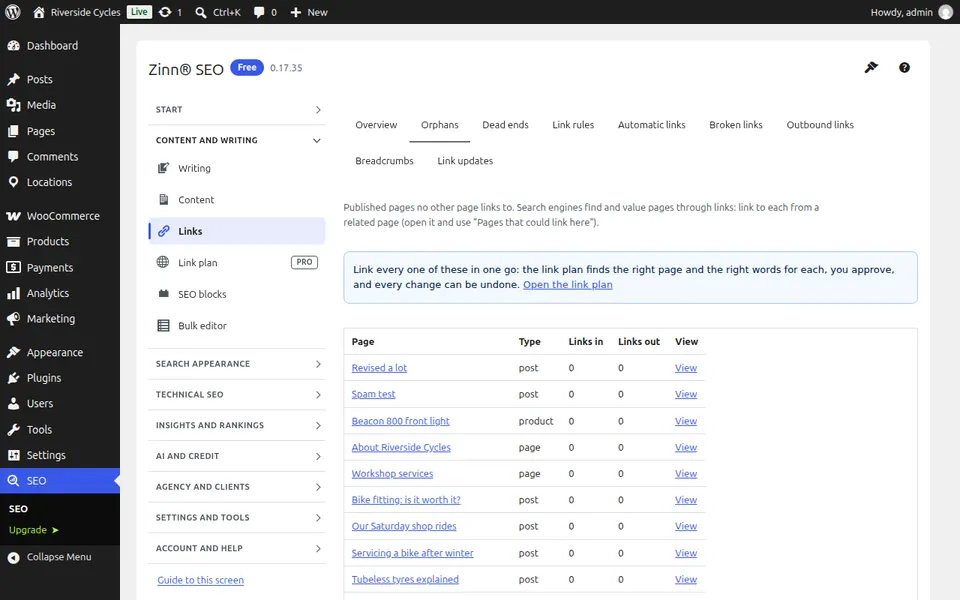
The Dead ends tab
Open the Dead ends tab. Pages that link to nothing else on your site; add links so visitors and search engines can go on.
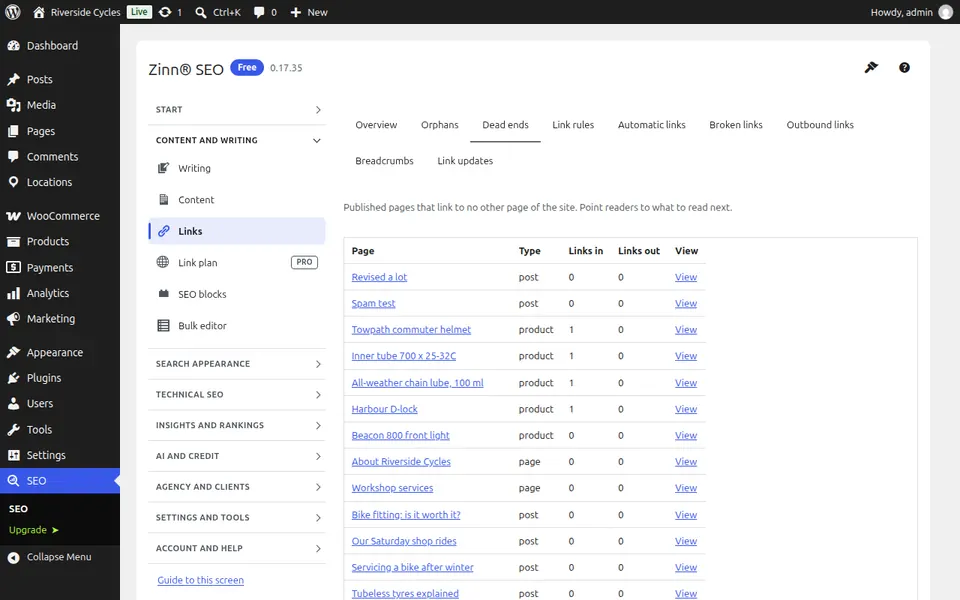
The Link rules tab
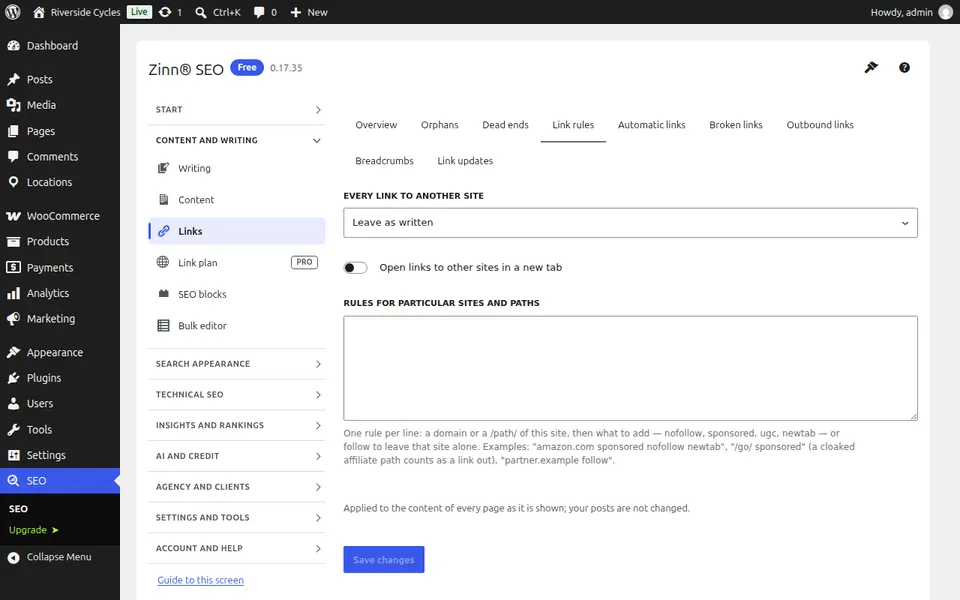
Open the Link rules tab. Rules that mark links as nofollow or sponsored, or open them in a new tab, by address or domain.
The Automatic links tab
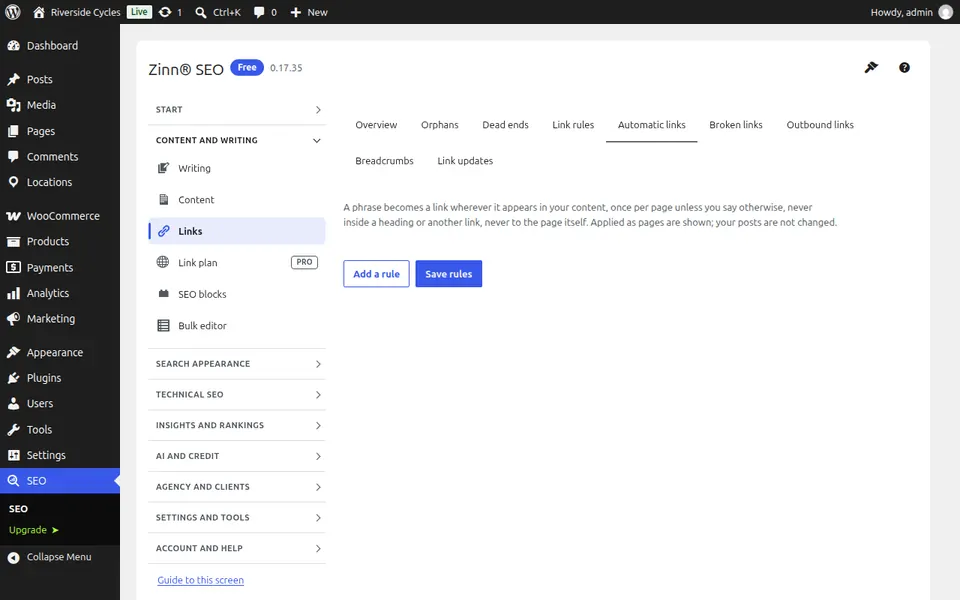
Open the Automatic links tab. Phrases that link themselves to the page you choose, wherever they appear, with a limit per page.
The Broken links tab
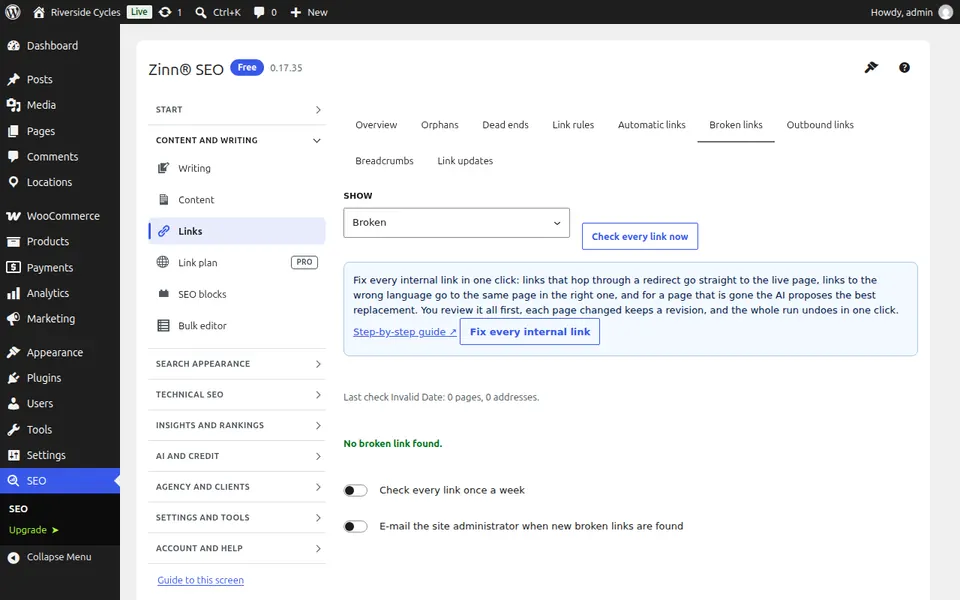
Open the Broken links tab. Links and images on your pages that no longer answer, found by a weekly check; fix or unlink each one.
The Outbound links tab
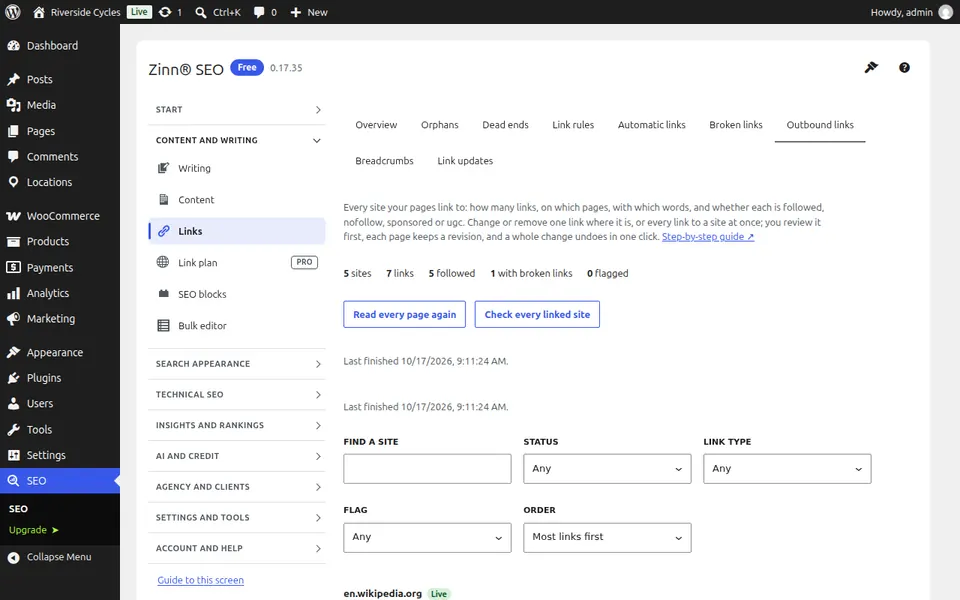
Open the Outbound links tab. Every site your pages link to, with each link's type; check the sites and change or remove links (Pro).
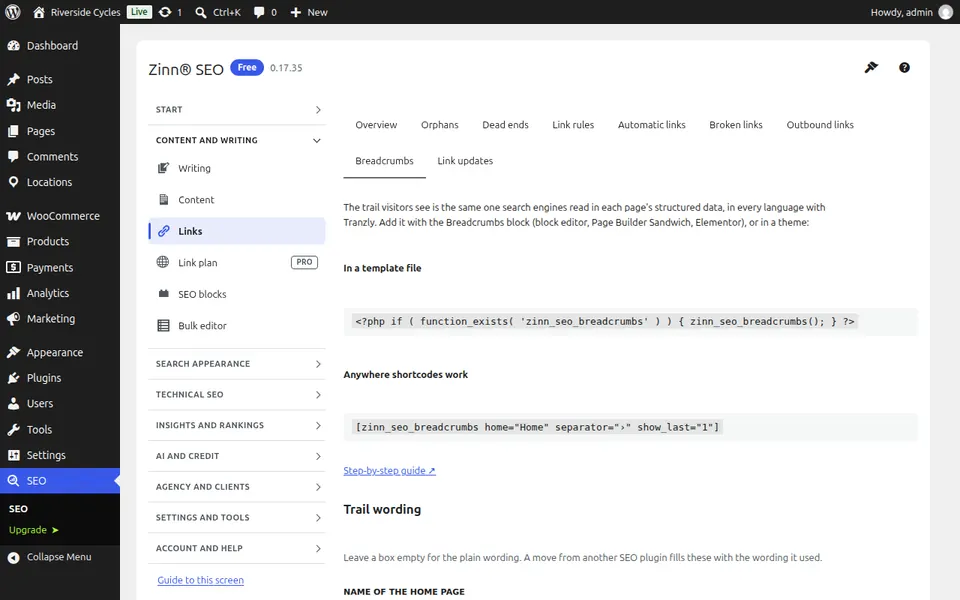
The Breadcrumbs tab
Open the Breadcrumbs tab. The breadcrumb trail shown on your pages: its wording, separator and where it starts.
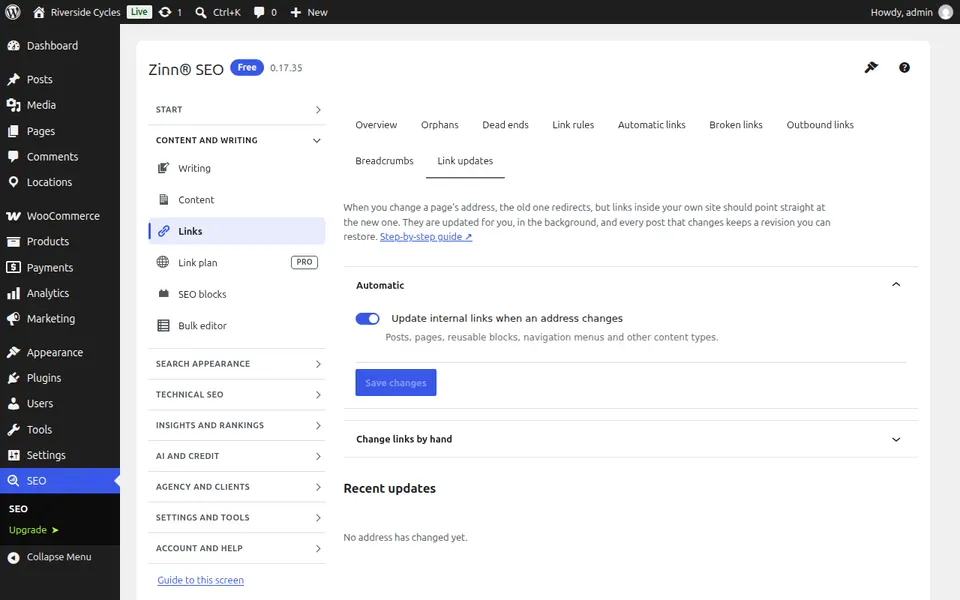
The Link updates tab
Open the Link updates tab. When a page's address changes, every link to it on your site is updated automatically; see what was changed.
Step-by-step guides for this screen
Next guide: The Link plan screen
From the same team
Want fast hosting to go with it?
Zinn Digital® hosts WordPress on its own servers, with a CDN, DNS, TLS and daily backups included in every plan.