 Zinn® SEO
The Indexing screen
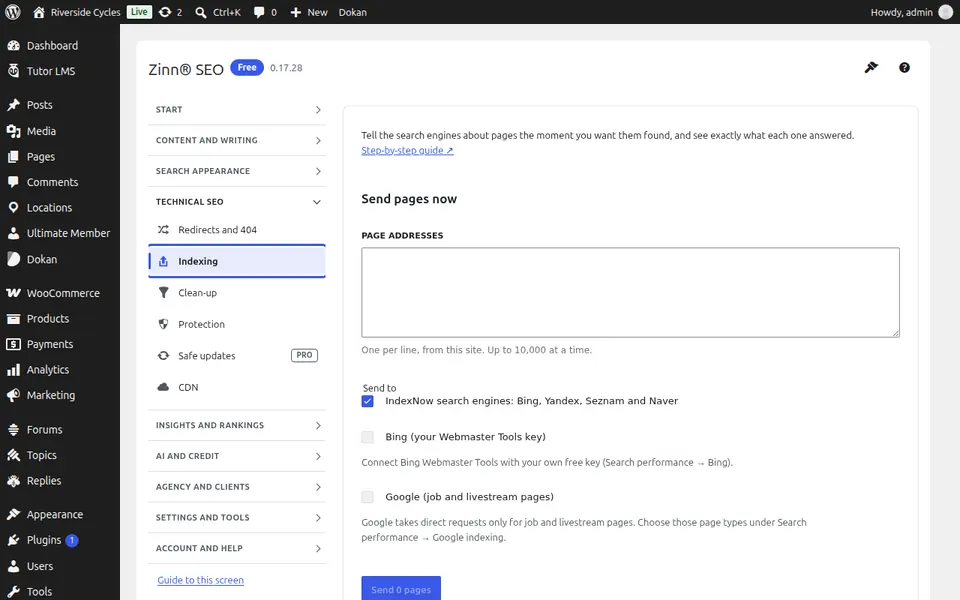
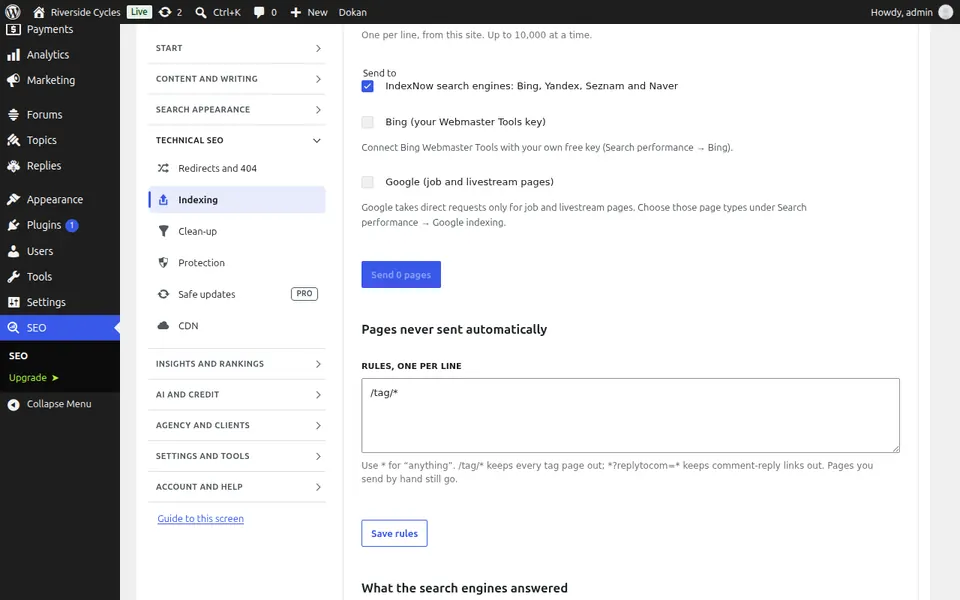
Send any page to Bing, IndexNow engines and Google by hand, see what each search engine answered, and keep the pages you choose out of automatic sending.
Open Indexing
In WordPress, open SEO in the menu, then Indexing under Technical SEO in the plugin's side menu. Send any page to Bing, IndexNow engines and Google by hand, see what each search engine answered, and keep the pages you choose out of automatic sending.
Use Indexing
Pick the pages, press Send, and read each search engine's answer in the log below. Press Send again on any row to resend it.
Step-by-step guides for this screen
Next guide: The Clean-up screen
From the same team
Want fast hosting to go with it?
Zinn Digital® hosts WordPress on its own servers, with a CDN, DNS, TLS and daily backups included in every plan.