 Zinn® SEO
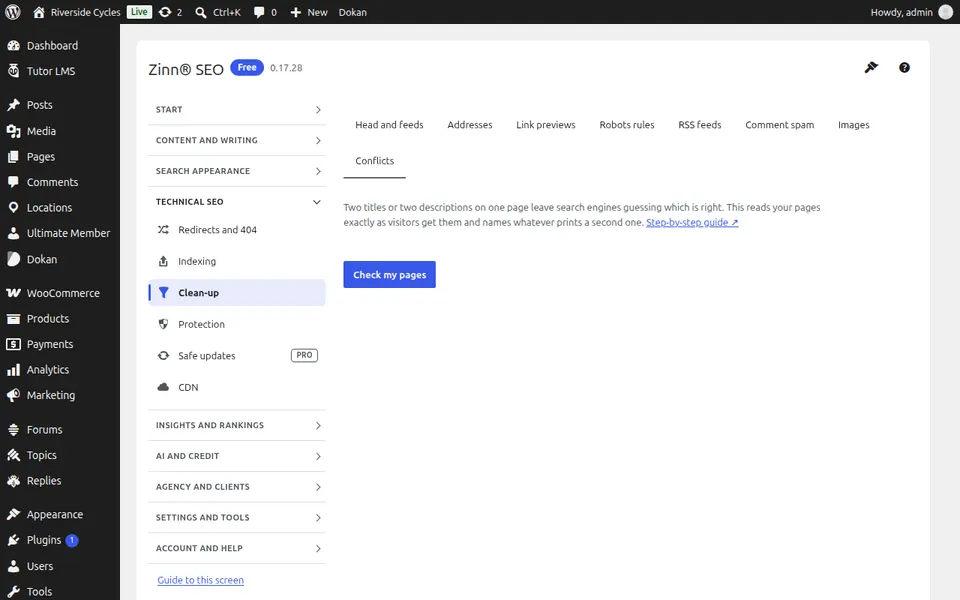
The Clean-up screen
Remove what WordPress adds that wastes search engines' time: extra links and feeds, untidy addresses, thin pages, copied feeds, comment spam, images without alt text and SEO conflicts with your theme or plugins.
Open Clean-up
In WordPress, open SEO in the menu, then Clean-up under Technical SEO in the plugin's side menu. Remove what WordPress adds that wastes search engines' time: extra links and feeds, untidy addresses, thin pages, copied feeds, comment spam, images without alt text and SEO conflicts with your theme or plugins.
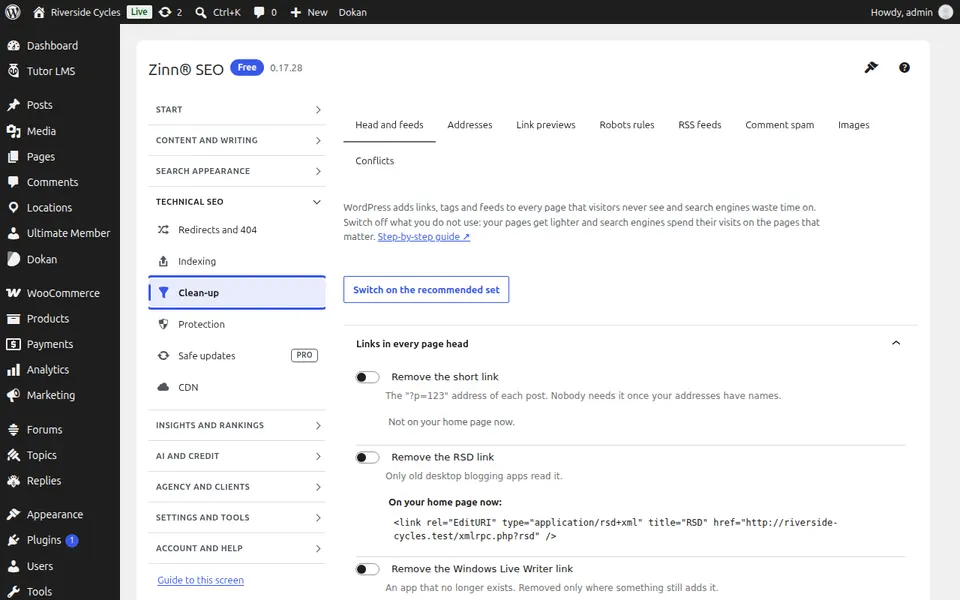
The Head and feeds tab
Open the Head and feeds tab. Remove the extra links, feeds and tags WordPress prints in every page's head that search engines do not need.
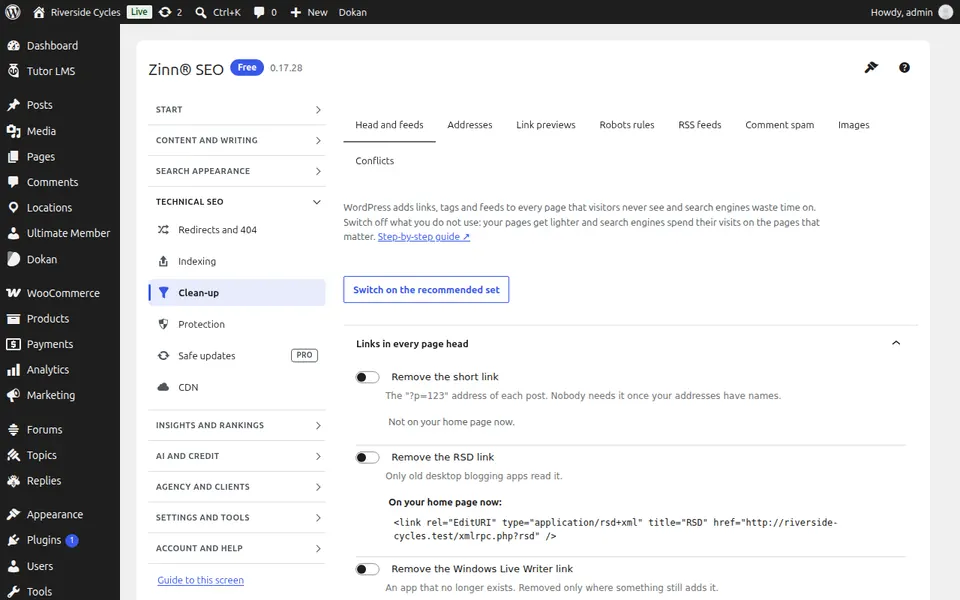
The Addresses tab
Open the Addresses tab. Tidy your addresses, so each page answers at one clean address and copies of it elsewhere do not compete with it.
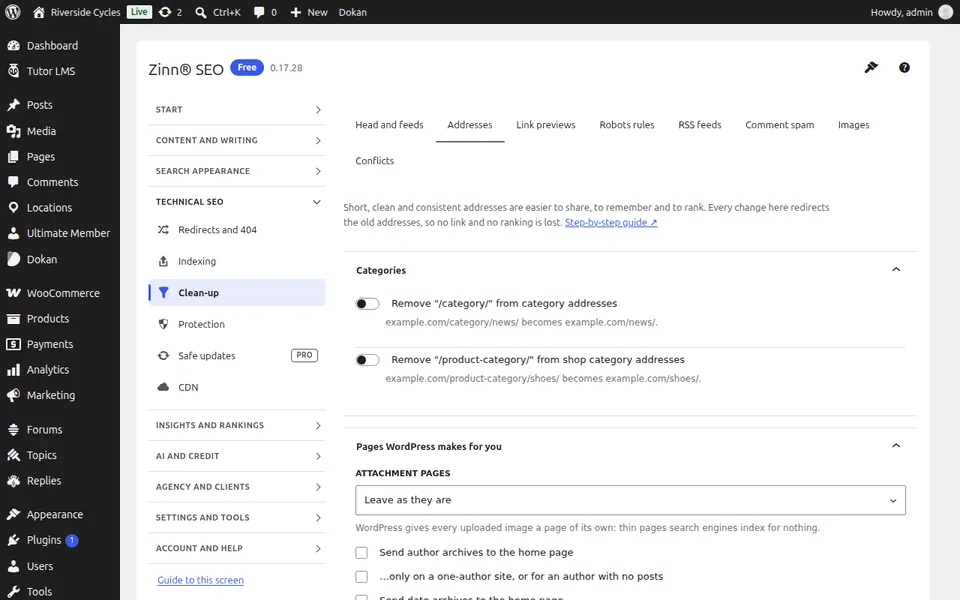
The Link previews tab
Open the Link previews tab. Make link previews in Slack, Discord and LinkedIn show your SEO title and image.
The Robots rules tab
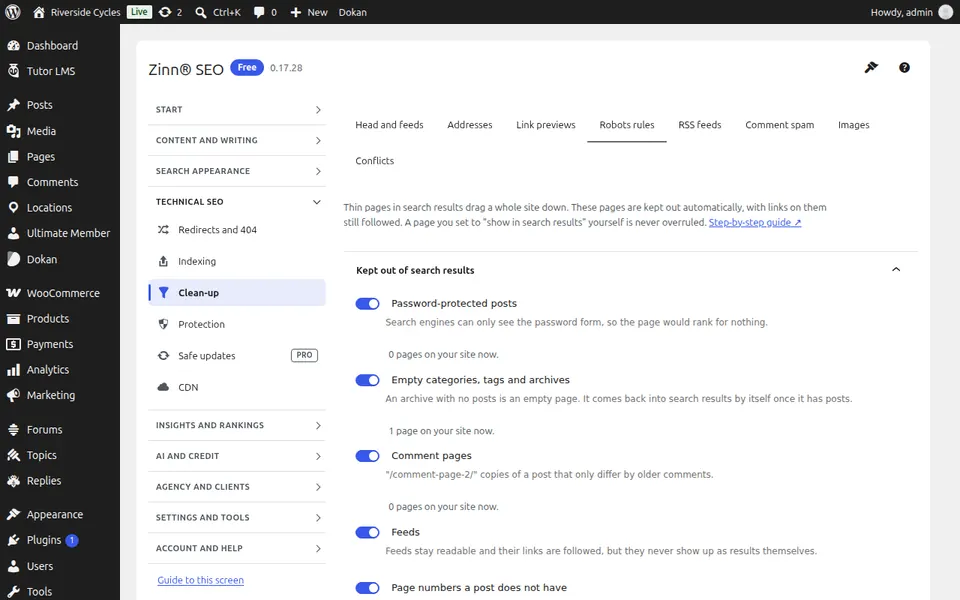
Open the Robots rules tab. Keep thin pages out of search results automatically: password-protected posts, empty categories, comment pages and feeds.
The RSS feeds tab
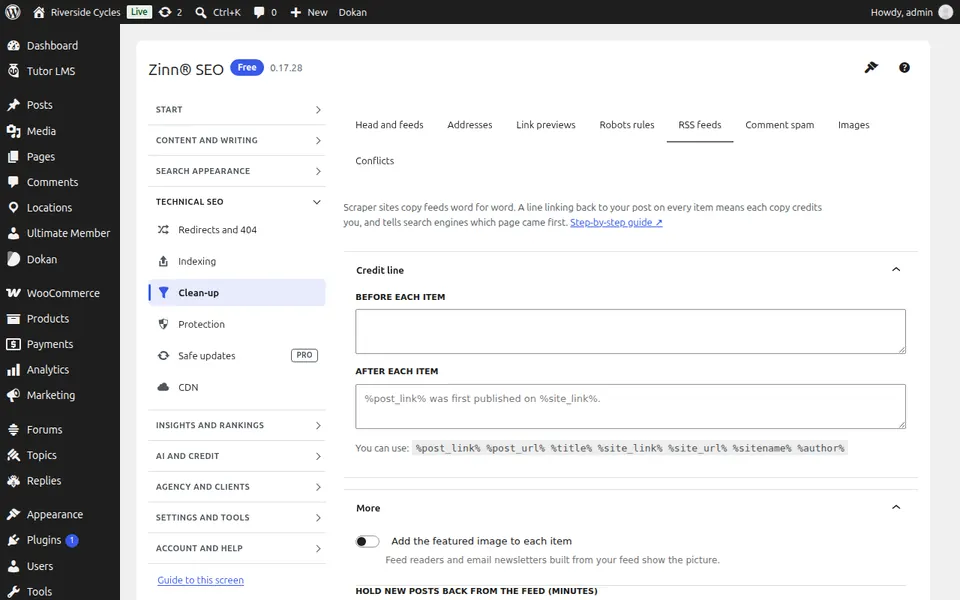
Open the RSS feeds tab. Add a credit line linking back to your post in every feed item, add the featured image and hold new posts back from the feed.
The Comment spam tab
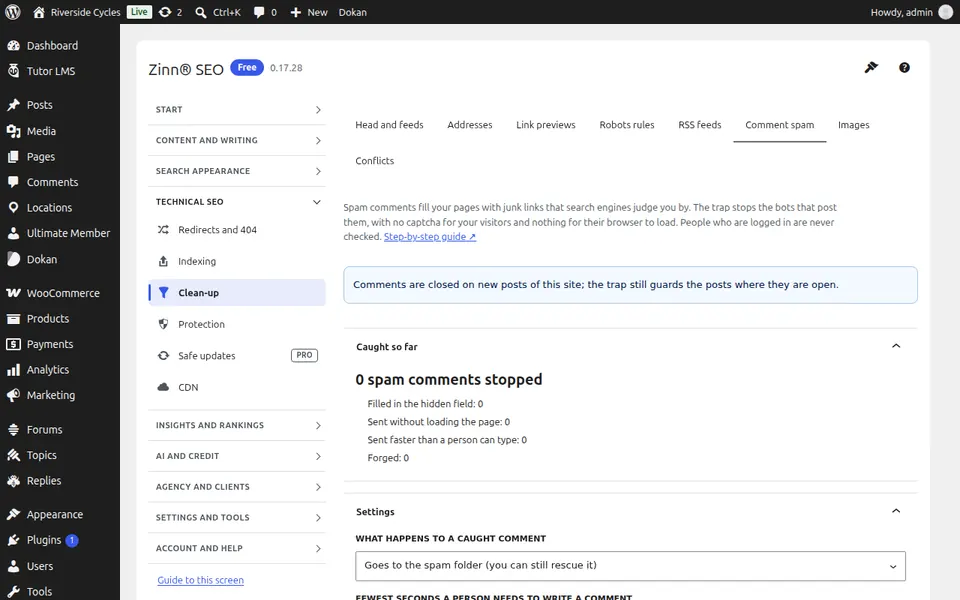
Open the Comment spam tab. Stop spam bots from filling your comments with junk links, with no captcha for visitors.
The Images tab
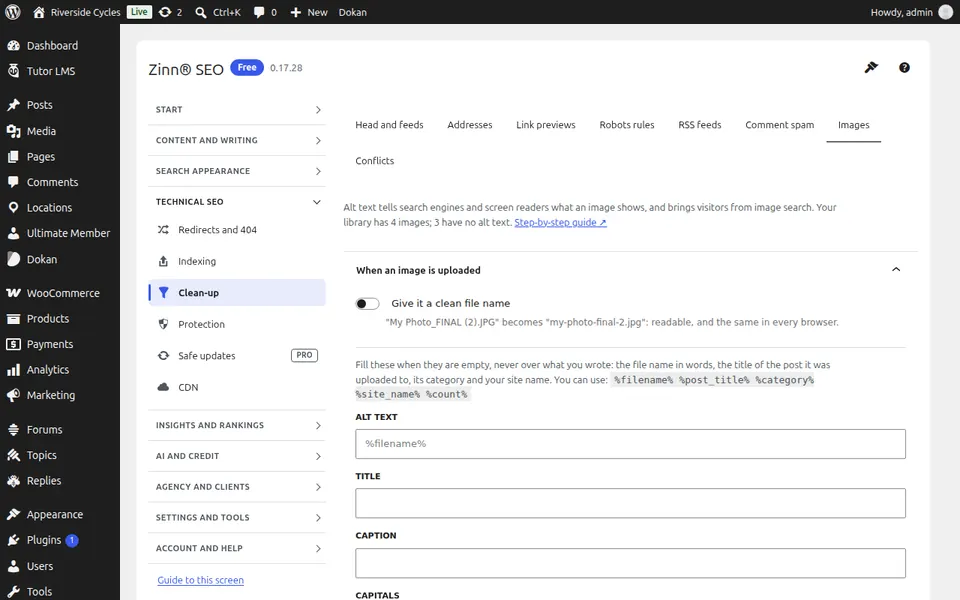
Open the Images tab. Give images clean file names and alt text, title and caption automatically, and fix the whole media library in one go.
The Conflicts tab
Open the Conflicts tab. Find themes and plugins that print a second title, description or structured data, and fix the common ones in one click.
Step-by-step guides for this screen
- Clean up what WordPress adds to every page
- Keep thin pages out of search results
- Protect your RSS feed from copying
- Stop comment spam without a captcha
- Fill image alt text automatically
- Fix SEO conflicts with your theme and plugins
Next guide: The Protection screen
From the same team
Want fast hosting to go with it?
Zinn Digital® hosts WordPress on its own servers, with a CDN, DNS, TLS and daily backups included in every plan.