 Zinn® SEO
The Protection screen
Find what an SEO spam hack leaves behind before Google does, and lock your most important pages against an accidental change.
Open Protection
In WordPress, open SEO in the menu, then Protection under Technical SEO in the plugin's side menu. Find what an SEO spam hack leaves behind before Google does, and lock your most important pages against an accidental change.
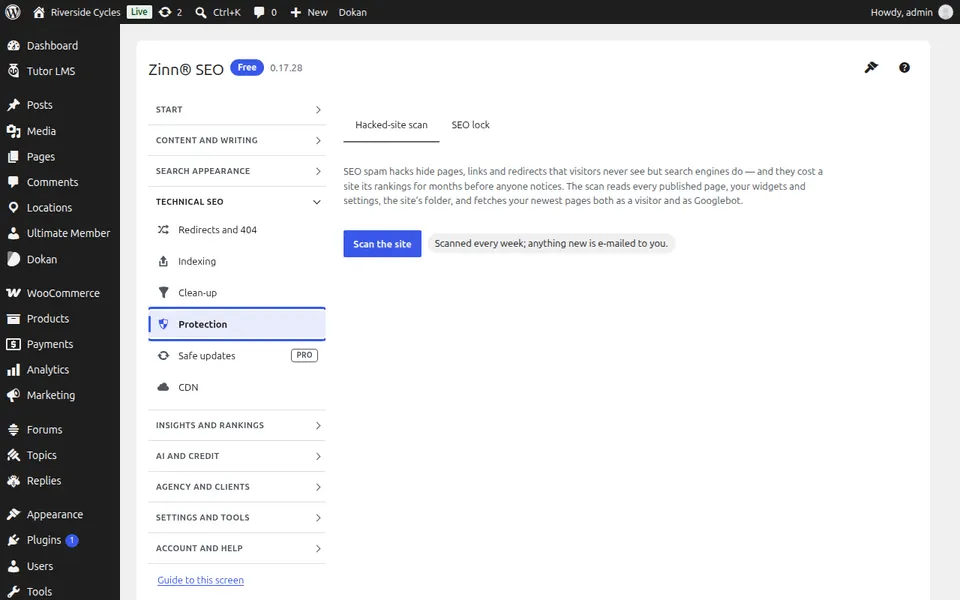
The Hacked-site scan tab
Open the Hacked-site scan tab. Scan for what SEO spam hacks leave behind — pages in another script, hidden links, unknown scripts — and see each finding.
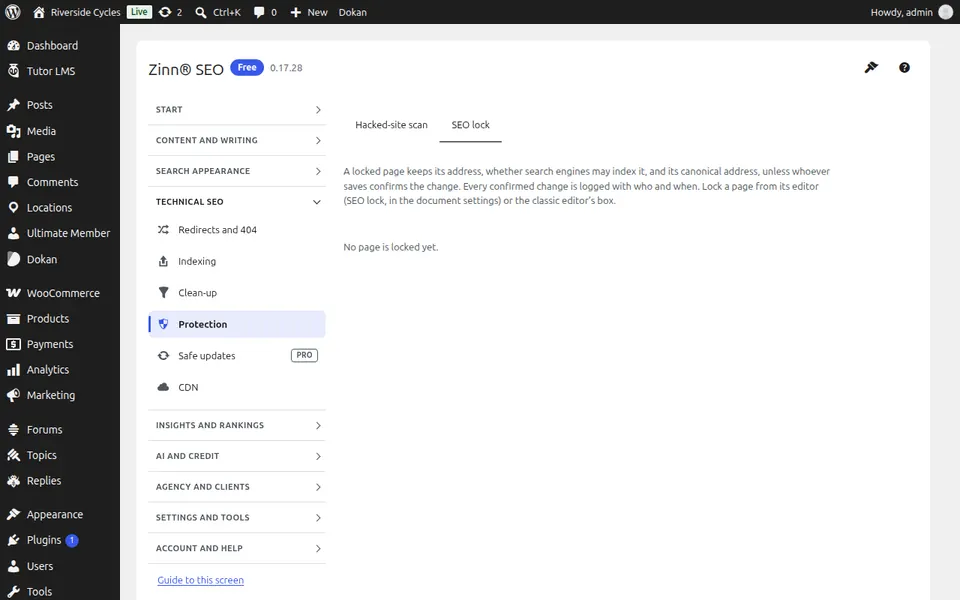
The SEO lock tab
Open the SEO lock tab. Lock your most important pages so a change of address, noindex or canonical needs a confirmation.
Step-by-step guides for this screen
Next guide: The Safe updates screen
From the same team
Want fast hosting to go with it?
Zinn Digital® hosts WordPress on its own servers, with a CDN, DNS, TLS and daily backups included in every plan.