 Zinn® SEO
The Overview screen
The first screen of Zinn® SEO: your site's SEO at a glance, the most important things to fix, your credit and where each part of the plugin is.
Open Overview
In WordPress, open SEO in the menu, then Overview under Start in the plugin's side menu. The first screen of Zinn® SEO: your site's SEO at a glance, the most important things to fix, your credit and where each part of the plugin is.
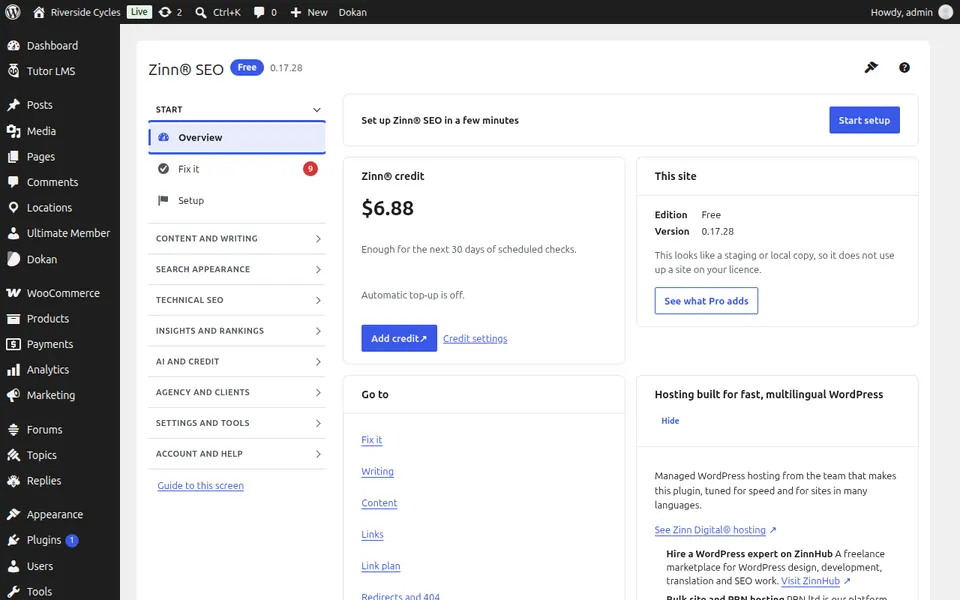
Use Overview
Read the summary, then open any card to go to the screen it is about. On every screen, Guide to this screen (under Help) opens its guide on zinnseo.com.
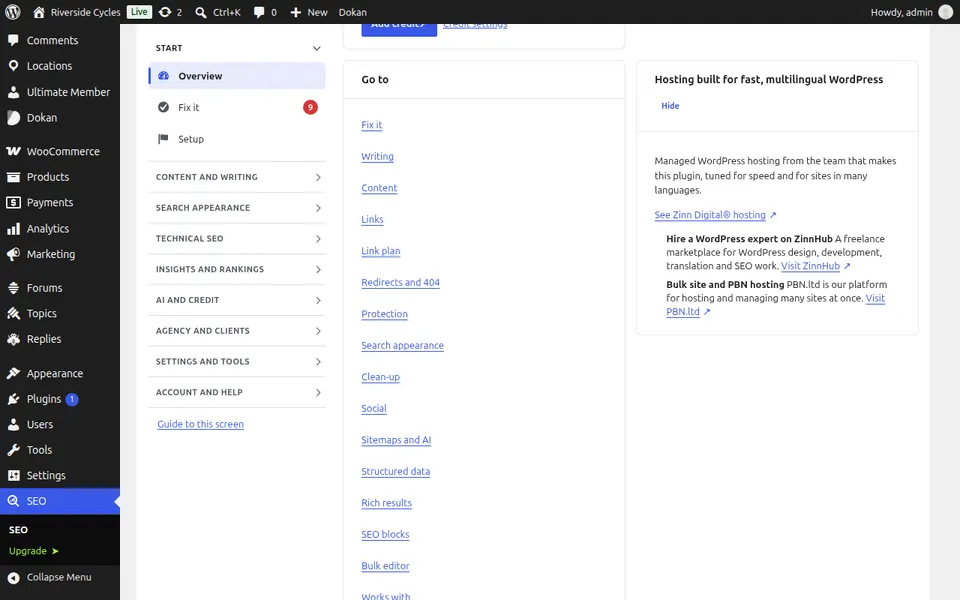
Step-by-step guides for this screen
Next guide: The Fix it screen
From the same team
Want fast hosting to go with it?
Zinn Digital® hosts WordPress on its own servers, with a CDN, DNS, TLS and daily backups included in every plan.