 Zinn® SEO
The Rich results screen
Extra rich results Google can show: carousels of your category pages, the Licensable badge on your images, news markup, your shop's returns and delivery, datasets, solvers and FAQs.
Open Rich results
In WordPress, open SEO in the menu, then Rich results under Search appearance in the plugin's side menu. Extra rich results Google can show: carousels of your category pages, the Licensable badge on your images, news markup, your shop's returns and delivery, datasets, solvers and FAQs.
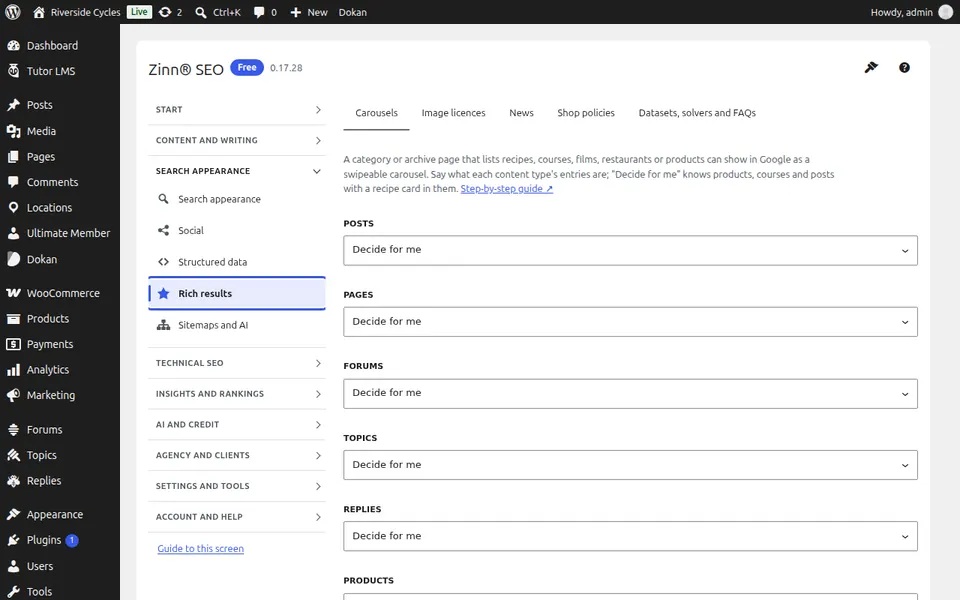
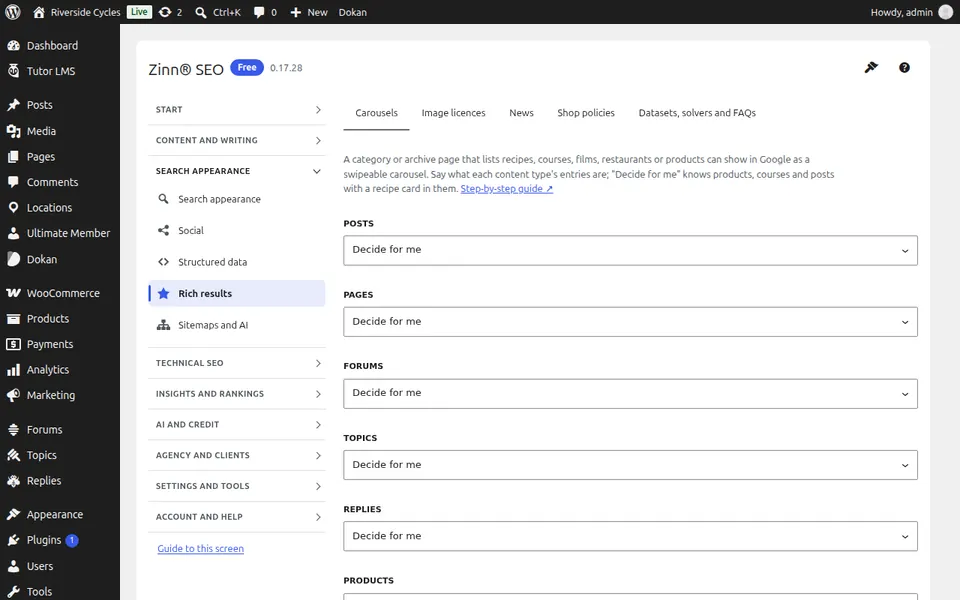
The Carousels tab
Open the Carousels tab. Show category and archive pages of recipes, courses, films, restaurants or products as a swipeable carousel in Google.
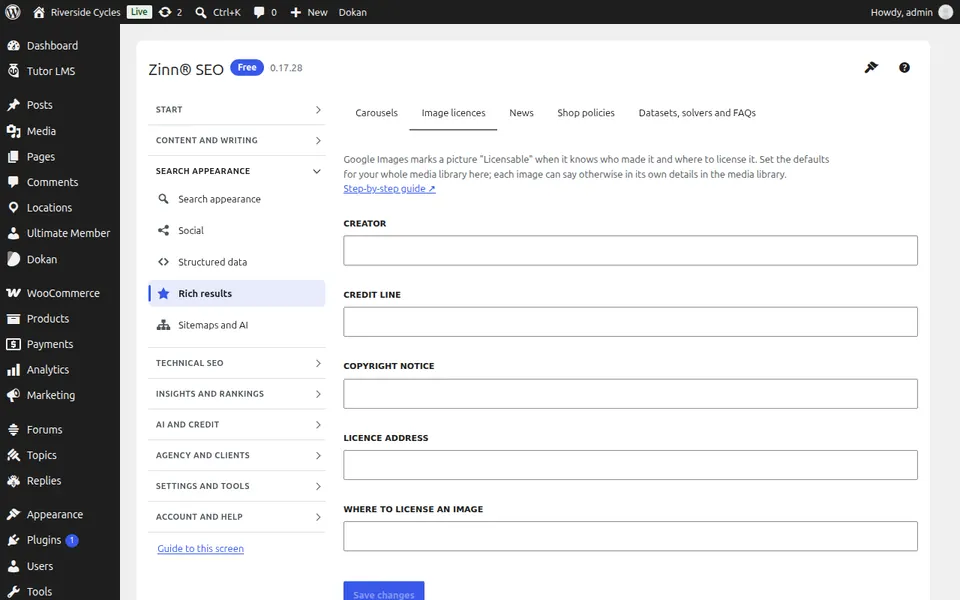
The Image licences tab
Open the Image licences tab. Get the Licensable badge in Google Images, with who made each image and how to licence it.
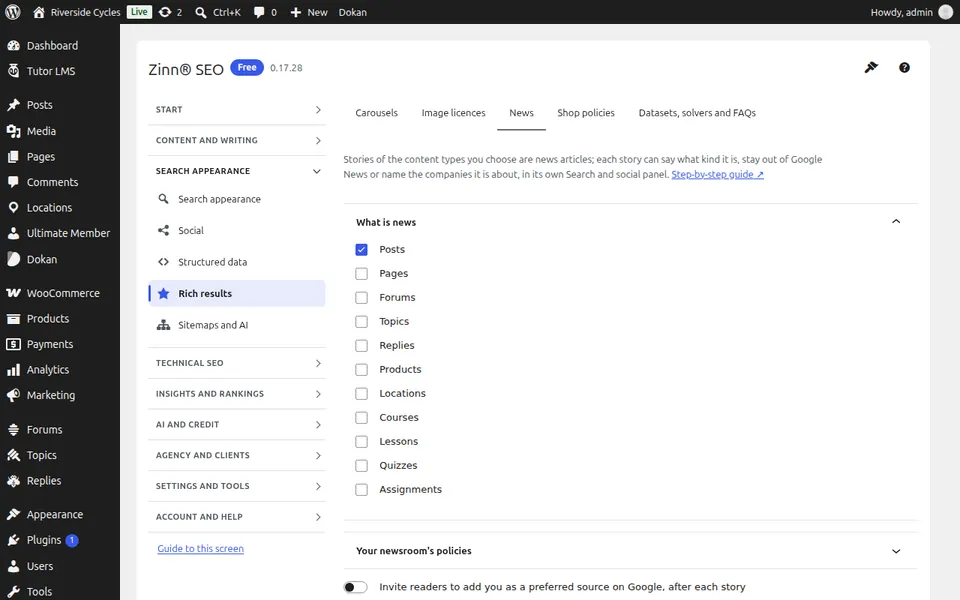
The News tab
Open the News tab. Mark stories as news, analysis or opinion, keep a story out of Google News and publish your newsroom's policies.
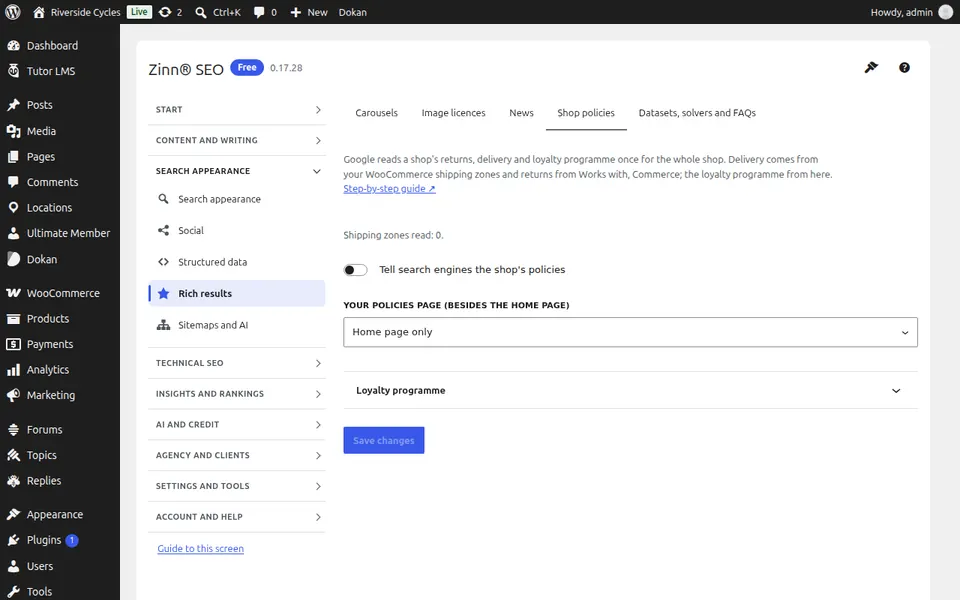
The Shop policies tab
Open the Shop policies tab. Tell Google your shop's returns, delivery and loyalty programme once for the whole shop.
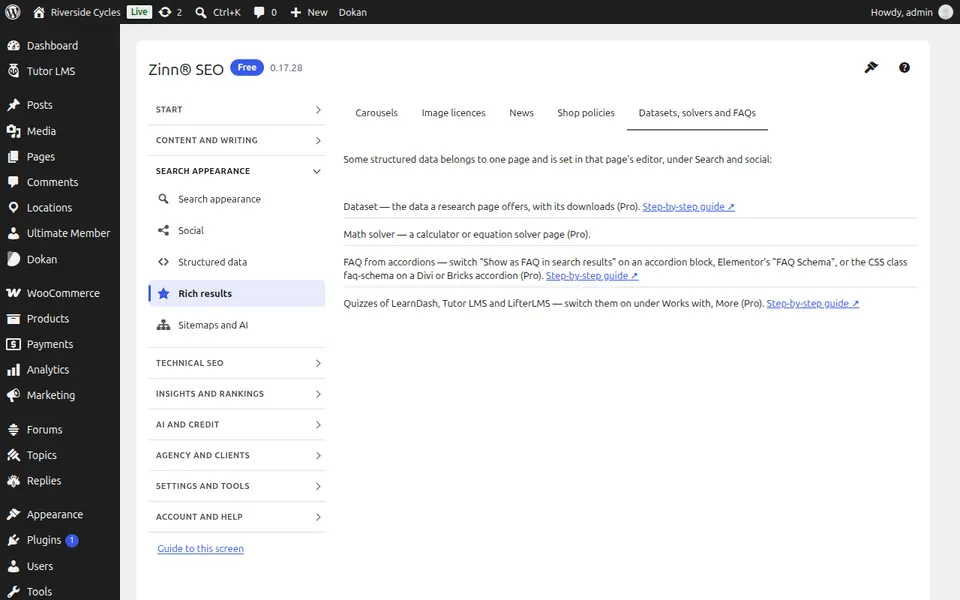
The Datasets, solvers and FAQs tab
Open the Datasets, solvers and FAQs tab. Describe datasets for Google Dataset Search, mark calculator pages as math solvers and turn accordions into FAQs.
Step-by-step guides for this screen
Next guide: The Sitemaps and AI screen
From the same team
Want fast hosting to go with it?
Zinn Digital® hosts WordPress on its own servers, with a CDN, DNS, TLS and daily backups included in every plan.