 Zinn® SEO
The Sitemaps and AI screen
How search engines and AI assistants find your pages: XML sitemaps, robots.txt, which AI crawlers may read the site, llms.txt and sending new pages to search engines.
Open Sitemaps and AI
In WordPress, open SEO in the menu, then Sitemaps and AI under Search appearance in the plugin's side menu. How search engines and AI assistants find your pages: XML sitemaps, robots.txt, which AI crawlers may read the site, llms.txt and sending new pages to search engines.
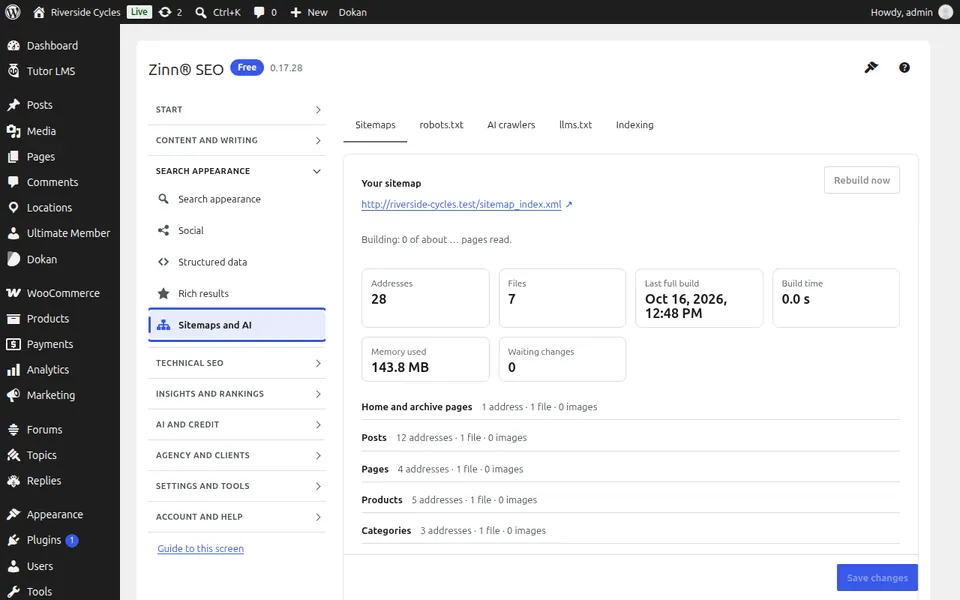
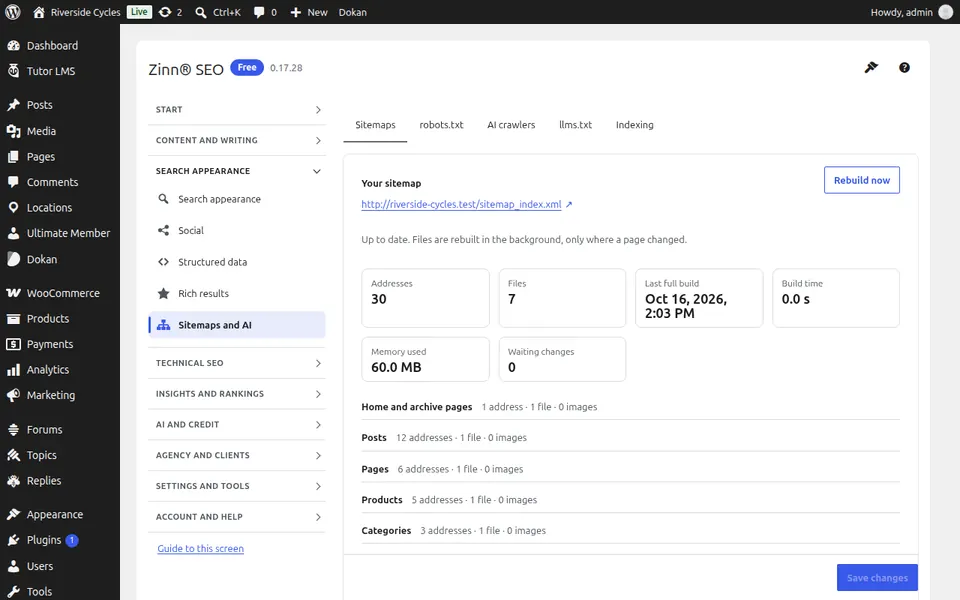
The Sitemaps tab
Open the Sitemaps tab. Your XML sitemaps: which kinds of page are in them, images, videos and news, and the address to give search engines.
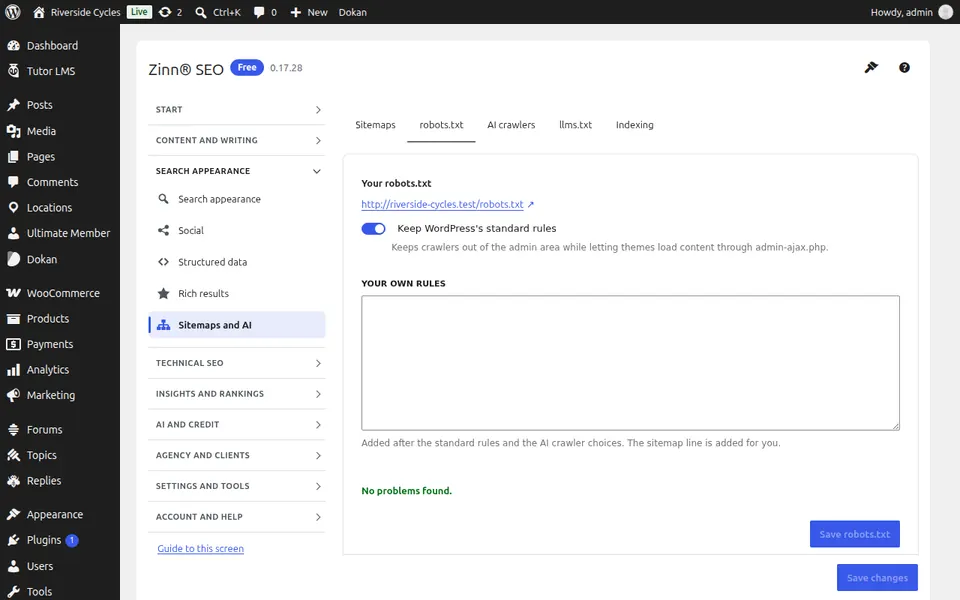
The robots.txt tab
Open the robots.txt tab. Edit robots.txt with checks that read it the way search engines do, and test any address against it.
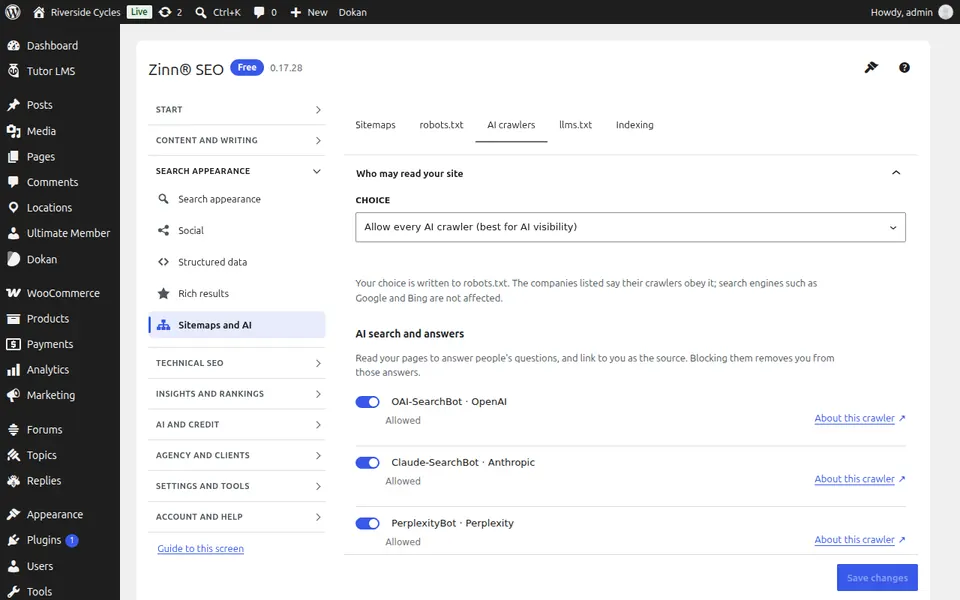
The AI crawlers tab
Open the AI crawlers tab. Choose which AI crawlers may read the site — the ones that train models and the ones that answer questions with a link to you.
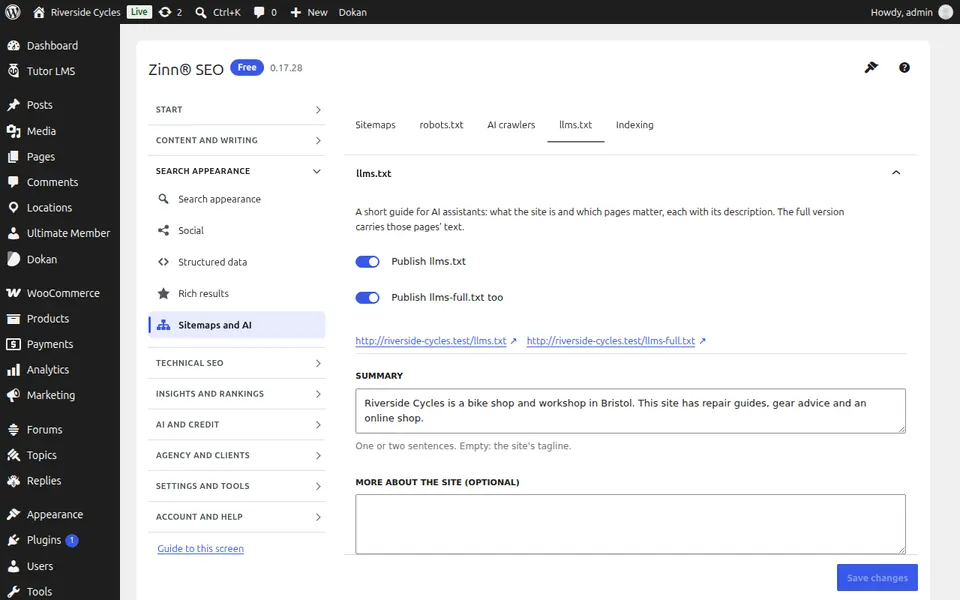
The llms.txt tab
Open the llms.txt tab. Publish llms.txt (and llms-full.txt) so AI assistants know what the site is and which pages matter.
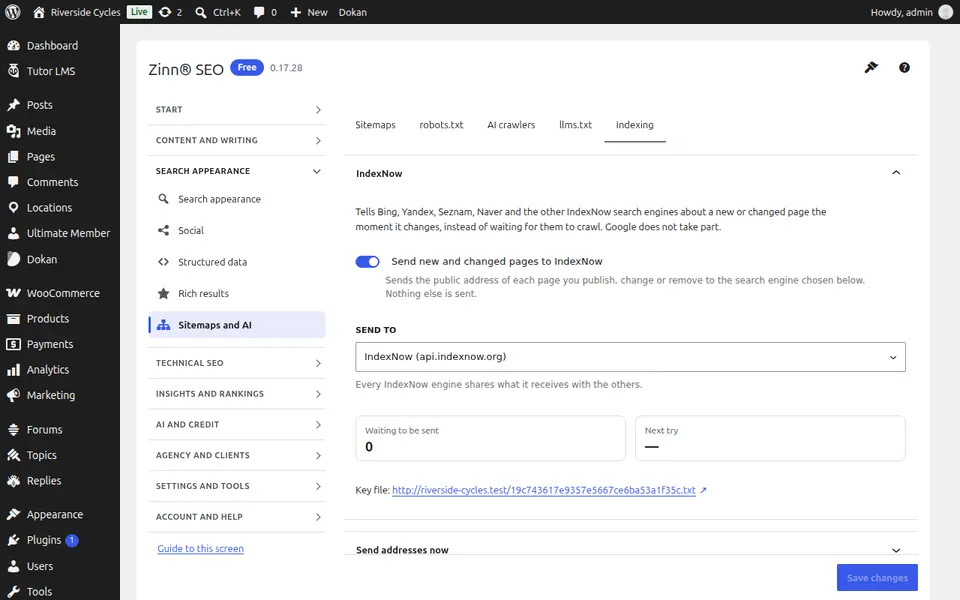
The Indexing tab
Open the Indexing tab. Tell Bing and the other IndexNow search engines about new and changed pages the moment they change, and send your sitemap to Google and Bing.
Step-by-step guides for this screen
Next guide: The Redirects and 404 screen
From the same team
Want fast hosting to go with it?
Zinn Digital® hosts WordPress on its own servers, with a CDN, DNS, TLS and daily backups included in every plan.