 Zinn® SEO
The Redirects and 404 screen
Send old addresses to new ones, see which missing addresses visitors and search engines ask for, import and export redirects, change your site's addresses safely and choose how redirects are answered.
Open Redirects and 404
In WordPress, open SEO in the menu, then Redirects and 404 under Technical SEO in the plugin's side menu. Send old addresses to new ones, see which missing addresses visitors and search engines ask for, import and export redirects, change your site's addresses safely and choose how redirects are answered.
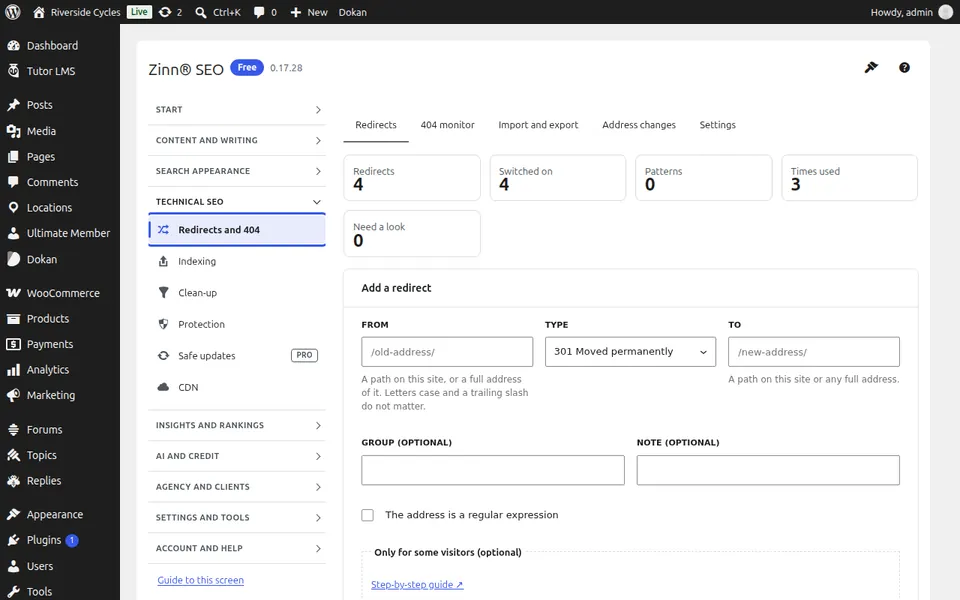
The Redirects tab
Open the Redirects tab. Add a redirect from an old address to a new one, edit or delete it, and see how often each is used.
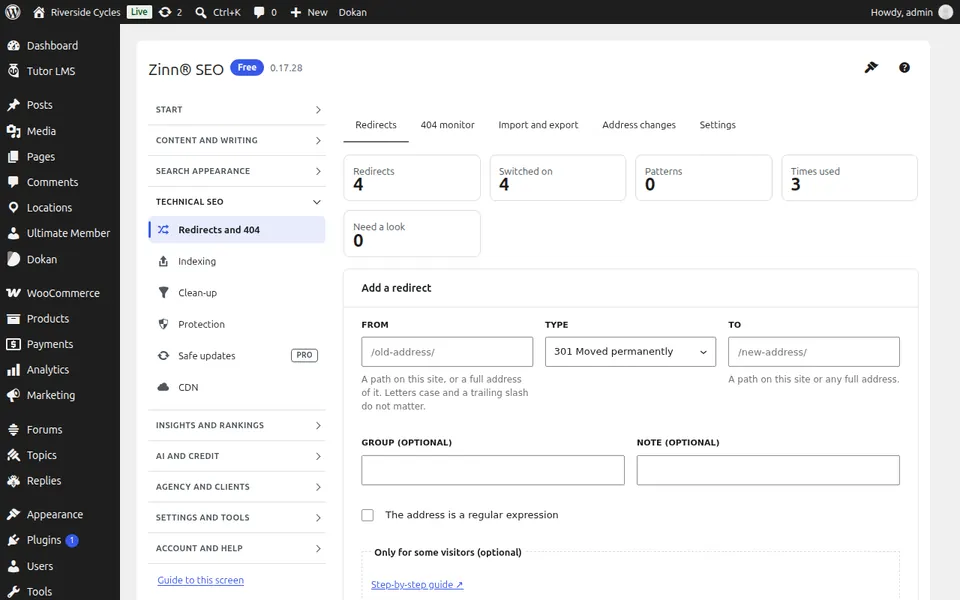
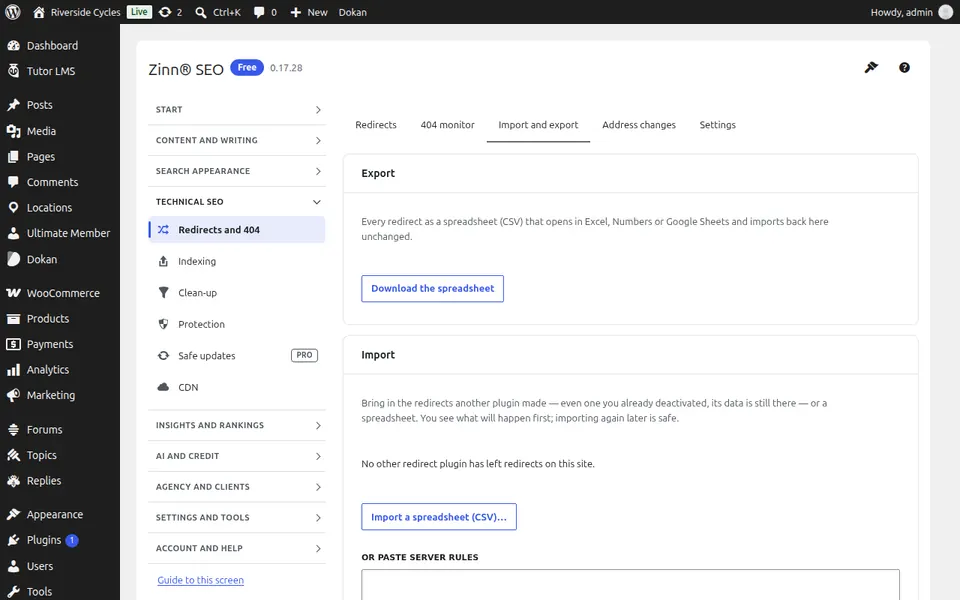
The 404 monitor tab
Open the 404 monitor tab. The missing addresses visitors and search engines ask for, how often and from where; redirect any of them in one click.
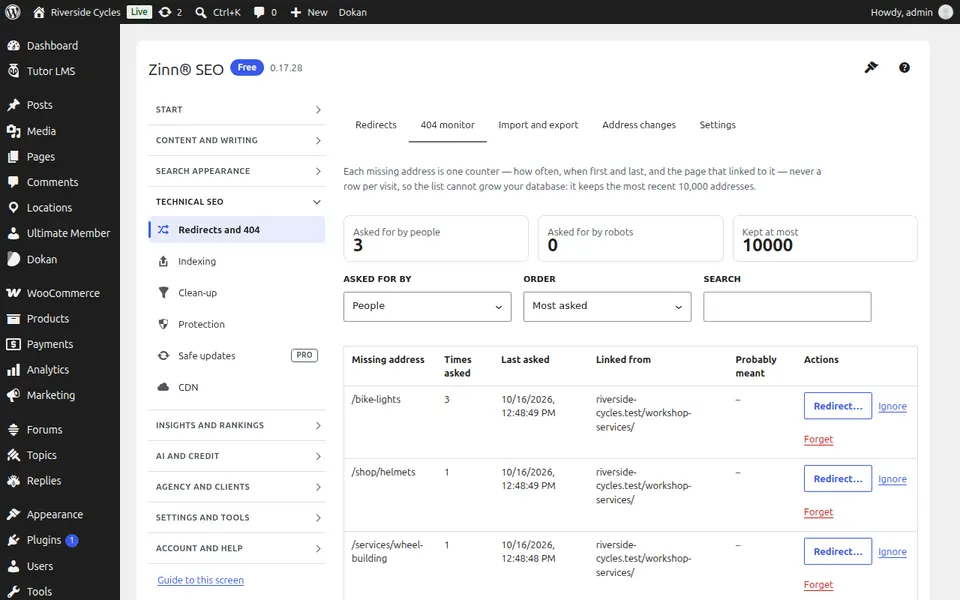
The Import and export tab
Open the Import and export tab. Import redirects from a CSV file or another plugin, and export yours.
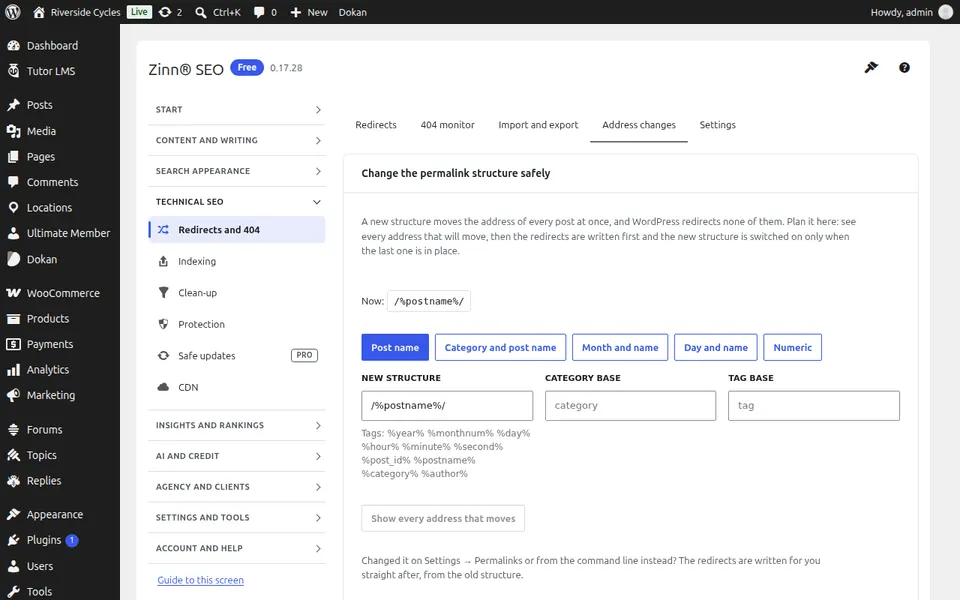
The Address changes tab
Open the Address changes tab. Change your permalink structure, a category or tag base or your domain safely: every old address is redirected first.
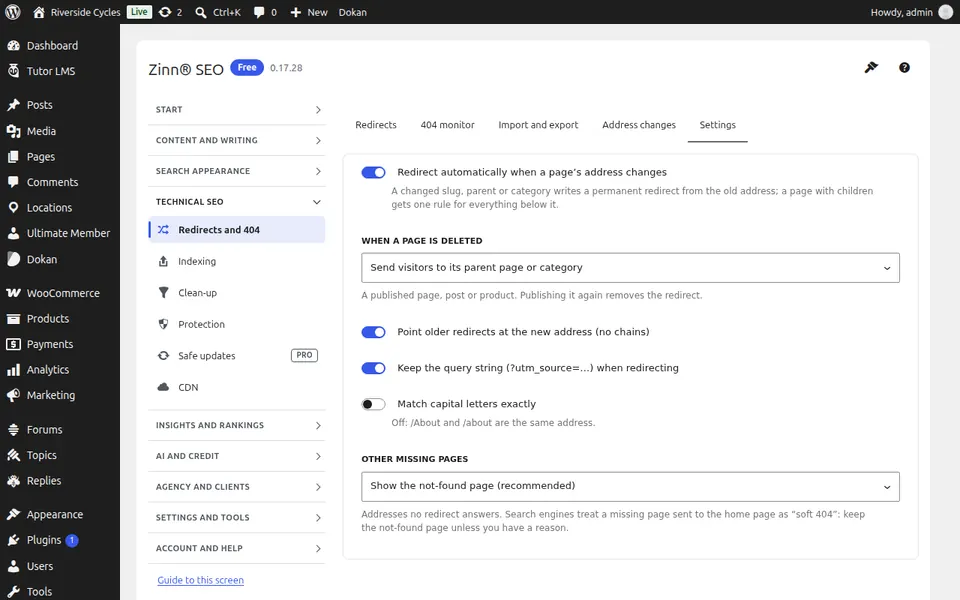
The Settings tab
Open the Settings tab. How redirects are answered: automatic redirects when a page moves, chains and loops fixed, and the redirect type to use.
Step-by-step guides for this screen
Next guide: The Indexing screen
From the same team
Want fast hosting to go with it?
Zinn Digital® hosts WordPress on its own servers, with a CDN, DNS, TLS and daily backups included in every plan.