 Zinn® SEO
The SEO blocks screen
The SEO blocks you can add to any page — Quick Answer, FAQ, how-to, table of contents, reviews and more — and the article index, glossary and blocks you design yourself.
Open SEO blocks
In WordPress, open SEO in the menu, then SEO blocks under Content and writing in the plugin's side menu. The SEO blocks you can add to any page — Quick Answer, FAQ, how-to, table of contents, reviews and more — and the article index, glossary and blocks you design yourself.
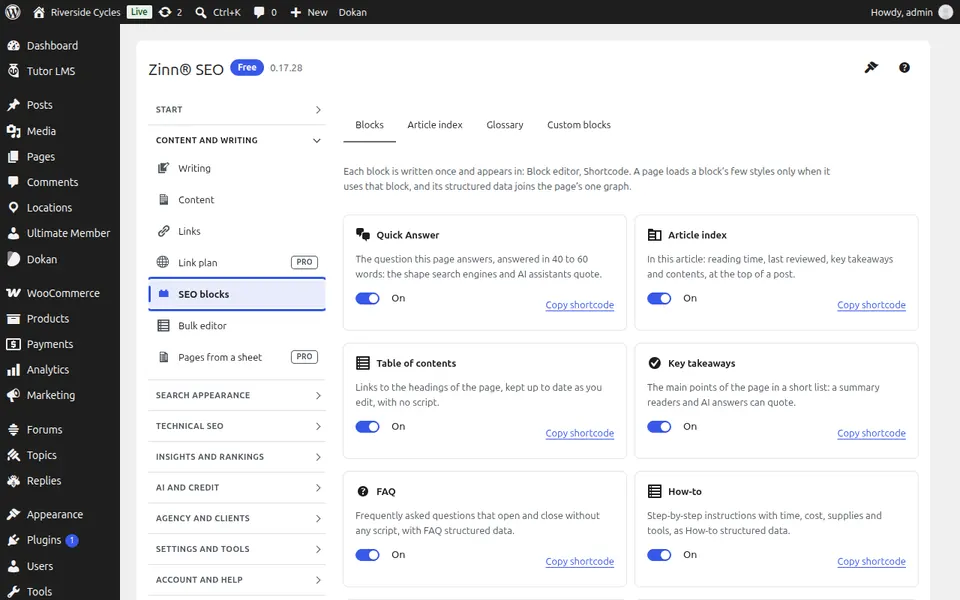
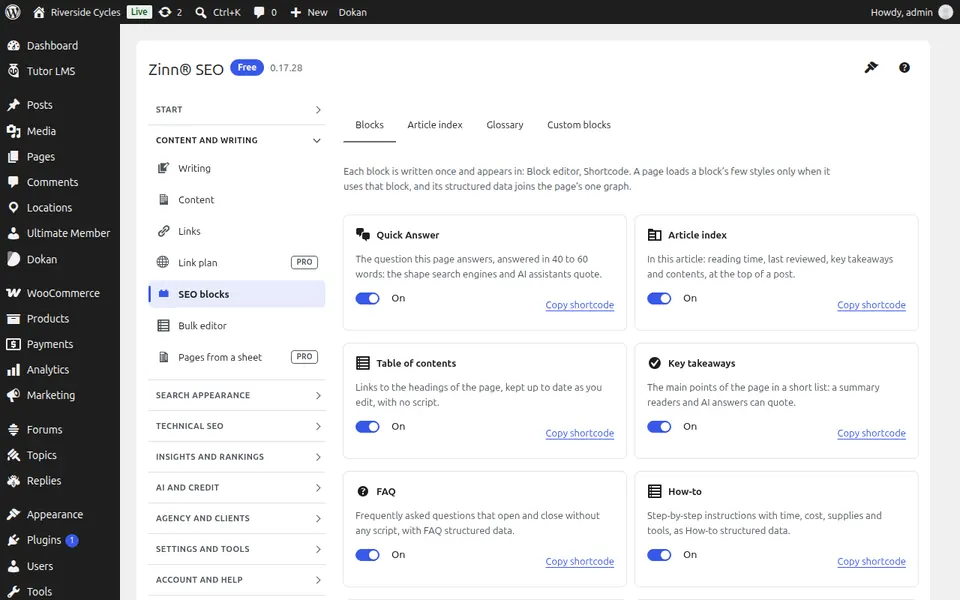
The Blocks tab
Open the Blocks tab. Every SEO block you can add to a page, what it does, and the ones you switch on.
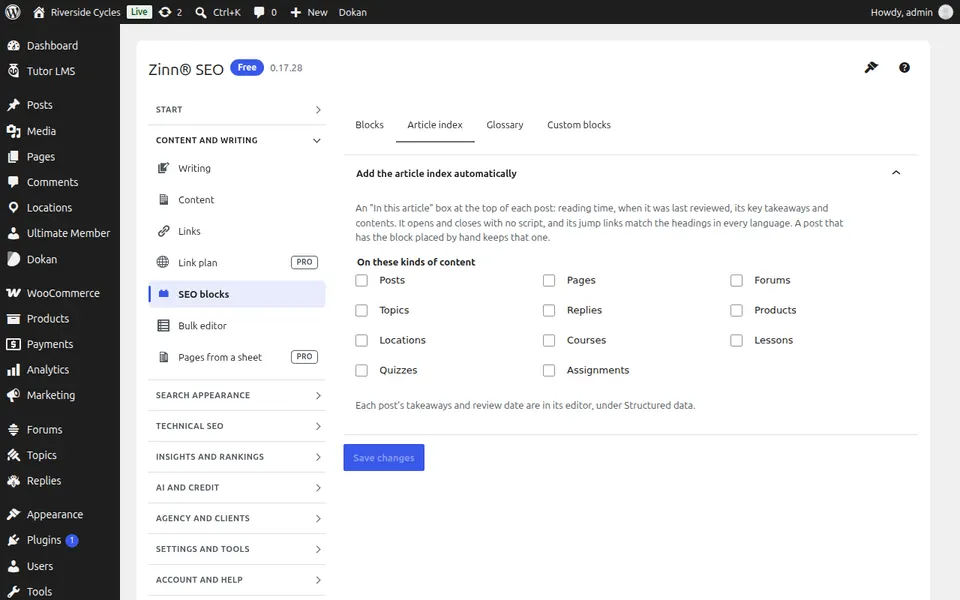
The Article index tab
Open the Article index tab. An automatic index of your articles, by category or tag, for a page of links people and search engines can follow.
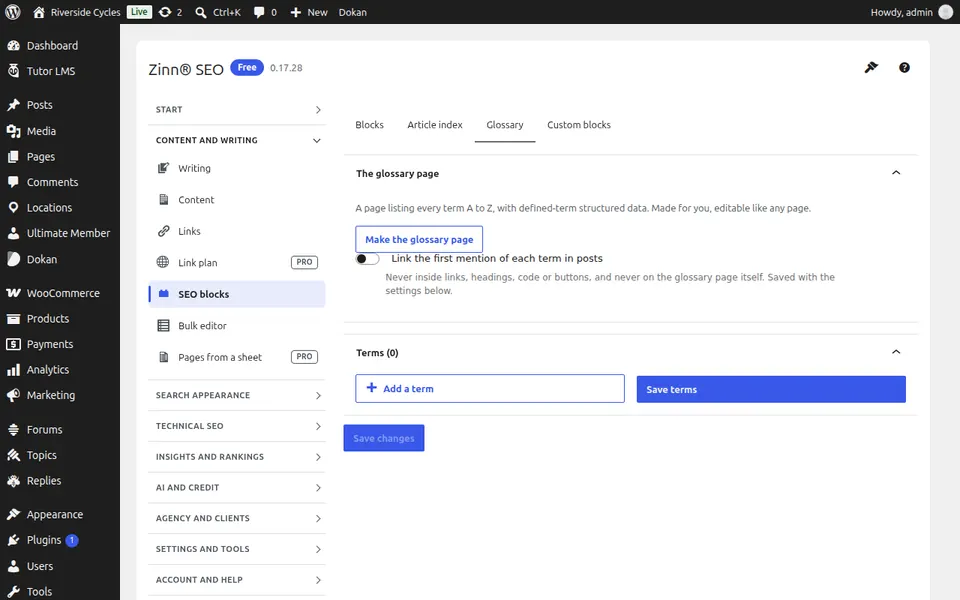
The Glossary tab
Open the Glossary tab. A glossary of terms with its own page, and automatic links from the terms wherever they appear.
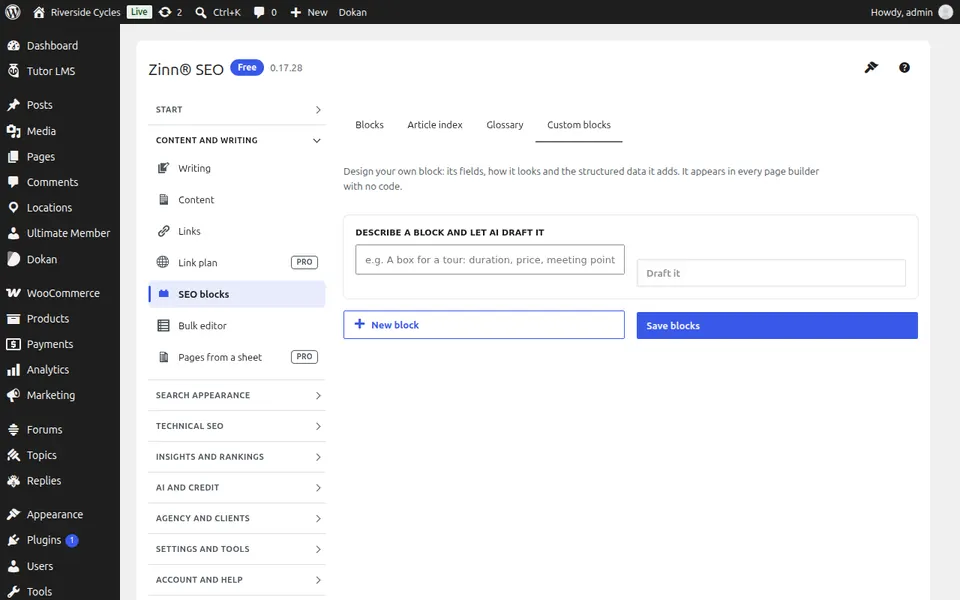
The Custom blocks tab
Open the Custom blocks tab. Blocks you design yourself, with their own structured data, usable in every editor.
Step-by-step guides for this screen
Next guide: The Bulk editor screen
From the same team
Want fast hosting to go with it?
Zinn Digital® hosts WordPress on its own servers, with a CDN, DNS, TLS and daily backups included in every plan.