 Zinn® SEO
The Site authority screen
Track your Domain Rating and other authority scores from your own Ahrefs, Majestic, Moz, Semrush or SE Ranking account, with history and the same scores for your competitors.
Open Site authority
In WordPress, open SEO in the menu, then Site authority under Insights and rankings in the plugin's side menu. Track your Domain Rating and other authority scores from your own Ahrefs, Majestic, Moz, Semrush or SE Ranking account, with history and the same scores for your competitors.
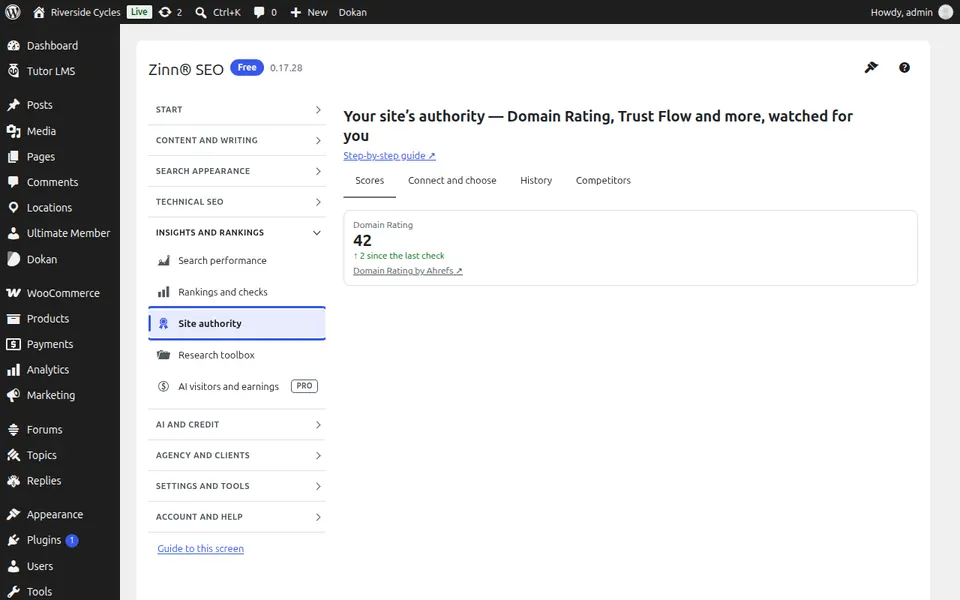
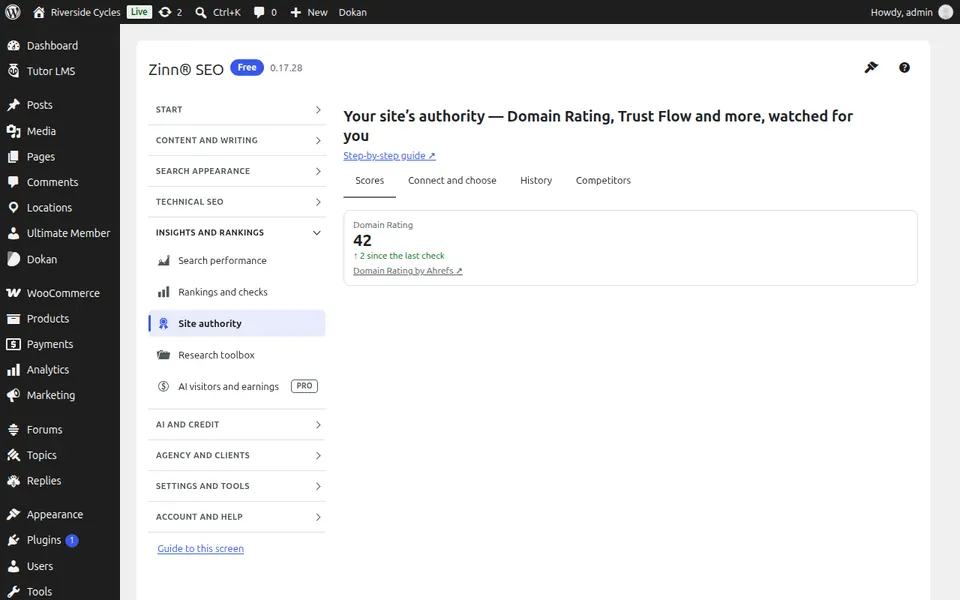
The Scores tab
Open the Scores tab. Your authority scores today — Domain Rating, Trust Flow, Domain Authority and more — from the sources you connect.
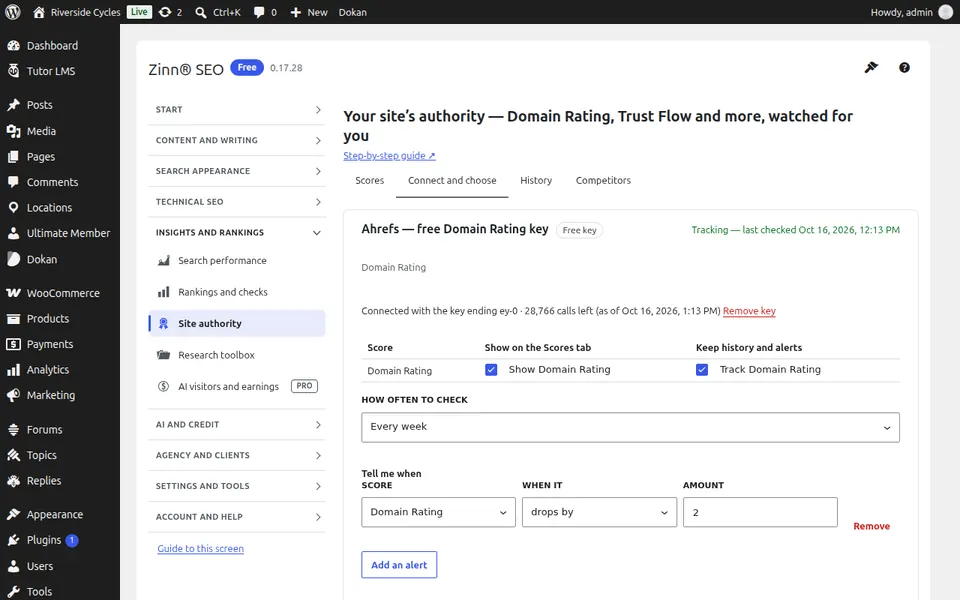
The Connect and choose tab
Open the Connect and choose tab. Connect your own Ahrefs, Majestic, Moz, Semrush or SE Ranking account, or use Zinn® Authority on credit, and choose what to track.
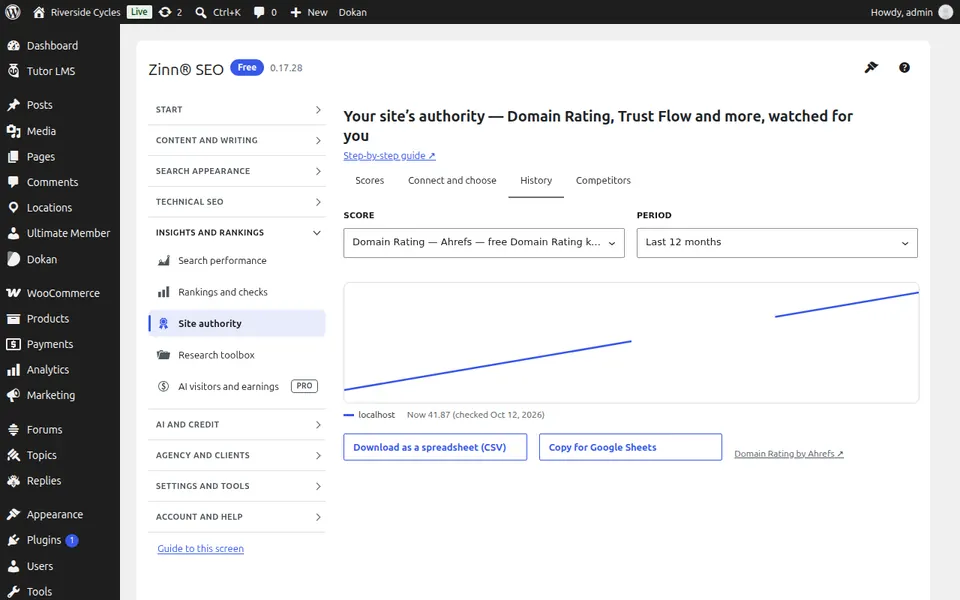
The History tab
Open the History tab. How each score changed over time, with e-mail alerts when one goes up or down.
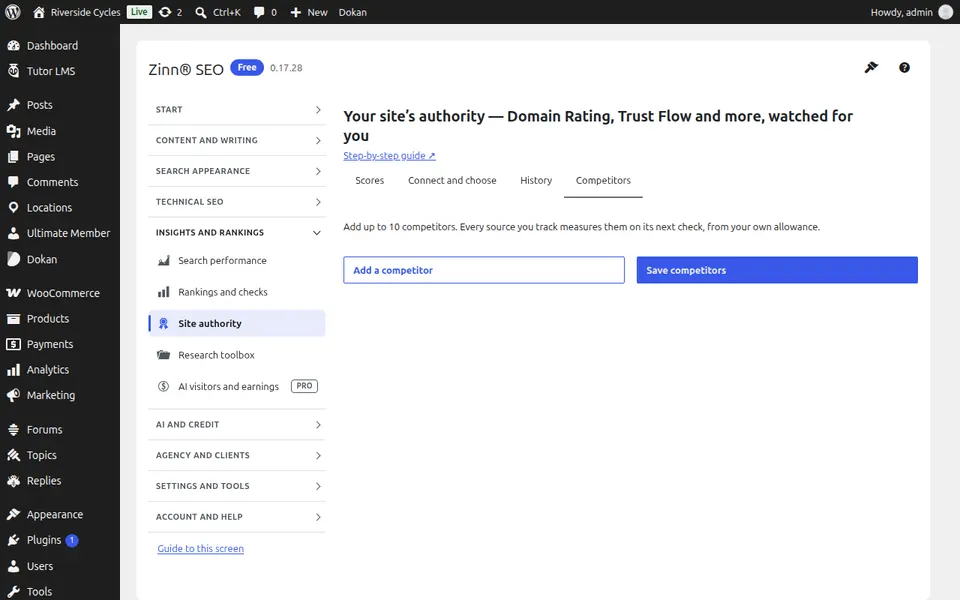
The Competitors tab
Open the Competitors tab. The same scores for up to ten competitors, side by side with yours.
Step-by-step guides for this screen
Next guide: The Research toolbox screen
From the same team
Want fast hosting to go with it?
Zinn Digital® hosts WordPress on its own servers, with a CDN, DNS, TLS and daily backups included in every plan.