 Zinn® SEO
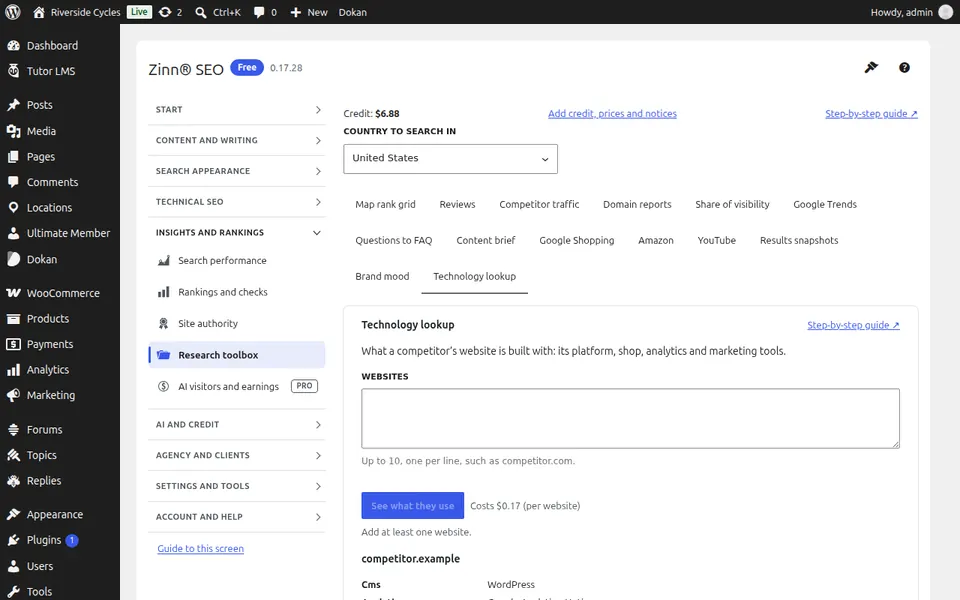
The Research toolbox screen
The research toolbox: reviews, a competitor's traffic, your share of search visibility, Google Trends, questions people ask, content briefs, Google Shopping, Amazon, YouTube, results snapshots, brand mood and technology lookup.
Open Research toolbox
In WordPress, open SEO in the menu, then Research toolbox under Insights and rankings in the plugin's side menu. The research toolbox: reviews, a competitor's traffic, your share of search visibility, Google Trends, questions people ask, content briefs, Google Shopping, Amazon, YouTube, results snapshots, brand mood and technology lookup.
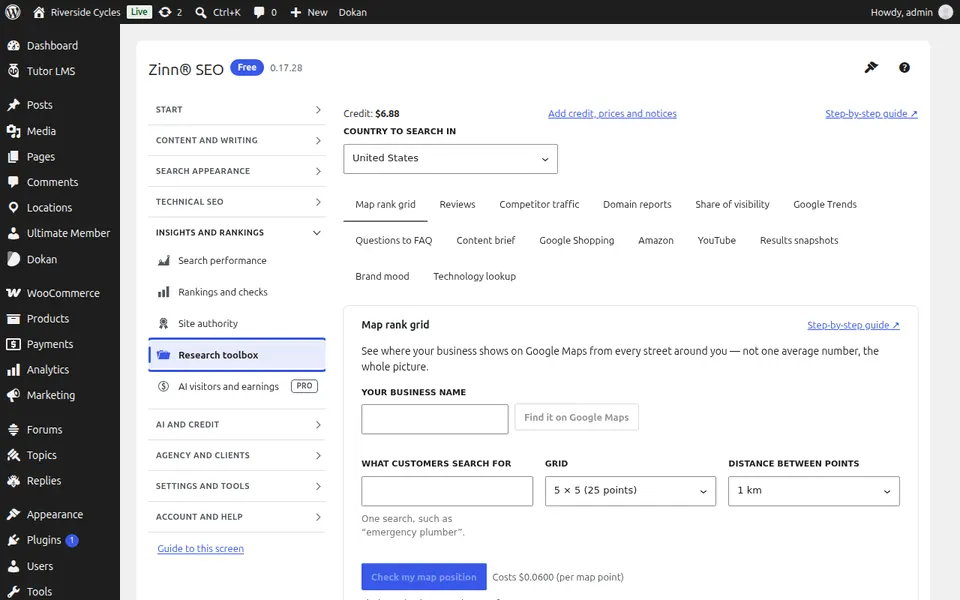
The Reviews tab
Open the Reviews tab. Read your reviews from Google and other sites in one place, and draft replies.
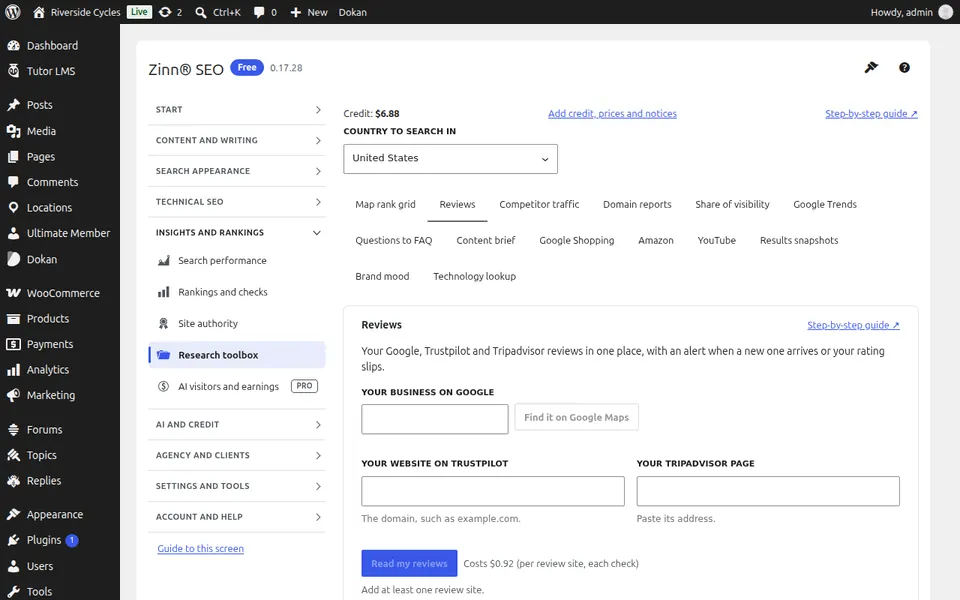
The Competitor traffic tab
Open the Competitor traffic tab. See how much traffic a competitor gets, and from which pages.
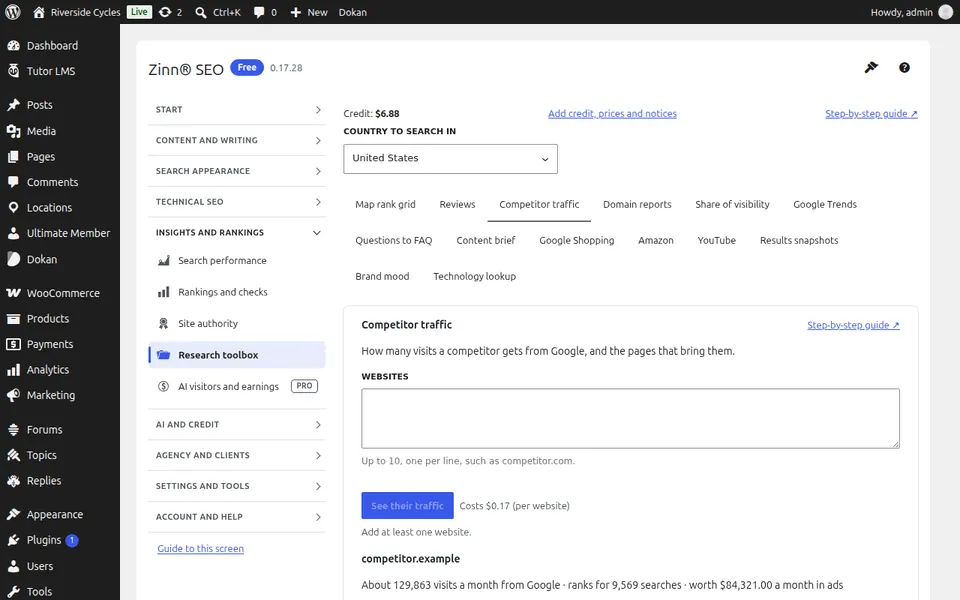
The Share of visibility tab
Open the Share of visibility tab. Measure your share of search visibility against your competitors for a set of phrases.
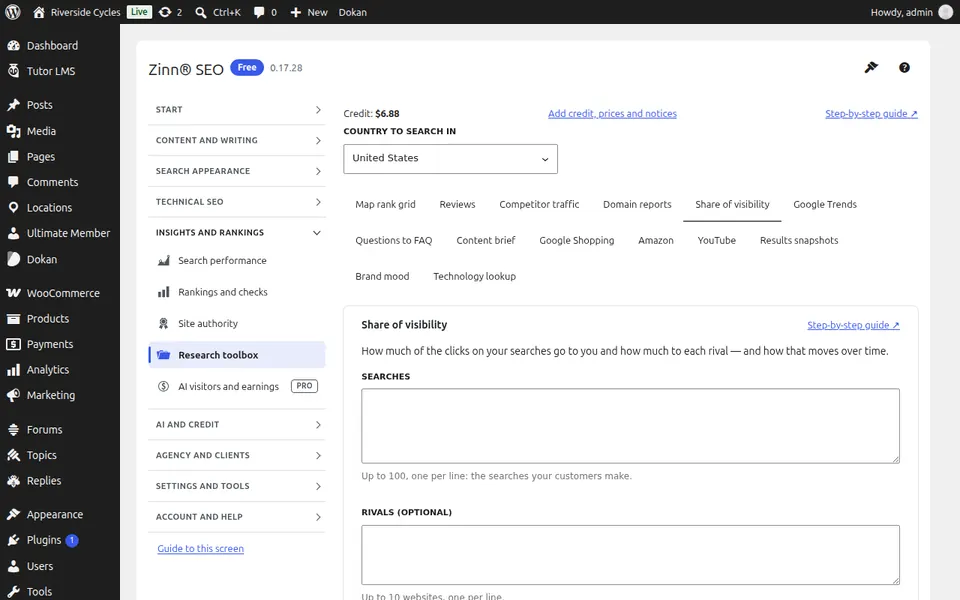
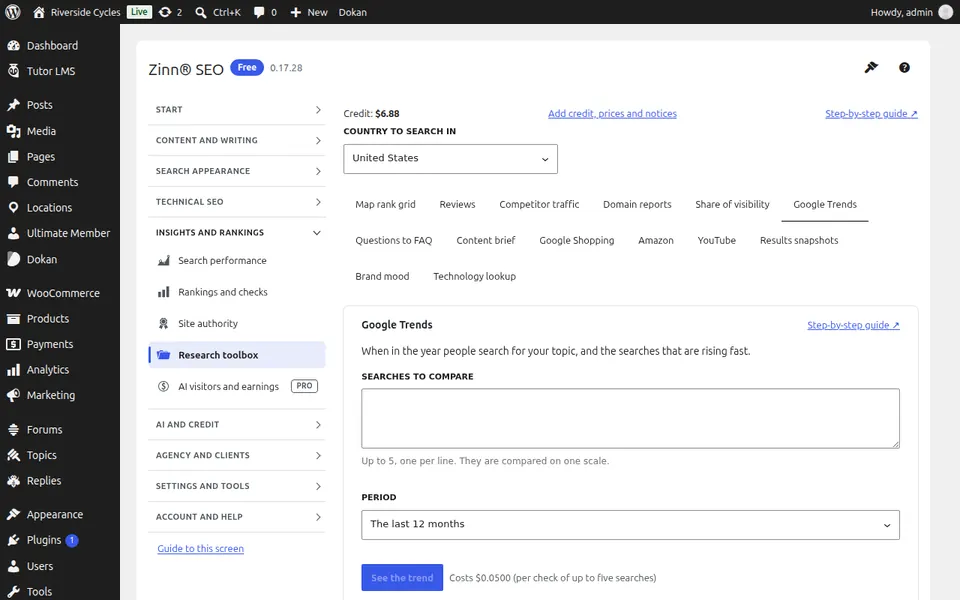
The Google Trends tab
Open the Google Trends tab. See when people search for a phrase, with Google Trends.
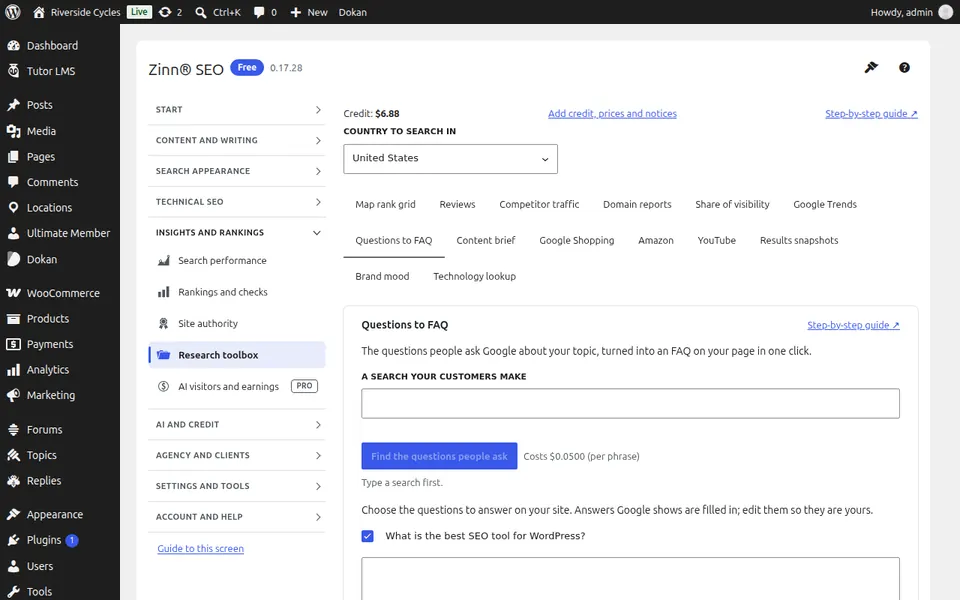
The Questions to FAQ tab
Open the Questions to FAQ tab. Turn the questions people ask Google into a FAQ with answers.
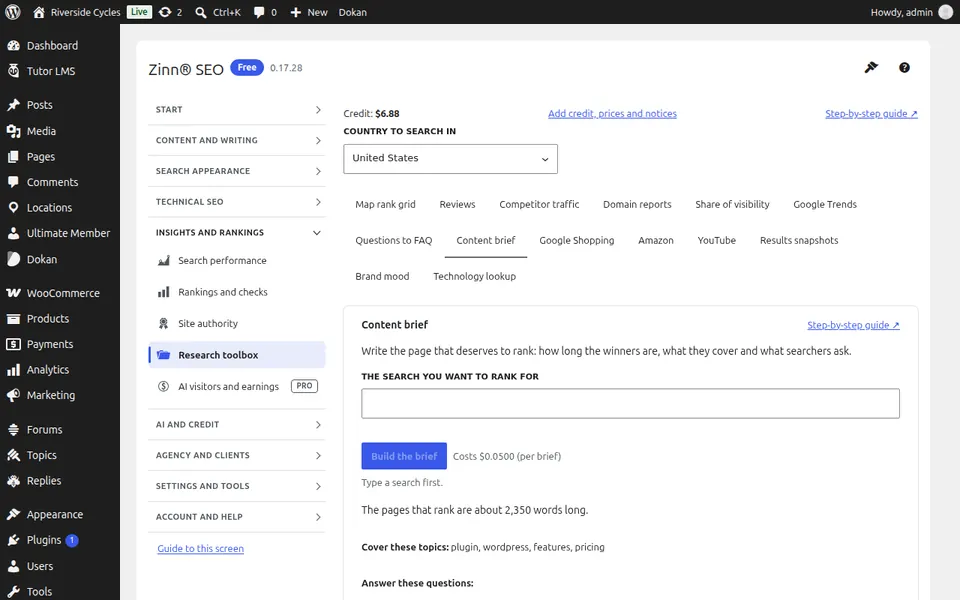
The Content brief tab
Open the Content brief tab. Get a content brief for a phrase — what the ranking pages cover — and write a page from it.
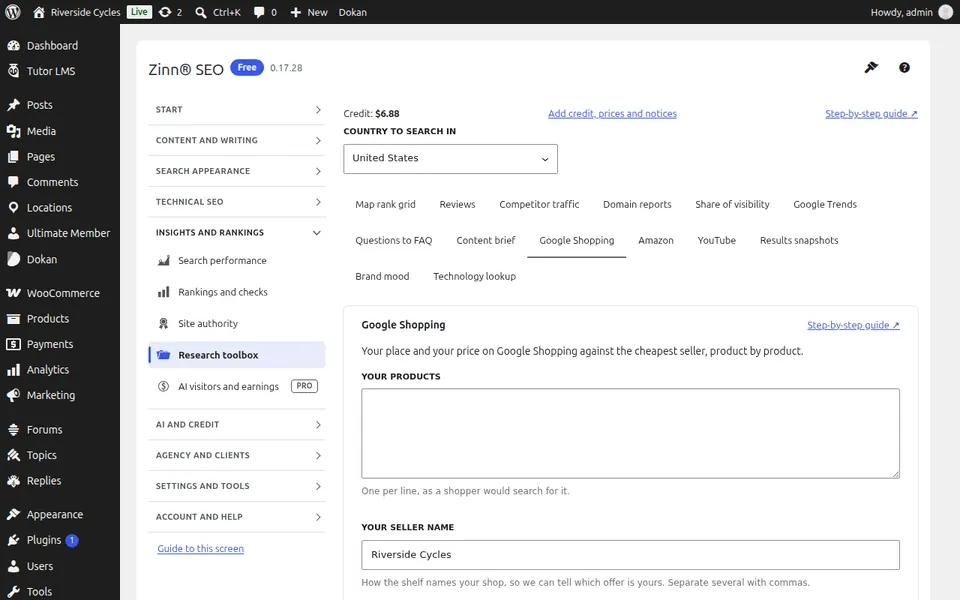
The Google Shopping tab
Open the Google Shopping tab. Track your prices and your place on Google Shopping.
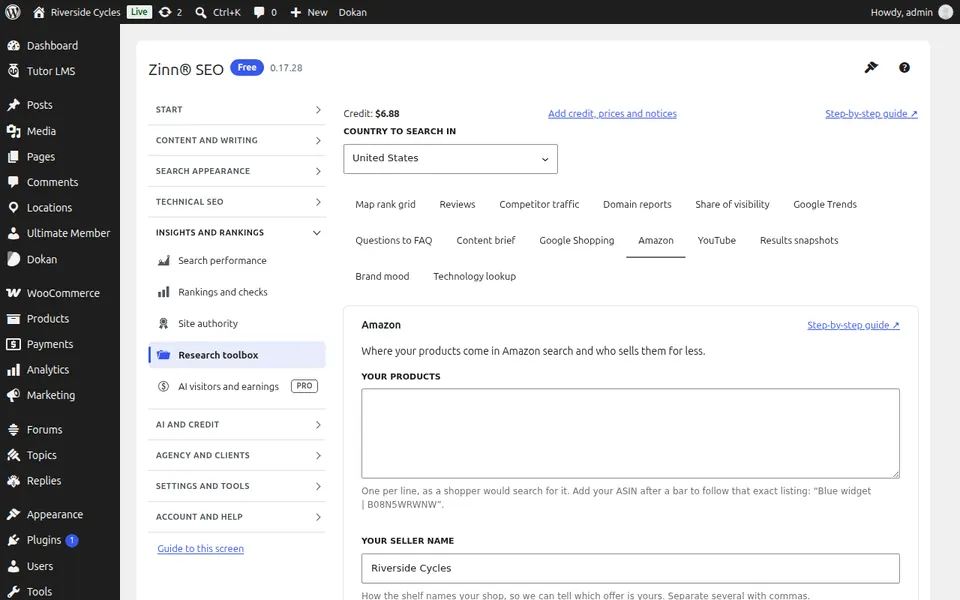
The Amazon tab
Open the Amazon tab. Track where your products rank on Amazon.
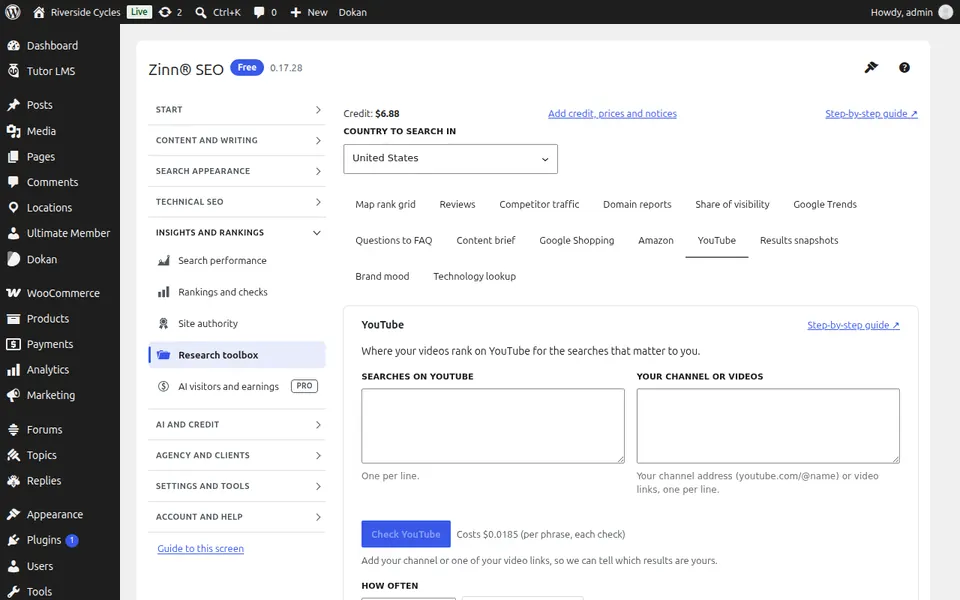
The YouTube tab
Open the YouTube tab. Track where your videos rank on YouTube.
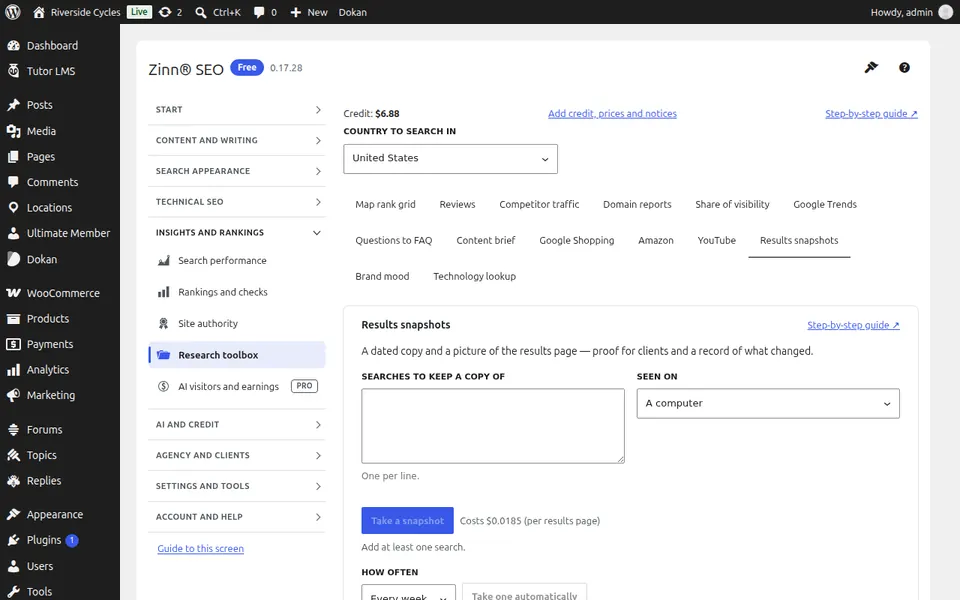
The Results snapshots tab
Open the Results snapshots tab. Keep a dated copy of a search results page to compare later.
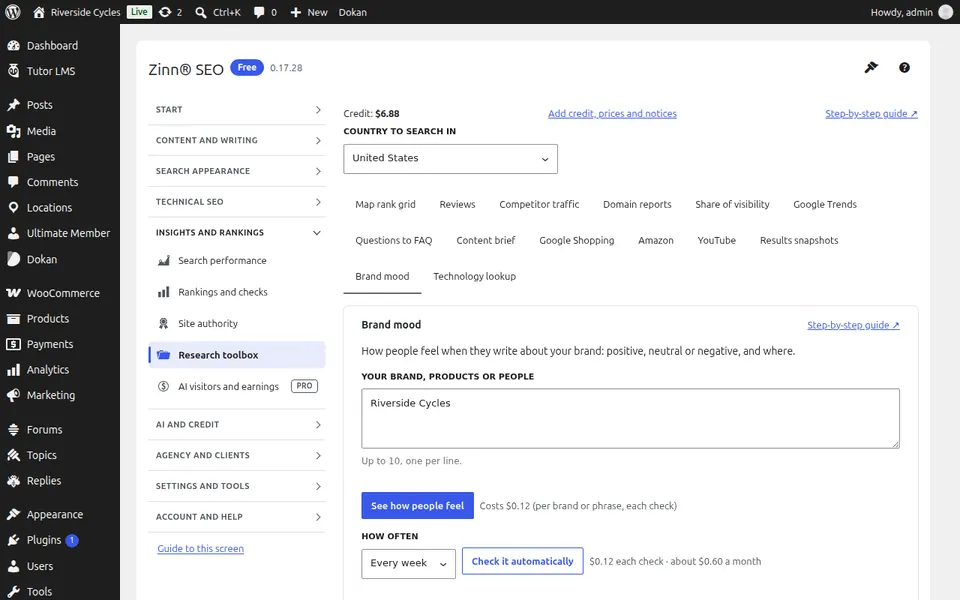
The Brand mood tab
Open the Brand mood tab. See how people feel about your brand online.
The Technology lookup tab
Open the Technology lookup tab. Find out what a website is built with.
Step-by-step guides for this screen
- Use the research toolbox
- Read and answer your reviews
- See a competitor's traffic and top pages
- Measure your share of search visibility
- See when people search, with Google Trends
- Turn People also ask into an FAQ
- Write a page from a content brief
- Track your prices on Google Shopping
- Track your Amazon rankings
- Track your YouTube rankings
- Keep a snapshot of the search results
- See how people feel about your brand
- See what a website is built with
Next guide: The AI visitors and earnings screen
From the same team
Want fast hosting to go with it?
Zinn Digital® hosts WordPress on its own servers, with a CDN, DNS, TLS and daily backups included in every plan.