 Zinn® SEO
Zinn® SEO for the network (Pro)
On a multisite network (Pro): Network Admin › Settings › Zinn® SEO sets defaults for every site and can lock them.
Open Zinn® SEO for the network (Pro)
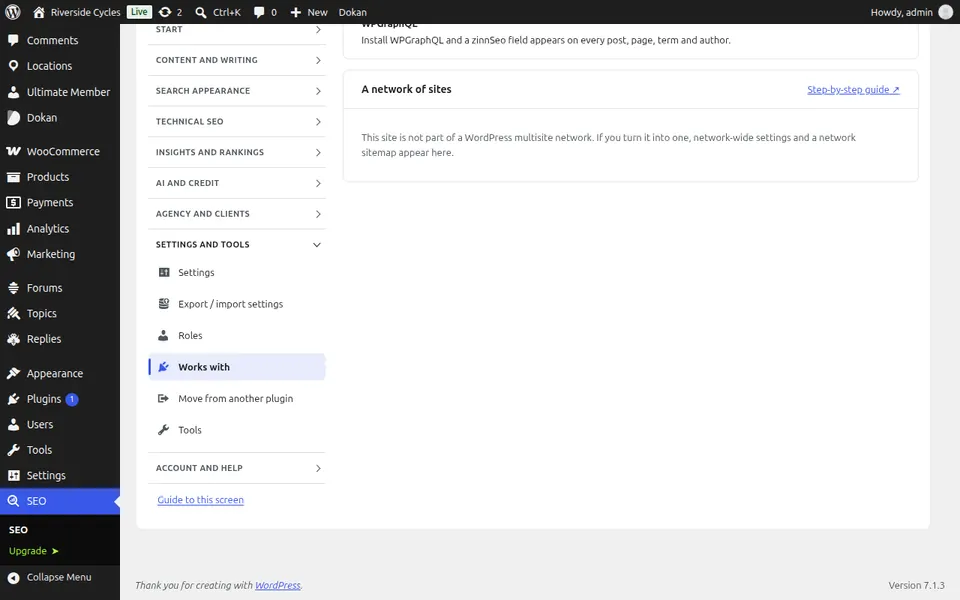
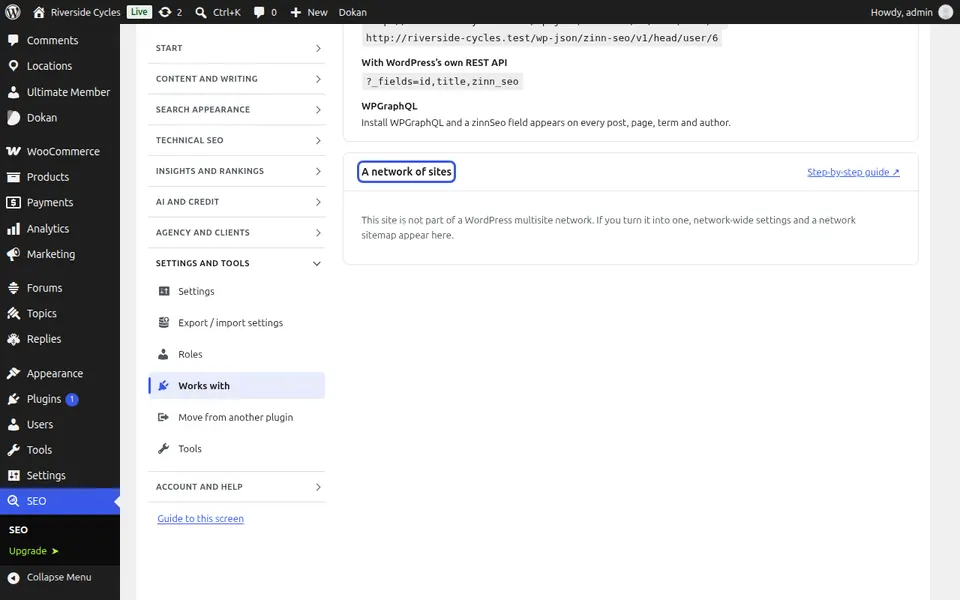
This screen is outside the SEO menu: Network Admin > Settings > Zinn® SEO (multisite). On a multisite network (Pro): Network Admin › Settings › Zinn® SEO sets defaults for every site and can lock them.
Use Zinn® SEO for the network (Pro)
Choose the defaults every new site starts with, and lock the settings sites may not change.
Step-by-step guides for this screen
Next guide: Install Zinn® SEO
From the same team
Want fast hosting to go with it?
Zinn Digital® hosts WordPress on its own servers, with a CDN, DNS, TLS and daily backups included in every plan.