 Zinn® SEO
Set up author pages for search
Give each author's page its own search title and description, and keep author pages you do not want out of search.
Set the template for author pages
Go to SEO, Search appearance. Under Other pages, open Author archives to set the title and description template every author page uses, and whether author pages are shown in search at all.
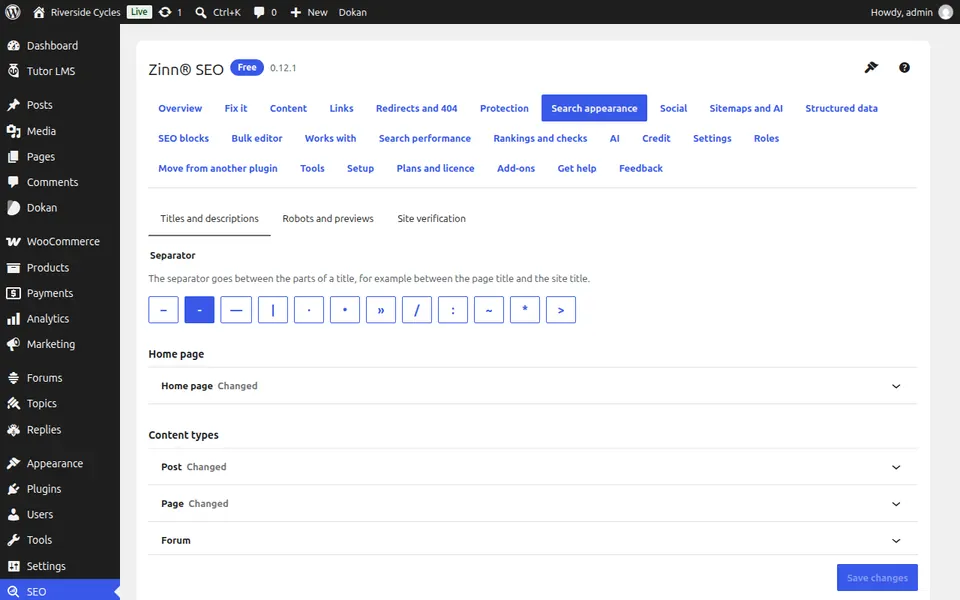
Open a person's profile
Go to Users and open a person. The section This author's page in search results is near the end of their profile.
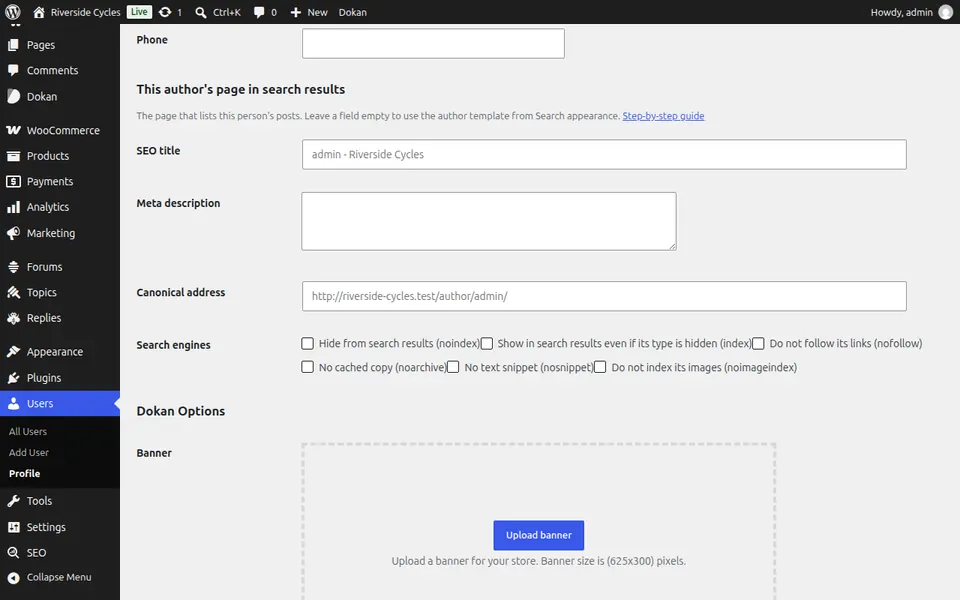
Write their own title and description
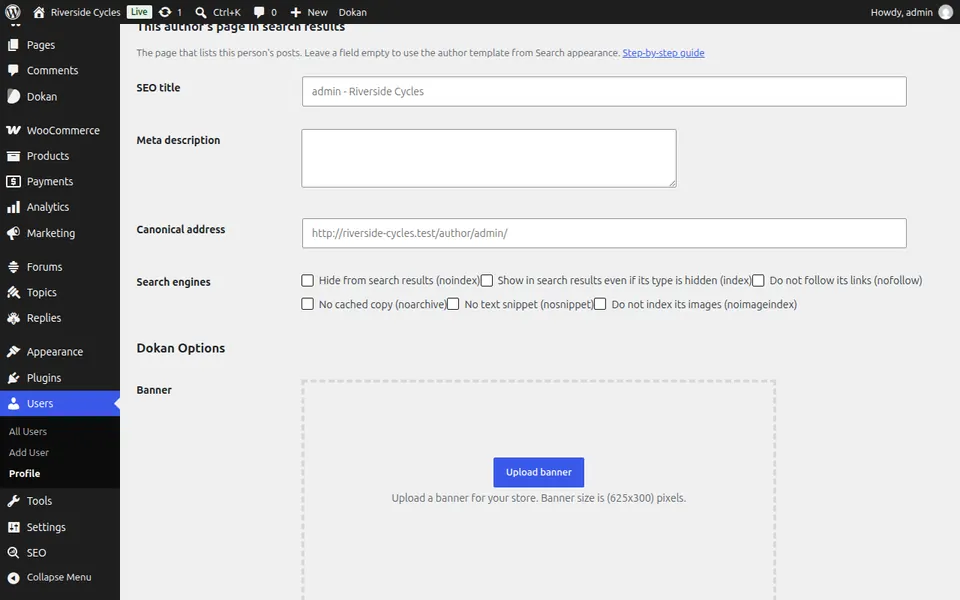
Fill in a field to use your own words for this person. Leave it empty and the template from Search appearance is used.
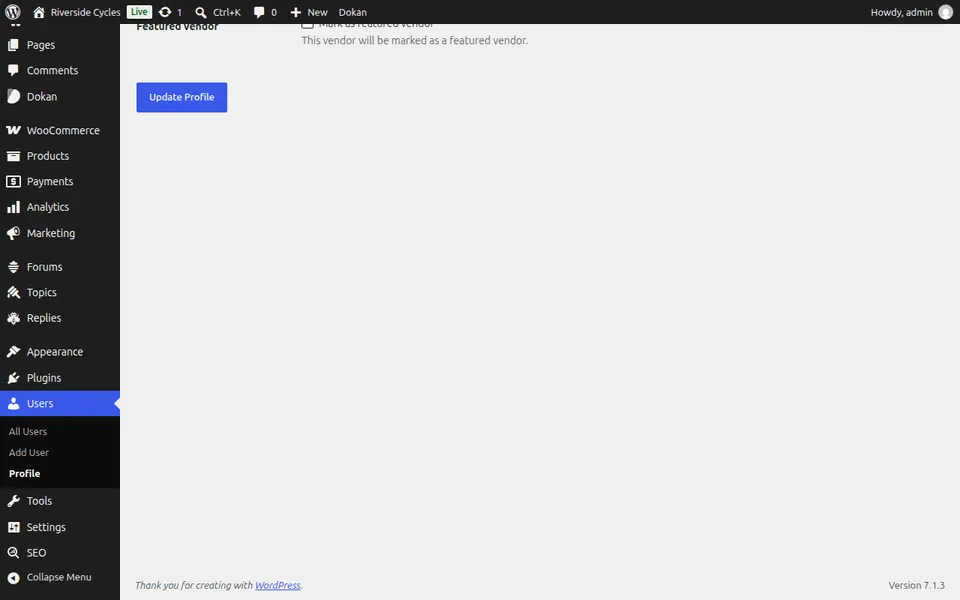
Save the profile
Press Update Profile. The author's page shows the new title and description straight away.
Next guide: XML sitemap in WordPress: where yours is and how to check it
From the same team
Want fast hosting to go with it?
Zinn Digital® hosts WordPress on its own servers, with a CDN, DNS, TLS and daily backups included in every plan.