 Zinn® SEO
The CDN screen
Serve your images, CSS, scripts and fonts from the Zinn® CDN, switched on in one click and off just as fast, paid from your credit only for what visitors download.
Open CDN
In WordPress, open SEO in the menu, then CDN under Technical SEO in the plugin's side menu. Serve your images, CSS, scripts and fonts from the Zinn® CDN, switched on in one click and off just as fast, paid from your credit only for what visitors download.
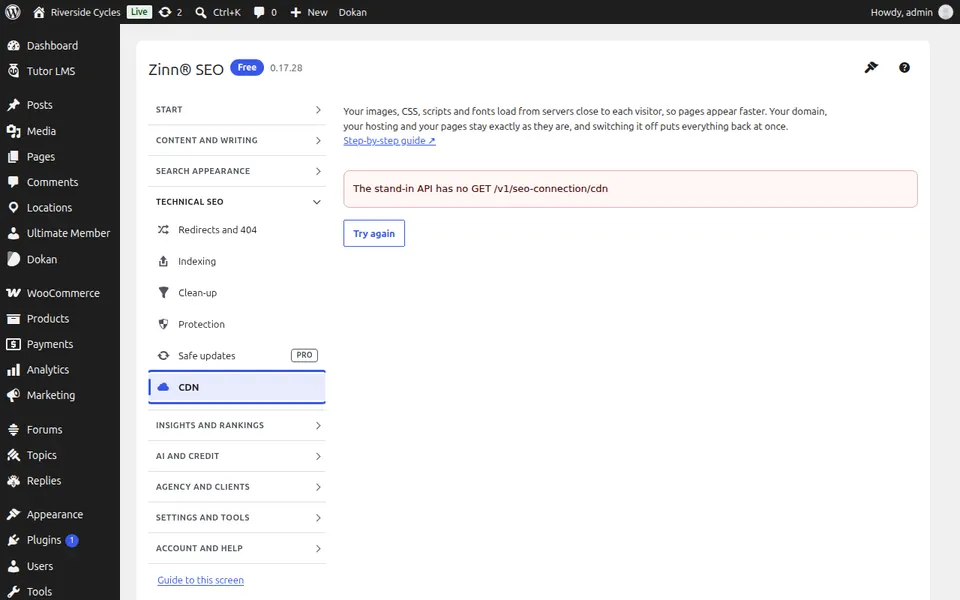
Use CDN
Switch the CDN on, and see what it served and what it cost. Switching it off puts every address back at once.
Step-by-step guides for this screen
Next guide: The Search performance screen
From the same team
Want fast hosting to go with it?
Zinn Digital® hosts WordPress on its own servers, with a CDN, DNS, TLS and daily backups included in every plan.