 Zinn® SEO
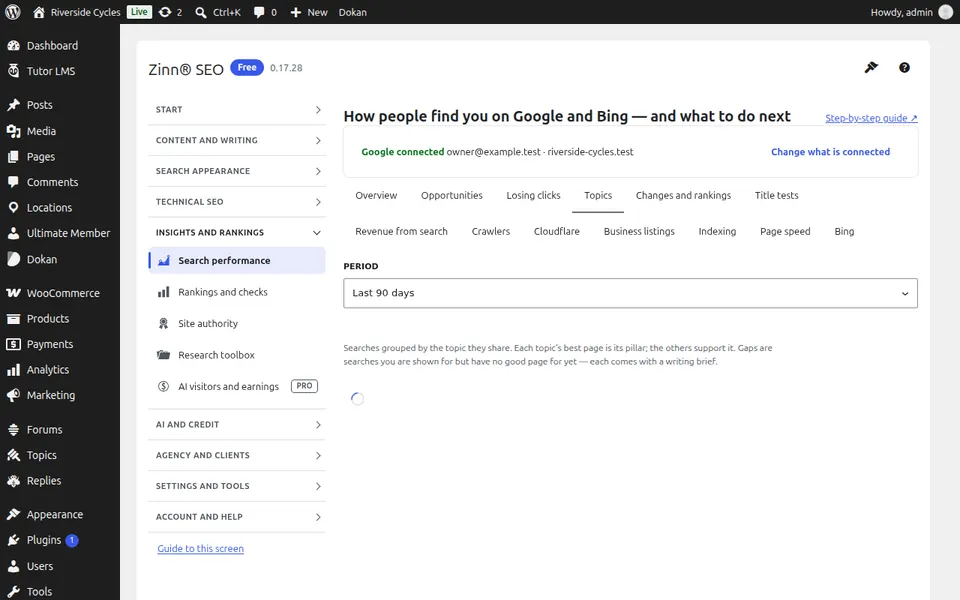
The Search performance screen
Your Google and Bing search data inside WordPress: searches and clicks for every page, which pages are indexed and why others are not, your real page speed, and more with Pro.
Open Search performance
In WordPress, open SEO in the menu, then Search performance under Insights and rankings in the plugin's side menu. Your Google and Bing search data inside WordPress: searches and clicks for every page, which pages are indexed and why others are not, your real page speed, and more with Pro.
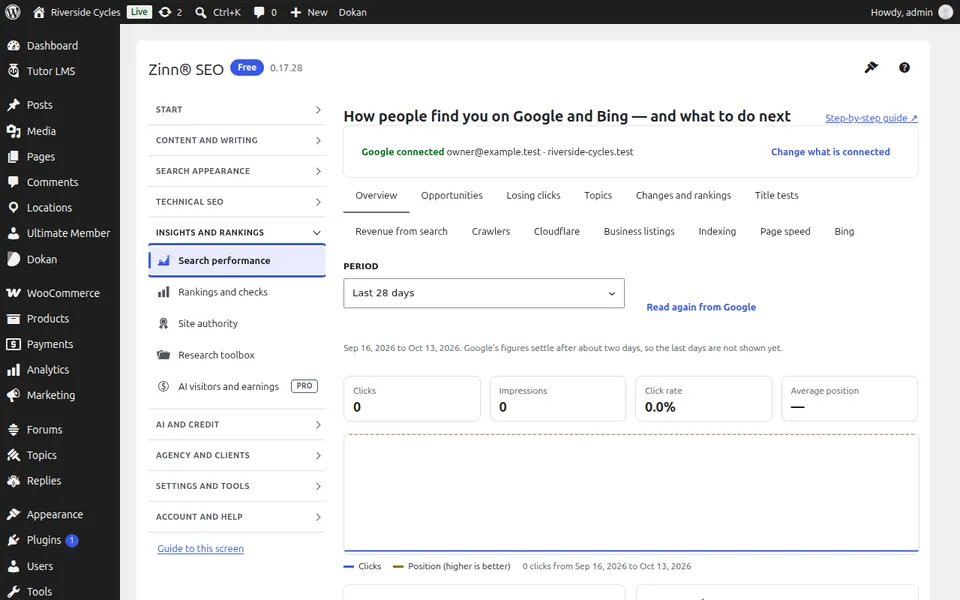
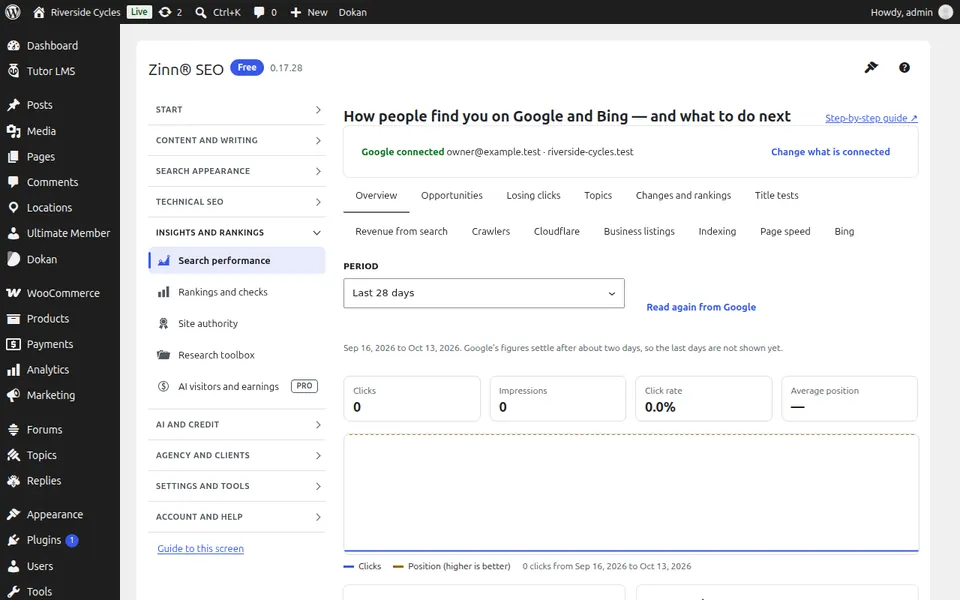
The Overview tab
Open the Overview tab. Connect Google Search Console and Bing, then see searches, clicks and positions for every page.
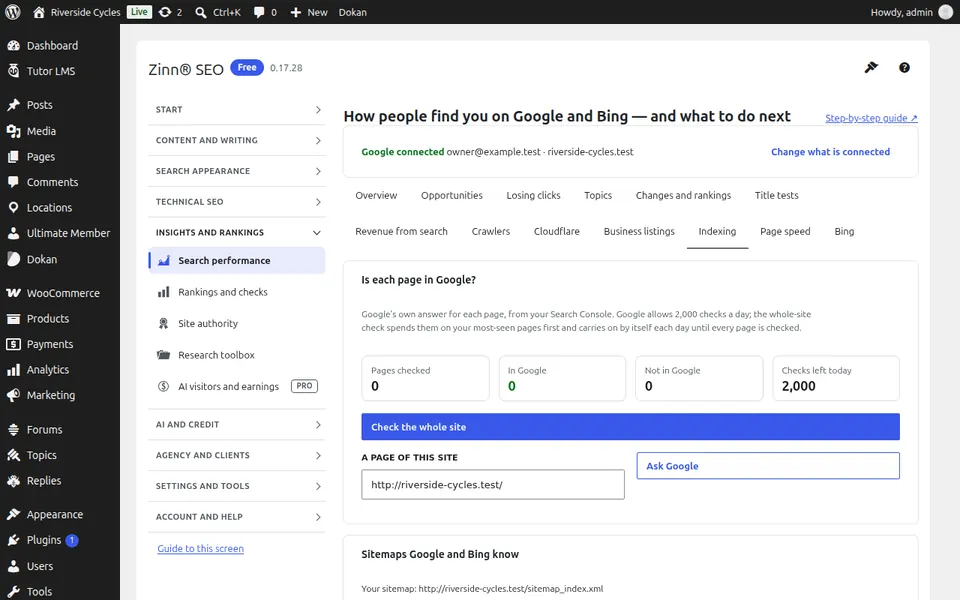
The Indexing tab
Open the Indexing tab. Which of your pages Google has indexed, and why the others are not.
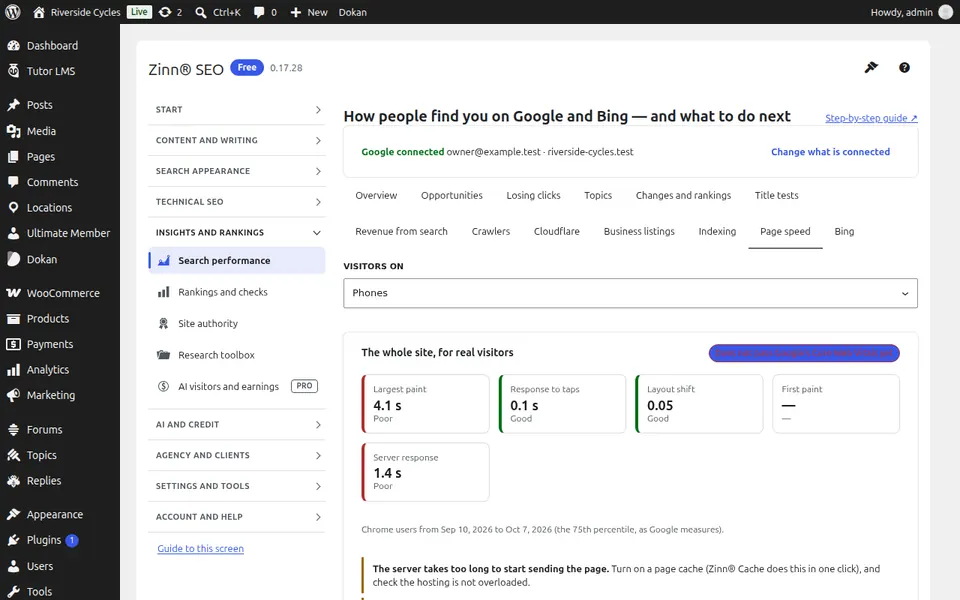
The Page speed tab
Open the Page speed tab. How fast your pages really are for visitors — the speed Google ranks on — and what is slowing each one down.
The More with Pro tab
Open the More with Pro tab. With Pro: searches you almost rank for, pages losing clicks, a topical map, which changes moved rankings, title tests and revenue from search.
Step-by-step guides for this screen
- Connect Google Search Console
- See which pages Google has indexed, and why not
- See your real page speed
Next guide: The Rankings and checks screen
From the same team
Want fast hosting to go with it?
Zinn Digital® hosts WordPress on its own servers, with a CDN, DNS, TLS and daily backups included in every plan.