 Zinn® SEO
The Rankings and checks screen
Pay-per-use checks with Zinn® credits: rankings, Google's index, whether AI answers mention you, backlinks, a full site audit, keywords, competitors, local rankings and brand mentions.
Open Rankings and checks
In WordPress, open SEO in the menu, then Rankings and checks under Insights and rankings in the plugin's side menu. Pay-per-use checks with Zinn® credits: rankings, Google's index, whether AI answers mention you, backlinks, a full site audit, keywords, competitors, local rankings and brand mentions.
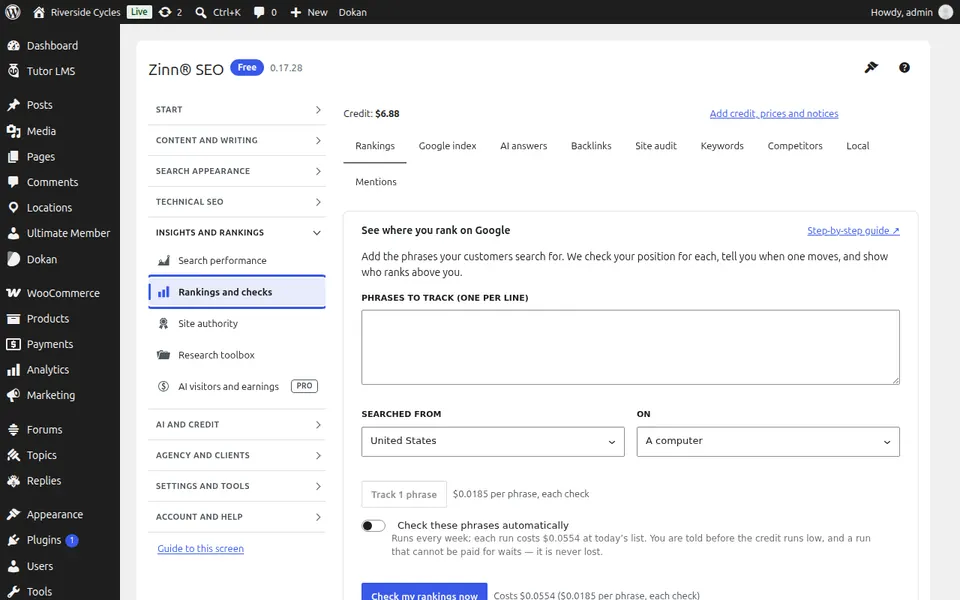
The Rankings tab
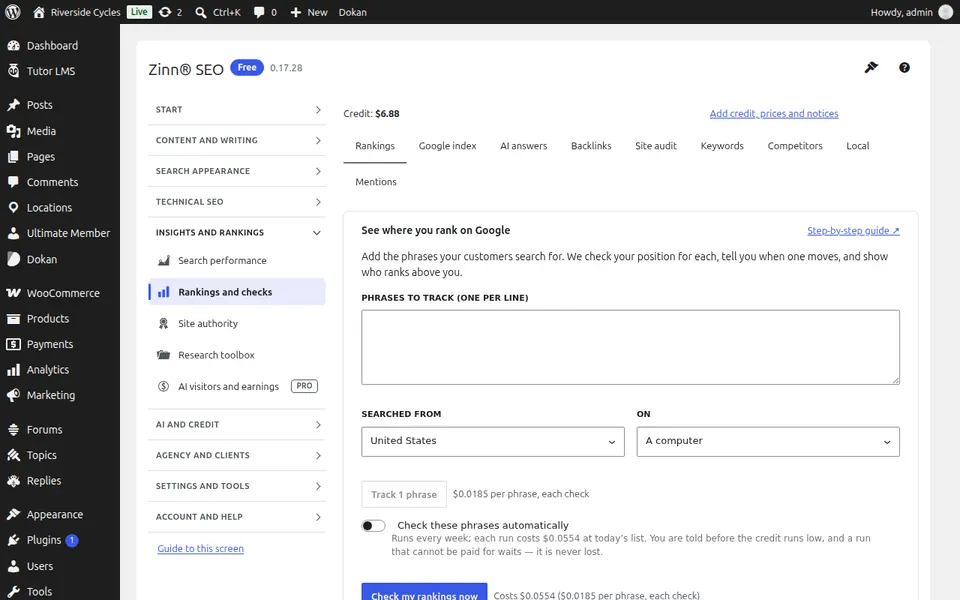
Open the Rankings tab. Track where your pages rank in Google for the phrases you choose, on the schedule you choose.
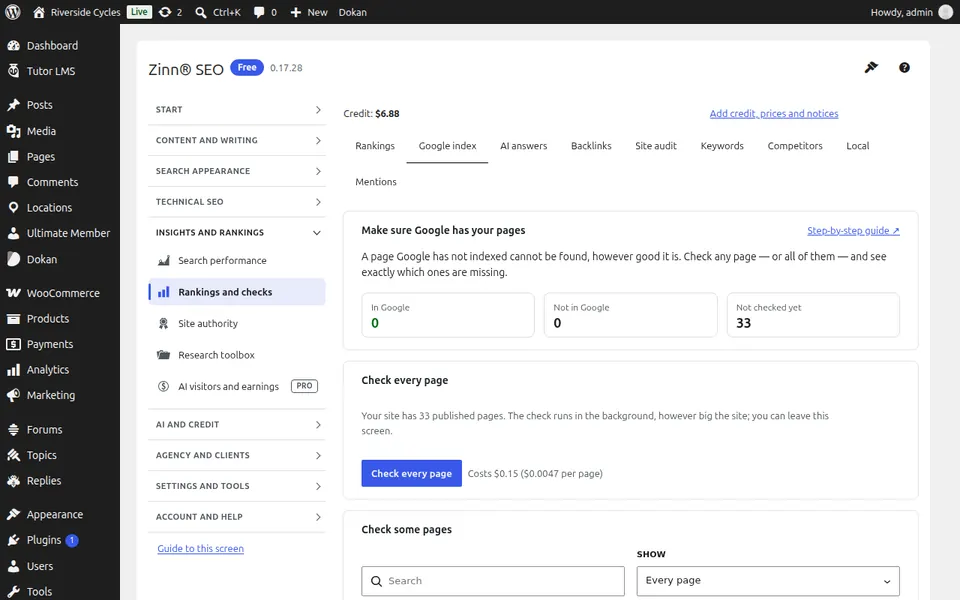
The Google index tab
Open the Google index tab. Check which of your pages Google has indexed, page by page or the whole site.
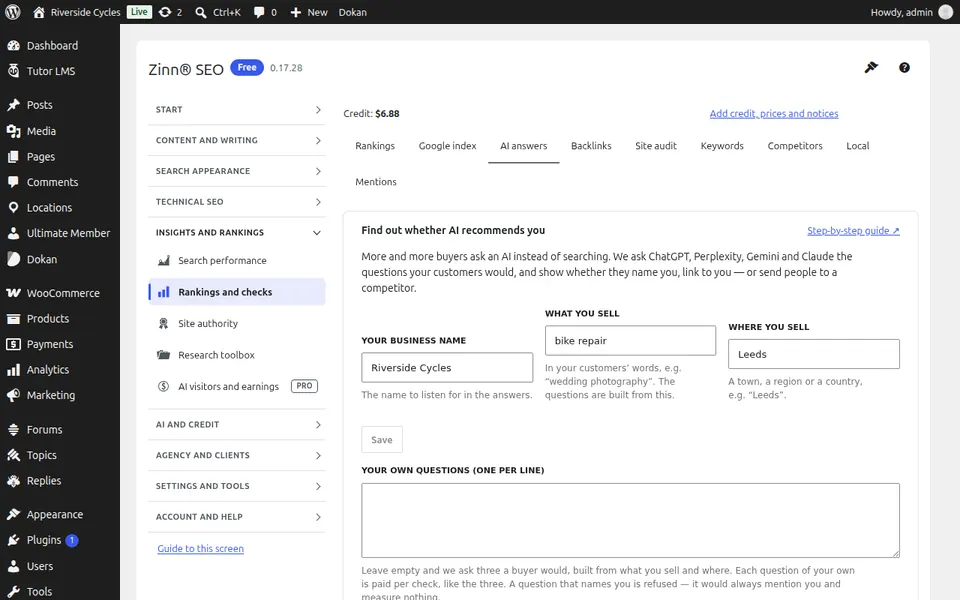
The AI answers tab
Open the AI answers tab. See whether ChatGPT and other AI answers mention you for the questions you choose.
The Backlinks tab
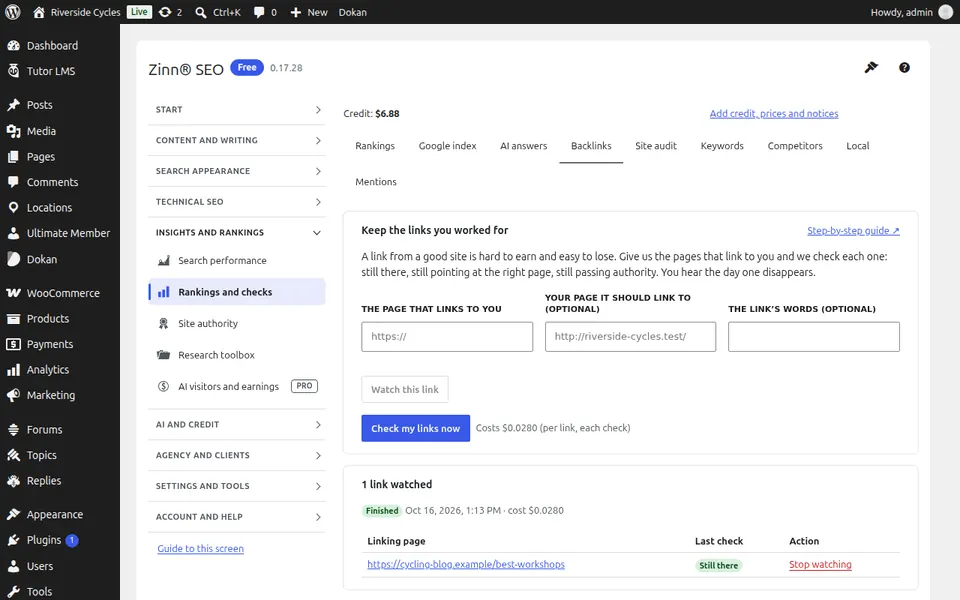
Open the Backlinks tab. Watch your backlinks: new and lost links, and a disavow file for the bad ones.
The Site audit tab
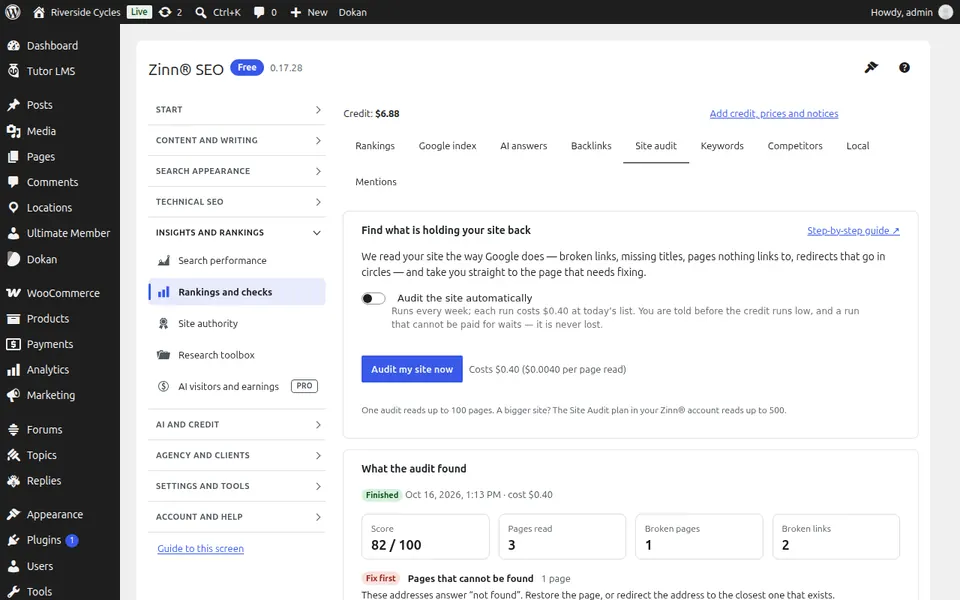
Open the Site audit tab. Run a full-site audit; every problem it finds also appears in Fix it.
The Keywords tab
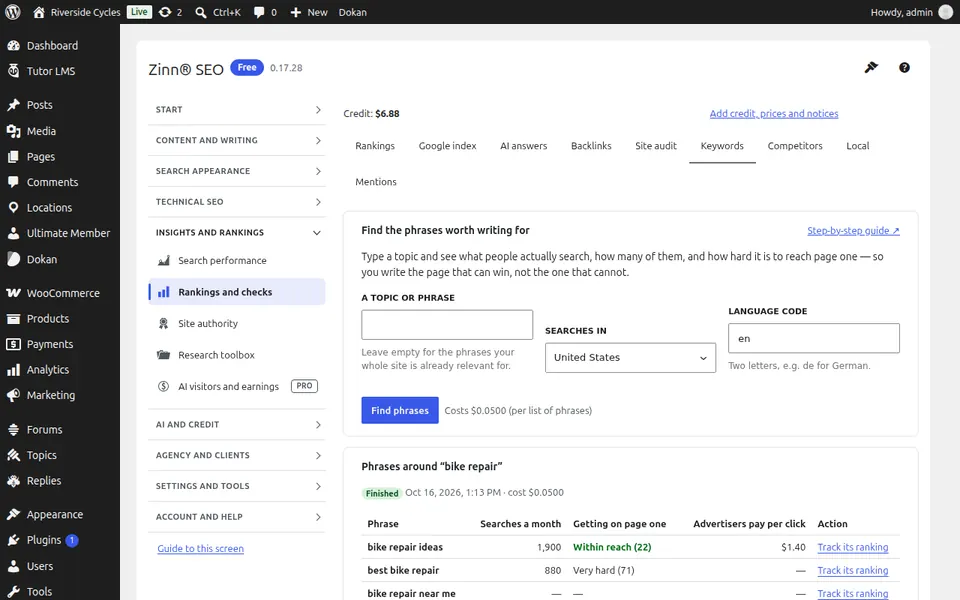
Open the Keywords tab. Find the phrases worth writing for, with search volume and difficulty, in each country you sell to.
The Competitors tab
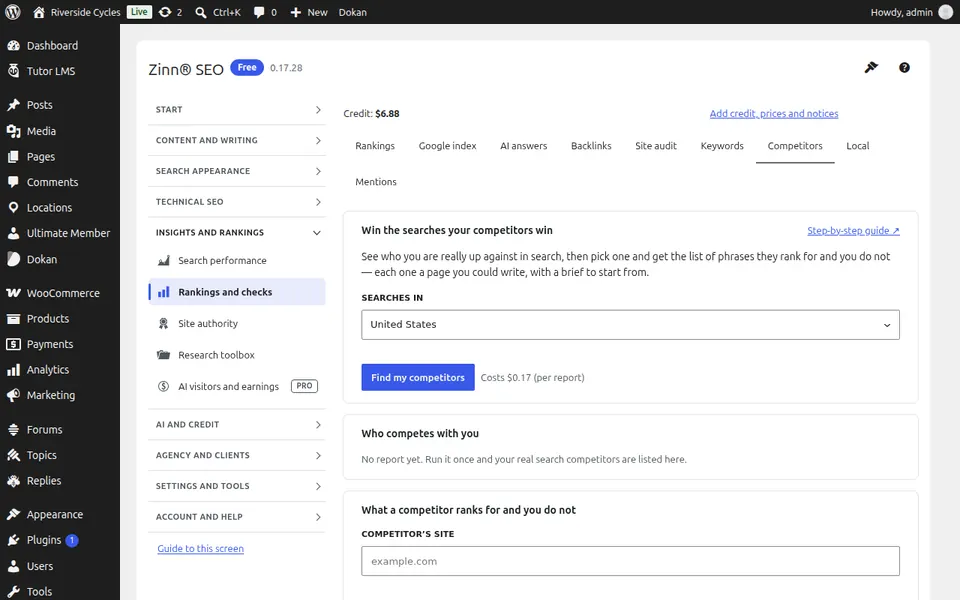
Open the Competitors tab. See what a competitor ranks for that you do not, and start the page that closes the gap.
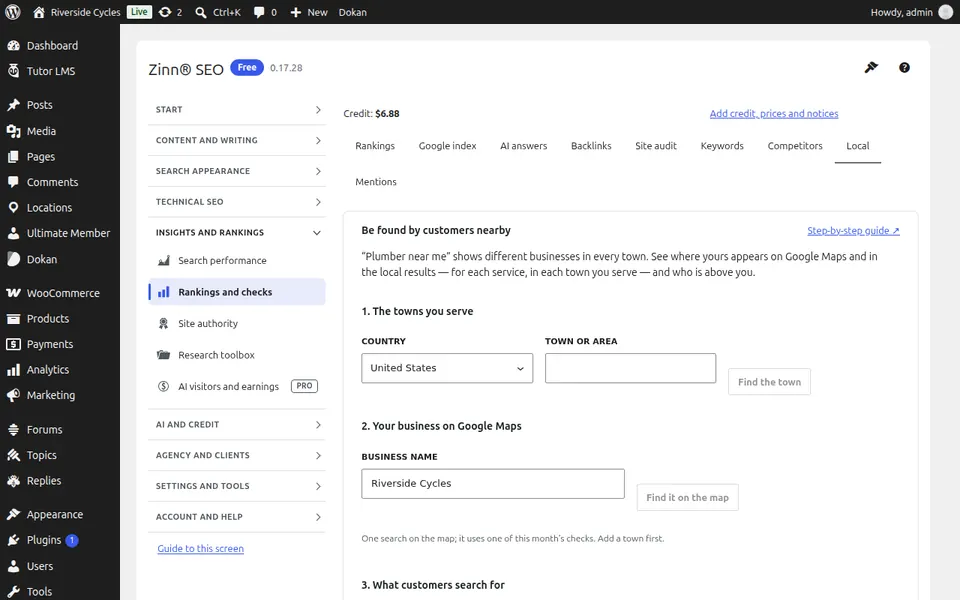
The Local tab
Open the Local tab. Track your local rankings town by town and on the map.
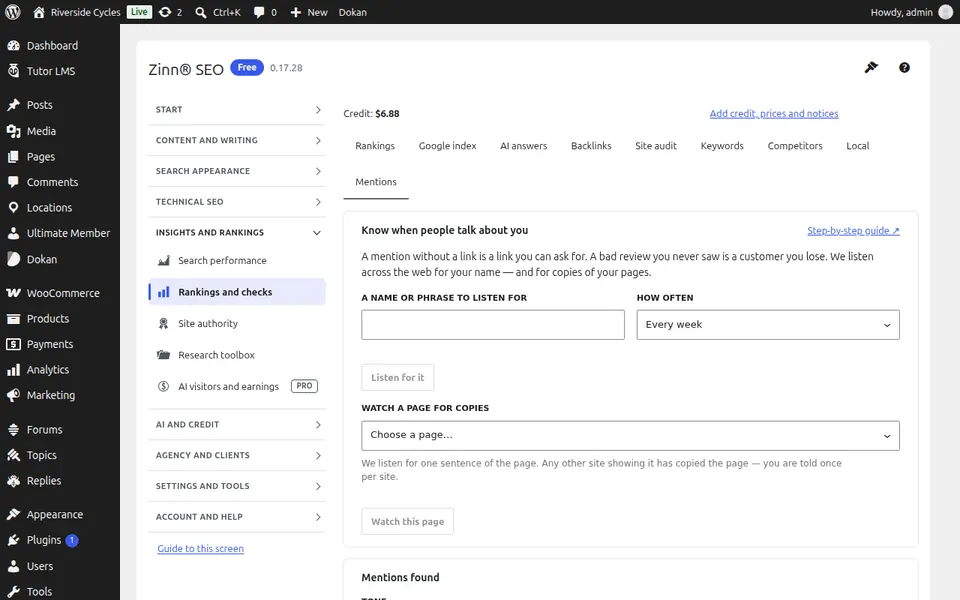
The Mentions tab
Open the Mentions tab. Watch where your brand is mentioned, and where your content was copied.
Step-by-step guides for this screen
- Track your Google rankings
- Check which pages Google has indexed
- See whether AI answers mention you
- Watch your backlinks
- Run a site audit
- Find keywords worth writing for
- Find the content gap with a competitor (Pro)
- Track local rankings town by town (Pro)
- Watch brand mentions and copied content (Pro)
Next guide: The Site authority screen
From the same team
Want fast hosting to go with it?
Zinn Digital® hosts WordPress on its own servers, with a CDN, DNS, TLS and daily backups included in every plan.