 Zinn® SEO
The Structured data screen
Structured data — the facts search engines read to show rich results: who runs your site, which type each kind of page has, a check of any page, your own types and rules.
Open Structured data
In WordPress, open SEO in the menu, then Structured data under Search appearance in the plugin's side menu. Structured data — the facts search engines read to show rich results: who runs your site, which type each kind of page has, a check of any page, your own types and rules.
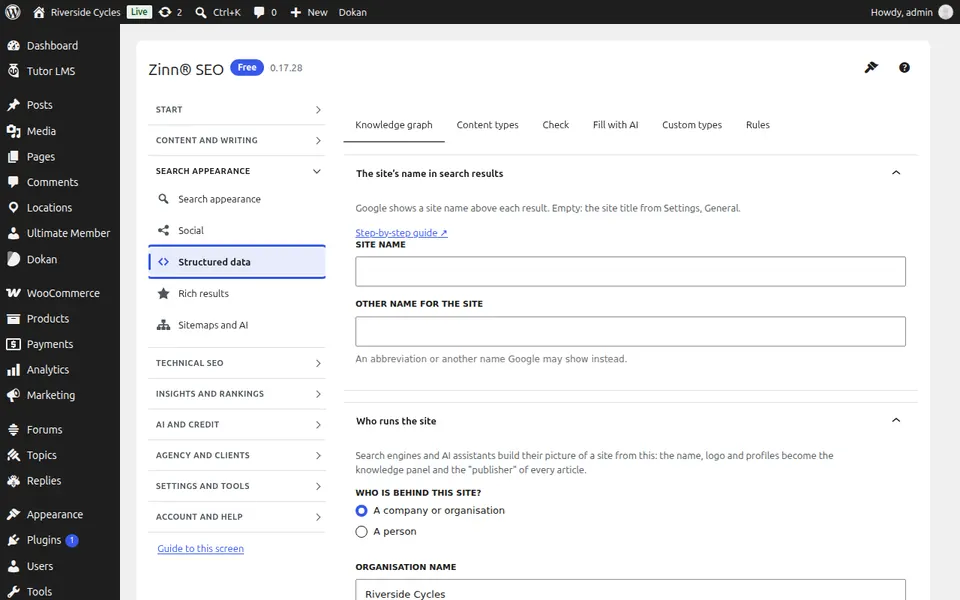
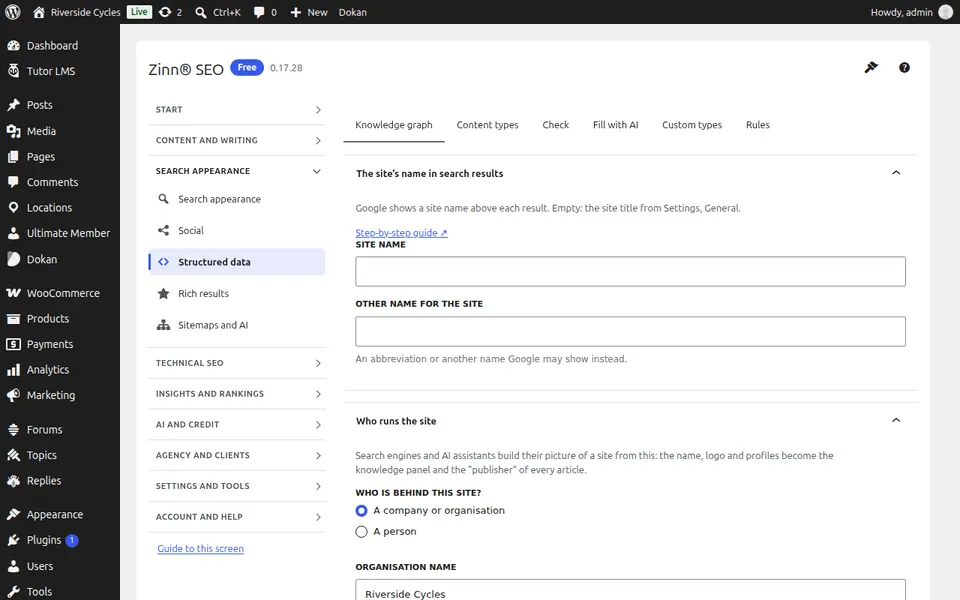
The Knowledge graph tab
Open the Knowledge graph tab. Tell search engines who runs your site — a person or an organisation — with its name, logo and profiles.
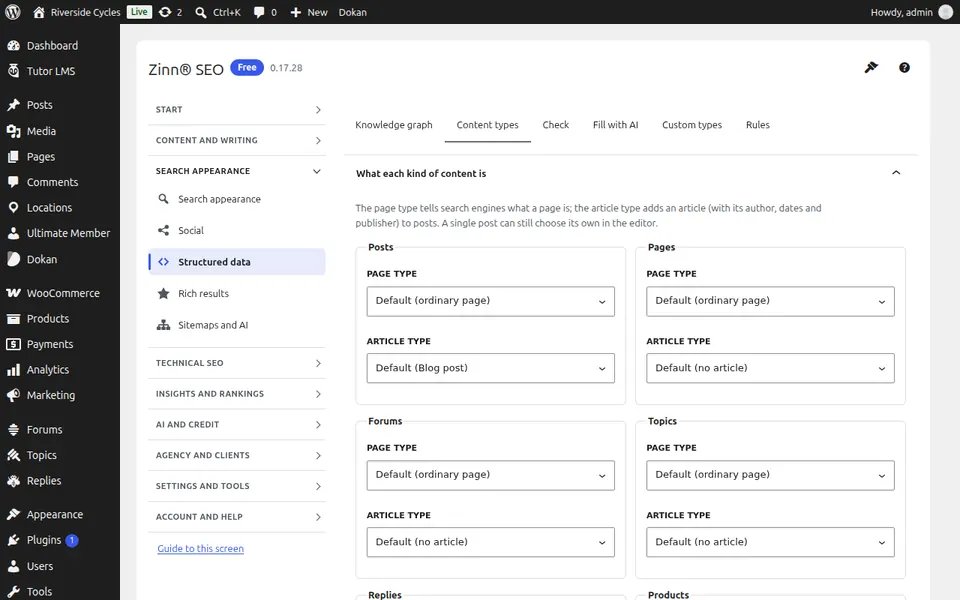
The Content types tab
Open the Content types tab. The structured-data type of each kind of page: article, product, recipe, local business and more.
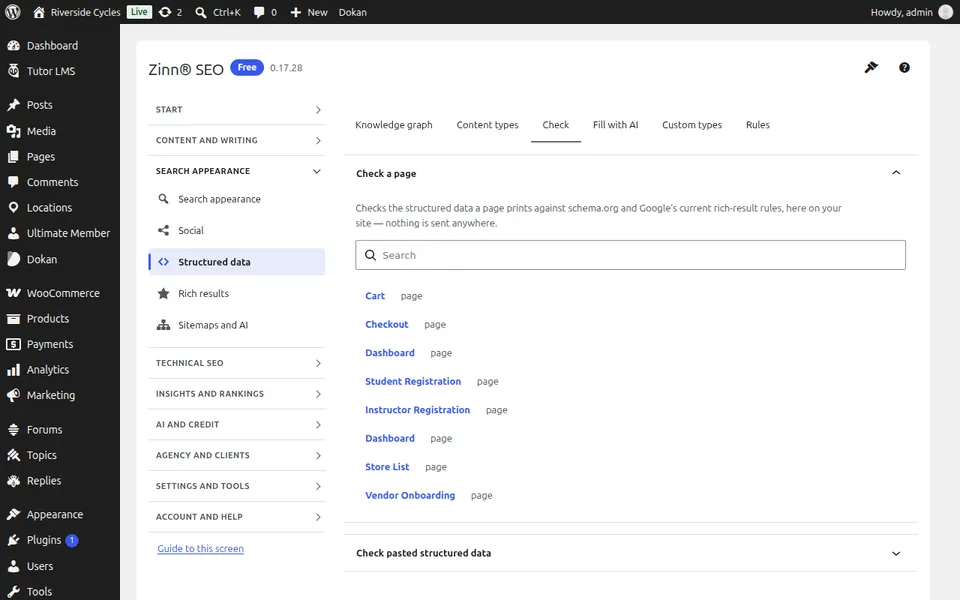
The Check tab
Open the Check tab. Check the structured data of any page against Google's rules, without leaving WordPress.
The Fill with AI tab
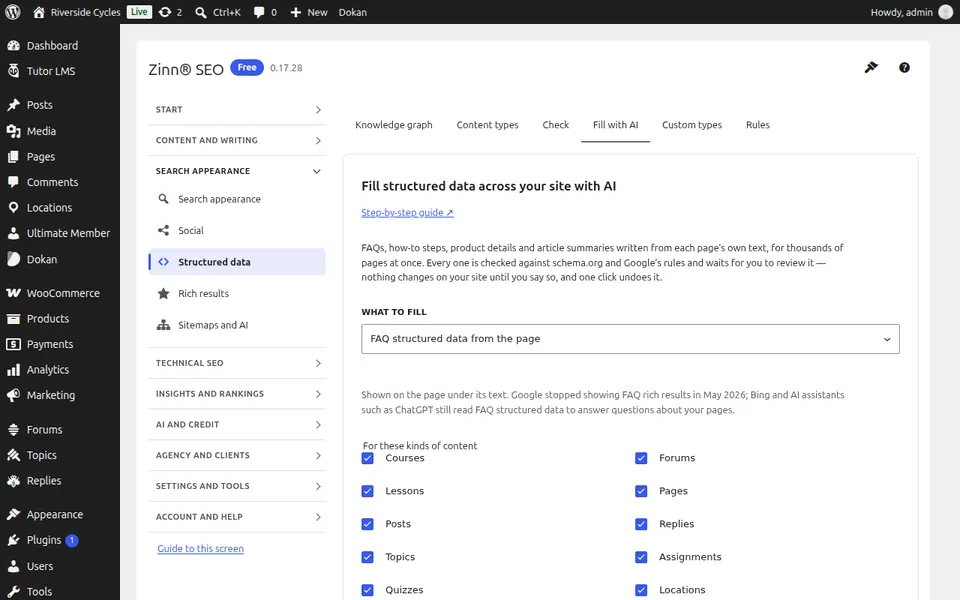
Open the Fill with AI tab. Let AI write FAQs, how-to steps, product details and article summaries from each page's own text across the whole site, see the cost first, review each one and undo a whole batch in one click.
The Custom types tab
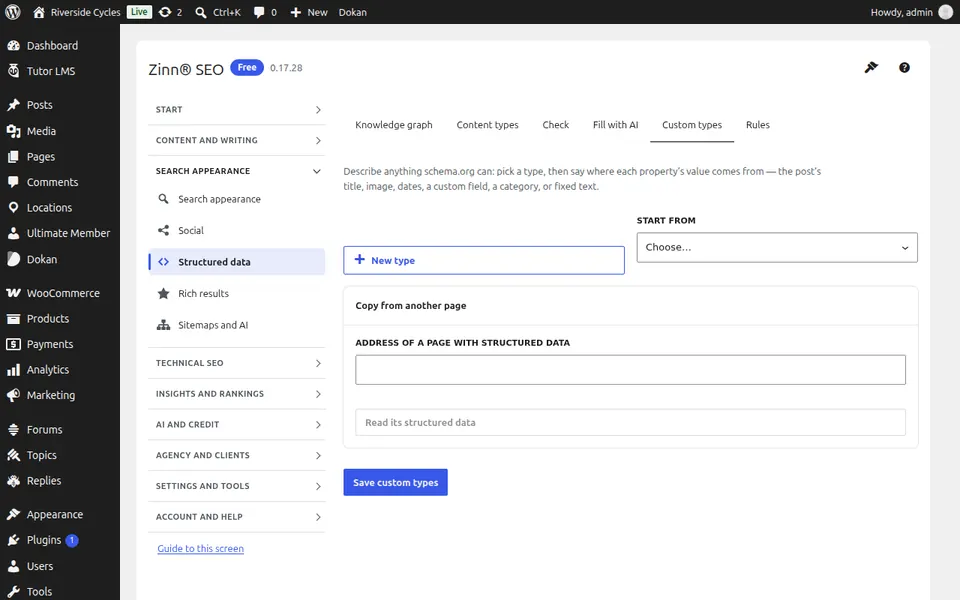
Open the Custom types tab. Design your own structured-data types visually or import them from any page.
The Rules tab
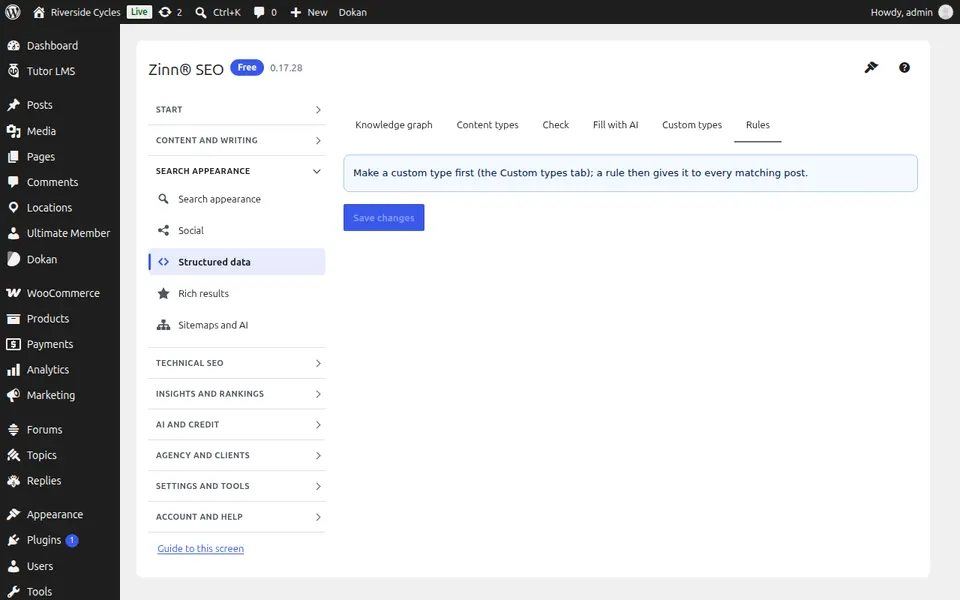
Open the Rules tab. Apply a structured-data type to the pages you choose by rule.
Step-by-step guides for this screen
Next guide: The Rich results screen
From the same team
Want fast hosting to go with it?
Zinn Digital® hosts WordPress on its own servers, with a CDN, DNS, TLS and daily backups included in every plan.