 Zinn® SEO
The Agency screen
Put your agency's brand on the plugin, give clients their own login that shows only the screens you choose, and get alerts in your team's chat. (Pro)
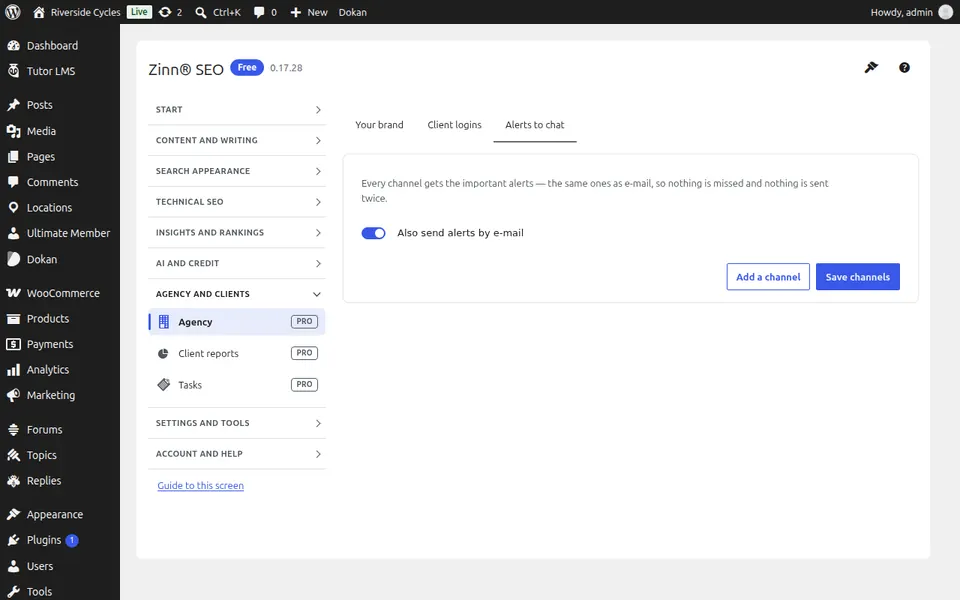
Open Agency
In WordPress, open SEO in the menu, then Agency under Agency and clients in the plugin's side menu. Put your agency's brand on the plugin, give clients their own login that shows only the screens you choose, and get alerts in your team's chat. (Pro)
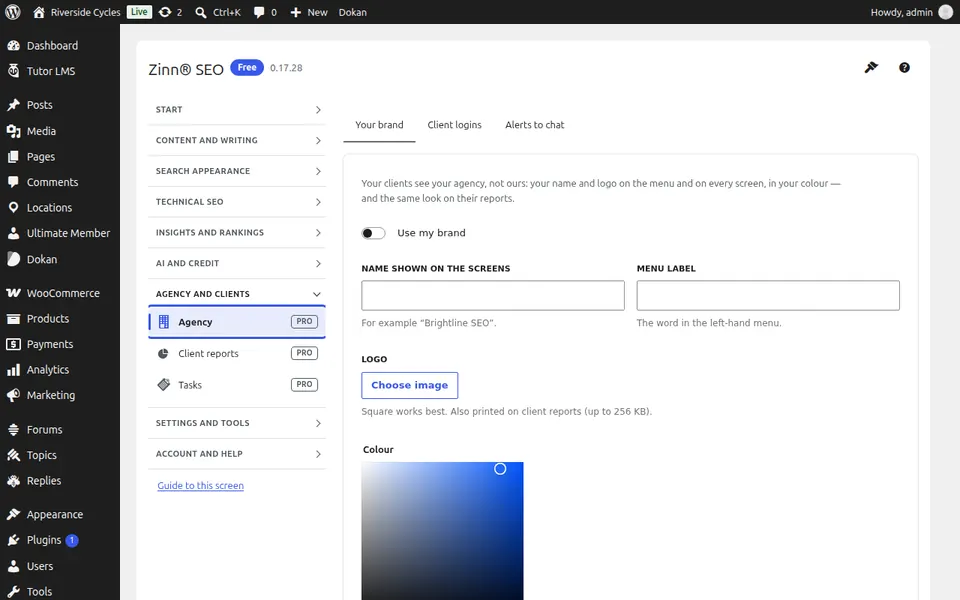
The Your brand tab
Open the Your brand tab. Put your agency's name, logo and colours on the plugin and hide our branding from clients.
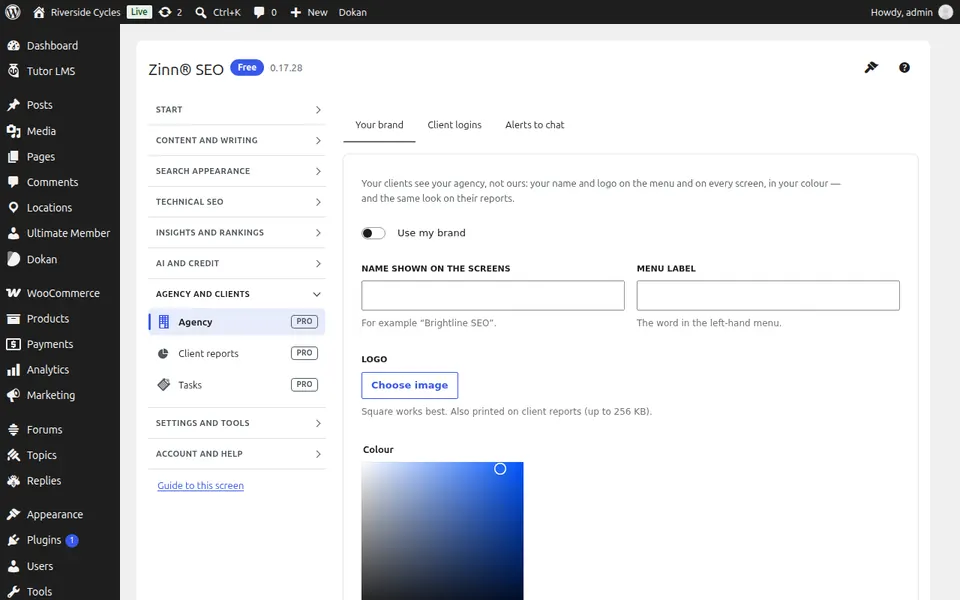
The Client logins tab
Open the Client logins tab. Give each client a login that shows only the screens you choose — never prices, credit, keys or connections.
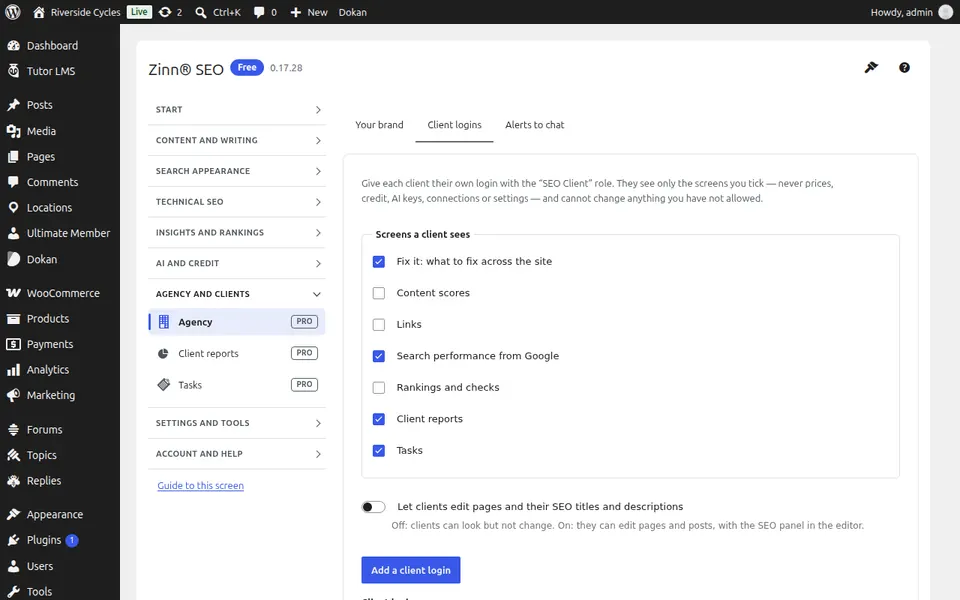
The Alerts to chat tab
Open the Alerts to chat tab. Get alerts in Slack, Microsoft Teams, Discord, Telegram or your own webhook.
Step-by-step guides for this screen
- Put your agency's brand on Zinn® SEO (Agency plan)
- Give clients their own SEO login (Agency plan)
- Get SEO alerts in Slack, Teams, Discord or Telegram (Pro)
Next guide: The Client reports screen
From the same team
Want fast hosting to go with it?
Zinn Digital® hosts WordPress on its own servers, with a CDN, DNS, TLS and daily backups included in every plan.