 Zinn® SEO
Compare every page before you switch SEO plugins
Before the old SEO plugin is switched off, Zinn® SEO fetches every page and shows exactly what would change.
Open Move from another plugin
Go to SEO, Move from another plugin. Copy the data in first: the comparison needs it.
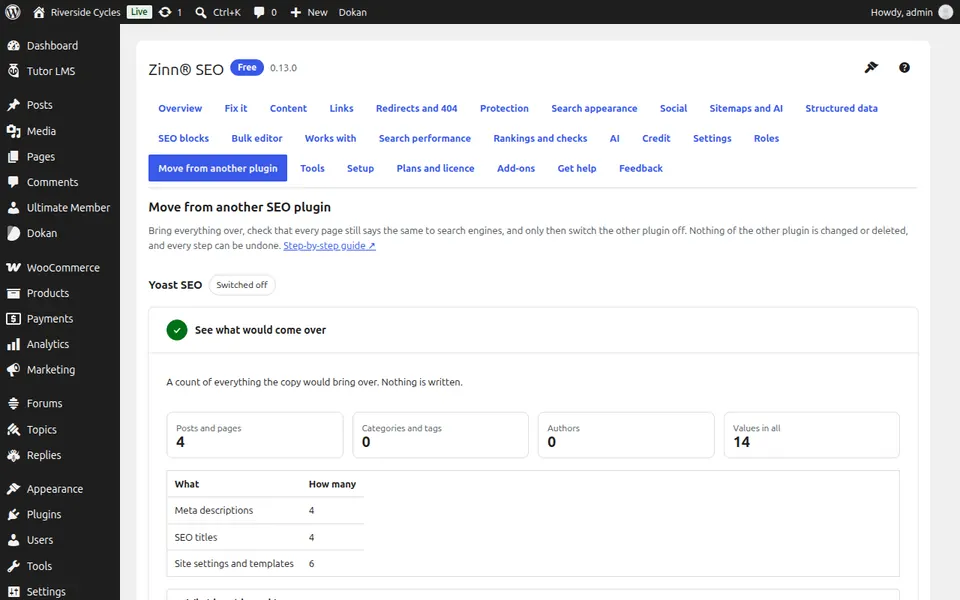
Compare every page
Press Compare every page. Each published page is fetched as the old plugin shows it today and set beside what Zinn® SEO would print: title, description, canonical address, robots, what a shared link shows and structured data.
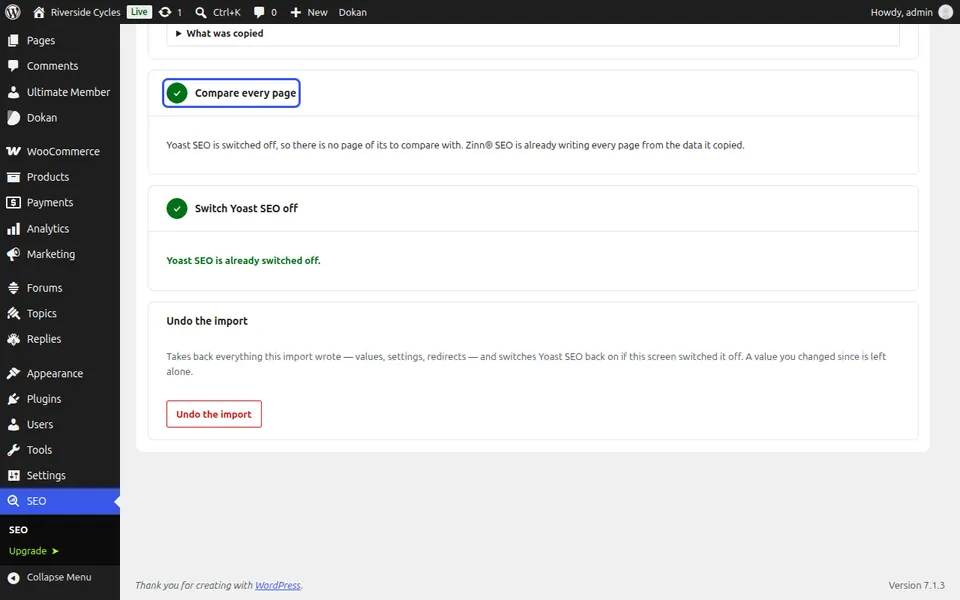
Look through the differences
Every page that differs is listed with what differs. Change the page or the title template and press Compare again, or accept a difference you want.
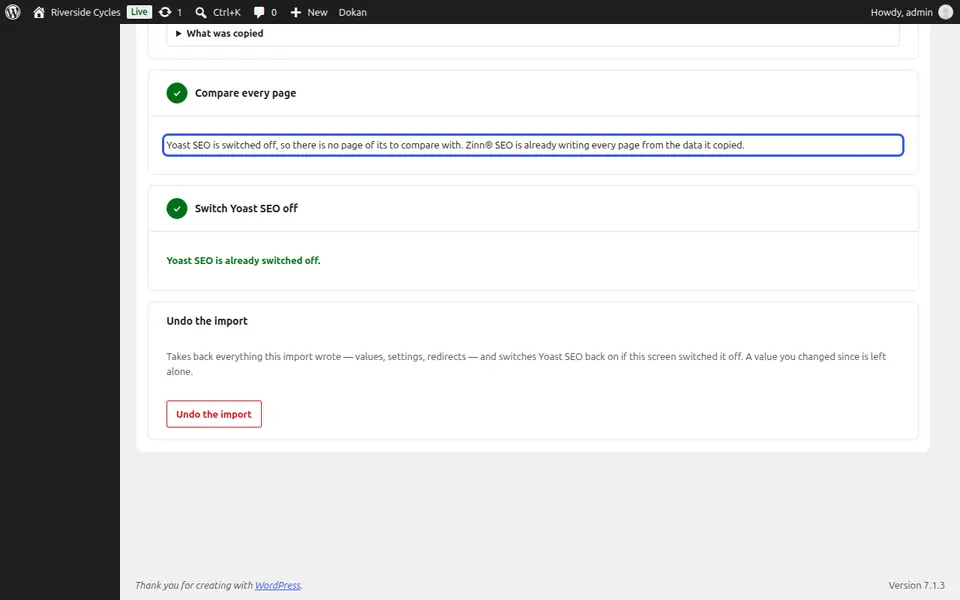
Switch the old plugin off
When no difference is open, Switch it off is allowed. The pages are fetched again straight after; if one says something else, the old plugin is switched back on at once.
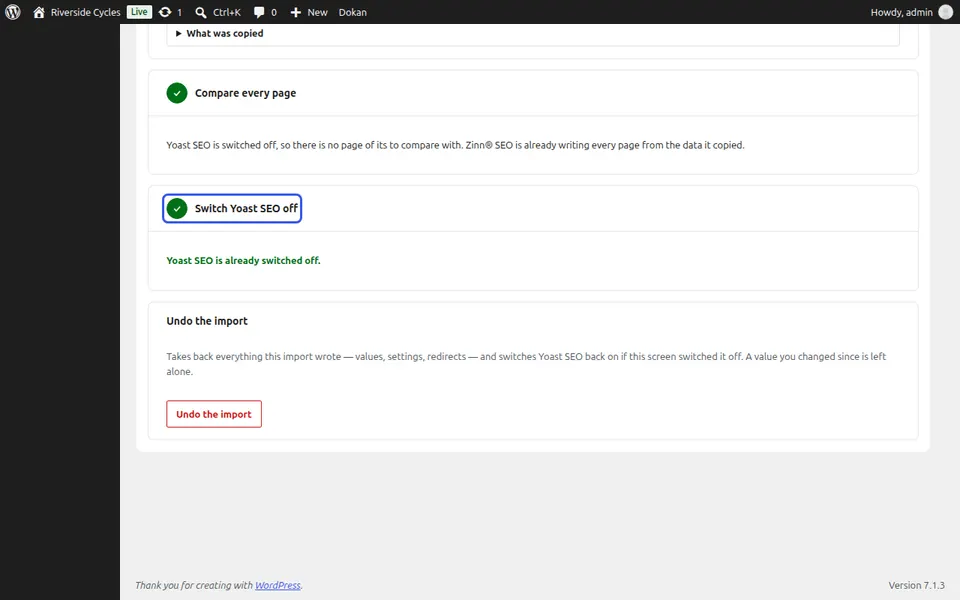
Next guide: Undo a move from another SEO plugin
From the same team
Want fast hosting to go with it?
Zinn Digital® hosts WordPress on its own servers, with a CDN, DNS, TLS and daily backups included in every plan.