 Zinn® SEO
Control page 2 and on, and previous/next links
Decide whether the later pages of your lists appear in search, and link the pages of a list to each other.
Open Robots and previews
Go to SEO, Search appearance, Robots and previews, and open Descriptions and page 2 and on.
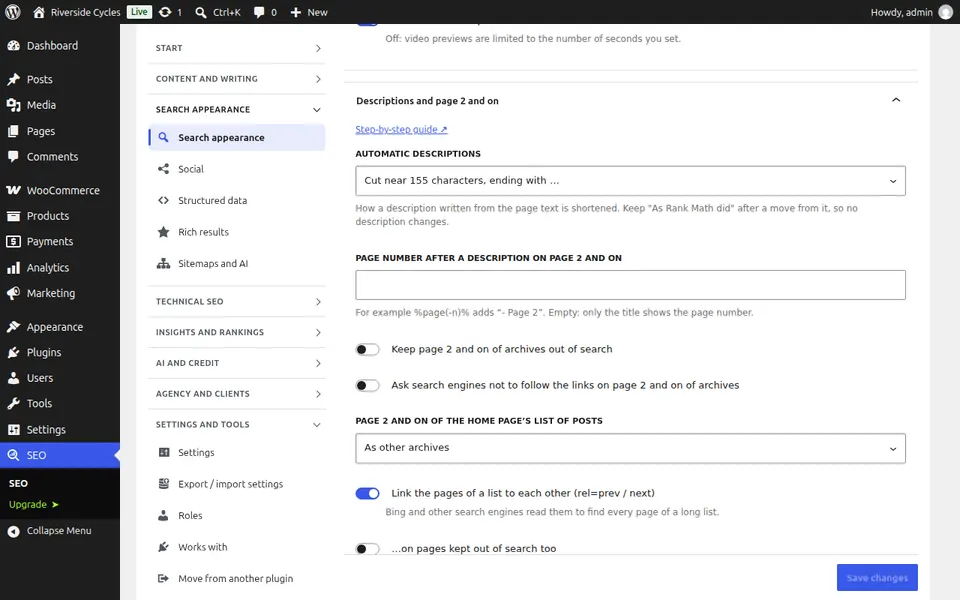
Keep later pages out of search, or let them in
Choose whether page 2 and on of archives, of the home page's list of posts and of posts split into pages are kept out of search, and whether search engines should follow the links on later archive pages. To number descriptions as well as titles, type %page(-n)% under Page number after a description on page 2 and on; it adds “- Page 2”. Leave it empty to number only the title.
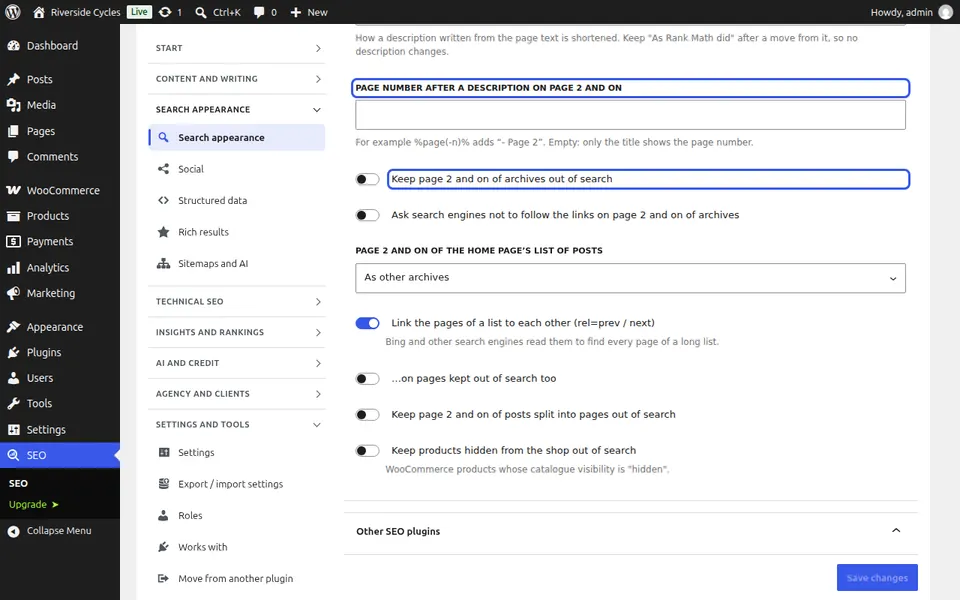
Link the pages of a list
Switch on "Link the pages of a list to each other" to print rel=prev and rel=next, which Bing and other search engines read to find every page of a long list. You can print them on pages kept out of search too.
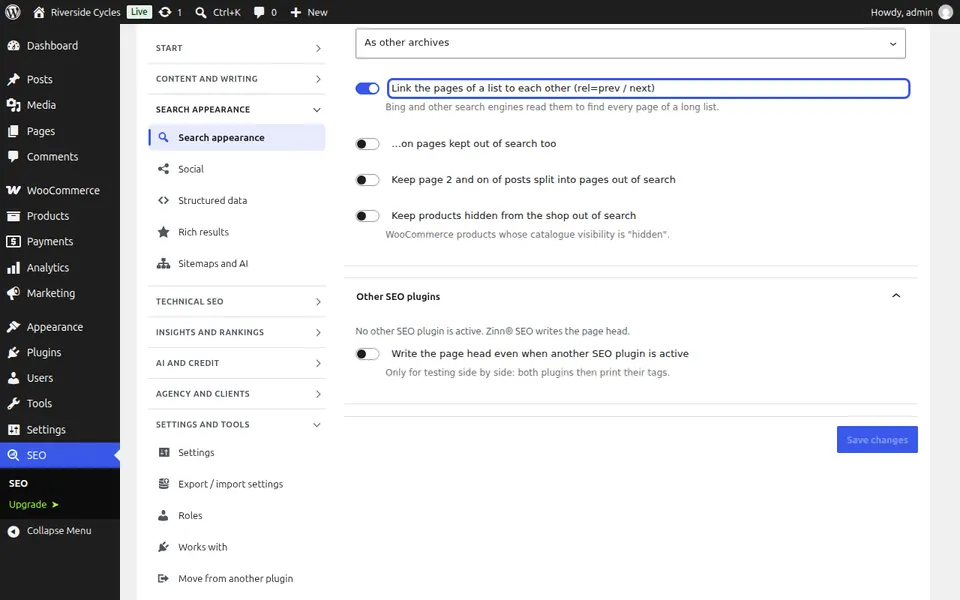
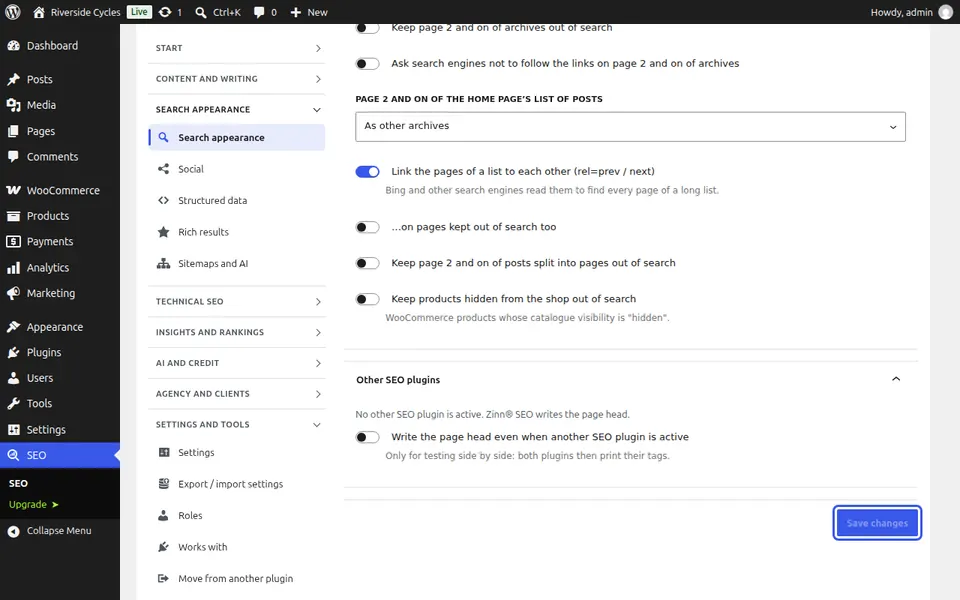
Save
Press Save changes. Open page 2 of a list on your site to see the result in its source.
Next guide: Choose which AI crawlers may read your site
From the same team
Want fast hosting to go with it?
Zinn Digital® hosts WordPress on its own servers, with a CDN, DNS, TLS and daily backups included in every plan.