 Zinn® SEO
The Writing screen
Everything for writing pages that rank: post ideas and drafts, headlines people click, keyword lists, spelling and tone, content-tool guidelines, affiliate links and links between your sites.
Open Writing
In WordPress, open SEO in the menu, then Writing under Content and writing in the plugin's side menu. Everything for writing pages that rank: post ideas and drafts, headlines people click, keyword lists, spelling and tone, content-tool guidelines, affiliate links and links between your sites.
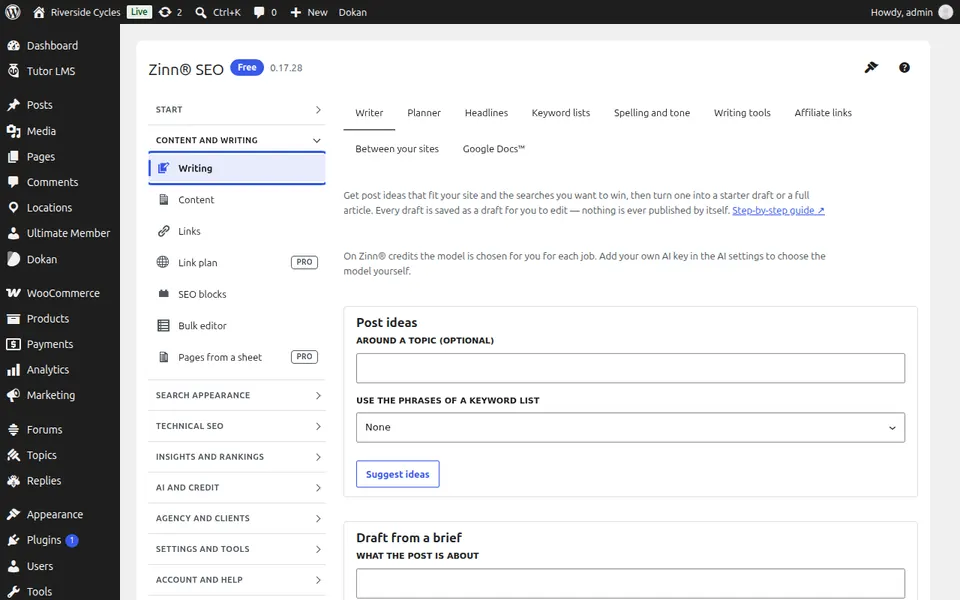
The Writer tab
Open the Writer tab. Get post ideas that fit your site and turn one into a draft or a full article from a brief. Everything arrives as a draft you review.
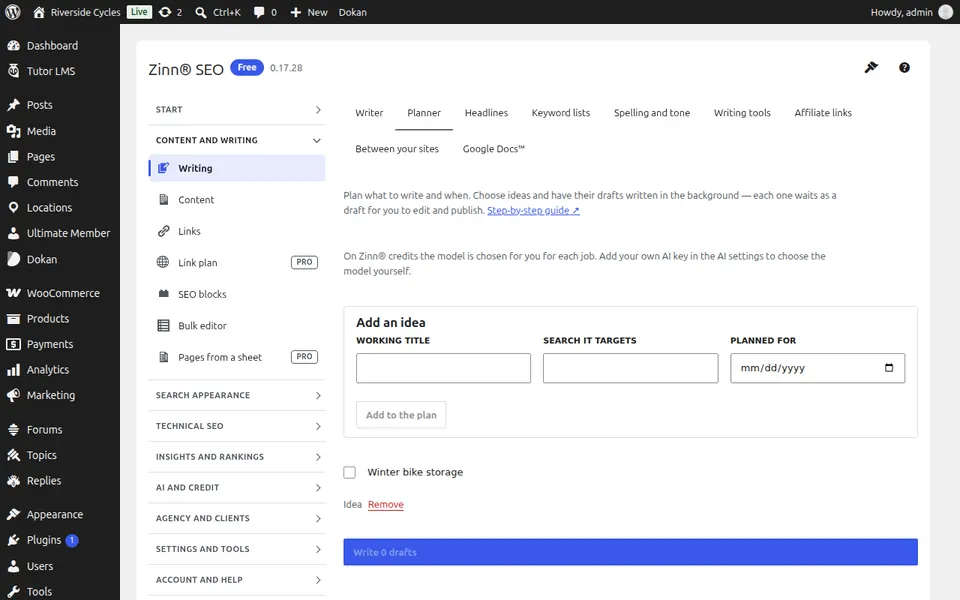
The Planner tab
Open the Planner tab. Keep post ideas in a plan with a date and the search each one targets, and have drafts written for as many as you choose.
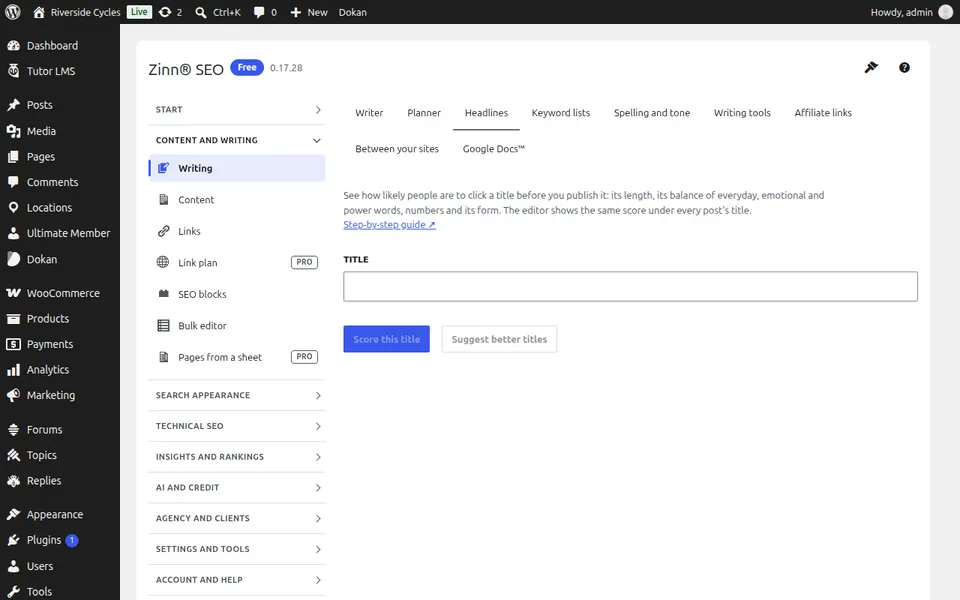
The Headlines tab
Open the Headlines tab. Paste any title to score how likely people are to click it, see what to change and pick a rewrite.
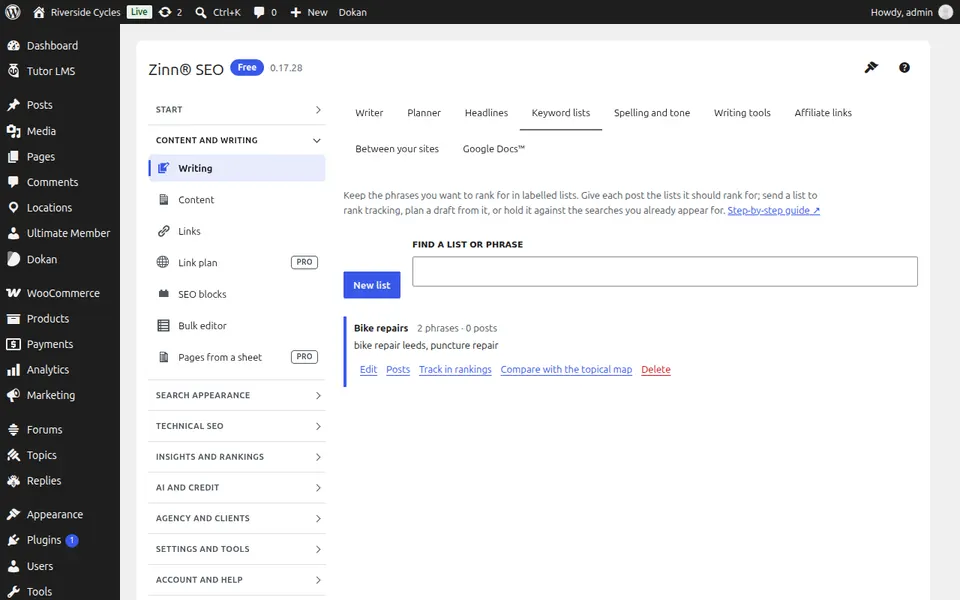
The Keyword lists tab
Open the Keyword lists tab. Keep the phrases you want to rank for in labelled lists, give each post its lists, and send a list to rank tracking in one click.
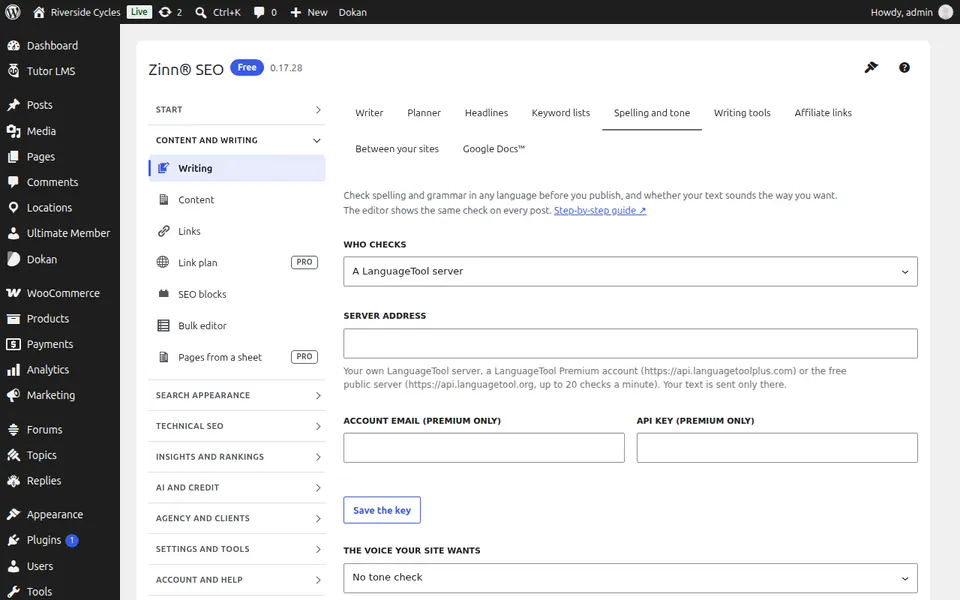
The Spelling and tone tab
Open the Spelling and tone tab. Check spelling, grammar and tone before you publish, with a LanguageTool server or your own AI key.
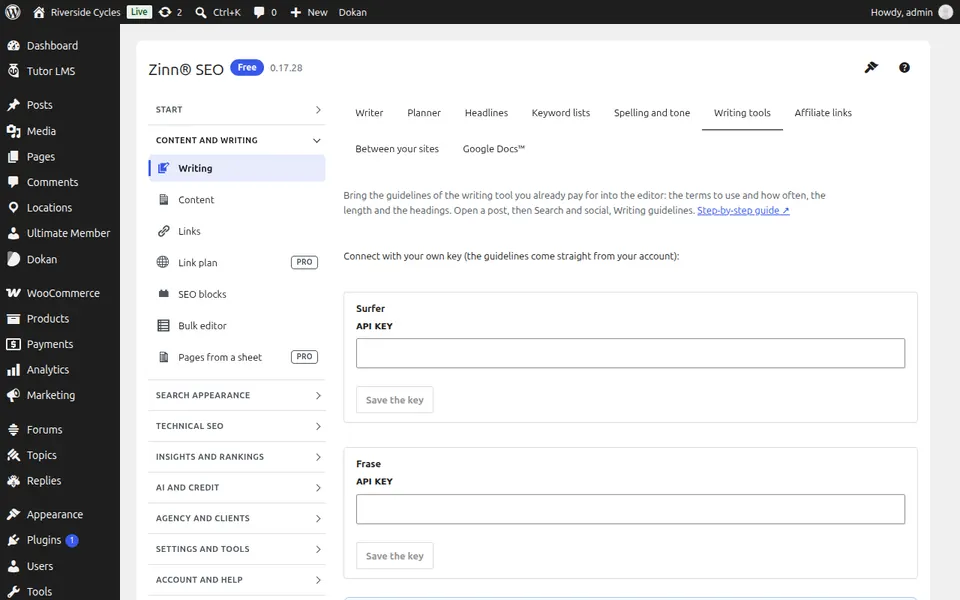
The Writing tools tab
Open the Writing tools tab. Bring the terms, length and headings your Surfer, Clearscope, MarketMuse, Frase or Semrush report asks for into the editor, and check a draft for copied passages.
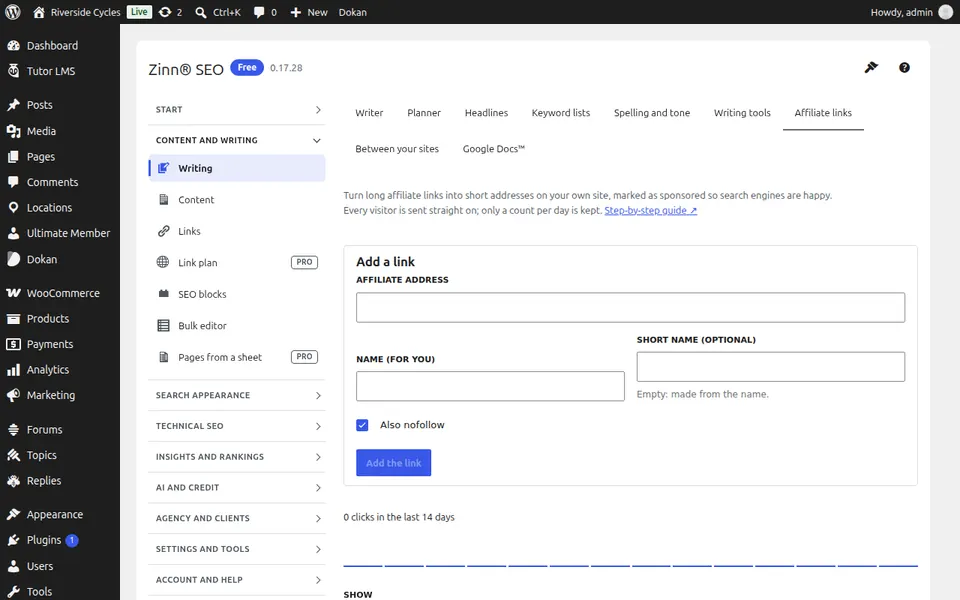
The Affiliate links tab
Open the Affiliate links tab. Turn long affiliate links into short /go/ addresses marked as sponsored, see which posts use each one and count clicks.
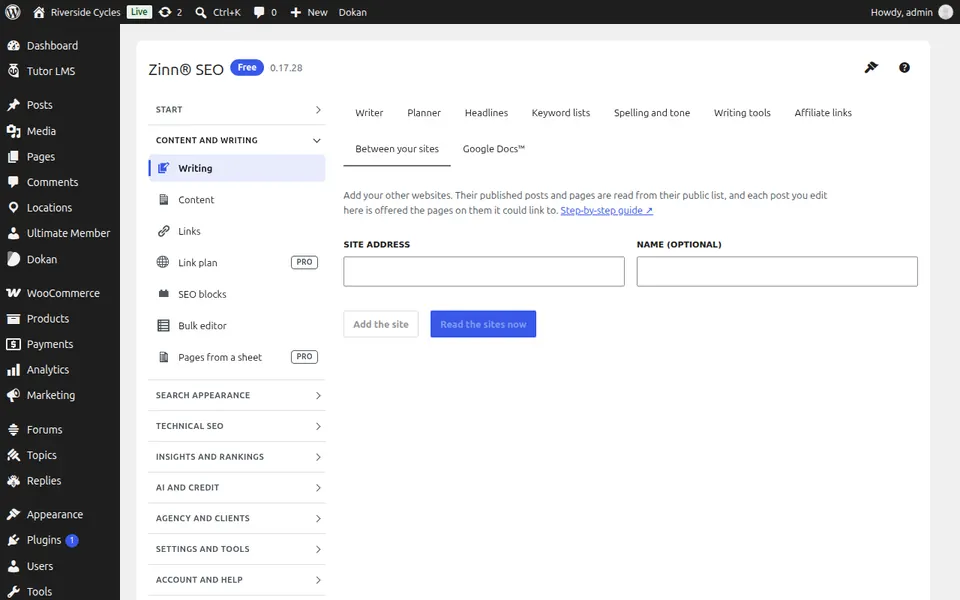
The Between your sites tab
Open the Between your sites tab. Add your other websites and get suggestions of their pages each post could link to.
Step-by-step guides for this screen
Next guide: The Content screen
From the same team
Want fast hosting to go with it?
Zinn Digital® hosts WordPress on its own servers, with a CDN, DNS, TLS and daily backups included in every plan.