 Zinn® SEO
The Social screen
How a shared link looks on Facebook, LinkedIn, X, WhatsApp and Pinterest: the default image and text, branded share images drawn for you, and refreshing a link a network has cached.
Open Social
In WordPress, open SEO in the menu, then Social under Search appearance in the plugin's side menu. How a shared link looks on Facebook, LinkedIn, X, WhatsApp and Pinterest: the default image and text, branded share images drawn for you, and refreshing a link a network has cached.
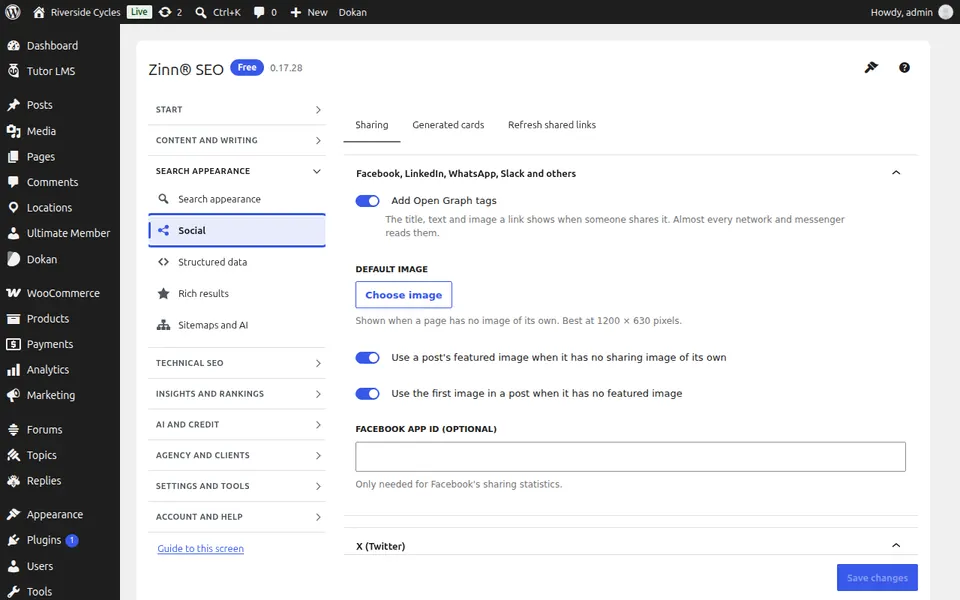
The Sharing tab
Open the Sharing tab. The default image and text for shared links, your social profiles, and how links look on X and Pinterest.
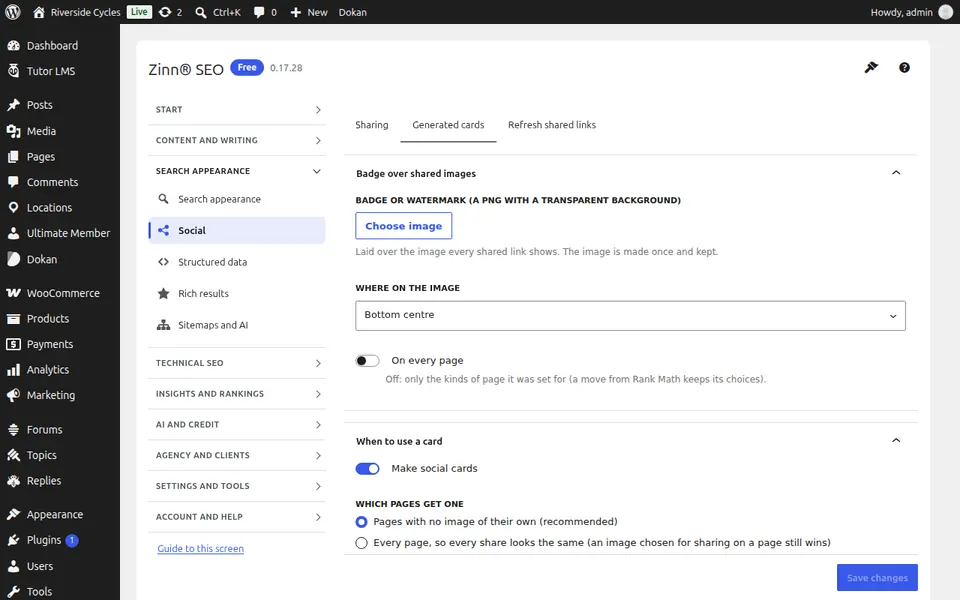
The Generated cards tab
Open the Generated cards tab. A branded share image drawn for every post: the title over your colours or the post's own image.
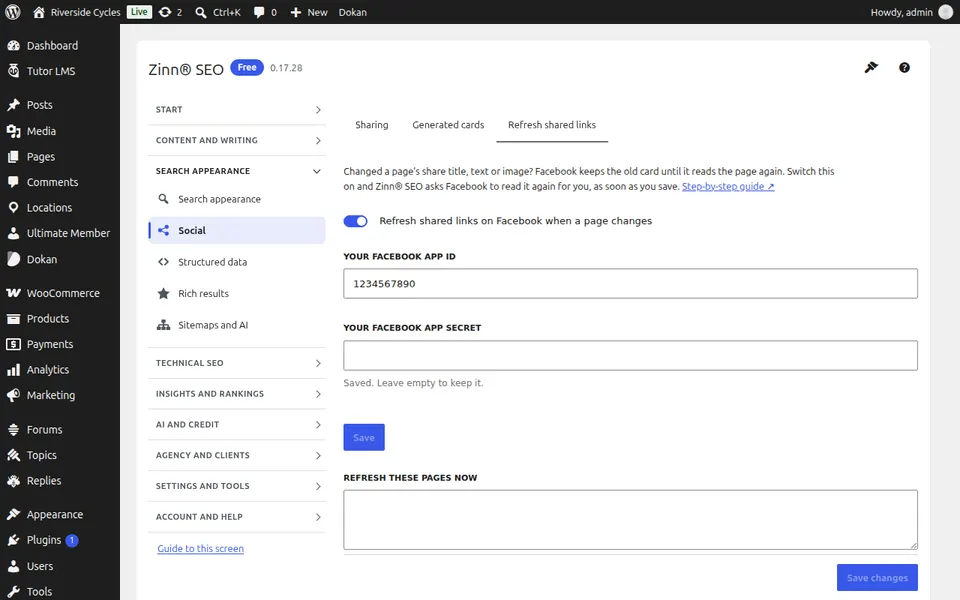
The Refresh shared links tab
Open the Refresh shared links tab. Ask Facebook to read a page again after you changed its title or image.
Step-by-step guides for this screen
Next guide: The Structured data screen
From the same team
Want fast hosting to go with it?
Zinn Digital® hosts WordPress on its own servers, with a CDN, DNS, TLS and daily backups included in every plan.